How to Check Real-Time Server Latency in the PUBG HUD

Enable PUBG’s network statistics HUD to monitor ping and packet loss in a match. See where to find it, what the numbers mean, and what they cannot diagnose.
If your DualSense feels slow on a PC, start with a wired test, then check firmware, Bluetooth, and the game’s controller settings one at a time. This helps identify whether the delay comes from the connection, an input-remapping app, the game, or the display. No setting can promise “zero lag,” and numbers such as a guaranteed 1 ms response are not meaningful across every PC and game.
This guide walks through a practical fix for PS5 controller input lag on PC on Windows 11 and Steam. The same checks help with other Windows games, but controller support and DualSense features depend on each title. Sony notes that adaptive triggers and haptic feedback work only in supported games, and haptics may require USB on PC; see its DualSense PC feature guide.
Input has to travel from the controller through USB or Bluetooth, Windows, any controller software, the game, and finally the display. A delay at any point can feel like controller lag. Use the pattern below to choose where to begin.
| What you notice | Start by checking |
|---|---|
| Bluetooth feels worse than USB | Pairing, battery, receiver placement, and Bluetooth drivers |
| The same delay appears over USB and Bluetooth | Firmware, remapping software, and whether the issue follows the controller to another game |
| Only one game feels delayed | That game’s controller support, input mode, and control settings |
| Buttons register in a test, but the on-screen action looks late | Game performance, frame pacing, display refresh settings, or streaming |
For a clean comparison, use the same game, scene, and display while changing one item at a time. Don’t judge input delay from a remote stream if you are trying to isolate local controller response.
Connect the controller directly to the PC with a USB-C cable that carries data. A charge-only cable can power the controller without providing the data connection you need. For this test, connect straight to a PC port instead of a hub so the hub is not another variable. Sony supports USB connections to compatible Windows PCs; see its DualSense PC compatibility guide.
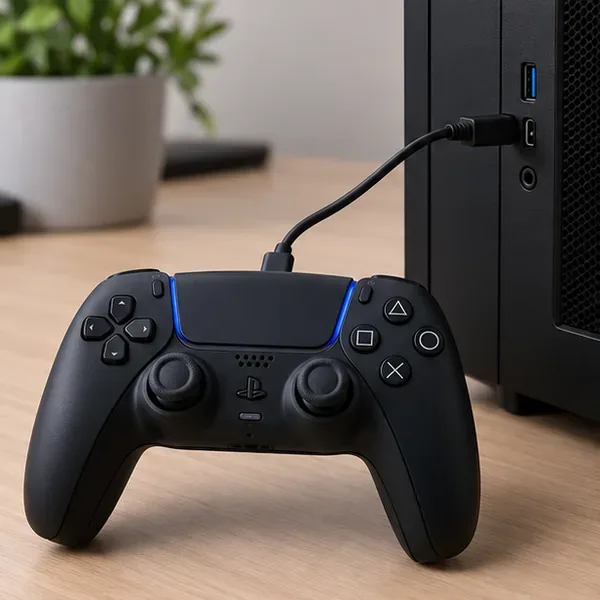
Open the game and repeat the same action you used over Bluetooth. If the wired test feels better, focus on Bluetooth next. If it feels the same, keep troubleshooting the software and game path rather than buying a faster cable.
Sony provides the PlayStation Accessories app for Windows to update DualSense controller software. Download it from Sony’s DualSense PC support page, connect the controller by USB, open the app, and follow its update prompt if one is offered. Firmware updates can address device issues, but Sony does not promise that an update will remove input lag.
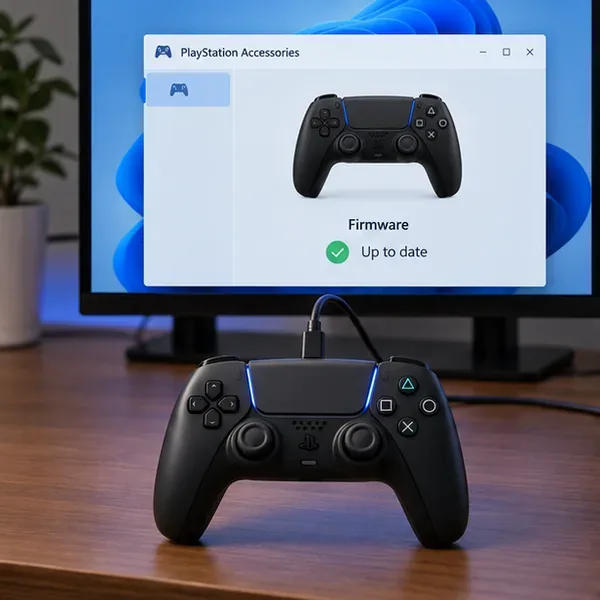
Use Sony’s app rather than an unofficial firmware download. After an update, reconnect the controller and repeat the same short test.
If wireless feels worse, clear the saved pairing and set it up again. In Windows 11, open Settings > Bluetooth & devices > Devices, find the controller, choose its more-options menu, and select Remove device. Turn the controller off. With no USB cable attached, hold the Create button and press and hold the PS button until the light bar flashes. In Windows, choose Add device > Bluetooth and select the controller. Sony documents this pairing sequence, and Microsoft documents the remove-and-add steps in its Windows Bluetooth troubleshooting guide.
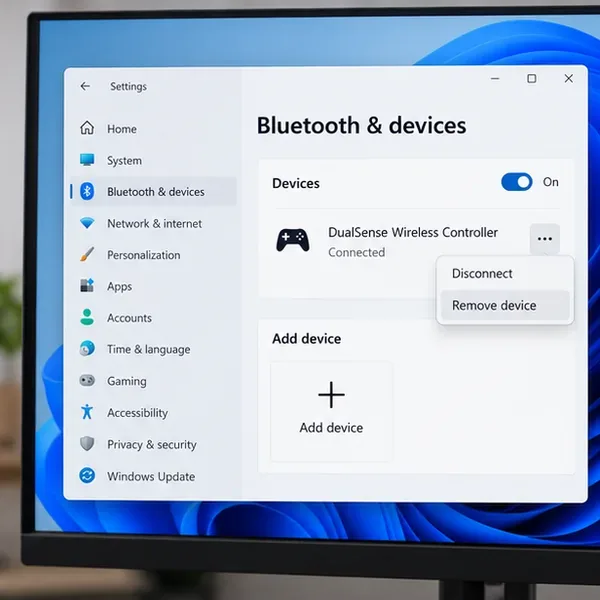
Keep the controller charged and close enough to the PC to maintain a stable connection. If you use Windows 10, Bluetooth settings are under Settings > Devices > Bluetooth & other devices.
Move the controller and Bluetooth receiver into a clear path. If your desktop’s Bluetooth antenna is behind a metal case, use the antenna supplied with the PC or place a Bluetooth adapter where it is not blocked. Microsoft also notes that an unshielded USB 3.0 device close to Bluetooth hardware can interfere with a connection. Move nearby USB devices or the adapter and retest before changing unrelated settings.
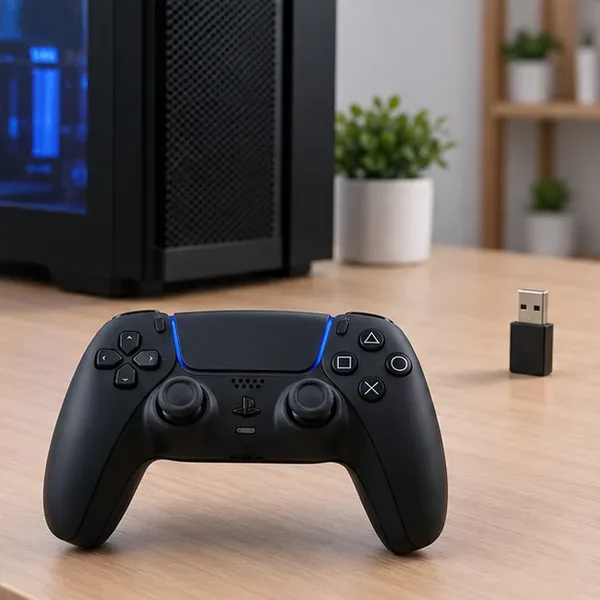
If the connection still stutters, update the Bluetooth adapter driver through Device Manager or your PC maker’s support page. Follow Microsoft’s Bluetooth driver update instructions. Avoid randomly updating every HID or USB entry; target the adapter, then restart Windows if prompted.
Steam is useful when a game needs controller translation, but turning on every compatibility option is not a universal low-latency fix. First check the game’s controller support information in Steam. Valve says its PlayStation-controller default can use a game’s built-in support when available and Steam Input when the game does not support the device; Steam also provides per-game controller options. Its Steam client update notes explain this behavior.
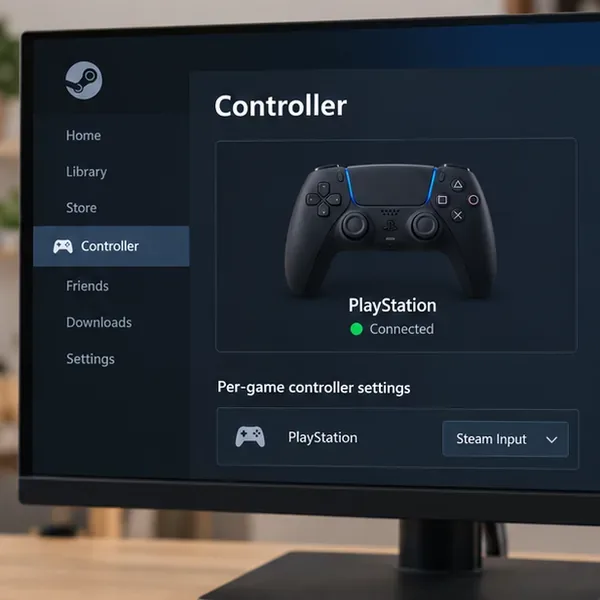
In the Steam desktop client, open Steam > Settings > Controller to check whether the controller is detected. For one title, open its Library page and use the controller settings or properties menu to choose the appropriate Steam Input override. If the game already recognizes the DualSense correctly, test its native support first. If it does not, try Steam Input for that game and compare. Valve’s Steam Input player guide covers global and game-specific controller configuration.
For games launched from another store, support depends on the game and launcher. Don’t assume Steam Input will affect a game unless you actually launch it through Steam and confirm the per-game setting is active.
Controller utilities can translate a PlayStation controller into another input format. That can help a game that lacks native DualSense support, but two active translators may cause duplicate buttons, odd prompts, or inconsistent response. Close other controller remappers and overlays temporarily, then test the game with only its native support or only one chosen remapping layer. Change one app at a time so you can tell which setting mattered.
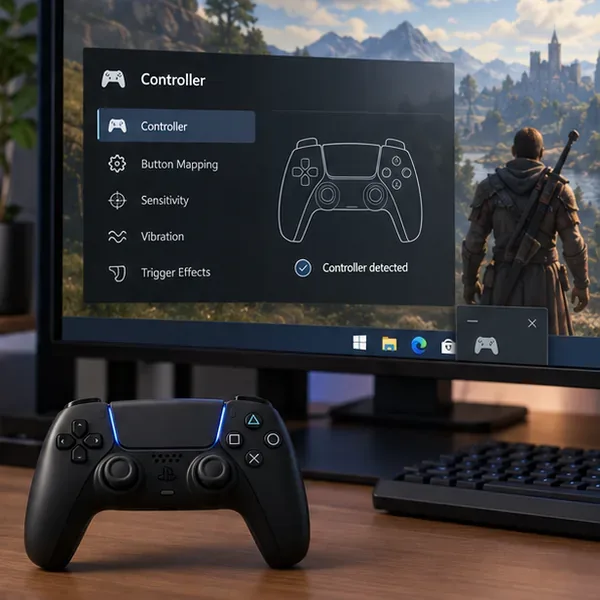
If you use a remapper for a specific feature, re-enable it after the comparison and configure Steam or the game to avoid a second translation layer. Restart the game after changing controller software so it detects the intended device.
Use Steam’s controller input test, where available, or a diagnostic screen supplied by the game to confirm that button presses and stick movement register. This can reveal a button that fails to register or a stick that needs calibration. It is not a latency benchmark: a test screen cannot measure the full time from a physical press to the image appearing on your monitor.
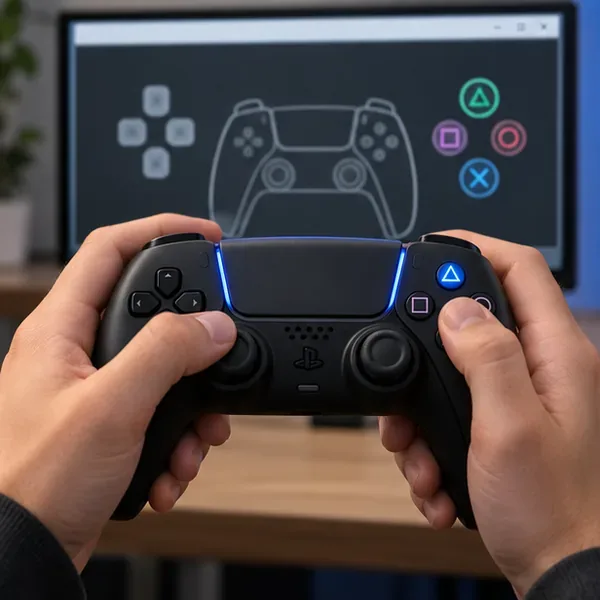
If the controller test registers cleanly but only one game reacts late, check that game’s controller support and input settings. Sony warns that support varies by title; on Steam, the store page’s controller-support information can help distinguish full from partial support. A high dead zone or a game’s own input buffering can feel sluggish, but it is different from a slow Bluetooth connection.
If inputs register but the picture still feels behind, reduce graphics settings that cause frame-time spikes and compare again. Check that the display is using a refresh rate it actually supports under Settings > System > Display > Advanced display. Microsoft explains how to select an available refresh rate in its Windows monitor refresh-rate guide. A higher refresh rate can make motion and response feel smoother when the monitor and game can deliver it, but it cannot fix a Bluetooth or mapping problem.
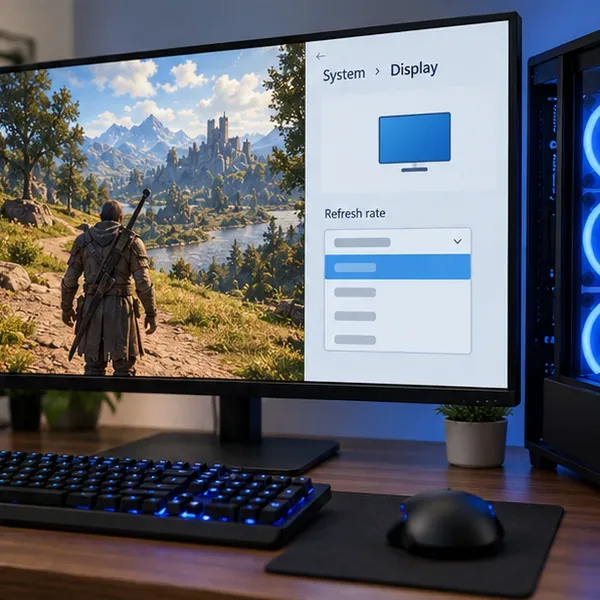
Test changes to V-Sync, frame caps, overlays, or display modes individually because the best setting depends on the game, graphics hardware, and monitor. If you are playing through Remote Play or another streaming service, compare with a game running locally; streaming adds a separate network and video-encoding path.
Not necessarily on every setup. USB is a useful controlled test because it removes Bluetooth from the path. Use whichever connection feels more consistent in the same game, and use USB for supported features that require it, such as some PC games’ haptic feedback.
No. Steam Input is a compatibility and configuration layer. It can help a game recognize or map a controller, but it is not a universal latency-reduction switch. Prefer the game’s native DualSense support when it works, then compare a per-game Steam Input setting if it does not.
Retest with USB, close remappers, update the official firmware, and try the controller on another supported device if possible. If the issue follows the controller, consult Sony’s DualSense troubleshooting and reset instructions. If a different controller has the same delay on the same PC, investigate the game, Windows, and display path.
Work through these checks in order and keep the comparison consistent. That will show whether the main cause is Bluetooth, input translation, game support, or the image appearing on screen—and help you choose a fix without relying on unsupported polling-rate tweaks or guaranteed millisecond claims.
Enable PUBG’s network statistics HUD to monitor ping and packet loss in a match. See where to find it, what the numbers mean, and what they cannot diagnose.
Learn how to import VALORANT crosshair codes, compare presets with manual settings and spectator copy, and fix common import issues.
Choose Dota 2 minimap size, hero icons, team colors, and background settings by readability, fewer misclicks, and clear results on your own display.
Fix Fortnite texture pop-in on PC with official steps for GPU drivers, file verification, DirectX 12, high-resolution textures, VRAM, SSDs, and stutter.
Learn what Heroes of the Storm minimap size and position options are verified, improve readability, and choose camera-click controls that suit you.
Set Super Smash Bros. Ultimate Quickplay to prefer hazards-off stages. Follow the Preferred Rules menu steps and learn why matchmaking may not always honor them.
Enable Server Latency and Packet Loss in Warzone to monitor connection quality, read the overlay, and use recurring spikes to guide troubleshooting.
Learn how to carry from mid lane in League of Legends by setting up waves, choosing safe roam windows, reading side lanes, and converting pressure into objectives.
Fix Minecraft Evoker spell problems with a safe vanilla test, version checks, log review, and a step-by-step way to isolate mod or datapack conflicts.
Fix PUBG stuck on Initializing on Steam with a focused checklist for PC service notices, launch options, game files, downloads, and connection issues.








