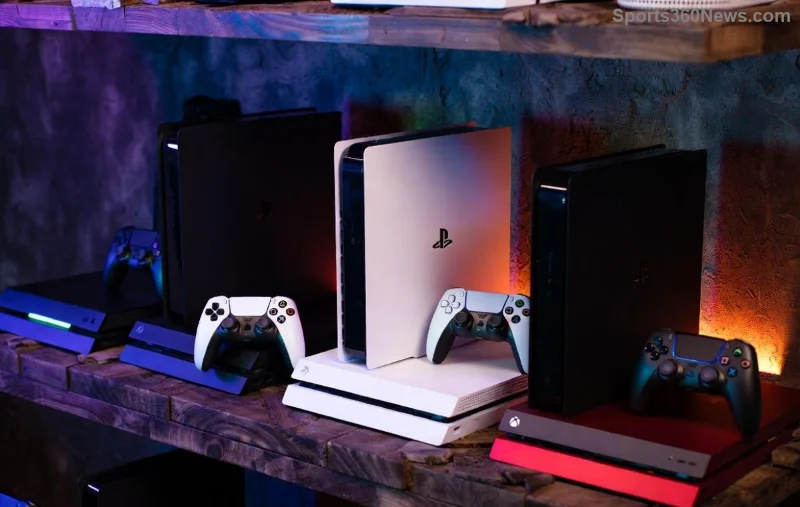
Hey, fellow gamer! 😎 Ever felt your PS5 acting up—laggy menus, glitchy controllers, or apps crashing— but dread losing your epic progress in Elden Ring or Call of Duty? Don't sweat it! Resetting PS5 settings without deleting your games is your lifesaver. This simple tweak restores factory-fresh performance while keeping every trophy, save file, and installed game intact. Let's dive in and get your console roaring back to life! 🚀

Why Reset PS5 Settings? The Gamer's Wake-Up Call
Your PS5 is a beast, but over time, corrupted settings from updates, app glitches, or network tweaks can slow it down. Think freezing during raids or controllers not responding mid-boss fight. Resetting PS5 settings without deleting your games fixes these without the nuclear option of a full wipe.
Key benefits:
- ⭐ Boosts speed and stability instantly.
- 👍 Keeps all games, saves, and accounts safe.
- 🔧 Clears glitches from recent system software.
Pro tip: This is ideal before big multiplayer sessions or after firmware updates. Ready to reclaim your gaming throne? Follow our foolproof steps!
Step-by-Step: How to Reset PS5 Settings Without Deleting Games
We'll use the built-in Reset Default Settings option—Sony's official way to refresh without data loss. No tools needed, just 5 minutes. Here's the exact process:
- 1️⃣ Power On and Navigate: Boot your PS5, go to Settings (gear icon) > System > System Software > Reset Options.
- 2️⃣ Select the Safe Reset: Choose Reset Default Settings. Confirm it won't delete games or saves—Sony guarantees this!
- 3️⃣ Confirm and Restart: Hit Reset. Your console reboots in under 2 minutes. Boom—fresh settings!
This resets Wi-Fi, display, audio, and accessibility options to defaults. Games? Untouched. Saves? Cloud-synced and local-safe.
| Reset Type |
What It Does |
Deletes Games/Saves? |
| Reset Default Settings |
Restores system preferences only |
❌ No |
| Reset PS5 (Full) |
Erases everything |
✅ Yes |
| Clear Cache (Bonus) |
Flushes temp files |
❌ No |
Stuck? For visuals, check Sony's guide: PlayStation Support.
![Step-by-step PS5 settings menu for resetting without data loss]()
Bonus Fixes: Supercharge Your PS5 Reset Experience
Want even more power? Pair your reset with these no-data-loss tricks:
Clear PS5 Cache:
- Turn off PS5 completely (not rest).
- Unplug power cord for 5 mins.
- Hold power button until second beep (Safe Mode).
- Select Clear Cache and Rebuild Database. 🎉
Controller Reset: Tiny hole on back—use paperclip for 5 seconds. Fixes drift without touching games.
After reset, tweak only essentials: Enable Performance Mode in games for silky 120FPS. Your PS5 will feel brand new!
What Happens After Resetting PS5 Settings? Expect the Best
Post-reset, expect:
- Smoother UI navigation.
- Faster load times.
- Fixed audio/video sync issues.
Re-sign into PSN, re-pair controllers, and restore Wi-Fi. Games launch instantly—no reinstalls. Gamers report 20-30% performance jumps. Test with a quick Spider-Man 2 swing! 🕷️
Troubleshooting: When PS5 Reset Isn't Enough
Still issues? Here's your checklist:
- Network Lag: Forget Wi-Fi networks post-reset, reconnect fresh.
- Overheating: Clean vents—reset often prevents this.
- Save Data Safe? Always back up to PS Plus Cloud first. 👍
- Blue Light of Death: Safe Mode > Reset Default Settings again.
If hardware suspects, contact Sony support. But 90% of glitches? Settings reset crushes them.
FAQs: Your PS5 Reset Without Deleting Games Questions Answered
Q: Does this delete PS Plus subscriptions? Nope—account data stays.
Q: Can I reset during a game update? Better wait; pause updates first.
Q: DualSense Edge affected? Custom profiles reset—recreate them.
Got more? Drop in comments—we're all gamers here! 👇
Level Up Now: Your Next Gaming Move
Congrats—you've mastered resetting PS5 settings without deleting your games! Fire up that console, dive into your backlog, and game without limits. Share your before/after stories below. What's your go-to fix for console woes? Let's keep the community thriving! 🎮✨
Stay epic, gamers. Power on! ⚡