How to Check Real-Time Server Latency in the PUBG HUD

Enable PUBG’s network statistics HUD to monitor ping and packet loss in a match. See where to find it, what the numbers mean, and what they cannot diagnose.
Quick verdict: The PlayStation Portal is worth considering if you already own a PS5, want a dedicated screen for playing around the house or over reliable Wi-Fi, and value DualSense-style controls. It is a weaker fit if you expect a self-contained handheld that runs games offline. In 2026, cloud streaming and a higher-bitrate 1080p mode make it more useful than at launch, but network quality, subscription access, and a higher price still shape the decision.
This PlayStation Portal review focuses on what the device does now, who gets the most from it, and what to check before buying. It does not assign made-up latency or battery-test numbers: Sony says results vary with the network and how the device is used.
The Portal is a remote player with an 8-inch LCD, built-in controls, and a 1080p display capable of up to 60 frames per second. In PS5 Remote Play, it streams compatible games installed on a paired PS5 over Wi-Fi. The console must be online and either on or configured to wake from Rest Mode. The Portal does not install or run a local game library, so it is not a portable PS5.
There is also a separate cloud option. Since November 5, 2025, eligible PlayStation Plus Premium members can stream select PS5 games from the Game Catalog and Classics Catalog, plus supported digital PS5 games in their own library. Cloud streaming can work while the home PS5 is off or being used by someone else. The exact catalog and service availability depend on country, account, plan, and game. Sony’s cloud-streaming announcement explains the current model.
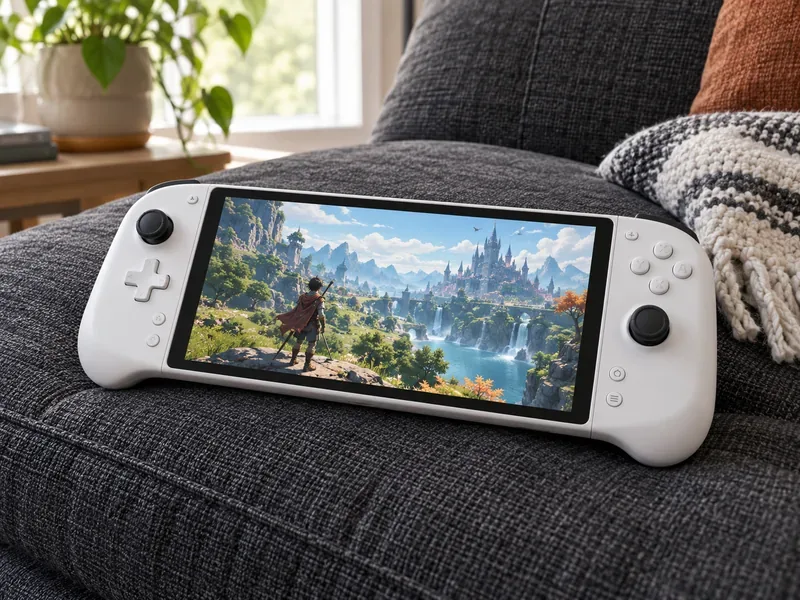
The biggest 2026 improvement is the 1080p High Quality mode. Sony’s March 2026 software update added a higher-bitrate option for both Remote Play and Cloud Streaming. It keeps the same 1080p resolution; it does not turn the screen into a higher-resolution panel. To use it, open the Quick Menu, choose Max Resolution, select 1080p High Quality, and restart the session. A stronger, steadier connection matters more than the label on the setting. See Sony’s March 2026 update notes for the details.
Cloud streaming is another meaningful change from the launch-era device. It adds a way to play supported titles without routing the session through your own PS5, but it is not a general-purpose cloud gaming library: only eligible games and accounts work, and Premium is required. Remote Play from your own PS5 still does not require PlayStation Plus by itself. A membership may still be needed for a game’s online multiplayer.
The 8-inch LCD is the Portal’s main practical advantage over a phone: its screen and controls are joined in one purpose-built device. Sony lists 1080p resolution and up to 60fps. Supported games can use haptic feedback and adaptive triggers, while the touchpad areas are represented on the touchscreen. The experience remains a stream, so image clarity and responsiveness can change with Wi-Fi conditions even when the PS5 is rendering the game.
Audio has a limitation buyers should know about: ordinary Bluetooth headphones do not pair directly with the Portal. You can use its speakers, a wired headset through the 3.5 mm jack, or a compatible PlayStation Link wireless device. Sony’s official product details list these audio options and explain which features require compatible games or devices.
A fast connection helps, but stability and the path between the PS5, router, and Portal matter just as much. Sony lists 5 Mbps as the minimum connection speed and recommends at least 15 Mbps for a better experience. Those figures do not guarantee low latency: congestion, Wi-Fi interference, distance, and the quality of a public network can still cause blur, delay, or disconnects.
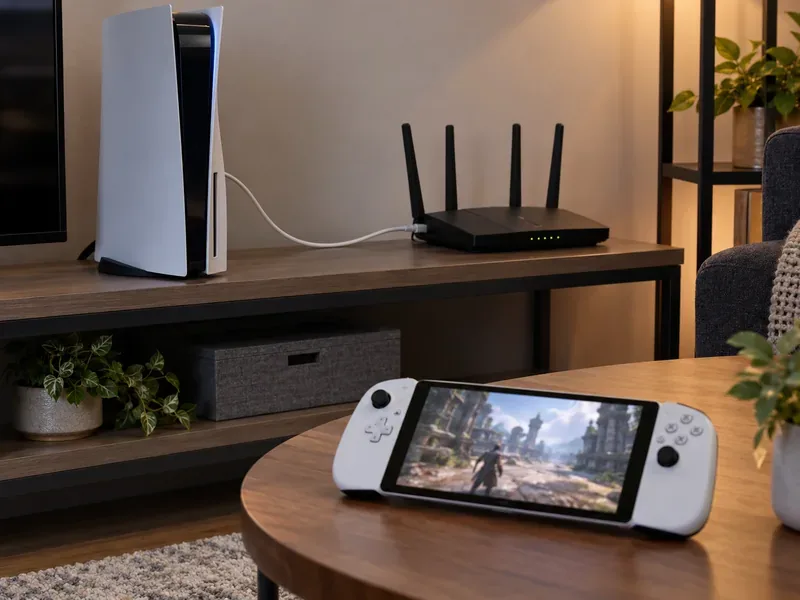
For the complete setup and troubleshooting guidance, use Sony’s PS Portal network support page. A phone hotspot can provide a Wi-Fi connection when its carrier and signal allow it, but the Portal has no built-in mobile-data connection; hotspot quality and data limits are outside the device’s control.
Battery life varies with settings and use. Sony does not promise the fixed six-to-eight-hour ranges quoted in some older buying guides. Screen brightness, vibration, and trigger-effect intensity all affect runtime; lowering them can extend a session. The Portal charges over USB-C and can be used while charging, according to Sony support. If long sessions are routine, plan for access to a charger rather than relying on a guaranteed number of hours. Sony’s battery troubleshooting notes describe the settings that influence drain.
Price is now a bigger part of the decision. Sony announced new recommended retail prices effective April 2, 2026: $249.99 in the United States, £219.99 in the United Kingdom, €249.99 in Europe, and ¥39,980 in Japan. Retail prices and availability can differ elsewhere. Check the official price or a local authorized retailer before purchasing; do not use the old $199.99 launch price as a current quote. Sony’s 2026 price announcement gives the regional recommended prices.
At the new U.S. price, the Portal makes the most sense when you will use it often: for example, when someone else has the TV, when you want to play in another room, or when you already pay for Premium and will use supported cloud games. If you would use it only occasionally, the PS Remote Play app on a phone or tablet may be enough. If offline play and a broad local library matter most, compare it with a PC gaming handheld instead. Neither alternative removes the need to check its own compatibility, cost, and setup.
| What works well | What to weigh |
|---|---|
| Large integrated 8-inch display and familiar controller layout | It does not run games locally or work offline as a standalone console |
| Remote Play uses games installed on your paired PS5 | Streaming quality depends on a stable Wi-Fi and internet path |
| Cloud streaming expands play beyond the console’s installed library | Cloud games require Premium and are limited by title and region |
| Higher-bitrate 1080p High Quality mode is available in 2026 | Bluetooth audio is not supported; use PlayStation Link or a cable |
| Useful when another person needs the TV | The 2026 price is higher than the original launch price |
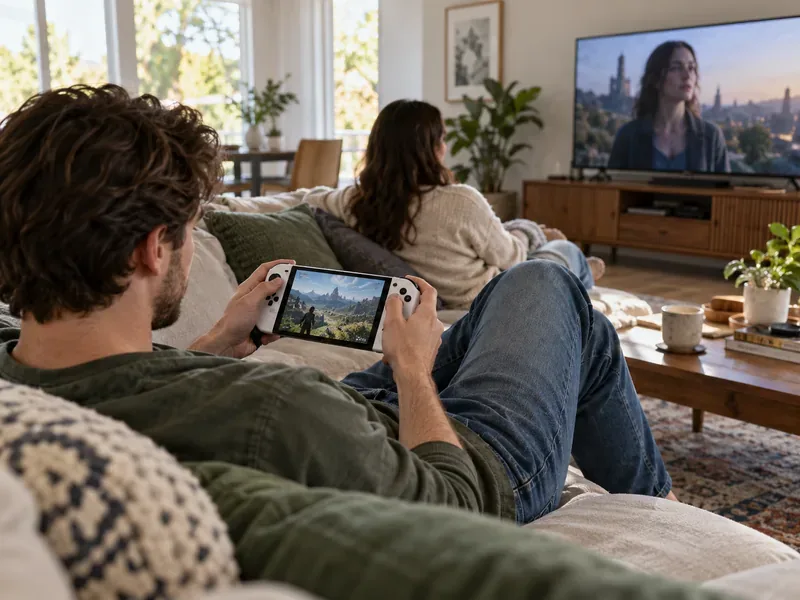
You need a paired PS5 for Remote Play. Cloud Streaming can provide a separate route for eligible Premium members in supported regions, but it only covers compatible games and is not a local library.
No subscription is needed for Remote Play itself. Cloud Streaming requires PlayStation Plus Premium, and some games may separately require a subscription for online multiplayer.
For a frequent PS5 player who can rely on Wi-Fi, it can justify the U.S. recommended price by making existing games easier to play around the home. For occasional use, weak Wi-Fi, or offline play, the value is much lower. Check your local market price because Sony’s recommended prices vary by region.
The PlayStation Portal is worth buying for the right PS5 household: it provides a comfortable, dedicated way to stream games, and 2026’s cloud and bitrate updates make the product more capable than its launch version. It remains a streaming accessory, not a standalone handheld. Before buying, verify your local price, test the Wi-Fi where you plan to play, and decide whether Remote Play alone is enough or Premium cloud streaming is part of the value for you.
Enable PUBG’s network statistics HUD to monitor ping and packet loss in a match. See where to find it, what the numbers mean, and what they cannot diagnose.
Learn how to import VALORANT crosshair codes, compare presets with manual settings and spectator copy, and fix common import issues.
Choose Dota 2 minimap size, hero icons, team colors, and background settings by readability, fewer misclicks, and clear results on your own display.
Fix Fortnite texture pop-in on PC with official steps for GPU drivers, file verification, DirectX 12, high-resolution textures, VRAM, SSDs, and stutter.
Learn what Heroes of the Storm minimap size and position options are verified, improve readability, and choose camera-click controls that suit you.
Set Super Smash Bros. Ultimate Quickplay to prefer hazards-off stages. Follow the Preferred Rules menu steps and learn why matchmaking may not always honor them.
Enable Server Latency and Packet Loss in Warzone to monitor connection quality, read the overlay, and use recurring spikes to guide troubleshooting.
Learn how to carry from mid lane in League of Legends by setting up waves, choosing safe roam windows, reading side lanes, and converting pressure into objectives.
Fix Minecraft Evoker spell problems with a safe vanilla test, version checks, log review, and a step-by-step way to isolate mod or datapack conflicts.
Fix PUBG stuck on Initializing on Steam with a focused checklist for PC service notices, launch options, game files, downloads, and connection issues.








