How to Check Real-Time Server Latency in the PUBG HUD

Enable PUBG’s network statistics HUD to monitor ping and packet loss in a match. See where to find it, what the numbers mean, and what they cannot diagnose.
If Minecraft closes, freezes, or returns to the menu while you create a world, first protect any saves you care about. Then test a clean setup and use the crash report to identify the failing part. This Minecraft creation crashes guide covers Java Edition and Bedrock separately, because launcher settings, mods, and save locations do not work the same way across editions.
Try the checks in order. Change one thing at a time, and make a copy of your world before opening it in another game version or changing files.
Close the game before copying a save. In Java Edition, find the game directory for the installation you use and copy the affected folder from saves to a separate location, such as an external drive. If you use a custom game directory or a third-party launcher, its saves may be somewhere else. Mojang's Java world backup instructions explain how to create a backup through the game.
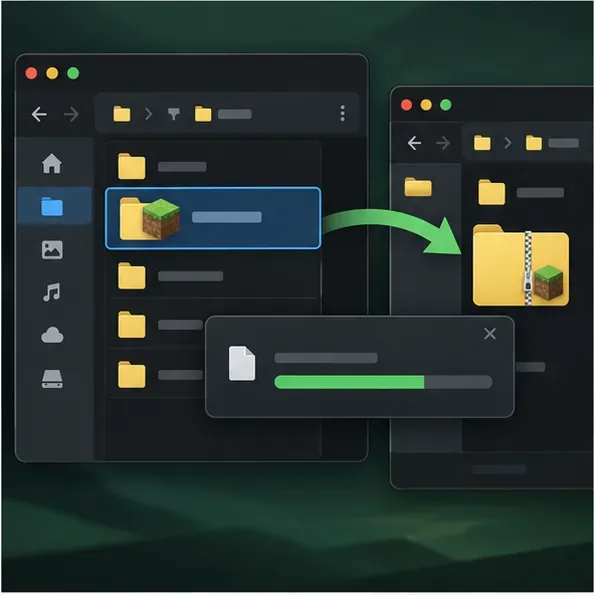
Do not delete the original world, the entire .minecraft folder, or random files in cache as a first fix. Those actions can remove saves, settings, or useful evidence without addressing the cause.
If you play Java Edition on PC or Mac, open the Minecraft Launcher and create a new installation for the same Minecraft version that fails. Leave it on the default settings: no mods, shaders, resource packs, custom JVM arguments, or unusual game directory. Mojang recommends a fresh installation as a way to check whether a previous installation's settings or downloaded files are involved; see its new-installation troubleshooting steps.
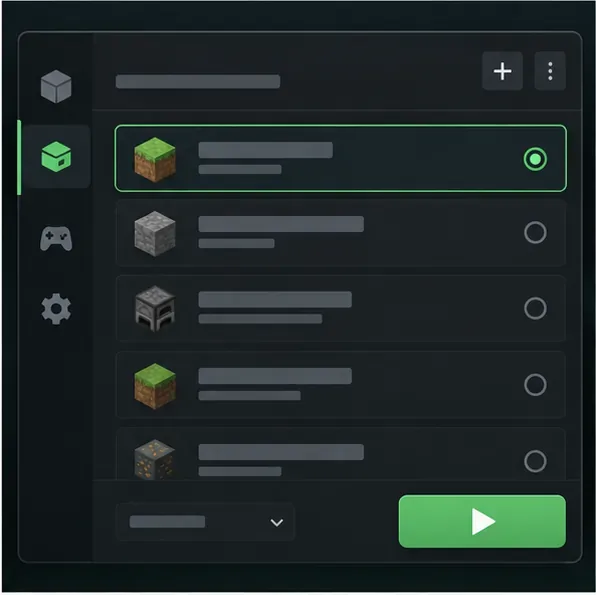
If the clean installation works, return to the original profile and re-enable add-ons one at a time. Confirm each mod supports your exact Minecraft release and mod loader. A mod that is outdated or built for a different loader can fail during startup or world creation; a stack trace may name a mod without proving that it is the only cause.
If the clean installation also crashes, avoid reinstalling repeatedly. Record the full error and continue to the log and new-world checks below.
After a Java Edition crash, open the game directory for the affected installation. Look in crash-reports for a report created at the crash time. If no report was written, check logs/latest.log. Custom launchers may store these files in a separate instance directory.
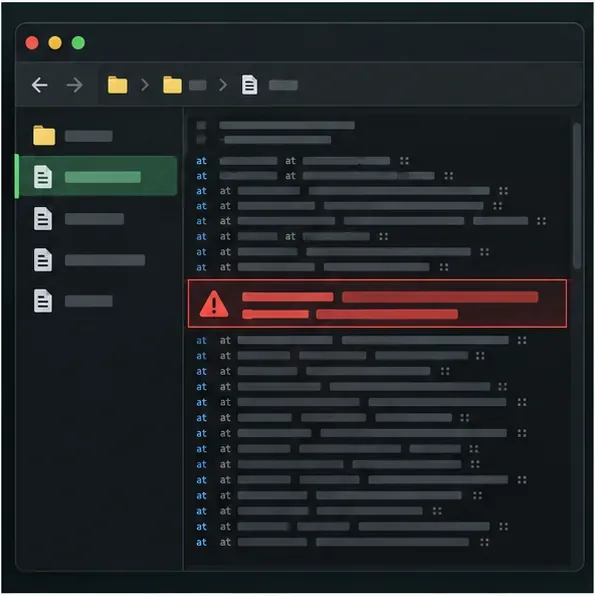
Search the report for the first exception, then note the surrounding lines, Minecraft version, Java version, memory allocation, and mod list. OutOfMemoryError points toward memory pressure. A named mod, mixin, or missing dependency points toward the mod setup. A crash report with no clear cause is still useful when shared with the mod author or official support. Fabric's crash-report guide explains the report sections and where common installations store them.
Using the clean installation, create a disposable new world. If it generates successfully while one existing save crashes, the problem may be tied to that save, its data packs, or a change made to it. Keep the backup untouched. Test a copy of the world, and use the game's own backup or restore options before considering any third-party world editor.
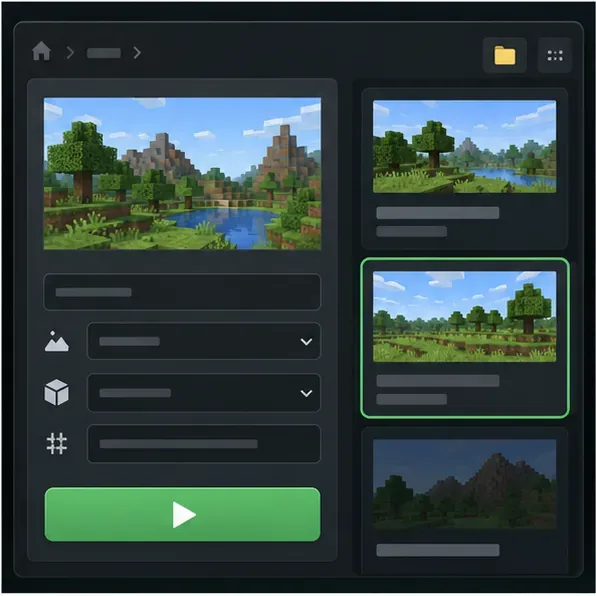
If both the test world and the original fail in a clean installation, suspect a broader game, runtime, driver, storage, or device issue. If only one seed or one world fails, save the seed and exact error for a bug report, but do not assume that a seed alone is corrupt or dangerous.
Check how much physical RAM the computer has and how much is available while Minecraft runs. Avoid copying a fixed -Xmx8G value from a forum: giving the game too much can leave too little memory for the operating system and other programs. Mojang's current support guidance gives different memory-allocation examples for low-memory systems and systems with more available RAM; read its memory-allocation troubleshooting guide before changing JVM arguments. Back up worlds first.
Java requirements also depend on the game release and launcher. Do not install Java 21 as a blanket fix for every version. For example, Mojang's Java Edition 26.1 release notes state that this release requires Java 25 and includes Microsoft's OpenJDK 25 distribution. If you use the official Launcher and have not changed its Java executable, leave its compatible runtime setting alone; if you use a third-party launcher or a custom Java path, verify that it matches the selected release.
Update or remove the named add-on, check its loader and game-version requirements, then retest with the remaining add-ons disabled. Reintroduce items one at a time. Temporarily remove shaders if the crash occurs during rendering or a graphics-driver reset; install graphics updates only from your device or GPU manufacturer's support channel.
Work on a duplicate, not the sole copy. Restore from a known-good backup if available. For Bedrock Edition, follow the official Bedrock world restore or recreate instructions for your device. Java save tools may not support every current world format, so do not let an older editor overwrite a newer save.
Ask the server owner to check the server's own log at the same timestamp. Confirm the server and client use compatible versions and mod sets, then check available disk space and server memory. Changing a player's render distance may reduce client load, but it cannot repair a server-side world-generation exception.
| What you observe | Best next check |
|---|---|
| A clean vanilla profile works | Re-enable mods, shaders, resource packs, and custom arguments one at a time. |
The report explicitly says OutOfMemoryError | Check total system RAM and the version-specific allocation guidance. |
| Only one saved world crashes | Preserve a backup and test a duplicate or restore point. |
| Bedrock or a console copy crashes | Use the platform's update and backup/restore steps; Java JVM advice does not apply. |
| A multiplayer server crashes for everyone | Have the server owner inspect server logs, storage, memory, and mod compatibility. |
No. Bedrock world-generation crashes on Windows, consoles, and mobile devices do not use Java Edition's JVM arguments or Java mod loaders. Update the game through the platform where it was installed, restart the device, and test a new world. Before restoring or reinstalling anything, use the backup instructions for that platform; world locations and recovery steps differ by device.
Enable PUBG’s network statistics HUD to monitor ping and packet loss in a match. See where to find it, what the numbers mean, and what they cannot diagnose.
Learn how to import VALORANT crosshair codes, compare presets with manual settings and spectator copy, and fix common import issues.
Choose Dota 2 minimap size, hero icons, team colors, and background settings by readability, fewer misclicks, and clear results on your own display.
Fix Fortnite texture pop-in on PC with official steps for GPU drivers, file verification, DirectX 12, high-resolution textures, VRAM, SSDs, and stutter.
Learn what Heroes of the Storm minimap size and position options are verified, improve readability, and choose camera-click controls that suit you.
Set Super Smash Bros. Ultimate Quickplay to prefer hazards-off stages. Follow the Preferred Rules menu steps and learn why matchmaking may not always honor them.
Enable Server Latency and Packet Loss in Warzone to monitor connection quality, read the overlay, and use recurring spikes to guide troubleshooting.
Learn how to carry from mid lane in League of Legends by setting up waves, choosing safe roam windows, reading side lanes, and converting pressure into objectives.
Fix Minecraft Evoker spell problems with a safe vanilla test, version checks, log review, and a step-by-step way to isolate mod or datapack conflicts.
Fix PUBG stuck on Initializing on Steam with a focused checklist for PC service notices, launch options, game files, downloads, and connection issues.








