How to Check Real-Time Server Latency in the PUBG HUD

Enable PUBG’s network statistics HUD to monitor ping and packet loss in a match. See where to find it, what the numbers mean, and what they cannot diagnose.
The PUBG Mobile Training Ground is most useful when you arrive with one clear goal: tighten your aim, learn how a weapon behaves, or make your movement and peeks more controlled. A focused 25-minute routine is more useful than emptying magazines without checking what changed. Use the drills below with the weapon, optic, attachments, control layout, and gyro setting you normally take into matches.
The practice area can help you build repeatable mechanics, but it cannot promise a higher K/D or reproduce every fight. Real players change direction, use cover, and pressure you in ways a target lane cannot. Treat the range as a place to isolate a skill, then carry that skill into a match.
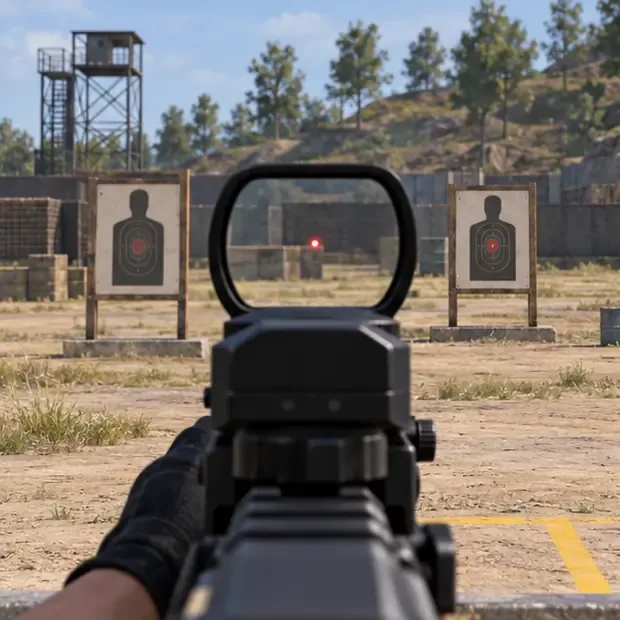
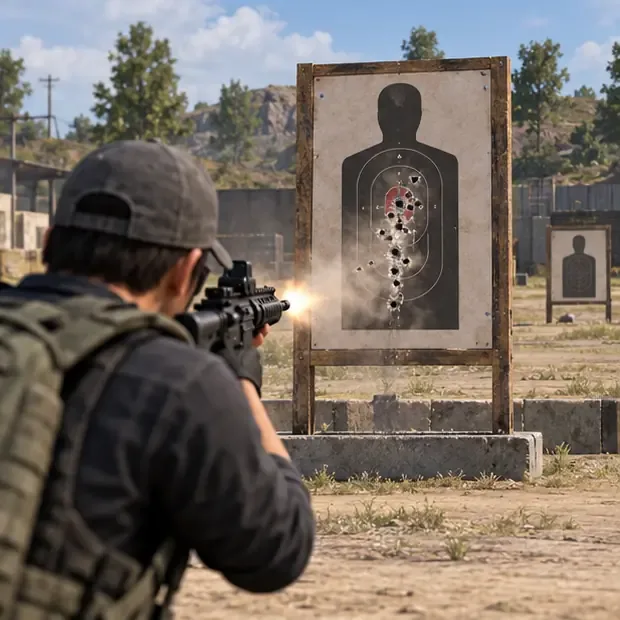
The images below illustrate the drills; they are not screenshots of a current game client. Training areas and labels can vary by version or region.
Use the training area to test a loadout, compare how a weapon feels with different attachments, practice target transitions, and check whether your recoil correction is consistent. PUBG MOBILE's official Version 2.2 notes documented damage and bullet-trajectory feedback on stationary targets and said the most recently used firearm configuration could be applied on a later visit. An official Version 3.9 announcement also listed updates to Solo Training Grounds. These are version-specific notes, so check what your installed client actually offers.
PUBG MOBILE's developer Q&A has also described professional and reaction training with simple and complex moving targets in Cheer Park. If your current build shows a moving-target exercise, include it; if not, the fixed-target alternatives below still work. See the official Training Grounds patch notes, the official Solo Training Grounds update, and the PUBG MOBILE developer Q&A for examples of how practice features have changed.
If the entry is missing, update the game through its official store and check the current in-game mode list or official announcements. A training option can move when the lobby is redesigned; the old article's exact menu directions and named map zones should not be treated as permanent.
Work through the drills in order. The suggested timings add up to about 25 minutes. You can shorten the session, but keep a simple note of what you practiced and whether your shots grouped more consistently.
Choose one stationary target and fire a short, controlled set without changing your loadout mid-drill. Notice where the shots land and how much you need to move the aim. This is your reference for the session, not a score to compare with another player.
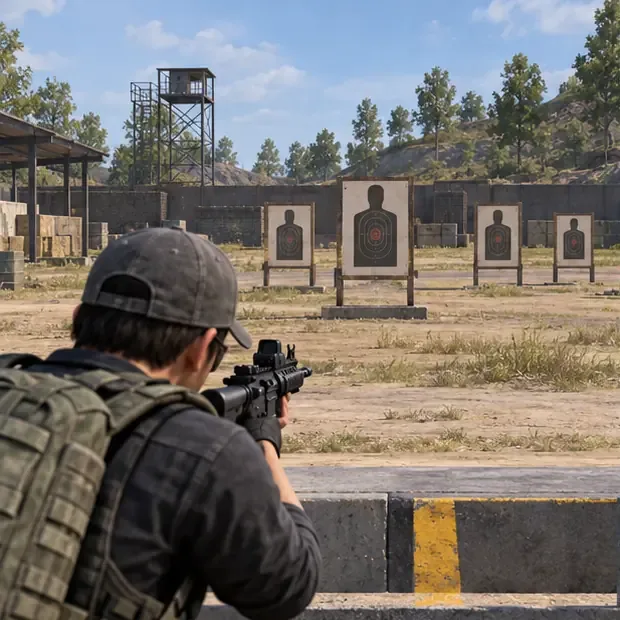
Use a close target. Strafe left and right while keeping the crosshair on its center, then add brief bursts. Start with a slow movement rhythm. If the crosshair repeatedly drifts past the target, reduce the size or speed of your thumb movement before increasing the pace.
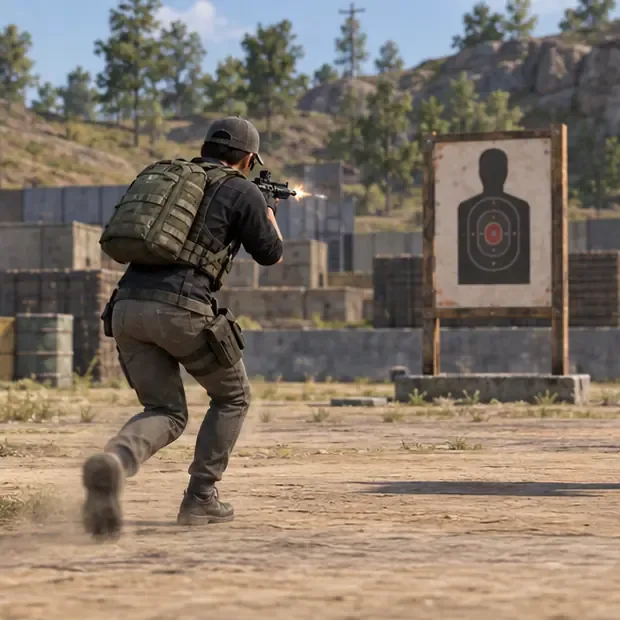
Pick two nearby target boards. Aim at one, move to the second, let the sight settle, and fire a controlled shot. Repeat in both directions. The goal is a clean stop on target; frantic flicks that overshoot do not build dependable aim training.
Fire one magazine at a fixed target while making a steady downward correction. Inspect the impact pattern or target feedback, reset, and repeat. Try a second magazine with a different grip or muzzle only if that attachment is available, changing one variable at a time. Recoil varies with the weapon, attachments, optic, settings, and current balance. Avoid memorizing a universal instruction such as “pull down and right” for every rifle; observe the pattern you actually see.
At a more distant target, fire deliberate single shots with a weapon that supports them. Let the sight return before the next shot. Then use short bursts with your usual automatic weapon. Notice when the reticle is steady enough to fire and when continued spraying makes the group spread. This builds more useful recoil control than holding the trigger for every target.
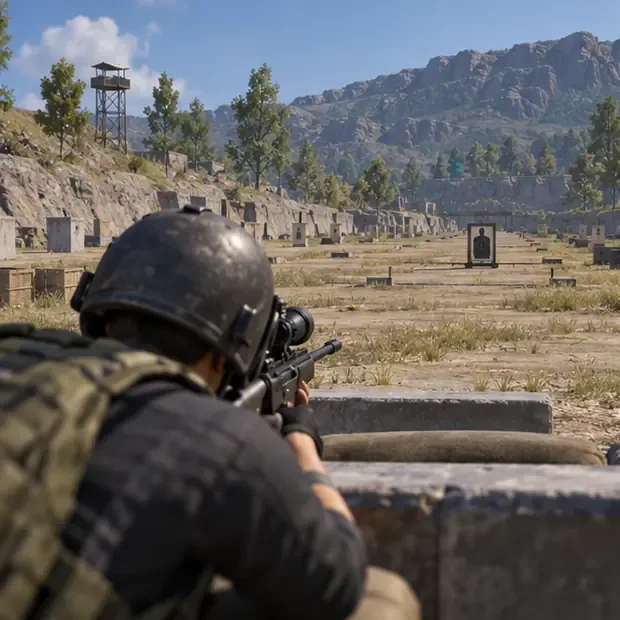
If your training area offers a moving target, track it for several passes without firing. Next, fire only when your aim is moving smoothly with it. For a fixed-target substitute, alternate between two boards while strafing. If shots consistently trail a moving target, begin your aim slightly ahead of its direction of travel and adjust gradually.
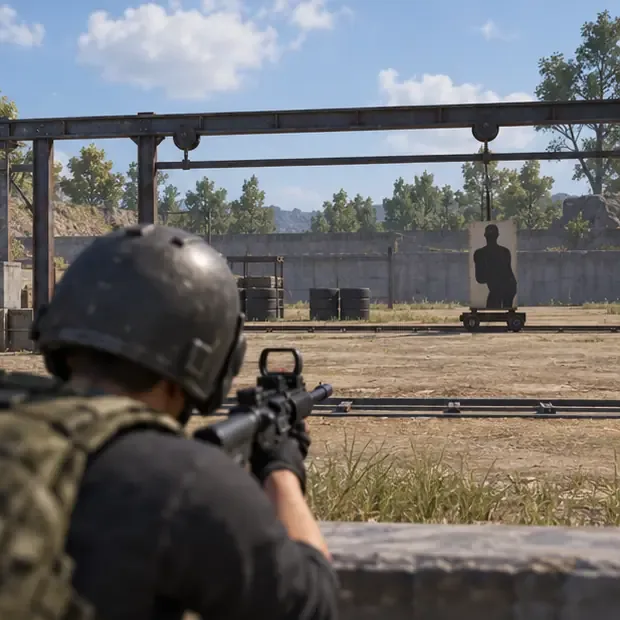
Use a practice barrier if the area provides one. Set your crosshair near the edge before you move out, expose yourself briefly, fire a controlled shot or short burst, and return to cover. Repeat from the other side. Practice with the same peek, crouch, and movement controls you use in matches; do not add a new control change halfway through the drill.
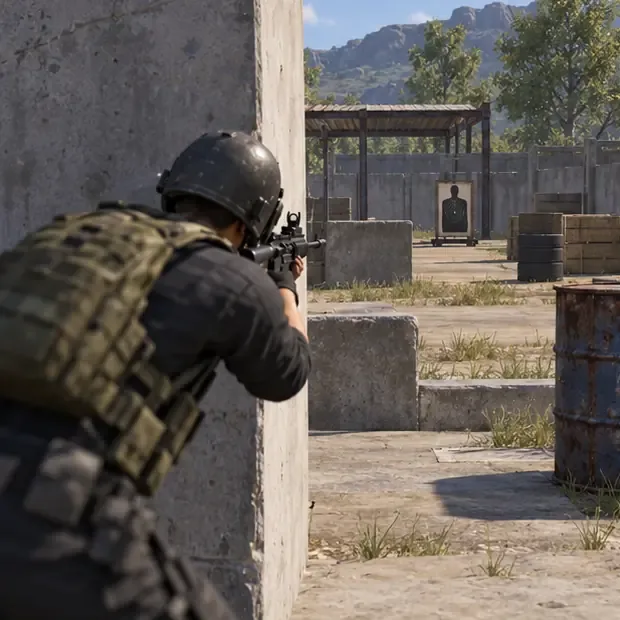
Finish in an available Arena, Team Deathmatch, or other low-pressure mode—or take one specific cue into your next Classic match. Focus on just one carryover, such as keeping the crosshair at likely head height or using a short burst after a peek. Review whether the habit held up under pressure. The training range is a warm-up, not a substitute for fighting human opponents.
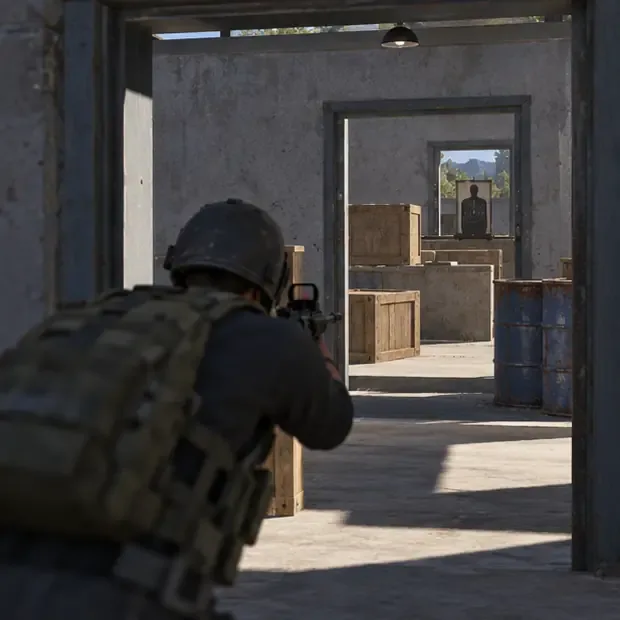
You do not need a complicated tracker. Record the weapon, optic, attachments, gyro state, and the drill that felt least consistent. Use the same target and setup when you repeat the drill, then compare the grouping or number of clean hits by eye. If you change sensitivity, change only one setting and repeat the baseline before judging it.
| Practice focus | What to notice | Next adjustment |
|---|---|---|
| Hip-fire tracking | Does the crosshair stay with the target while you strafe? | Slow movement or shorten the burst. |
| ADS transitions | Do you stop on the target or overshoot? | Use smaller swipes and pause before firing. |
| Spray control | Does the impact group stay near the target? | Review recoil, then change one attachment or correction at a time. |
| Peeking | Is your crosshair ready before you expose yourself? | Pre-aim at the edge and shorten the exposure. |
Save the drills that address your actual weakness and revisit them before matches. A short warm-up can make your controls feel familiar, but the useful result is a repeatable habit: tracking without overcorrecting, settling before firing, and using cover with your crosshair ready. The best PUBG Mobile Training Ground tips are the ones you can carry into the next real engagement.
Enable PUBG’s network statistics HUD to monitor ping and packet loss in a match. See where to find it, what the numbers mean, and what they cannot diagnose.
Learn how to import VALORANT crosshair codes, compare presets with manual settings and spectator copy, and fix common import issues.
Choose Dota 2 minimap size, hero icons, team colors, and background settings by readability, fewer misclicks, and clear results on your own display.
Fix Fortnite texture pop-in on PC with official steps for GPU drivers, file verification, DirectX 12, high-resolution textures, VRAM, SSDs, and stutter.
Learn what Heroes of the Storm minimap size and position options are verified, improve readability, and choose camera-click controls that suit you.
Set Super Smash Bros. Ultimate Quickplay to prefer hazards-off stages. Follow the Preferred Rules menu steps and learn why matchmaking may not always honor them.
Enable Server Latency and Packet Loss in Warzone to monitor connection quality, read the overlay, and use recurring spikes to guide troubleshooting.
Learn how to carry from mid lane in League of Legends by setting up waves, choosing safe roam windows, reading side lanes, and converting pressure into objectives.
Fix Minecraft Evoker spell problems with a safe vanilla test, version checks, log review, and a step-by-step way to isolate mod or datapack conflicts.
Fix PUBG stuck on Initializing on Steam with a focused checklist for PC service notices, launch options, game files, downloads, and connection issues.








