How to Check Real-Time Server Latency in the PUBG HUD

Enable PUBG’s network statistics HUD to monitor ping and packet loss in a match. See where to find it, what the numbers mean, and what they cannot diagnose.
Minecraft armor stand command block tricks can turn a plain gallery into a readable exhibit: use an invisible tagged stand for a floating label, equip and pose a second stand for a weapon showcase, then rotate that display with a narrowly scoped repeating command. These examples target Minecraft Java Edition 1.21.x. Bedrock Edition uses a different command and entity-data system, so Java NBT samples will not work there.
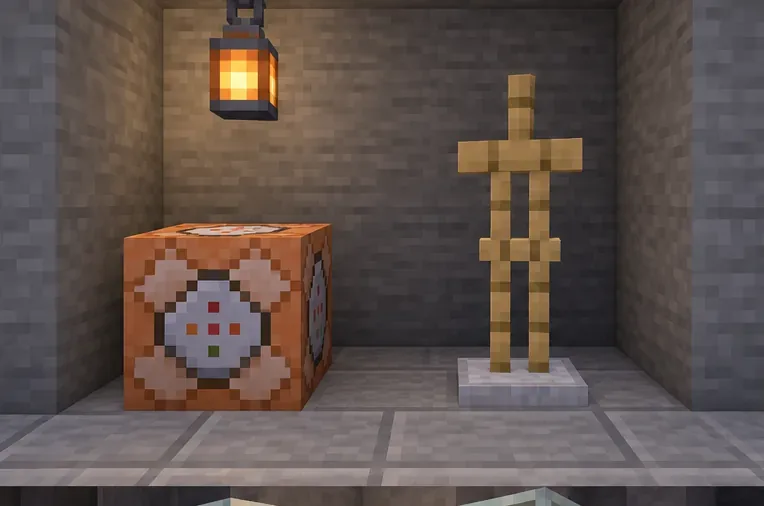
Make sure commands are enabled in the single-player world or that you have the necessary permission on a server. On a Java server, the administrator may also need command blocks enabled. Mojang’s command guide explains command access and entry. In chat, get a command block with:
/give @s minecraft:command_blockPlace it in a creative test area. Use an Impulse block for a one-time summon or equipment change and trigger it with a button. Use a Repeat block only for continuous behavior such as rotation. When pasting a command into a command block, the leading slash is optional; in chat, include it.
Each example below uses a tag, such as holo_title or sword_display. Tags make selectors precise and help prevent a command from changing unrelated armor stands. If a command says no entity was found, confirm the stand is loaded and the tag spelling matches exactly.
An invisible armor stand with an always-visible custom name works as a simple floating label. Run this once in chat or from an Impulse command block:
/summon minecraft:armor_stand ~ ~2 ~ {Tags:["holo_title"],Invisible:1b,Marker:1b,NoGravity:1b,Invulnerable:1b,CustomName:'{"text":"WEAPONS","color":"aqua","bold":true}',CustomNameVisible:1b}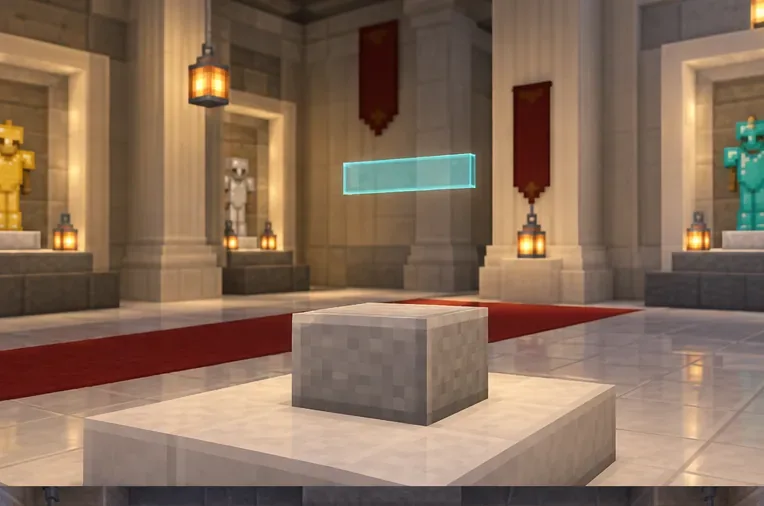
Replace WEAPONS and aqua with your own label and text color. For a second line, summon another stand at a slightly different height and give it a different tag, for example holo_subtitle. The Marker flag minimizes the stand’s hitbox; remove it if you need to target the stand by aiming at it. This is an entity nameplate, not a text display entity, so its positioning and behavior are different from a free-positioned text object.
Summon a tagged stand with visible arms, no gravity, and no base plate:
/summon minecraft:armor_stand ~ ~1 ~ {Tags:["sword_display"],ShowArms:1b,NoGravity:1b,Invulnerable:1b,NoBasePlate:1b}Equip a diamond sword and angle the right arm:
/item replace entity @e[type=minecraft:armor_stand,tag=sword_display,limit=1] weapon.mainhand with minecraft:diamond_sword
/data merge entity @e[type=minecraft:armor_stand,tag=sword_display,limit=1] {Pose:{RightArm:[-90f,0f,0f]}}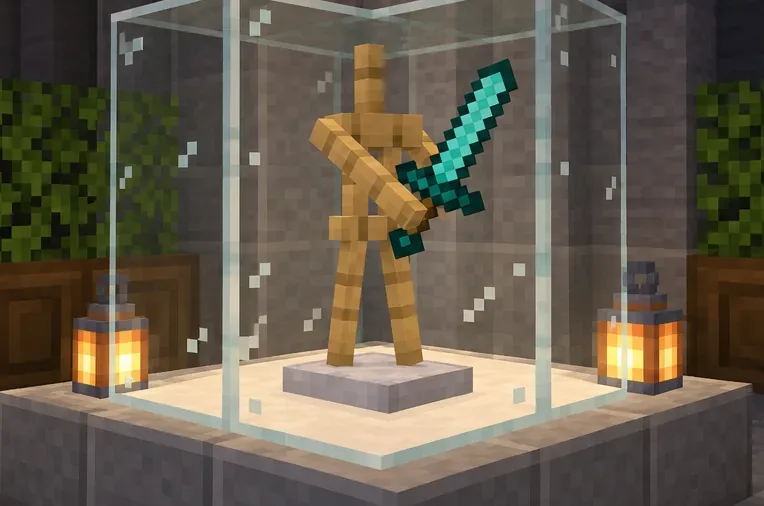
Use weapon.offhand for the other hand. To add armor, use /item replace entity with slots such as armor.head and armor.chest. Pose values use three rotation numbers for the selected body part; start with a small change if the limb turns farther than expected. Mojang changed entity equipment data in Java 1.21.5, so avoid copying older examples that directly replace legacy ArmorItems or HandItems fields. The /item replace method above avoids that old item-stack NBT pattern.
To turn only the tagged display, put this in a Repeat command block:
/execute as @e[type=minecraft:armor_stand,tag=sword_display] at @s run tp @s ~ ~ ~ ~1 ~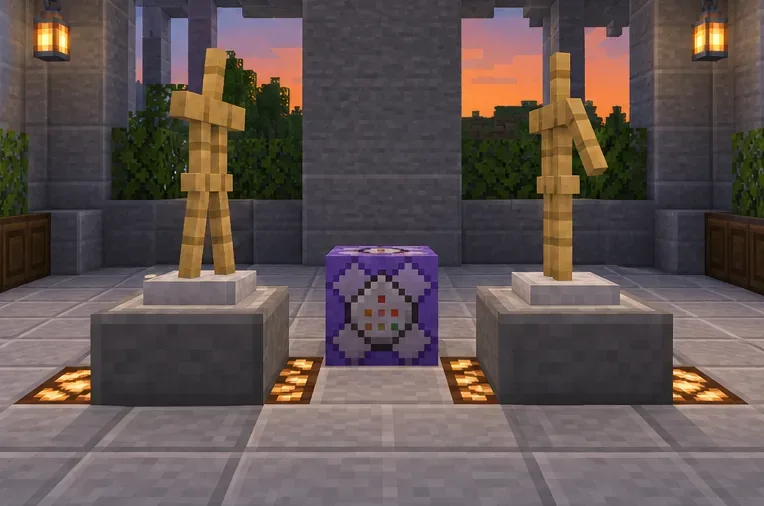
Set the block to Always Active and begin with a delay of several ticks; a longer delay makes the turn slower. The command changes yaw by one degree each time it runs while keeping the stand at its current position. Disable the block to stop the motion. Do not remove the tag filter or use a broad selector such as @e[type=minecraft:armor_stand] in a shared build unless you intend to rotate every loaded armor stand.
limit=1 when a command should affect a single stand. If you reuse a tag, a selector may match more than one entity./kill @e[type=minecraft:armor_stand,tag=sword_display] after confirming that the tag belongs only to that display. Use a separate tag for each hologram line.The summon command fails: check commas, braces, and quotation marks, and confirm you are using Java Edition. Keep the custom-name JSON inside single quotes as shown. The label is missing: verify CustomNameVisible:1b, and remember that this technique displays a nameplate rather than a text display object. The wrong stand moves or gets equipped: check its tag and narrow the selector with tag=... and limit=1. The pose looks wrong: confirm the body-part key is RightArm and that its pose contains three numbers. The stand disappears: Invulnerable:1b blocks ordinary damage, but it does not prevent a /kill command or another command from removing the entity.
These command patterns are for Java Edition 1.21.x, not Bedrock. Mojang’s Java 1.21.5 release notes document the equipment-data change; the Armor Stand reference and Command Block reference provide additional entity and block details. If a later game version changes command behavior, check its release notes before reusing older NBT examples.
Enable PUBG’s network statistics HUD to monitor ping and packet loss in a match. See where to find it, what the numbers mean, and what they cannot diagnose.
Learn how to import VALORANT crosshair codes, compare presets with manual settings and spectator copy, and fix common import issues.
Choose Dota 2 minimap size, hero icons, team colors, and background settings by readability, fewer misclicks, and clear results on your own display.
Fix Fortnite texture pop-in on PC with official steps for GPU drivers, file verification, DirectX 12, high-resolution textures, VRAM, SSDs, and stutter.
Learn what Heroes of the Storm minimap size and position options are verified, improve readability, and choose camera-click controls that suit you.
Set Super Smash Bros. Ultimate Quickplay to prefer hazards-off stages. Follow the Preferred Rules menu steps and learn why matchmaking may not always honor them.
Enable Server Latency and Packet Loss in Warzone to monitor connection quality, read the overlay, and use recurring spikes to guide troubleshooting.
Learn how to carry from mid lane in League of Legends by setting up waves, choosing safe roam windows, reading side lanes, and converting pressure into objectives.
Fix Minecraft Evoker spell problems with a safe vanilla test, version checks, log review, and a step-by-step way to isolate mod or datapack conflicts.
Fix PUBG stuck on Initializing on Steam with a focused checklist for PC service notices, launch options, game files, downloads, and connection issues.








