How to Check Real-Time Server Latency in the PUBG HUD

Enable PUBG’s network statistics HUD to monitor ping and packet loss in a match. See where to find it, what the numbers mean, and what they cannot diagnose.
A Minecraft chunk loading error can look like missing terrain, black or invisible sections, chunks that appear late, stuttering, or a crash while a world opens. Minecraft does not use one universal error code for all of these symptoms, so the right fix depends on where the failure occurs: your device, one saved world, or a multiplayer server. Start with the checks below, and make a backup before attempting any world repair.
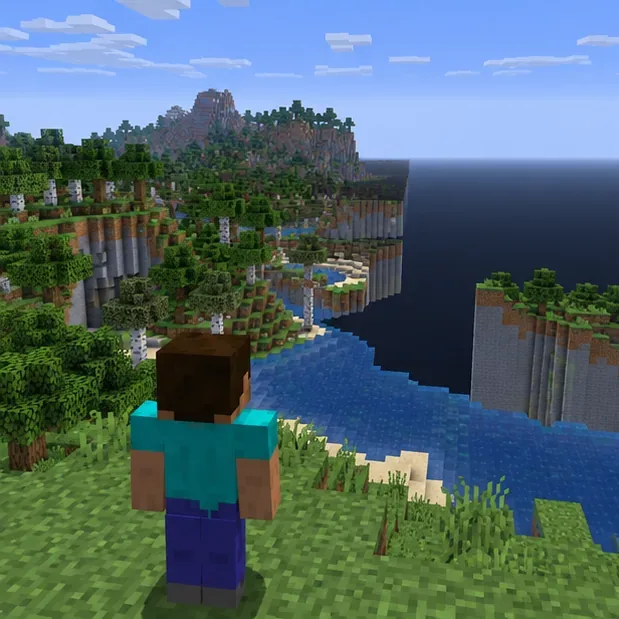
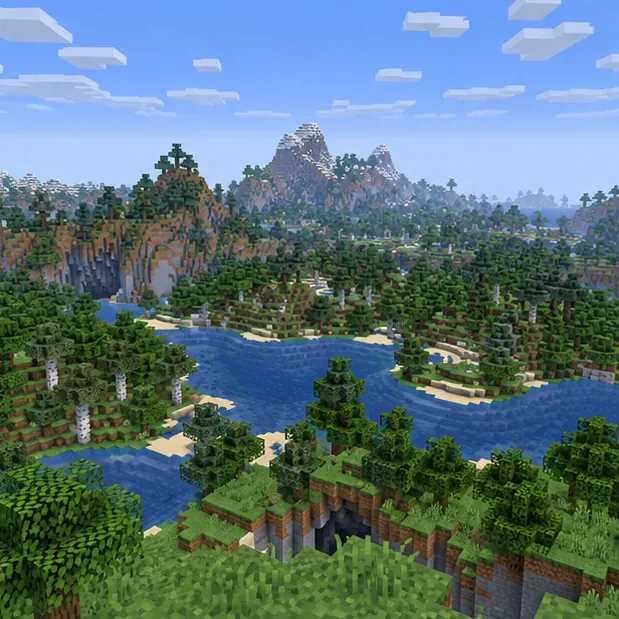
Minecraft builds and displays the world in chunks as you move. A chunk that appears late may point to rendering, storage, world generation, or the connection to a server. The appearance alone cannot identify which one. Look for the pattern:
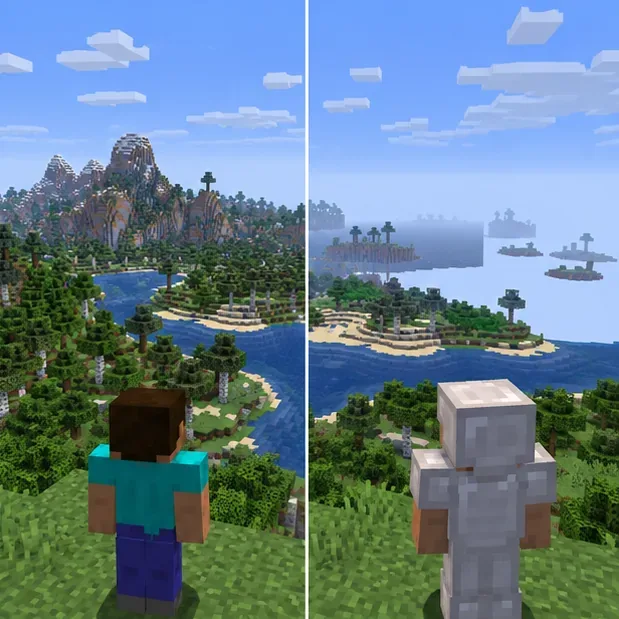
Fully close Minecraft, reopen it, and try a new temporary world using the same edition and game version. Do not overwrite or rename your existing save. Then compare results:
Record your edition (Java or Bedrock), version, device, whether the world is local or hosted, and where the problem occurs. That short record makes later log review or a support request more useful.
Close the world and the game before copying files. For Java Edition, make a separate copy of the world folder from the game’s saves directory or use the launcher’s configured game directory. Keep the original untouched, and label the copy so you do not mistake it for the active save. If you use a third-party launcher, its game directory may be different.
On Bedrock for Windows, Minecraft’s support guide describes exporting a world from the world’s edit settings. For a Bedrock Realm, download the world or a backup to a local slot before experimenting. On consoles and mobile devices, use the platform’s current world-backup or transfer procedure; do not uninstall the game as an early troubleshooting step.
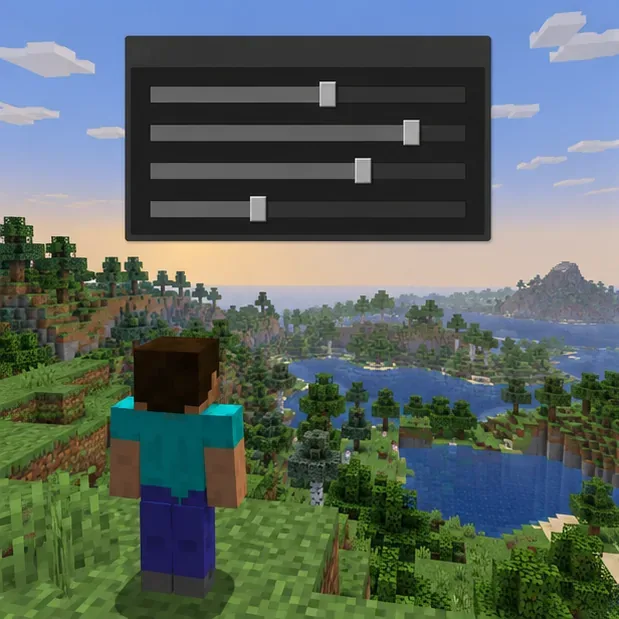
In the game’s video settings, lower Render Distance a few steps and test the same area again. The setting controls how far terrain is drawn, so reducing it is a useful diagnostic for rendering strain. It is not a repair for corrupted world data. On Bedrock, the available distance and menu labels vary by device and version.
If the game becomes smoother, increase the setting gradually until you find a stable value for your device. Also test with shaders and high-resolution resource packs disabled. Close other demanding applications, restart the device if it has been running for a long time, and check that the drive storing the world has free space. Avoid copying a one-size-fits-all RAM value into Java arguments: change memory allocation only when the crash report or log points to memory pressure, and leave room for the operating system.
If you play Java Edition with mods, first create a clean test installation or profile that uses the same Minecraft version and no extra mods or shaders. Open a new temporary world there. If the clean test is stable, check the mod loader and each mod’s compatibility with that exact game version. Re-enable changes in small groups so you can identify what reintroduces the problem.
Do not open your only modded save in an installation that lacks its required mods or data packs. Some modded blocks or items may not be preserved as expected if the world is saved without them. Back up first, and test a copy if you need to compare the original profile with a clean one. If you recently changed Minecraft versions, return to the version the world and server are meant to use; back up before switching versions.
For Java Edition, check the game directory’s logs/latest.log and, if Minecraft crashed, the newest file in crash-reports. Third-party launchers may store these in their own profile folders. Search near the end of the log for repeated chunk, region, memory, graphics, or mod errors and note the first error before the crash, not just the final line.
A memory-related message such as an out-of-memory exception calls for a different response than a mod-loading or file-read error. Minecraft’s official support article covers memory allocation troubleshooting. If a crash happens at the same place, stop repeatedly opening the only copy: keep the backup and share the relevant report with the mod author, server host, or Minecraft Support. Do not delete region files or dimension folders based on a guess; that can remove real builds and may not address the cause.
If several players experience the same slow or missing terrain in the same area, the server owner should inspect the server console, host status, storage, and recent plugin or configuration changes. Restarting the client will not fix a server that is overloaded or failing to send world data.
For Paper servers, the current server.properties reference distinguishes view-distance, which controls how much world data the server sends, from simulation-distance, which controls how far living entities are updated. Adjust these gradually, restart the server as required, and check the exact documentation for the server software and version in use. These settings can reduce load; they cannot repair a damaged world. Do not paste configuration keys from an old guide into a different server fork.
On Bedrock, first test whether the problem follows one world or affects every world on the device. Update Minecraft through the platform’s normal store or system update path, then restart the game. If a local world is involved, export or copy it before attempting recovery. Minecraft’s Windows export guide and Bedrock Realms download guide explain the available backup routes; exact menus can differ by platform.
Do not use Java-only shortcuts, Java region-file tools, or server commands as a Bedrock fix. If a Realm is involved, download a copy of the active world or restore a suitable Realm backup only after confirming which save you want to preserve. Keep a local copy before replacing the hosted slot.
| What you see | First check | Protect the world by |
|---|---|---|
| Invisible terrain in every world | Lower render distance, disable visual packs, restart the client | Do not edit saves while testing graphics |
| One world crashes at the same point | Read the log or crash report; test a copy only | Keep the original and a separate backup |
| Everyone on one server sees delayed chunks | Ask the host to review server load and distance settings | Back up the server world before configuration changes |
| Only one device has the problem | Compare a new world, game version, and client settings | Export or copy local saves before reinstalling |
Contact the server host or Minecraft Support if the same failure persists after a clean client test, or if a copied world still crashes at the same location. Include the edition and version, device, whether it affects one world or all worlds, the approximate coordinates and dimension if known, recent mod or update changes, and the relevant log or crash report. For a Java modded setup, the Fabric documentation also explains where logs and crash reports are stored. Remove personal information from a log before sharing it publicly.
For official reference, see Minecraft’s crash and lag troubleshooting guide, its Java memory allocation help, and the Java Edition version-change instructions. Bedrock players can use the support guides for exporting a Windows world and downloading a Bedrock Realm world. Server owners can consult the PaperMC server.properties reference; Java players using Fabric can consult Fabric’s log and crash-report guide.
Enable PUBG’s network statistics HUD to monitor ping and packet loss in a match. See where to find it, what the numbers mean, and what they cannot diagnose.
Learn how to import VALORANT crosshair codes, compare presets with manual settings and spectator copy, and fix common import issues.
Choose Dota 2 minimap size, hero icons, team colors, and background settings by readability, fewer misclicks, and clear results on your own display.
Fix Fortnite texture pop-in on PC with official steps for GPU drivers, file verification, DirectX 12, high-resolution textures, VRAM, SSDs, and stutter.
Learn what Heroes of the Storm minimap size and position options are verified, improve readability, and choose camera-click controls that suit you.
Set Super Smash Bros. Ultimate Quickplay to prefer hazards-off stages. Follow the Preferred Rules menu steps and learn why matchmaking may not always honor them.
Enable Server Latency and Packet Loss in Warzone to monitor connection quality, read the overlay, and use recurring spikes to guide troubleshooting.
Learn how to carry from mid lane in League of Legends by setting up waves, choosing safe roam windows, reading side lanes, and converting pressure into objectives.
Fix Minecraft Evoker spell problems with a safe vanilla test, version checks, log review, and a step-by-step way to isolate mod or datapack conflicts.
Fix PUBG stuck on Initializing on Steam with a focused checklist for PC service notices, launch options, game files, downloads, and connection issues.








