How to Check Real-Time Server Latency in the PUBG HUD

Enable PUBG’s network statistics HUD to monitor ping and packet loss in a match. See where to find it, what the numbers mean, and what they cannot diagnose.
PlayStation Portal vs Remote Play app latency does not have one guaranteed winner. Portal offers a consistent, purpose-built screen and integrated controls, so it can be the more comfortable way to stream PS5 games. But the free PS Remote Play app on a responsive phone, tablet, or computer can feel just as good—or better—on the right network. Sony does not publish a universal millisecond advantage for either device, and any honest comparison must account for the PS5, Wi-Fi, controller, display, and game.
If you already own a capable phone and controller, test the app before spending money on another device. If you want an all-in-one handheld for frequent PS5 sessions, Portal's convenience is its strongest argument—not an unverified promise of lower input lag.
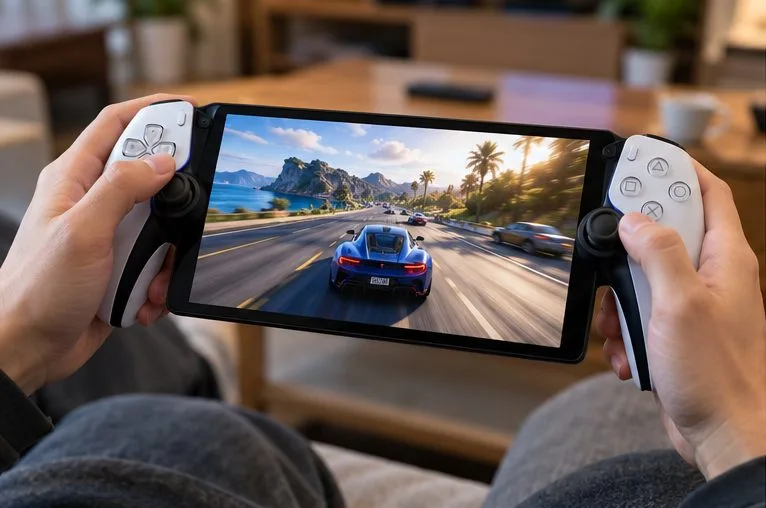
For this comparison, both devices are using PS5 Remote Play: the PS5 runs the game, encodes its video, sends the stream over the network, and responds to your controls. Portal is not running the game locally, and the phone app is not either. The same console workload and connection quality matter to both.
| Factor | PlayStation Portal | PS Remote Play app |
|---|---|---|
| Game source for PS5 Remote Play | Your paired PS5 | Your PS5; the app can also connect to a PS4 |
| Display and controls | Integrated 8-inch, 1080p LCD and DualSense-style controls | Device-dependent screen; on-screen controls or a supported external controller |
| Connection from player device | Wi-Fi | Wi-Fi; mobile data on supported mobile devices; wired networking on some computers |
| Purchase requirement | Dedicated hardware | Free app, with any needed controller or accessories bought separately |
| Guaranteed latency advantage? | No universal figure verified | No universal figure verified |
| Best reason to choose | One-piece handheld comfort and consistent controls | Flexibility and using a device you already have |
Sony specifies an 8-inch LCD capable of 1080p at up to 60 fps for Portal; supported DualSense features include haptic feedback and adaptive triggers when the game provides them. Compatibility and controller features on phones and computers vary by device. See Sony's Portal hardware overview and PS Remote Play product guide.
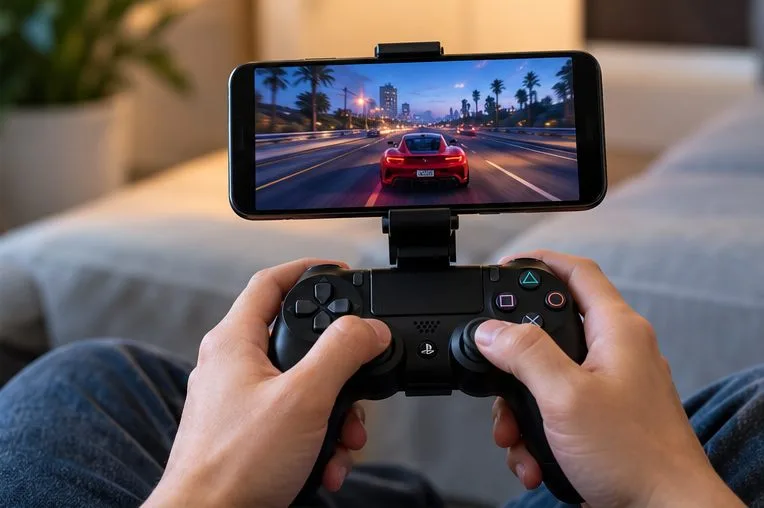
Input latency is the time between a control action and the corresponding response you see. With streamed gaming, that path includes controller input, PS5 game processing, video encoding, network transport, decoding, and screen presentation. A delay or inconsistent frame delivery at any stage can affect responsiveness.
Two devices on the same sofa can behave differently when one has a weak Wi-Fi signal, is connected to a congested band, or shares airtime with heavy downloads. Packet loss and jitter can cause visible stutter or sudden response spikes even when a speed test reports generous bandwidth. A fixed claim such as “Portal is always 20–50 ms faster” ignores these variables.
Portal's built-in controls remove the need to pair a separate Bluetooth controller. With the app, touch controls, controller pairing, the connected device's display processing, and background activity can change the experience. That does not establish that every Bluetooth setup is slower than Portal; it simply adds variables to a comparison.
A clean 60 fps picture can still feel delayed, while a responsive stream may look rough when bandwidth fluctuates. At 60 fps, one displayed frame lasts about 16.7 milliseconds, but that mathematical frame duration is not a measured input-lag result. Frame pacing, latency, resolution, and image quality should be evaluated separately.
No controlled, reproducible lab dataset accompanies this article, so there is no fabricated winner's table or claimed personal benchmark. Use this repeatable comparison if both options are available to you:
Compare the median feel and worst interruptions, not one lucky input. If your smartphone has a faster screen or more stable Wi-Fi than another phone, results can reverse. A single video does not establish a universal ranking across hardware and networks.
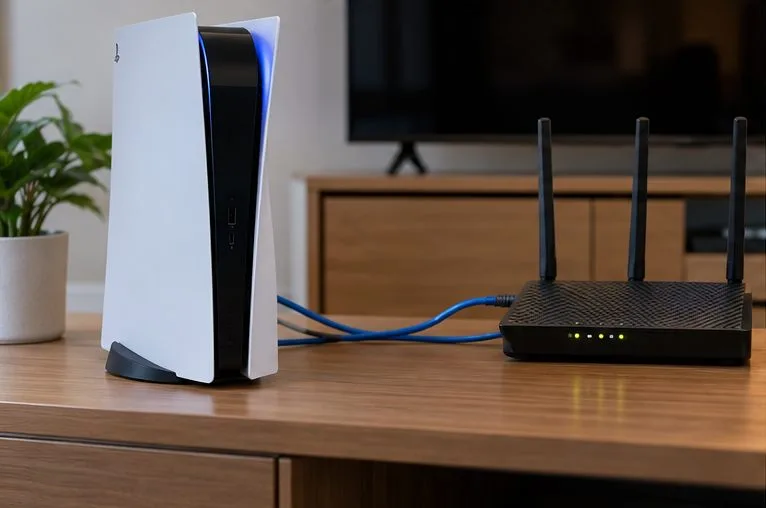
Sony lists 5 Mbps minimum upload and download speeds for Remote Play and recommends at least 15 Mbps for a better experience. These are connection guidance figures, not promises of a particular ping, bitrate, or input delay. Sony also recommends wiring the PS5 and connecting Portal through 5 GHz Wi-Fi. Check the official Portal network recommendations and Portal troubleshooting steps.
Both Portal and the app can connect to a PS5 over the internet; the console does not have to be physically nearby. Portal needs Wi-Fi at the player's location, while supported mobile app devices can use cellular data. The extra internet route and variable network conditions can increase delay. For either option, the home connection's upload quality and the away-from-home connection are both relevant. Test the setup before traveling, and remember mobile streaming can consume substantial data.
To prepare a PS5, visit Settings > System > Remote Play > Enable Remote Play. For wake-from-rest access, enable Stay Connected to the Internet and Enable Turning on PS5 from Network under the PS5's Rest Mode settings. Sony documents these settings in its mobile Remote Play setup guide.
In a March 2026 Portal software update, Sony added a 1080p High Quality option for Remote Play and supported Cloud Streaming sessions. It uses a higher bitrate than the default 1080p Standard setting. During a session, Sony directs players to Quick Menu > Max Resolution > 1080p High Quality, then restart the session for the change to apply.
This mode is about greater image fidelity. Sony did not publish evidence that it consistently cuts button-to-screen latency. On an unstable connection, asking the network to carry more video data may offer no responsiveness benefit. If lag or stutter worsens, compare against the default mode instead of assuming the highest-quality option is always best. Read the March 17, 2026 PlayStation update announcement.
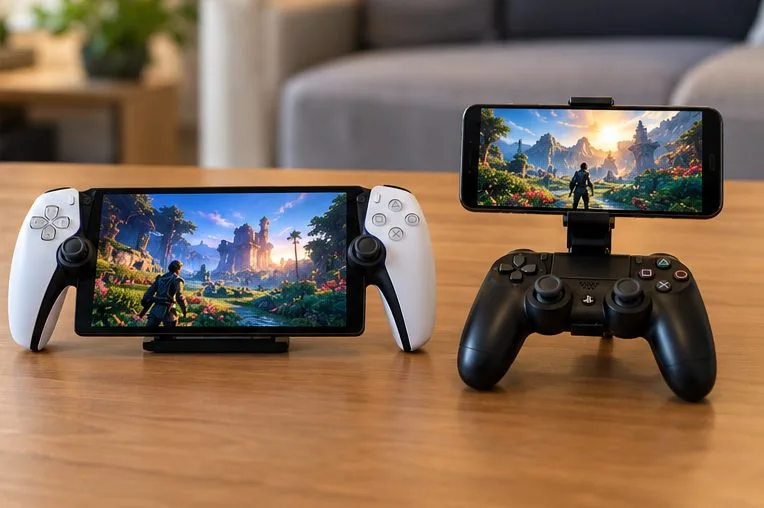
Portal can also stream eligible PS5 games directly from PlayStation's cloud in supported markets with PlayStation Plus Premium. Sony launched this as a full feature in November 2025. A paired or powered-on PS5 is not required for that cloud-streaming mode. Its route runs through a remote game server rather than your console, so comparing it against a phone streaming from your PS5 would not be an apples-to-apples latency test.
Cloud Streaming availability, eligible titles, account restrictions, and subscription requirements vary by country or region. Sony lists a 5 Mbps minimum to start cloud streaming, with higher bandwidth guidance for 720p and 1080p. Check the official PlayStation cloud-streaming information for current regional eligibility. The verdict in this article concerns PS5 console-based Remote Play, not cloud-server latency.
| Your situation | More sensible first choice | Why |
|---|---|---|
| Frequent handheld PS5 play at home | Portal | Integrated full-size controls and predictable handheld ergonomics |
| Already own a good phone and supported controller | Remote Play app | Try comparable performance without buying a second screen |
| Gaming on a laptop near a wired network port | Remote Play app | A supported wired setup can avoid Wi-Fi variability at the viewing device |
| Traveling with only a cellular connection | Remote Play app | Supported phones can use mobile data directly; Portal needs Wi-Fi |
| Competitive games where every input matters | Play locally on the PS5 if possible | Local play removes the Remote Play video transport and decoding path |
No. It is still streaming a game, so network transmission, decoding, frame presentation, and ordinary game processing remain part of the path.
No. Device quality, controller connection, Wi-Fi performance, and background load differ widely. A properly configured app session may outperform Portal on a particular network, while another phone may stutter.
Not on the strength of unsupported millisecond comparisons. Buy it for its integrated screen, controls, and convenience if those fit your routine. For the lowest-latency option in reaction-sensitive games, local PS5 play remains the baseline to compare against.
Bottom line: PlayStation Portal offers the simpler dedicated handheld experience, but the Remote Play app is a serious alternative rather than an automatically slower one. Stabilize the PS5 connection, test both under matching conditions when possible, and choose based on consistency—not an invented latency crown.
Enable PUBG’s network statistics HUD to monitor ping and packet loss in a match. See where to find it, what the numbers mean, and what they cannot diagnose.
Learn how to import VALORANT crosshair codes, compare presets with manual settings and spectator copy, and fix common import issues.
Choose Dota 2 minimap size, hero icons, team colors, and background settings by readability, fewer misclicks, and clear results on your own display.
Fix Fortnite texture pop-in on PC with official steps for GPU drivers, file verification, DirectX 12, high-resolution textures, VRAM, SSDs, and stutter.
Learn what Heroes of the Storm minimap size and position options are verified, improve readability, and choose camera-click controls that suit you.
Set Super Smash Bros. Ultimate Quickplay to prefer hazards-off stages. Follow the Preferred Rules menu steps and learn why matchmaking may not always honor them.
Enable Server Latency and Packet Loss in Warzone to monitor connection quality, read the overlay, and use recurring spikes to guide troubleshooting.
Learn how to carry from mid lane in League of Legends by setting up waves, choosing safe roam windows, reading side lanes, and converting pressure into objectives.
Fix Minecraft Evoker spell problems with a safe vanilla test, version checks, log review, and a step-by-step way to isolate mod or datapack conflicts.
Fix PUBG stuck on Initializing on Steam with a focused checklist for PC service notices, launch options, game files, downloads, and connection issues.








