Ever stared at the scoreboard in League of Legends, down 10 kills with towers crumbling, thinking it's game over? 😩 Think again. The art of stalling transforms hopeless games into epic comebacks. This guide dives deep into how to play from behind in League of Legends, arming you with practical, battle-tested strategies. Stick around – by the end, you'll crave that underdog thrill. 👊
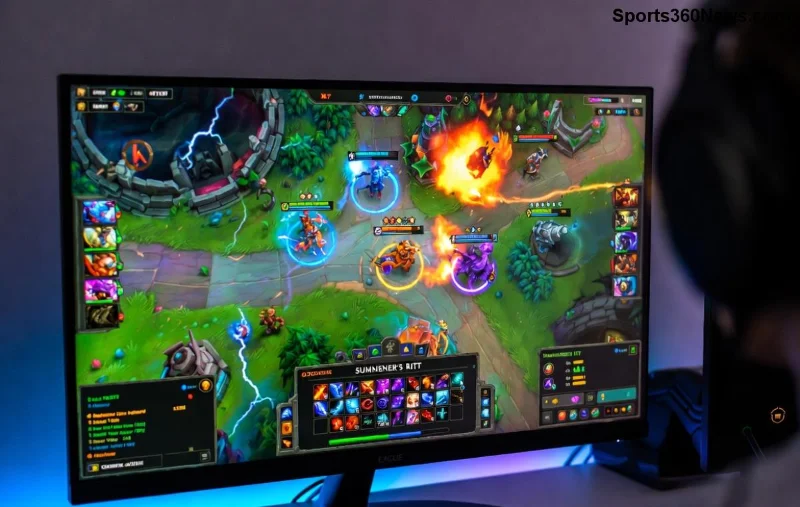
👉 Recognize When You're Behind: Early Warning Signs
Before mastering stalling in League of Legends, identify the deficit. You're behind if:
- Enemy gold lead exceeds 3k per player.
- They have 2+ more towers.
- Your jungler can't match their ganks.
Pro Tip: Check the tab often. A 4k gold deficit at 15 minutes? Time to switch to survival mode. Don't force fights – that's suicide.
⭐ Core Principles of Playing From Behind: The Stalling Foundation
Stalling isn't hiding; it's controlled denial. Delay enemy wins while building your economy. Key pillars:
- Split Pressure Minimized: Avoid unnecessary waves. Farm safely under turret.
- Vision Dominance: Ward aggressively – deny their vision too.
- Objective Denial: Steal or delay Dragons, Herald, Baron.
- XP Efficiency: Catch waves, don't die. Every CS counts.
Feel the shift? Your team gains breathing room as enemies overextend. 🔥
Laning Phase: Survive and Thrive From Behind
In laning, how to play from behind starts with poke and sustain. Poke champions? Harass from max range. Tanks? Build early Zhonya's Hourglass or Edge of Night.
| Role | Stalling Build Starter | Why It Works |
|---|
| Top | Plated Steelcaps + Thornmail | Mitigates burst, sustains poke wars. |
| Mid | Sorc Shoes + Seeker's Armguard | Dodge skillshots, buy time for RoA. |
| ADC | Boots + Bloodline Dagger | Kite forever, lifesteal sustains. |
| Support | Mikael's + Redemption | Peel and heal the carry. |
| Jungle | Tracker’s Knife + Control Wards | Scout and counterjungle safely. |
Use this table as your cheat sheet. Adjust for patches – current meta favors tanky sustain items for prolonged lanes.
Mid-Game Macro: The Heart of LoL Stalling
Mid-game is where comebacks ignite. Prioritize:
- Defensive Rotations: 4-man bot to hold inhibitor? Yes. Never 1v2 split push.
- Pick Potential: Set ambushes in fog. Champions like Lee Sin or Evelynn excel here.
- Elder Dragon Setup: Stall until Soul spikes – flip with a steal.
Imagine forcing Baron at 30 minutes, down 5k gold. One pick, and you're even. That's the magic. ✨
![Epic League of Legends comeback stall]()
Late-Game Teamfights: Play From Behind Like a Pro
Late game? It's siege city. Stalling in League of Legends means:
- Kite and Zone: Peel for your hypercarry. ADC alive = win condition.
- Baron Denial: Smoke it if needed. Force 5v4s.
- Base Defenses: Position for backdoor threats.
Pro teams like T1 thrive here – watch their VODs for inspo. LoL Esports archives are goldmines.
Mindset Mastery: Stay Cool Under Pressure
80% of comebacks fail from tilt. Adopt the stalling mindset:
- ✅ Mute chat. Focus on macro.
- ✅ Communicate pings: "On my way," "Danger."
- ✅ Review deaths: What killed you? Adjust.
Channel that underdog energy. Every great player – Faker included – has clutched from behind. You can too. 💪
Advanced Tips: Elevate Your League of Legends Comeback Game
Ready for next level?
- Wave Management: Freeze waves enemy-side for gank setups.
- Item Spikes: Rush Deathcap on mages for pick power.
- Counterpicks: If they dive, build anti-dive (Gargoyle Stoneplate).
Practice in norms. Track winrate from behind – watch it climb.
Case Study: The Ultimate Stall Flip
Recall that Worlds game where underdogs stalled to Elder Soul? They poked, warded river, and picked off the carry. Gold parity at 40 minutes – Baron steal seals it. Emulate that patience.
Final Push: Your Action Plan
✅ Farm safe. ✅ Vision wins. ✅ Stall till picks. Today, queue up and play from behind in League of Legends smarter. Share your comeback stories below – what's your best stall moment? Drop a like if this guide fired you up! 🎉
Mastered stalling? Level up with macro guides next. Stay grinding, summoner.