How to Check Real-Time Server Latency in the PUBG HUD

Enable PUBG’s network statistics HUD to monitor ping and packet loss in a match. See where to find it, what the numbers mean, and what they cannot diagnose.
If a Minecraft modded profile stops at launch or crashes while a world loads, start by protecting the save and reading the actual crash report. The phrase “Modding Minecraft Error 422: Custom Chaos Created” is not a standard Minecraft error name I could verify in official Minecraft, Forge, or Fabric troubleshooting documentation. The sample “422” log in the old version of this article should not be treated as a real Minecraft message. Your launcher, a mod, a server, or a separate web service may show that wording; the stack trace and the program that displayed it are what identify the real problem.
This guide is for Minecraft: Java Edition mods running through a mod loader. Bedrock add-ons use a different workflow. Launcher labels and directories vary, so treat the screen examples below as visual cues rather than exact screenshots of one application.
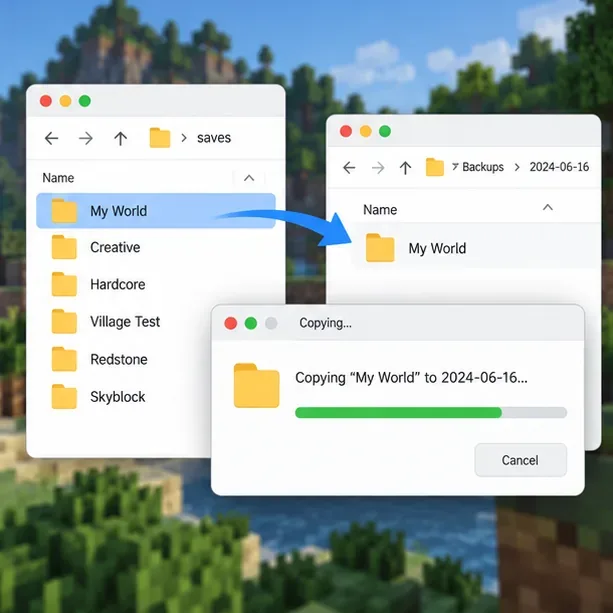
Close Minecraft and the launcher. Copy the affected world's folder from saves to a location outside the game directory, and give the copy a clear name. For a launcher that keeps each profile in its own directory, back up that profile's world instead. If the world is on a server, have the server owner make a separate server backup before changing either the server mods or its files.
Do not test fixes on your only copy of a world. Mods can add blocks, entities, dimensions, or data that a world expects to find later. Removing a mod and then saving the world can make recovery harder.
Write down the exact text, when it appears, and which window shows it: Minecraft, the launcher, a mod's own screen, a server console, or a website. Then open the affected instance's logs/latest.log and its newest file in crash-reports, if one was created. With the standard game directory on Windows, these are commonly under %appdata%\.minecraft; on macOS, under ~/Library/Application Support/minecraft; and on Linux, under ~/.minecraft. Third-party launchers often store logs inside the selected instance instead.
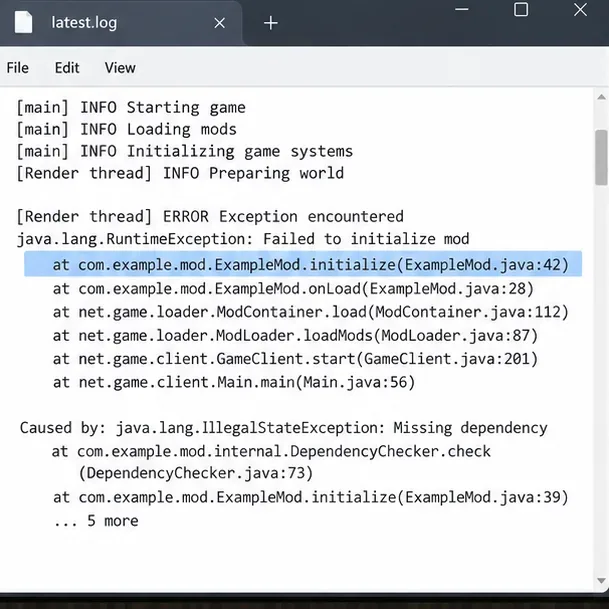
Look near the end of latest.log and at the crash report's opening summary and stack trace. Record the first meaningful exception, any named mod or missing dependency, and whether the crash happens at launch, while joining a server, or when loading one particular world. Fabric's crash-report guide explains the main sections; its log-upload guide explains where the files are found.
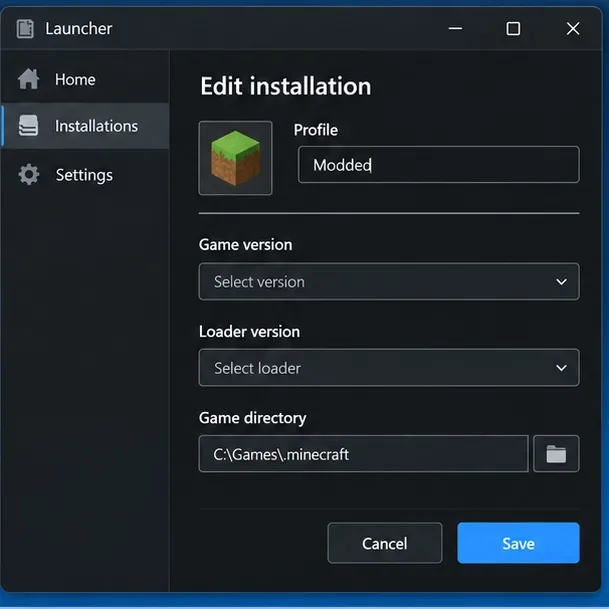
Open the profile that crashes and note the exact Minecraft version and loader build. Confirm that every mod file is intended for that game version and that loader. Forge, Fabric, and NeoForge are separate mod-loader ecosystems; a mod built for one generally cannot be dropped into another. Also check whether the file is for the client, a dedicated server, or both, and whether it requires a library or API mod.
Download loader builds from their official project pages, such as Fabric's installer page or Minecraft Forge. Get mods and dependencies from the mod author or the distribution page the author identifies. Do not assume that the newest mod file supports an older game version.
Compare the crash log with each mod's stated requirements. A missing library, duplicate copy of a mod, wrong loader build, or version mismatch can stop startup before a world opens. On multiplayer, compare the server's mod list and versions with the client where the mod author requires matching files. Do not add client-only visual mods to a server's mods folder unless their documentation says they belong there.
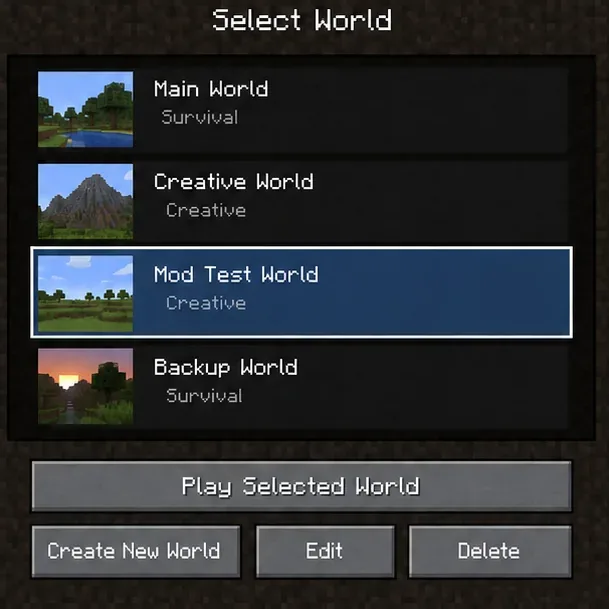
After backing up the save, create a temporary world using the same profile. If the test world works but the original does not, the problem may involve world-specific data, a removed or updated content mod, or a particular area or entity. If both worlds crash, focus first on the profile, loader, mod files, and shared configuration.
Do not overwrite or repeatedly open the original save while experimenting. If a mod update is implicated, check its release notes and author instructions before loading the backup in a changed setup.
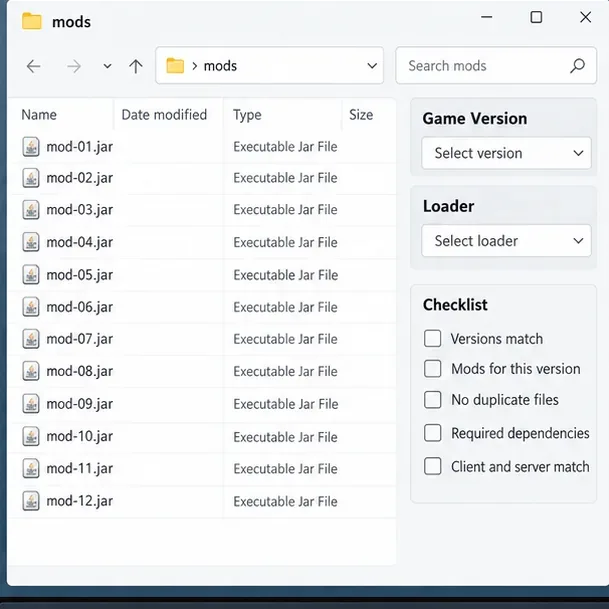
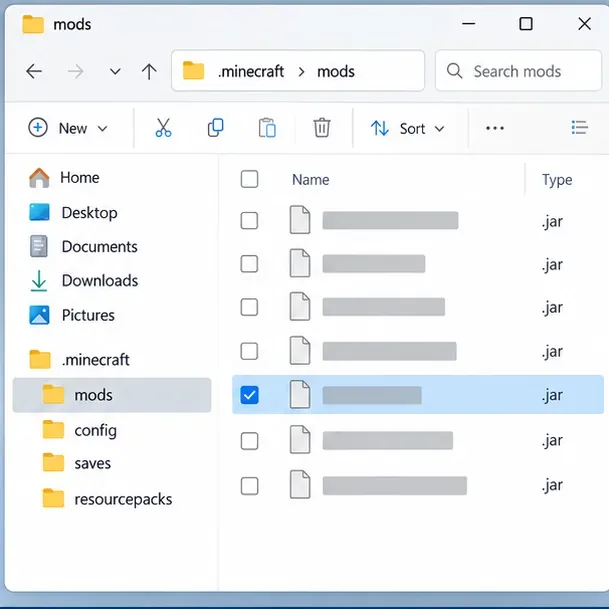
Duplicate the instance or export its profile first. In the copy, move a small group of suspect .jar files to a holding folder outside the active mods directory; do not delete them. Launch the copied profile and repeat the same action. If the crash stops, restore half of the removed group and test again. Keep narrowing the group until one mod or dependency combination consistently brings the failure back.
This divide-and-test method is more reliable than guessing from a mod's name. Keep required libraries with the mods that depend on them, and change one variable at a time. If a clean copy still fails with every optional mod removed, inspect the loader, Java runtime, graphics-related mods, and profile files next.
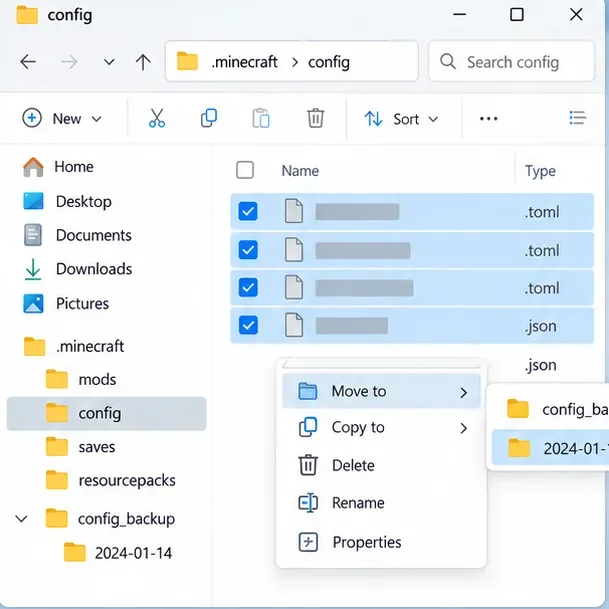
Close the game, then copy the relevant file or folder from config to a backup location. In the test instance, move that one configuration file out of the active folder and relaunch so the mod can create a fresh default. If the crash disappears, compare the old settings with the regenerated file before restoring options you need.
A reset can remove customized controls, world-generation settings, or other preferences. Avoid deleting the entire configuration directory as a first response, and do not edit files while Minecraft is running.
Use the runtime supplied or recommended by your launcher and verify that it meets the requirements of the exact Minecraft and loader versions in the profile. Java requirements vary by game release and modpack; a blanket “install Java 21” instruction is not correct for every version. Avoid changing advanced JVM arguments unless you know what they do.
If the report contains OutOfMemoryError, review the launcher’s memory allocation and the computer's available RAM. Add memory only when the system can spare it; assigning nearly all system memory to Minecraft can make the operating system and other programs unstable. If the log instead points to a missing class, dependency, or mod initialization exception, adding RAM is unlikely to fix that cause. Minecraft Help provides current guidance on memory allocation and Java Edition crashes.
If the isolated profile remains broken, create a fresh instance with the same game version and loader, then add back the confirmed-compatible mods in small groups. Import a modpack from its original source when possible. Keep the old instance and the world backup untouched until the new copy launches and the test world behaves as expected.
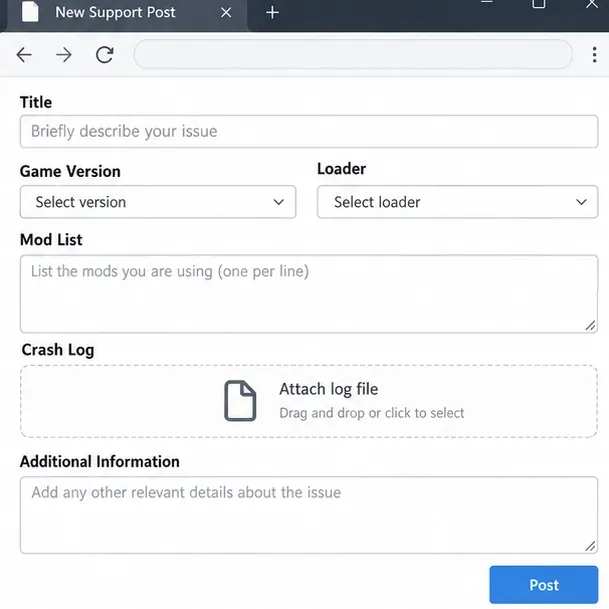
If you need help, include the game version, loader and build, launcher name, mod list, what action triggers the crash, and the relevant log or crash report. Upload the log to a service accepted by the mod project's support channel, then share the link there. Logs can reveal your operating-system username or local paths, so review them before posting publicly.
| What you see | What to inspect first |
|---|---|
| Crash before the title screen | Loader build, incompatible mod, missing dependency, duplicate file, or wrong Java runtime |
| Crash only when opening one world | Back up the save; test a new world and review recent mod changes or world-specific errors |
| Crash after updating a mod | Check the mod's changelog, version support, required libraries, and migration notes |
| “422” appears in a launcher, website, or separate tool | Identify which program produced it and inspect that program's own log; it may not be a Minecraft game error |
OutOfMemoryError appears | Review memory allocation and system memory; do not apply this fix to unrelated exceptions |
The safest fix for a supposed Minecraft Error 422 is to identify the real source of the message, protect the save, and let the log guide each test. Once the failing mod, dependency, configuration, or runtime is isolated in a copy, you can restore a stable setup without gambling with your main world.
Enable PUBG’s network statistics HUD to monitor ping and packet loss in a match. See where to find it, what the numbers mean, and what they cannot diagnose.
Learn how to import VALORANT crosshair codes, compare presets with manual settings and spectator copy, and fix common import issues.
Choose Dota 2 minimap size, hero icons, team colors, and background settings by readability, fewer misclicks, and clear results on your own display.
Fix Fortnite texture pop-in on PC with official steps for GPU drivers, file verification, DirectX 12, high-resolution textures, VRAM, SSDs, and stutter.
Learn what Heroes of the Storm minimap size and position options are verified, improve readability, and choose camera-click controls that suit you.
Set Super Smash Bros. Ultimate Quickplay to prefer hazards-off stages. Follow the Preferred Rules menu steps and learn why matchmaking may not always honor them.
Enable Server Latency and Packet Loss in Warzone to monitor connection quality, read the overlay, and use recurring spikes to guide troubleshooting.
Learn how to carry from mid lane in League of Legends by setting up waves, choosing safe roam windows, reading side lanes, and converting pressure into objectives.
Fix Minecraft Evoker spell problems with a safe vanilla test, version checks, log review, and a step-by-step way to isolate mod or datapack conflicts.
Fix PUBG stuck on Initializing on Steam with a focused checklist for PC service notices, launch options, game files, downloads, and connection issues.








