How to Check Real-Time Server Latency in the PUBG HUD

Enable PUBG’s network statistics HUD to monitor ping and packet loss in a match. See where to find it, what the numbers mean, and what they cannot diagnose.
If you see a Minecraft 422 Version Error while trying to play online, first find out which part of the connection displayed it. The number 422 by itself does not tell you which Minecraft release to install. I found no official Minecraft support page defining “422 Version Error” as a standard Java Edition or Bedrock Edition multiplayer code. The official troubleshooting guidance instead focuses on version compatibility, edition, account access, and network problems.
There is also a general HTTP status 422, called “Unprocessable Content” in RFC 9110. It means an HTTP server understood the request format but could not process its contents. That status does not identify a Minecraft version or prove that the game client caused the failure. If 422 appears in a hosting dashboard, proxy, launcher website, or service log, note the service name and exact message before troubleshooting.
Use these four checks in order. They start with the safest steps and help separate a client issue from a server-side rejection.
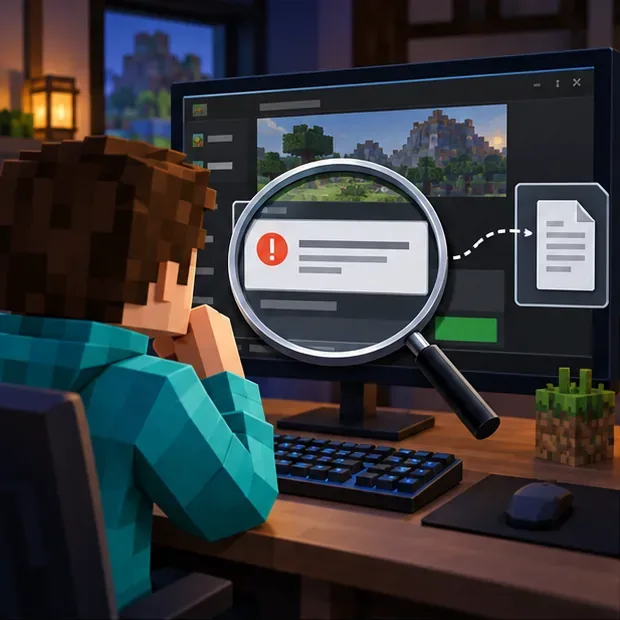
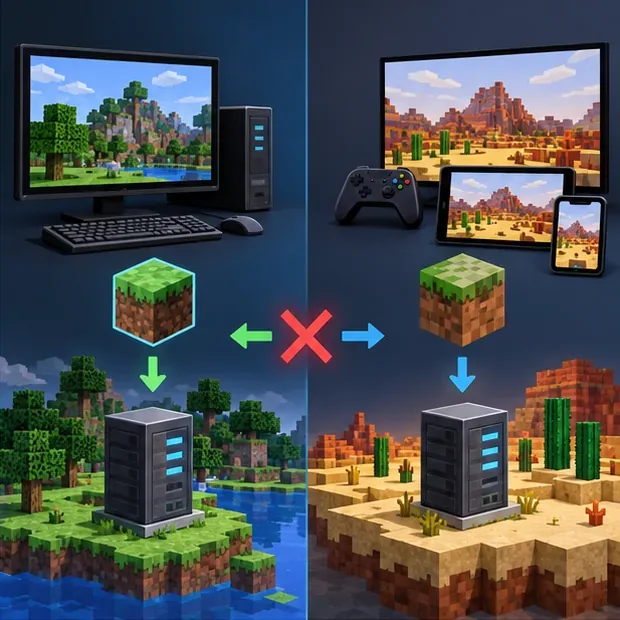
A real Minecraft version mismatch usually comes with wording that tells you the client or server is outdated, or it happens when players launch different releases. A Java client cannot normally join a Bedrock server, and a Bedrock client cannot normally join a Java server. A modded server can add another compatibility layer: the game release, mod loader, and required modpack may all need to match.
If the error appears only on one server, start with that server’s supported edition, version, address, and maintenance status. If several servers fail, check your launcher profile, account sign-in, and network. If a web page or host panel shows an HTTP 422 response, the service that returned it may need to inspect its own logs.
| What you notice | First check |
|---|---|
| One server rejects you | Ask the owner which edition, release, and modpack it supports. |
| Several servers reject you | Check the game profile, update status, account, and connection. |
| Only a modded server fails | Compare the exact loader and modpack with the server’s instructions. |
| 422 appears in a web panel or log | Identify the service and have its operator inspect the matching request log. |
Write down the full wording, not just “422.” Note whether it appeared in the Minecraft game window, the launcher, a browser page, a hosting control panel, or a server console. If Java Edition closes or disconnects, inspect the client’s logs/latest.log file and search around the time of the failed join. Keep the surrounding lines; a nearby message can reveal whether the client failed during authentication, mod loading, or the network handshake.
Test one other server that you are allowed to join, or ask a friend on the same server whether they can connect. If only one server fails, your local install may be fine. Before posting logs publicly, remove account details, private IP addresses, tokens, and other personal information.
Confirm whether you and the host are using Java Edition or Bedrock Edition. They use different multiplayer server ecosystems and do not support direct cross-play by default. Then check the exact game release requested by the server owner. In the Java Launcher, select the server’s supported release profile; do not assume that choosing the newest release is correct for an older server. If the server expects the current stable release, update the game through the official launcher or the platform’s official store.
A snapshot, preview, or beta build can be incompatible with players on a stable release. Avoid changing to a specific old version based on an online protocol-number list; those numbers can be version-specific and do not explain an HTTP 422 response. Ask the administrator to confirm the server’s current version and whether it is undergoing maintenance.
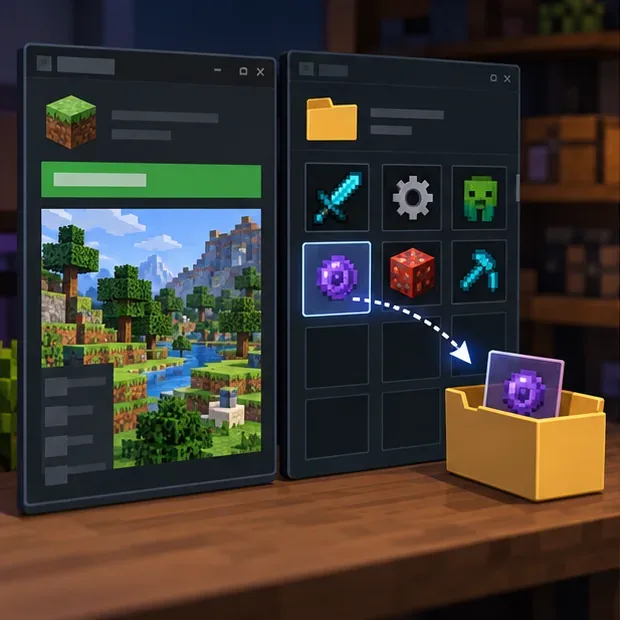
If the server is modded, verify that the game release, loader, and modpack match the server’s instructions exactly. For a controlled test, create or launch a separate vanilla profile using the supported release, then try a server that allows unmodded clients. Do not delete your mods or overwrite the profile you normally use. Back up important worlds before changing versions or experimenting with snapshots.
For Bedrock, temporarily test without optional add-ons only when doing so will not alter a world you care about; make a copy first if needed. If vanilla multiplayer works but the modded server does not, restore your regular setup and ask the server owner for its required pack and loader. Update mods only from their original project pages or the pack’s trusted distribution channel.
Close Minecraft and the launcher, reopen them, and sign out and back in to your Microsoft account. Restarting the device can clear a stuck session. On Bedrock, check that multiplayer is enabled for the account and that any online subscription required by your console platform is active. If you are joining a Realm, confirm that you have an invitation and check the service status when Minecraft’s support page recommends it.
If the problem affects multiple servers, test whether other online services work on the same connection. If you recently changed custom DNS, firewall, or router settings, undo one recent change at a time or follow Minecraft’s official network troubleshooting instructions. Allow the game or Java through your firewall only when needed; do not turn off the firewall or security software completely. Port forwarding is generally a host-side task, so do not change router ports just because a friend’s server fails.
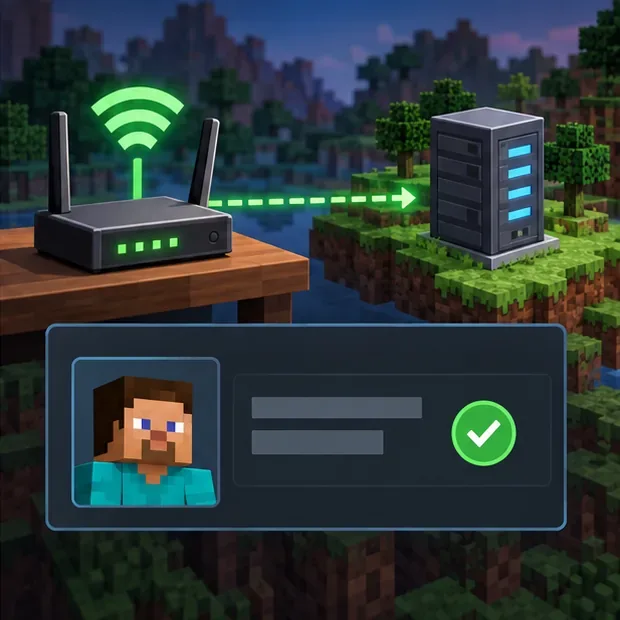
Send the server owner or hosting provider the edition, game version, loader and modpack (if any), exact error text, the time it occurred, and whether other servers work. Ask them to check the server or proxy logs for the same timestamp and confirm which component returned HTTP 422. A client-side reinstall cannot correct a rejection generated by a server dashboard, proxy, or host service.
For official guidance, see Minecraft’s troubleshooting guide for joining multiplayer games, its multiplayer requirements, the instructions for joining a Java Edition server, and its network connection troubleshooting.
No. The number alone does not establish a version mismatch. First determine whether the game, a website, a host panel, or a server-side component displayed it.
No. Check the edition, server-supported release, profile, and account before reinstalling. Reinstalling is unlikely to fix a version policy or HTTP response generated by a server-side service.
Enable PUBG’s network statistics HUD to monitor ping and packet loss in a match. See where to find it, what the numbers mean, and what they cannot diagnose.
Learn how to import VALORANT crosshair codes, compare presets with manual settings and spectator copy, and fix common import issues.
Choose Dota 2 minimap size, hero icons, team colors, and background settings by readability, fewer misclicks, and clear results on your own display.
Fix Fortnite texture pop-in on PC with official steps for GPU drivers, file verification, DirectX 12, high-resolution textures, VRAM, SSDs, and stutter.
Learn what Heroes of the Storm minimap size and position options are verified, improve readability, and choose camera-click controls that suit you.
Set Super Smash Bros. Ultimate Quickplay to prefer hazards-off stages. Follow the Preferred Rules menu steps and learn why matchmaking may not always honor them.
Enable Server Latency and Packet Loss in Warzone to monitor connection quality, read the overlay, and use recurring spikes to guide troubleshooting.
Learn how to carry from mid lane in League of Legends by setting up waves, choosing safe roam windows, reading side lanes, and converting pressure into objectives.
Fix Minecraft Evoker spell problems with a safe vanilla test, version checks, log review, and a step-by-step way to isolate mod or datapack conflicts.
Fix PUBG stuck on Initializing on Steam with a focused checklist for PC service notices, launch options, game files, downloads, and connection issues.








