How to Check Real-Time Server Latency in the PUBG HUD

Enable PUBG’s network statistics HUD to monitor ping and packet loss in a match. See where to find it, what the numbers mean, and what they cannot diagnose.
A Minecraft command block error usually comes from one of two things: the command is invalid for your edition, or the block never receives the right permission, signal, or chain input to run. Start with the exact message shown by the game, test a harmless command, then check the block's settings and wiring. This guide covers the same practical checks for Java and Bedrock while flagging where their commands and world controls differ.
Confirm whether the world is running Java Edition or Bedrock Edition, and note its game version. Copy the complete command and the full message from chat or the command block's output area. A Java command that uses NBT or a particular argument may not work in Bedrock, and Bedrock command syntax can also change over time. The phrase “instruction issues” is not one universal Minecraft error code: syntax errors, unavailable commands, missing targets, and silent blocks need different fixes.
“Minecraft 1.21+” alone does not prove a command is current. Minecraft now releases versions beyond 1.21, so confirm the version shown by the game or server interface. /version is not a universal command for a player's in-game chat.
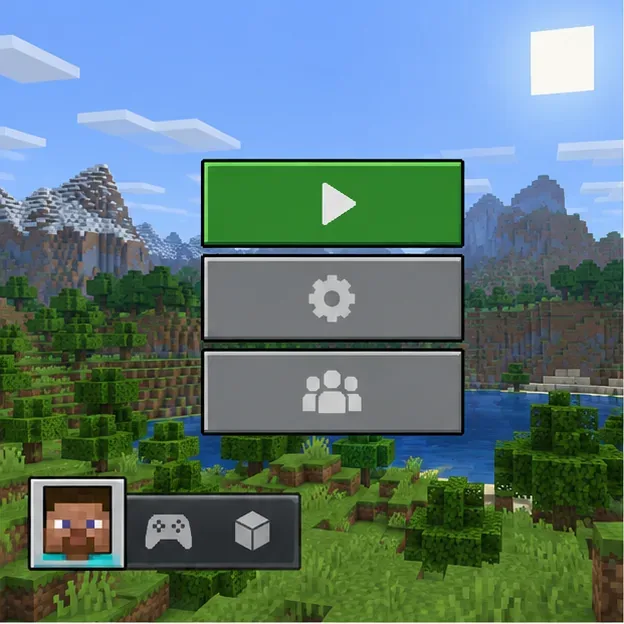
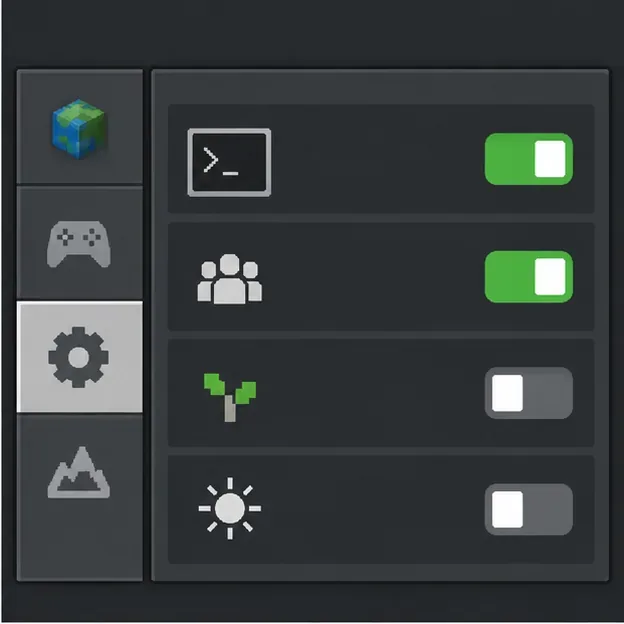
If the command fails in chat, start with permissions. In a Java single-player world, allow commands in the world options; in multiplayer, the owner or server administrator controls who may run commands. On Bedrock, check the world's cheats and operator-command permissions, and confirm command blocks are enabled in world settings. Bedrock command blocks can only be edited in Creative mode. Turning on cheats in a Bedrock world disables achievements for that world, even if cheats are later turned off. On a Realm or someone else's server, ask the owner to check access instead of trying to grant yourself operator status from a command block.
Mojang's Minecraft commands guide explains command access in Java and Bedrock. Microsoft documents Bedrock command and operator settings in its commands introduction.
Open chat and run a harmless command such as /say Command test. If chat rejects it, fix the command there before involving redstone. Use autocomplete while typing and the help or command reference for your edition to check required arguments. A missing space, misspelled item ID, unmatched quote, or Java-only argument can produce a syntax or unknown-command message. Test potentially destructive commands in a copied or creative test world first.
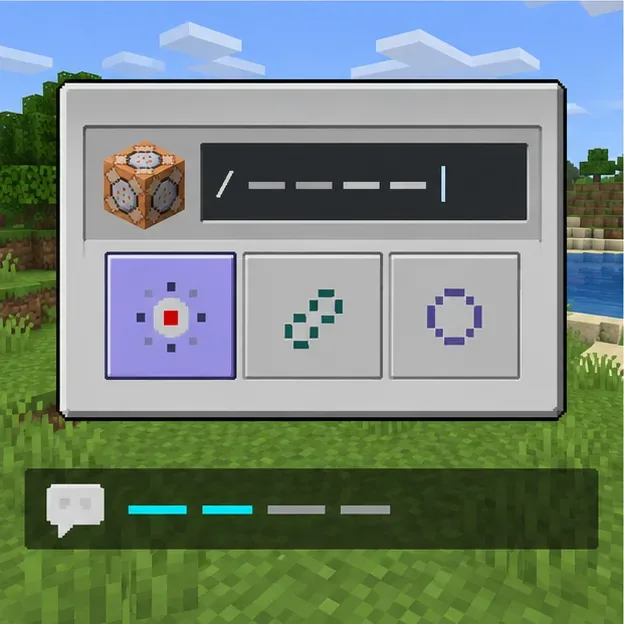
Open the command block and temporarily enter /say Command block test. Choose an Impulse block, set it to Needs Redstone, and activate it once with a button or lever. If the test works, the block can execute a command and receive power; the original command likely has a syntax, selector, target, or edition mismatch. If the test does not work, continue through permissions, block mode, and power instead of rewriting the original command.
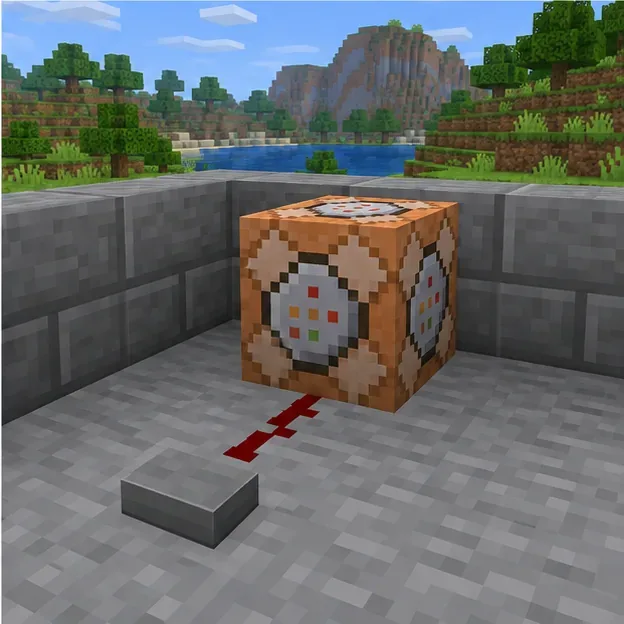
A one-time button command generally belongs in an Impulse block. A repeating detector needs Repeat. A sequence belongs in Chain blocks. If you select Conditional, the block only runs when the previous command block in the chain succeeded. Temporarily switch it to Unconditional while isolating a failure; restore Conditional afterward if the build depends on it. The official Bedrock command block tutorial, last updated April 17, 2025, describes these modes and conditions.
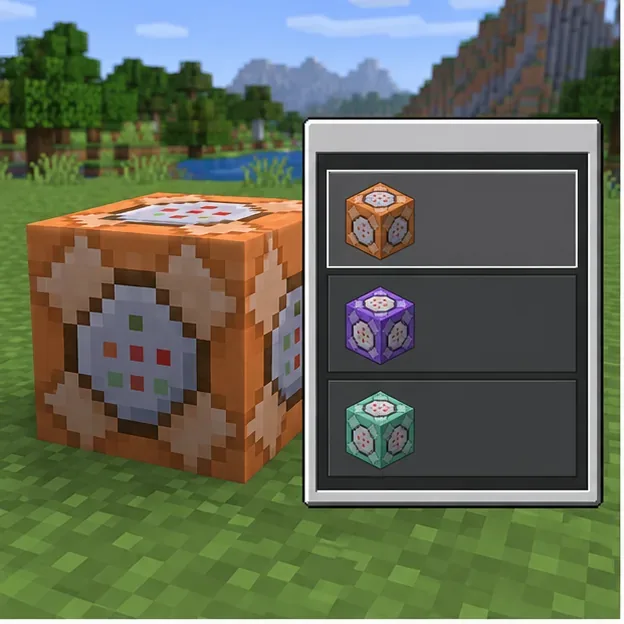
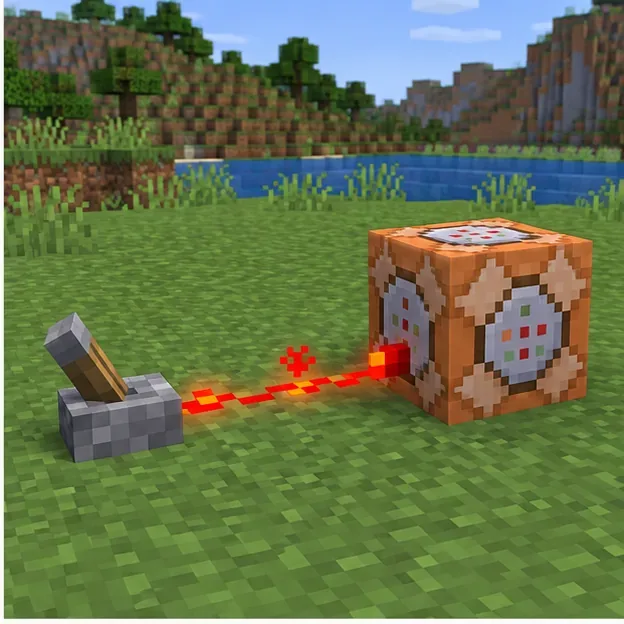
Needs Redstone means the block must receive power. Make sure the button, lever, or redstone circuit actually powers that block; nearby wire is not always connected as intended. Always Active removes the external-power requirement. It is useful for many chain blocks, but a Repeat block set to Always Active can keep executing continuously. For a safe test, use one Impulse block and a single button pulse.
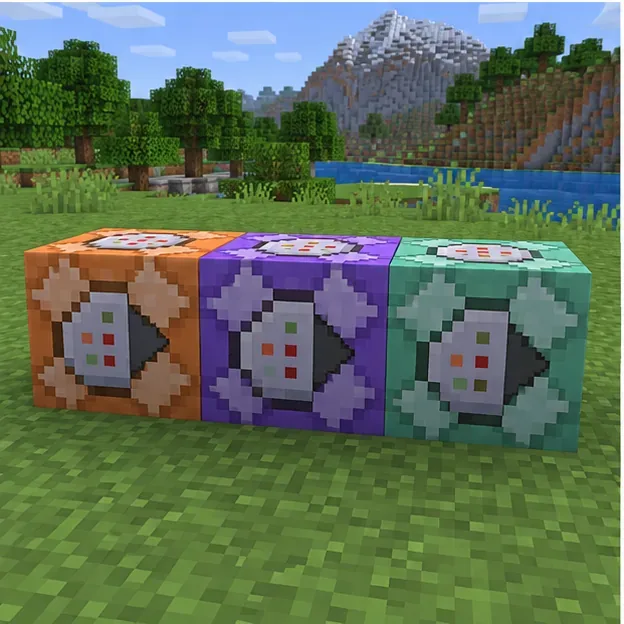
Chain blocks are directional. Inspect the arrows on the sides and place each next block in front of the previous block's output direction. Confirm that the first block activates and succeeds before expecting a Conditional chain block to run. Build the sequence one block at a time and test after each addition; a backward-facing block can look connected while receiving no execution from the prior block. Microsoft's Bedrock tutorial shows the arrow flow and the settings for a successful chain.
Selectors and relative coordinates are evaluated from the command's execution context. A command block is not a player, so @s may select no entity when the command needs a player. Microsoft explicitly notes that Bedrock's /tp @s ... will not work from a command block. See its Bedrock command examples for this context difference. Use a selector that matches the intended target, such as @p for the nearest player, or specify coordinates deliberately. Remember that ~ ~ ~ is relative to where the command is executed, which may not be where your character is standing.
For commands using /execute, item data, or entity data, consult the correct reference for your edition and version. Do not paste Java NBT syntax into Bedrock or assume both editions accept identical argument names. The Bedrock command reference lists current Bedrock command forms.
Reopen the block and inspect its most recent output or the message in chat. A syntax or argument message means the game received the command but could not parse it. A missing-target message points to a selector or coordinate problem. No visible message does not always mean no execution: Bedrock's commandblockoutput and sendcommandfeedback game rules can hide command feedback. Check output settings before treating silence as proof of a syntax failure. Microsoft's popular commands guide documents these Bedrock game rules.
Error wording differs by edition and version, so use this table as a diagnostic map rather than a list of exact error strings.
| What you see | Likely cause | What to check first |
|---|---|---|
| Syntax or argument error | Typo, missing argument, or edition-specific syntax | Test in chat; use autocomplete and the matching command reference. |
| Unknown or unavailable command | Permission, unsupported command, or a different game version | Check world access and confirm the command exists in that edition. |
| Target not found or no effect | Selector matches nobody, coordinates point elsewhere, or the command context differs | Try a known nearby player or a safe fixed coordinate. |
| Block never runs | Wrong block mode, no redstone power, disabled command blocks, or reversed chain | Use an Impulse block with a button, then verify chain arrows. |
| It runs but chat stays quiet | Output or command feedback is hidden | Check the block output and feedback game rules before changing syntax. |
Most Minecraft command block errors become easier to isolate when you separate command parsing from activation. Prove that a short command works, then verify access, block type, redstone, chain direction, and target context in that order. That approach avoids changing a working build's syntax to compensate for a block that was never triggered.
Enable PUBG’s network statistics HUD to monitor ping and packet loss in a match. See where to find it, what the numbers mean, and what they cannot diagnose.
Learn how to import VALORANT crosshair codes, compare presets with manual settings and spectator copy, and fix common import issues.
Choose Dota 2 minimap size, hero icons, team colors, and background settings by readability, fewer misclicks, and clear results on your own display.
Fix Fortnite texture pop-in on PC with official steps for GPU drivers, file verification, DirectX 12, high-resolution textures, VRAM, SSDs, and stutter.
Learn what Heroes of the Storm minimap size and position options are verified, improve readability, and choose camera-click controls that suit you.
Set Super Smash Bros. Ultimate Quickplay to prefer hazards-off stages. Follow the Preferred Rules menu steps and learn why matchmaking may not always honor them.
Enable Server Latency and Packet Loss in Warzone to monitor connection quality, read the overlay, and use recurring spikes to guide troubleshooting.
Learn how to carry from mid lane in League of Legends by setting up waves, choosing safe roam windows, reading side lanes, and converting pressure into objectives.
Fix Minecraft Evoker spell problems with a safe vanilla test, version checks, log review, and a step-by-step way to isolate mod or datapack conflicts.
Fix PUBG stuck on Initializing on Steam with a focused checklist for PC service notices, launch options, game files, downloads, and connection issues.








