Home
» 🎮 Esports
»
Dominate Fortnite Rocket Racing: Drift Like a King with Pro Tips (Archived Guide)
Dominate Fortnite Rocket Racing: Drift Like a King with Pro Tips (Archived Guide)
Dominate Fortnite Rocket Racing: Drift Like a King with Pro Tips (Archived Guide)
Important status update: Rocket Racing is no longer playable in Fortnite. Epic says it was removed on October 1, 2026, and Rocket Racing template islands in UEFN were unpublished. Customized cars remain in your Vehicle Locker, but this page is now an archived explanation of the mode’s driving mechanics, not instructions for joining a live race. See Epic’s Rocket Racing retirement notice.
When the mode was available, the fastest-looking move was not always the fastest route. A useful Fortnite Rocket Racing drift linked a corner to its exit: the drift charged a speed boost, and that boost took effect after the car straightened. The best line therefore balanced the charge you built against the direction and speed you carried out of the turn.
How drifting worked in Rocket Racing
Epic’s Rocket Racing driver’s manual describes two related actions. A basic drift could begin when you made a tight turn. For a sharper turn, Rocket Drift combined that tight steering with holding the Rocket Drift input. Both charged a speed boost; a longer drift built a longer boost for the moment after you straightened out.
That mechanic rewards control more than a fixed drift duration. A short corner may not need a long slide, while a longer bend can give you more room to charge. Aim to leave the turn pointed down the next section. If the car is still sliding sideways when the road opens, the extra charge may not help as much as a clean exit.
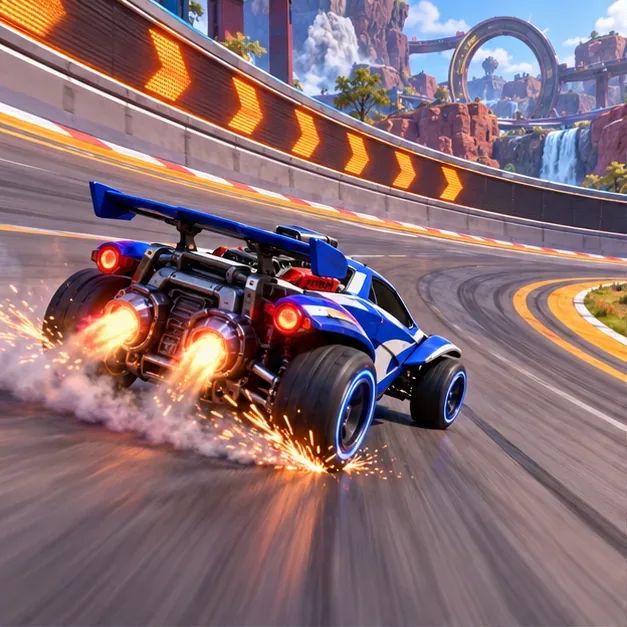
A car holds a controlled slide through a banked corner, with its nose aimed toward the road ahead.
Four skills that shaped a clean lap
1. Match the drift to the corner
Read the bend before turning in. Use a regular drift for a tight corner and Rocket Drift when the sharper turn calls for it. Think about the exit first: where should the car point when the boost arrives? Keep steering inputs deliberate, and straighten when you are ready to use the stored drift boost. This is a practical way to apply Epic’s documented mechanic, not a universal timing formula; each course section can demand a different line.
2. Treat Turbo as a limited resource
Rocket Racing cars held up to three Turbo charges. Epic says the meter refilled over time and refilled faster while drifting. That means drift and Turbo were connected systems: drifting helped build a later corner-exit boost and also helped restore Turbo.
For race analysis, note where Turbo was spent and what came next. A long open section may give a clear chance to use it; an approaching turn or hazard may make saving a charge useful. There was no single correct rule to spend immediately or hold all three. The useful question was whether a Turbo improved the next part of the route.
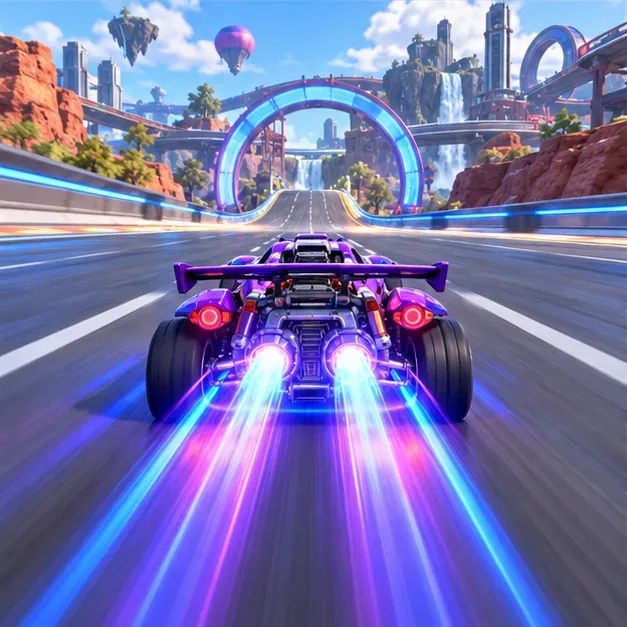
A car accelerates along a straight, illustrating a Turbo use after a corner exit.
3. Fly over hazards with short, planned inputs
Epic warned that hitting a track hazard reduced the car’s speed. Jumping could clear an obstacle, and holding the jump input let the car fly for a limited time before its jets ran out. Epic also recommended brief taps to fly farther and noted that touching the ground restored flight. The practical lesson: use flight to clear a hazard or reach a route, then land where you can regain control and recharge.
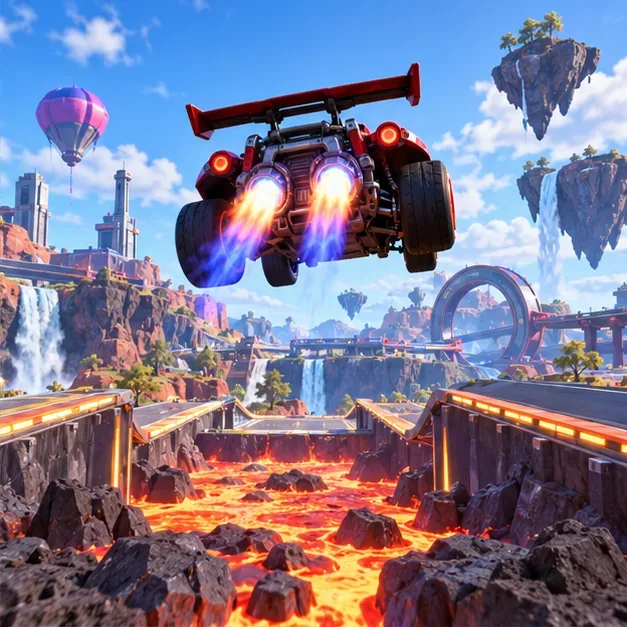
A car crosses an open gap in flight, with the next section of track visible ahead.
4. Use an air dodge to connect to a wall
While airborne, a directional air dodge could attach the car to a wall or ceiling. Epic’s overview says that once attached, you could drift and use Turbo. This made the move a route transition, not merely an aerial flourish: the direction of the dodge determined whether the car reached the surface you intended.
Before an air dodge, identify the surface you are trying to reach and the direction the car needs to face afterward. A wall attachment only helps if it sets up the next turn or straight. If it leaves the vehicle pointed away from the route, the maneuver costs control instead of saving it.
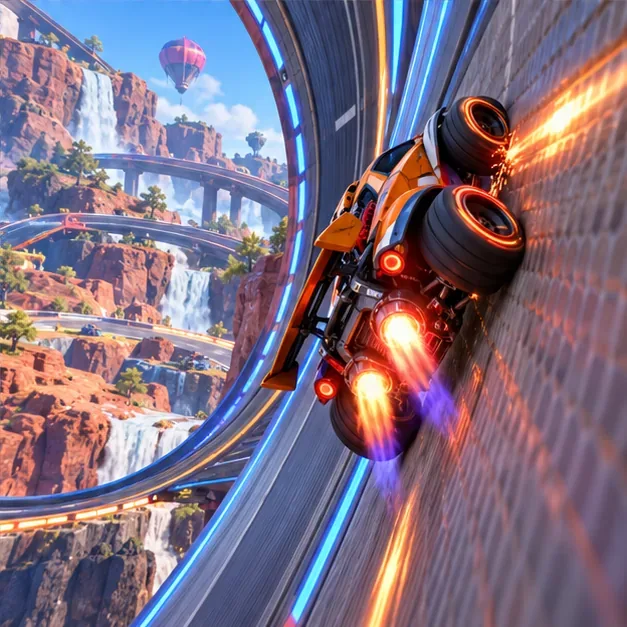
A car rides a curved wall after an aerial transition, positioned to continue along the track.
A practical checklist for reviewing old race footage
Since Rocket Racing has retired, use this checklist to study saved clips or remember how the mode’s systems fit together. It avoids invented percentages and keeps attention on decisions you can actually see:
Mark the corner entry and exit. Did the car begin drifting for the turn, and did it straighten toward the next section?
Check the drift’s purpose. Did the slide build a useful boost for the exit, or leave the car pointed across the road?
Track Turbo charges. Note whether drifting helped refill the meter and whether Turbo was used where it changed the route.
Review hazards and flight. Look for avoidable impacts, overlong flight, and a controlled landing that restored the ability to fly.
Follow each wall transition. After an air dodge, check whether the car attached to the intended surface and could continue forward.
Change one decision at a time. Compare entry, drift length, or Turbo timing in another clip so the cause of a different result stays clear.
Claims from older guides to treat with care
Older versions of this article listed exact PC, console, and mobile bindings, named tracks with difficulty labels, and claimed specific win-rate gains. Epic’s official overview confirms support for controller, mouse and keyboard, and touch, and recommends a controller; it does not validate those exact key mappings or percentages. The old table also presented car “tuning” as a competitive edge, while Epic’s launch guide says car bodies, decals, and wheels grant no competitive advantage. Those unsupported details have been removed.
Rocket Racing’s core ideas were simple to state but depended on the course: drift to charge a boost, manage Turbo, fly over hazards, and use air dodge to reach walls or ceilings. The mode’s removal means these tips cannot currently be practiced in Fortnite’s Rocket Racing playlist. Epic says customized cars remain in the Vehicle Locker; its support page does not say that Rocket Racing itself or its template-based islands remain playable.