Home
» 🎮 Esports
»
Minecraft Error Protocol Network FIXED: Solve Multiplayer Issues in 1.21+
Minecraft Error Protocol Network FIXED: Solve Multiplayer Issues in 1.21+
Minecraft Network Protocol Error: Fix Multiplayer Connection Problems in 1.21+
If you searched for a Minecraft network protocol error, start with the full message on screen. “Protocol” is often used as a catch-all for several different failures; a version mismatch, wrong server address, multiplayer permission, mod conflict, or unavailable server can look similar but needs a different fix. Work through these four checks in order, and stop when you can connect.
This guide covers Minecraft Java Edition and Bedrock Edition on current 1.21+ releases. It does not assume that every disconnect is caused by your internet or that every player should change router settings.
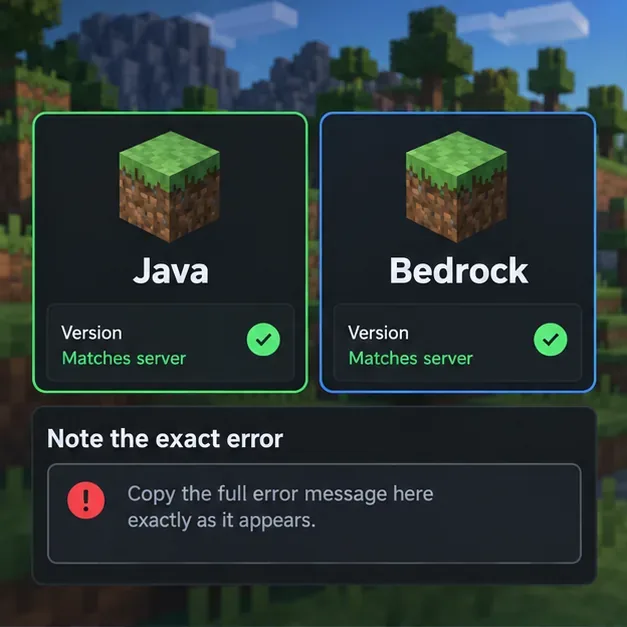
Start by noting the exact message and whether the affected game is Java or Bedrock; this conceptual interface is not an exact game screen.
What a Minecraft protocol or network error can mean
A disconnect can happen before login, while joining a world, or after you have already entered it. The timing and scope narrow the cause. If only one server fails, the server address, server version, whitelist, or host status is more likely than a device-wide network fault. If every multiplayer destination fails, check the game account, platform permissions, local network, and service status.
What you see
First thing to check
“Outdated client” or a version/protocol mismatch
Compare your game edition and version with the server’s supported version.
“Can’t connect,” timeout, or connection refused for one server
Recheck the address and ask whether that server is online and accepting players.
Friends, Realms, or multiplayer options are unavailable
Check account privacy settings, platform permissions, subscriptions, or service status.
Disconnect after joining, especially with mods
Try a clean, unmodded client and have the server owner check its logs.
Four steps to fix Minecraft connection problems
Step 1: Record the message and isolate where it fails
Write down the complete error text, including any code, punctuation, or “Internal Exception” details. Note whether you use Java or Bedrock, your game version, the server or Realm you are joining, and whether the failure happens before joining or after the world loads. Then test one other known working destination, if available. This simple comparison separates a problem with one host from a broader Minecraft connection error.
Do not post a full log publicly without checking it for private server addresses, account details, or access tokens. If the message includes a specific error code, search that exact code in Minecraft’s official help pages rather than applying a generic protocol fix.
Step 2: Match the edition, version, and server address
On Java Edition, ask the server owner which release and server software they support, then choose that version in the Launcher. If the server is on a different release, do not assume that any two 1.21+ versions are interchangeable. For a third-party server, use its published address exactly; Java’s Multiplayer screen offers Direct Connection and Add Server. A hostname may also require the port supplied by the host.
On Bedrock, update the game through the store for your device and confirm the host is on a compatible release. Java and Bedrock are separate editions; a matching-looking version number alone does not make a Java server joinable from a standard Bedrock client. For a LAN game, the official guidance requires players to use the same local network and the host to enable multiplayer and LAN visibility.
On Bedrock consoles or family accounts, also check multiplayer privacy permissions and any online-play subscription required by that platform. If a child account is blocked from multiplayer, the family account owner may need to change the permission. See Minecraft’s multiplayer connection checklist.
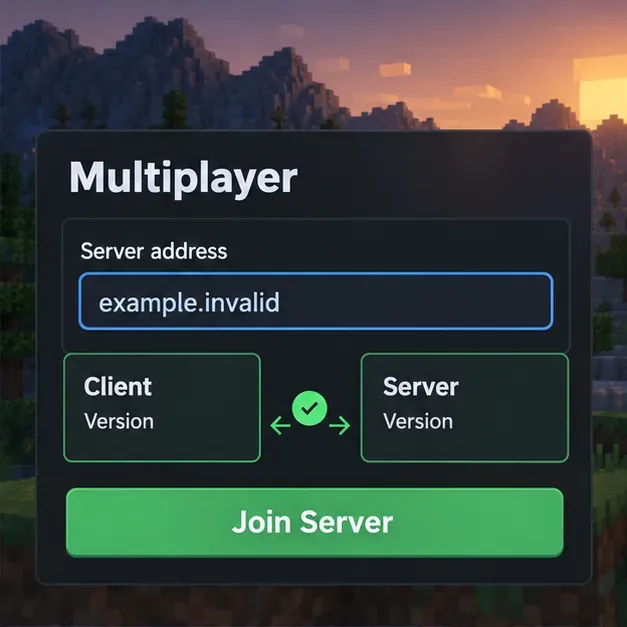
Check the server address and confirm the server supports the version installed on your device; the address shown is a nonfunctional example.
Step 3: Test a clean client and a different network path
If the server supports your edition and version, close Minecraft and reopen it. On Java, launch a separate vanilla profile with no mods or custom client, then try again. Keep your saves and existing profile intact; do not delete the game folder as a first fix. If vanilla works, add mods back only after checking that each one supports your game version and loader. Ask the server owner whether client-side mods or resource packs are required.
Next, test another trusted connection if practical, such as Ethernet instead of Wi-Fi or a different home network. If the problem disappears on the alternate connection, investigate the original router, Wi-Fi signal, DNS, VPN, or network restrictions. You can temporarily pause a VPN only if your network rules allow it, then restore it after the test. Avoid disabling your firewall or security software outright.
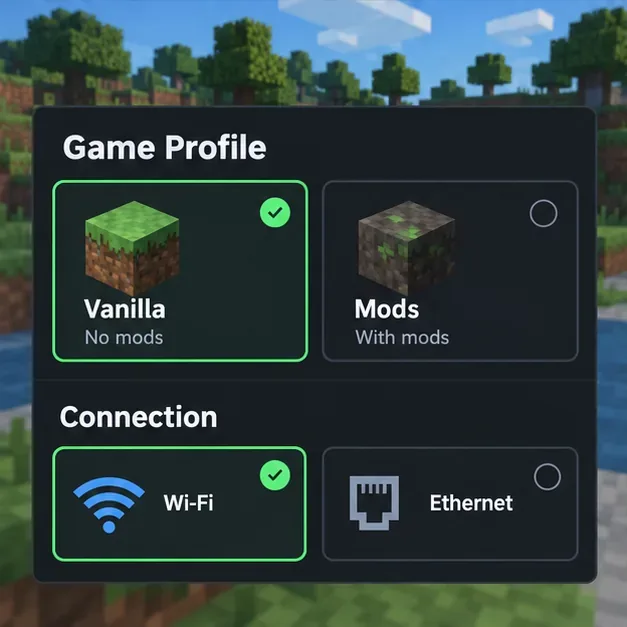
A vanilla profile and an alternate network path help isolate local mod or connection issues without deleting worlds.
Step 4: Check service status, firewall rules, or server logs
For Realms or official multiplayer features, check Minecraft’s current support guidance and service availability; waiting may be the only useful action during an outage. For a private server, confirm that the host is running, the server is not full or paused, and your account is allowed to join. If other players can connect but you cannot, share the exact message and timestamp with the server owner.
If you administer a Java server, compare the running server build with the intended client release and inspect the console or latest log at the time of the failed connection. Back up the world before changing server software, plugins, or mods. Test one change at a time, preferably on a copy. On Windows, allow the correct Java application through the firewall on the network profile you actually use; do not turn off the firewall globally.
Port forwarding is relevant only when you host a server behind your own router and need outside players to reach it. Minecraft’s Java server setup guide identifies 25565 as the default Java server port, but a server can be configured differently. Ask the host for the actual address and port. Players joining someone else’s public server generally should not forward ports on their own router. Java’s port is not a universal Bedrock fix.
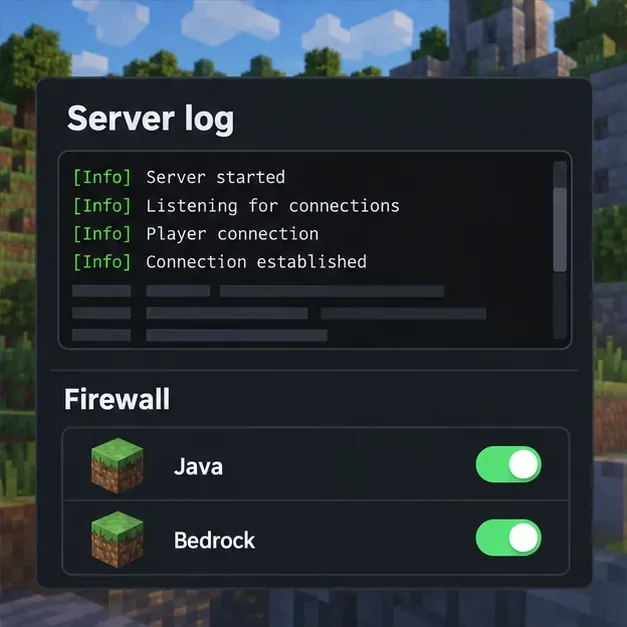
Server owners should compare the failed connection time with server logs and allow only the relevant game or server application.
Quick checks before you retry
Confirm whether the issue affects Java or Bedrock, and copy the exact error.
Check your installed version against the target server’s supported version.
Verify the server address, any host-provided port, and whether the server is online.
For Bedrock, check account multiplayer permissions and platform requirements.
For Java, compare a vanilla profile with your modded setup before changing files.
Change firewall or router settings only when you control the server or know which app and port the host requires.
When to contact the server owner or Minecraft Support
If you can join other servers but not one specific world, send that server’s owner the exact error, your edition and version, and the time the attempt occurred. If no multiplayer service works on your device, consult Minecraft’s network connection troubleshooting page. For Realms, use the dedicated Realms connection guide. If you host Java yourself, follow the official Java server setup instructions before exposing a server to the internet.
The reliable fix comes from matching the error to the place it occurs: edition and version, address and permissions, your local client and network, or the server itself. That process resolves many Minecraft 1.21+ multiplayer connection problems without guesswork or risky system-wide changes.