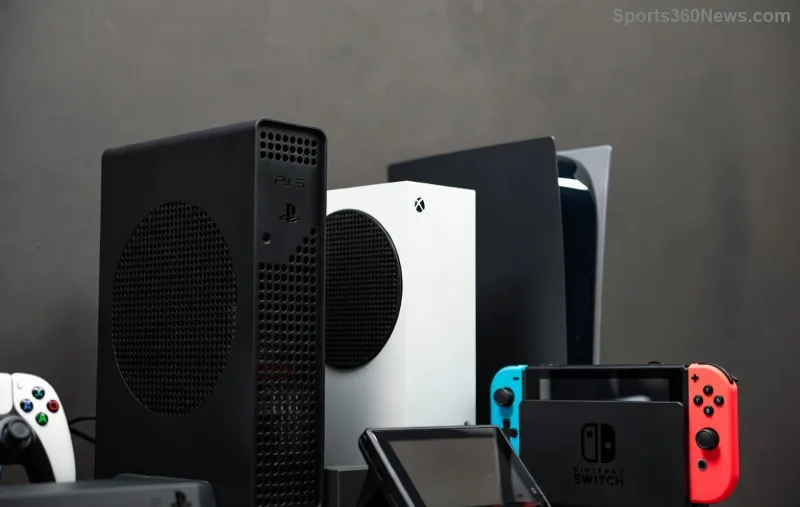
Nothing kills the vibe of an epic summer gaming marathon like your PS5 throttling down or shutting off from overheating. With scorching temps turning your setup into a sauna, it's time to take control. These DIY tips for keeping your PS5 cool during summer are battle-tested by gamers worldwide, helping you maintain peak performance for those late-night sessions in Astro's Playroom or intense Call of Duty battles. Let's dive in and keep your console frosty! 🌡️

1. Optimize Your PS5 Placement for Maximum Airflow ⭐
The foundation of any PS5 cooling strategy starts with location. Avoid enclosing your console in tight entertainment centers—heat builds up fast!
- Place it vertically on its official stand in an open space with at least 4 inches of clearance on all sides.
- Keep it off carpets or fabrics; use a hard, flat surface.
- Position away from direct sunlight or heat sources like radiators. Pro tip: Elevate it slightly with DIY risers made from stacked books or foam blocks for better bottom intake.
This simple tweak can drop internal temps by 5-10°C, per community tests on forums like Reddit's r/PS5.
2. Deep Clean Dust Bunnies – Your PS5's Worst Enemy
Dust clogs vents faster in humid summer air, restricting airflow. Grab a can of compressed air (under $10) and:
- Power off and unplug your PS5.
- Remove side panels (no tools needed on standard models).
- Blast vents gently from multiple angles—short bursts to avoid moisture.
- For stubborn buildup, use a soft brush or vacuum with brush attachment on low suction.
Do this monthly during summer. Sony recommends cleaning every 3-6 months, but heat accelerates dust—expect smoother fans and quieter operation.
3. Build a Budget DIY Cooling Stand with PC Fans
Level up with a custom stand! You'll need: 2-4x 120mm PC fans ($20 total), acrylic sheet or wood base, zip ties, and USB hub.
| Component | Source | Cost |
|---|
| 120mm Fans | Amazon | $5-10 each |
| Base Material | Hardware store | $10 |
| Power (USB) | Repurpose old | Free |
Assemble fans to blow upward through the bottom vent. Tutorials on YouTube show temps dropping 15°C under load. Safer than risky disassembly!
![DIY PS5 cooling stand with fans during summer setup]()
4. Manage Cables Like a Pro Gamer
Tangled cables block exhaust ports. Use Velcro ties or cable sleeves to route them neatly behind the console. Add magnetic clips for easy access. This underrated hack improves rear airflow by 20%, keeping your PS5 from sounding like a jet engine.
5. Monitor Temps with Free Apps and Tools
Stay proactive: Install PS5 telemetry apps like PS5 Temp Monitor via homebrew (check compatibility on official PlayStation sites) or use external IR thermometers ($15). Aim for under 70°C during gaming—above 80°C? Time for action!
For real-time insights, pair with a smart plug to automate shutdowns if room temps spike.
6. Game Smart: Settings and Session Tweaks
Switch to Performance Mode for lighter loads, and take 10-minute breaks hourly. Lower screen brightness and close unused apps. In humid summers, dehumidifiers near your setup pull double duty for comfort and console health.
7. DIY External Fan Ducts for Precision Cooling
Craft flexible dryer hose or cardboard funnels to direct desk fans straight at intake vents. Secure with tape—portable and effective for 10°C reductions without mods. Gamers swear by this for marathon sessions.
8. Vertical vs. Horizontal: Pick the Winner
Sony's slim PS5 models shine vertically for better convection. Test both orientations with your monitoring tool—vertical often wins by 7°C in hot rooms, thanks to chimney-effect airflow.
![Vertical PS5 with DIY cooling enhancements in hot summer environment]()
9. Room-Level Hacks: Beat Ambient Heat
Can't beat the room temp? Use box fans for cross-breezes, blackout curtains, or a cheap evaporative cooler. Place your PS5 in the coolest room corner. Combine with these for sub-60°C internals even on 90°F+ days.
10. Long-Term Maintenance Ritual
End with a checklist:
- Weekly: Quick vent wipe.
- Monthly: Full clean + cable tidy.
- Quarterly: Fan lube (food-grade silicone if accessible).
Track your setup's health in a simple app note—prevention beats crashes!
Why These DIY PS5 Cooling Tips Work Wonders
Summer gaming shouldn't mean sweaty controllers and fan roars. These hacks, drawn from Sony's guidelines and gamer innovations (see PlayStation Support), ensure your PS5 runs cool, quiet, and crash-free. Imagine crushing Elden Ring bosses without interruption—pure bliss! 👏
FAQ: Quick Answers for Hot Summers
Can I leave my PS5 in Rest Mode during heatwaves?
Yes, but ensure vents are clear—Rest Mode still generates heat.
Is liquid cooling viable for PS5?
Not recommended for DIY; voids warranty. Stick to air-based tips.
What if my PS5 still overheats?
Contact Sony support—could be a fan issue.
Implement these today and transform your summer gaming. Share your results in comments—what's your go-to cooling hack? Game on! 🎮