Fix the Minecraft “Zero Zones” Error: 1.21 Crash Troubleshooting Guide
If you searched for a Minecraft “Zero Zones” error, start by checking the exact message and where it appears. I could not verify “Zero Zones” as a standard Mojang-published error code or a vanilla Minecraft setting. The phrase may come from a particular mod, modpack, launcher, server tool, or a mislabeled report. That means there is no verified universal fix such as changing a Sodium JSON option or adding a custom Java argument.
This guide focuses on Minecraft Java Edition 1.21 crashes or rendering problems associated with that phrase. The reliable route is to protect your save, test a clean profile, isolate mod and shader changes, and use the game log to identify the component that actually failed. If you play Bedrock Edition, skip the Fabric, Sodium, and Iris advice: those are Java Edition tools.
What the “Zero Zones” label does—and does not—tell you
A search phrase alone does not identify a specific crash cause. A black screen, freeze while loading a world, launcher failure, and a crash report are different symptoms. Minecraft Support treats crashes as problems to troubleshoot from their symptoms, while Fabric’s player documentation directs users to version-matched mods, crash reports, and logs. Record the full text, the screen or program that displayed it, and what you were doing when it appeared. Do not assume that Minecraft has an invisible “zone” subsystem that needs to be reset.
Six steps to diagnose a Minecraft 1.21 crash safely
1. Capture the exact error and identify your setup
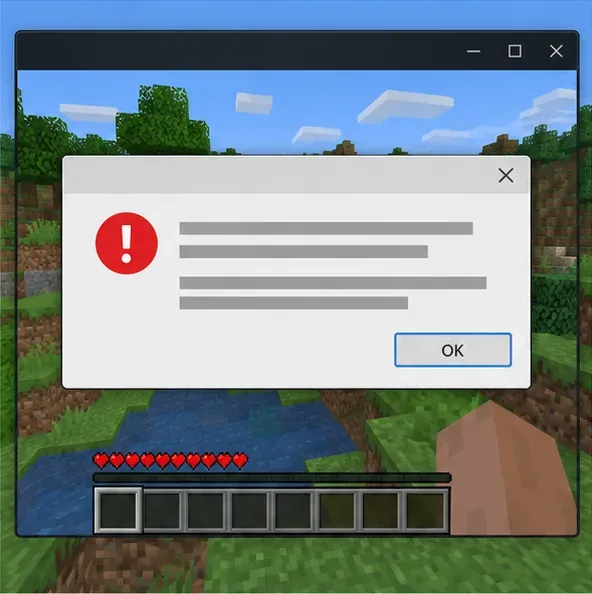
Take a screenshot or copy the complete message before closing the game. Note whether you are using Java or Bedrock, the exact 1.21 patch shown in the launcher, the launcher or modpack name, and whether the issue happens before the title screen, while joining a server, or while opening one world. If “Zero Zones” appears only in a third-party window or server panel, include that product’s name; its own documentation may define the term.
Illustration: A generic crash dialog shows why the full message matters.
2. Back up the world before changing files
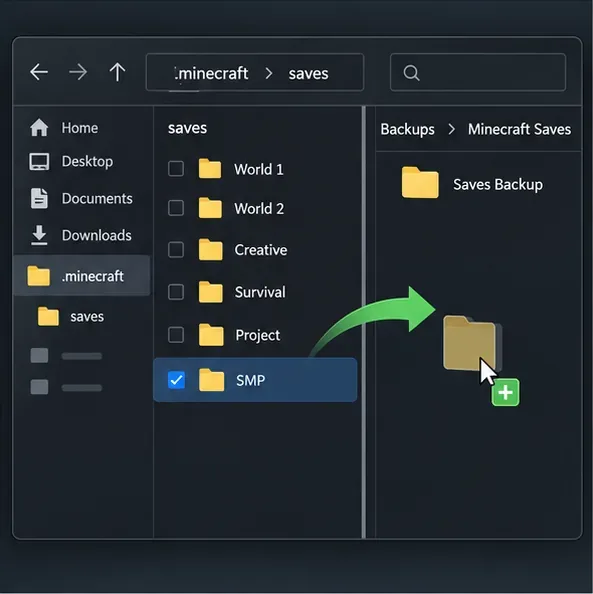
Close Minecraft first. Copy the affected world folder to a separate backup location before changing mods, loaders, versions, or world files. With the default Java game directory, saves are usually under %appdata%\.minecraft\saves on Windows, ~/Library/Application Support/minecraft/saves on macOS, and ~/.minecraft/saves on Linux. Third-party launchers often keep each instance in its own directory, so use that launcher’s “open game directory” option and back up the matching saves folder. Keep the original untouched until the test is complete.
Illustration: Copy the affected save to a separate backup location before changing the instance.
3. Compare against a clean 1.21 profile
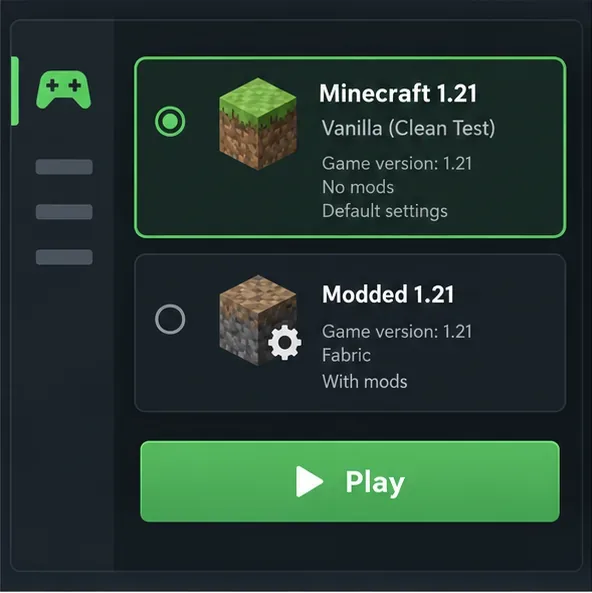
Create or select a separate installation for the same Minecraft 1.21 patch and launch it without mods, shaders, or extra resource packs. Use a new test world rather than your only copy of the affected save. If this clean profile works, the problem is likely tied to the original instance’s mods, settings, or world. If the clean profile also fails, focus on the launcher, game files, graphics driver, runtime, or device before changing the save.
Illustration: Compare a clean 1.21 profile with the modded instance.
4. Check every mod against the exact game version and loader
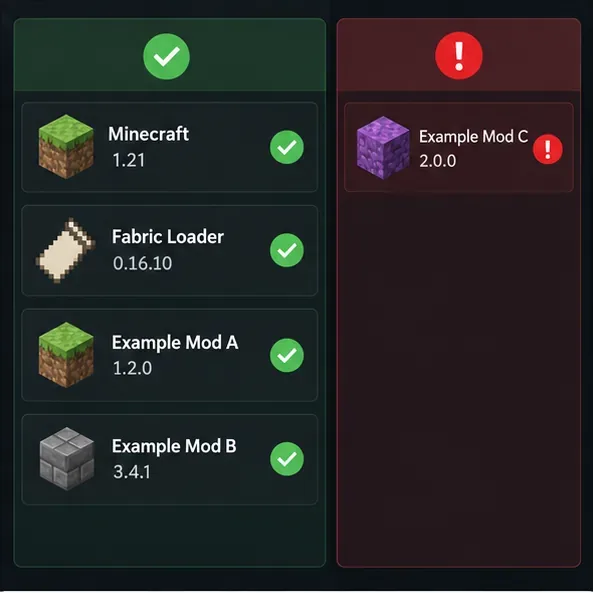
For a Fabric instance, confirm that each mod supports your exact Minecraft patch, Java Edition, and Fabric Loader version, and install required dependencies such as Fabric API when the mod calls for them. A mod that supports one 1.21 patch may not support another. Quilt, Forge, and NeoForge builds are not interchangeable with Fabric builds. Use the mod developer’s release page or a trusted mod platform, and avoid files from unknown download mirrors.
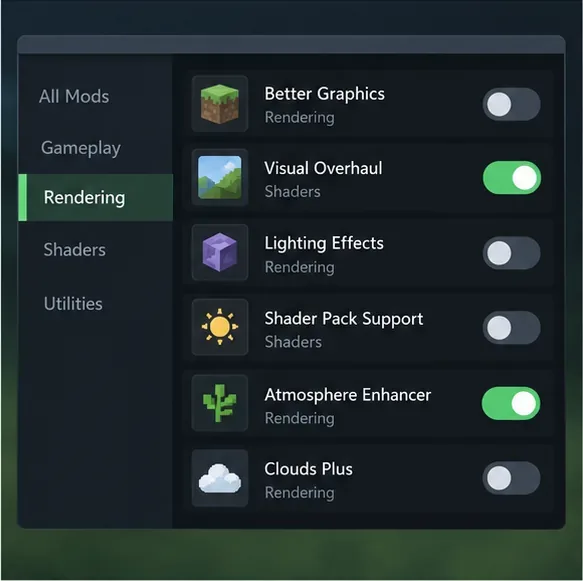
To isolate a rendering conflict, close the game and temporarily move one suspected mod .jar at a time out of the instance’s mods folder. Start the profile after each change. If you use Sodium, Iris, Distant Horizons, or another rendering or shader mod, test without that component and then check the project’s compatibility notes for your specific game patch. Do not delete the file; keep it in a temporary folder so you can restore it. Change one item at a time so the result tells you something useful.
Concept only: sample versions are not recommendations; verify every release for your exact game patch.Illustration: Disable one rendering or shader component at a time; the controls vary by launcher and mod.
5. Update graphics software only when the evidence points there
If the clean profile also shows visual corruption, a blank window, or a graphics-related crash, install the current driver for your exact GPU from its manufacturer’s official support channel, then restart the computer and retest. Keep the launcher’s bundled Java runtime unless your third-party launcher specifically requires a different supported runtime. Avoid copying JVM arguments from unrelated guides or editing undocumented Sodium configuration keys: those changes are not established fixes for an unverified “Zero Zones” message. Increase memory only if the log shows a memory-allocation failure, and use the launcher’s documented controls.
Illustration: Check the GPU manufacturer’s official driver channel if clean profiles also show graphics faults.
6. Read the log and share enough context to get a real fix
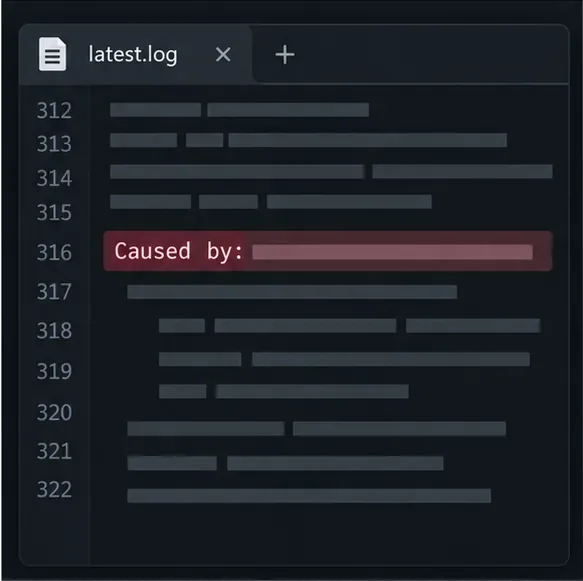
After reproducing the problem once, open the instance’s logs/latest.log and, if one was created, the newest file in crash-reports. The default Java game directory stores these in its logs and crash-reports folders; a third-party launcher may use a separate instance directory. Look near the end of the log and in the crash report’s main summary and stack trace. Search for the first useful exception or Caused by: line, plus any mod IDs named nearby. Treat those as clues, not proof: a mod listed in a stack trace can be involved in a compatibility chain rather than being the sole cause.
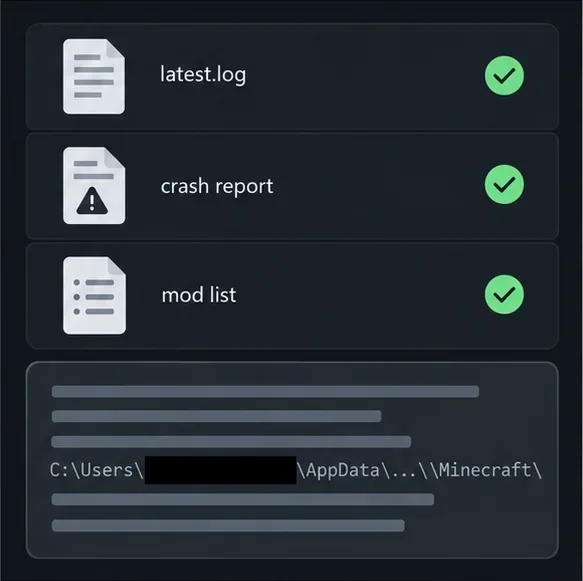
For a support request, include the exact Minecraft and loader versions, the mod list, what changed immediately before the crash, and the relevant log or crash report. Redact private details such as your Windows username if it appears in a file path. Fabric’s guides explain where logs and crash reports are stored and how to share them safely.
Illustration: Search the log and crash report for the first useful exception or cause clue.Illustration: Share the relevant diagnostics and redact private filesystem details first.
Use the symptom to choose the next test
What happens
Next useful check
The launcher fails before Minecraft opens
Test a clean installation; check the launcher’s own log and runtime settings.
Only the modded profile crashes
Verify game, loader, mod, and dependency versions; isolate mods one at a time.
The game works until shaders or rendering mods are enabled
Test without the shader and verify compatibility for the exact Minecraft patch.
Only one world fails to load
Preserve the backup and test a copy; do not delete chunks or run repair utilities on the only save.
Vanilla and modded profiles both show graphical errors
Check the GPU driver and the crash report before changing mod settings.
Prevent the next crash
Keep separate launcher instances for different Minecraft versions and modpacks.
Back up important worlds before changing a loader, mod set, or game version.
Update one mod or graphics component at a time, then launch a test world.
Keep a copy of the latest log after a crash; it can show whether the failure changed.
Check official project release notes for your exact game patch instead of relying on a single “safe version” list.
The useful takeaway for a Minecraft “Zero Zones” error search is simple: confirm the source of the wording, then diagnose the actual crash. A clean profile and a readable log can separate a mod-specific issue from a launcher, graphics, or world problem without risking your save.