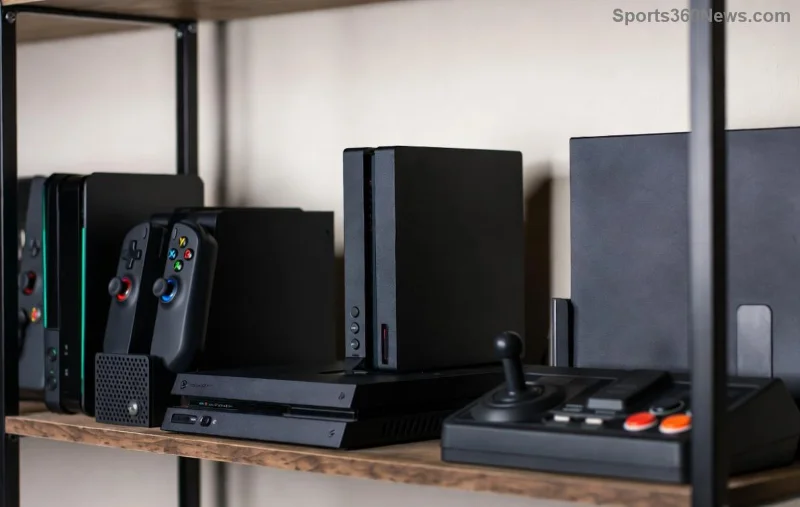
Hey fellow gamer! 👋 Upgrading to the latest console or just decluttering your setup? Selling your Xbox One is a smart move, but only if it's in pristine condition. A proper full reset ensures your personal data is wiped clean, making it irresistible to buyers. This guide walks you through every step to prepare your Xbox One for sale – quickly, safely, and profitably. Let's turn that dusty console into cash! 💰
Why a Full Factory Reset is Essential Before Selling
Skipping the Xbox One full reset risks exposing your game saves, accounts, and login details. Buyers want a fresh start – just like you did when you unboxed it. Plus, it boosts resale value by 20-30% on platforms like eBay or Facebook Marketplace. Prepare your Xbox One for sale right, and watch bids soar! ⭐
Step 1: Backup Your Precious Data First 🛡️
Don't lose those epic achievements! Before any reset:
- Cloud Backup: If subscribed to Xbox Game Pass Ultimate or have Xbox Live Gold, your saves auto-sync. Go to My games & apps > See all > Select game > Manage game > Ensure cloud saves are enabled.
- USB Backup: Insert a FAT32-formatted USB drive. Download Xbox storage tools or manually copy screenshots/videos from Settings > System > Storage.
- Game Discs: Eject and list any physical games separately – they sell better bundled!
Pro Tip: Test restores on a new device to confirm everything's safe. Peace of mind = happy selling! 😊
Step 2: Sign Out of All Accounts 🔓
Remove your digital footprint:
- Navigate to Settings > Personal > Accounts > Sign out. Do this for every profile.
- Deauthorize media apps like Netflix: Settings > Account > Linked services.
- Disable recurring subscriptions to avoid post-sale charges.
This step prevents remote access issues, making your Xbox One truly buyer-ready.
Step 3: Perform the Full Factory Reset ⚙️
Time for the main event – the Xbox One factory reset! Here's the foolproof method:
| Step |
Action |
Why? |
| 1️⃣ |
Go to Settings > System > Console info > Reset console. |
Initiates reset options. |
| 2️⃣ |
Select Reset and remove everything (not 'retain games'). |
Wipes all data, apps, and settings for a factory-fresh state. |
| 3️⃣ |
Confirm and wait 5-15 minutes. Console restarts like new! |
Ensures no traces left behind. |
For official details, check Xbox Support Reset Guide. Your console will boot to the initial setup screen – perfect proof for buyers!
![Step-by-step Xbox One factory reset screen]()
Step 4: Deep Clean Your Console ✨
A spotless Xbox One sells faster. Gather: microfiber cloth, compressed air, isopropyl alcohol (70%).
- Vents & Ports: Blast dust with air. Avoid vacuums!
- Exterior: Wipe gently – no liquids inside.
- Controller: Clean sticks/buttons. Test all functions post-reset.
- Cables: Include HDMI, power cord – bundle neatly.
Bonus: Take high-res photos from multiple angles post-clean. Buyers love shiny! 📸
Step 5: Package and Price for Maximum Profit 💸
Seal the deal:
- Packaging: Original box? Gold! Otherwise, use bubble wrap in a sturdy box. Label "Tested & Reset."
- Pricing: Check eBay sold listings or GameStop trade-ins. Bundled controllers/games add $50+ value.
- Platforms: eBay, Craigslist, Mercari, or Facebook. Disclose "Factory reset – ready to setup."
- Shipping: Use tracked service; insure for full value.
![Packaged Xbox One ready for shipping and sale]()
Common Pitfalls to Avoid ❌
- Forgetting cloud saves – double-check!
- Partial reset – always choose remove everything.
- Not testing post-reset – power on, connect controller to verify.
Ready to Cash In? 🎉
Congrats! Your Xbox One is now primed for sale after this full factory reset. Follow these steps, and you'll not only get top dollar but also give the next gamer a flawless experience. Upgrading soon? Share your sale story in the comments – what's your next console dream? Let's game on! 🚀
Pro Gamer Tip: Sell during holiday seasons for peak prices.