Nothing kills the thrill of a PUBG Mobile teamfight like sudden ping spikes—your squad's pushing, enemies are closing in, and bam! Lag hits, shots miss, and you're downed. 😩 But don't rage quit yet. This guide delivers battle-tested fixes to crush PUBG Mobile ping spikes, stabilize your connection, and turn you into a ping-proof legend. Stick around—you'll be clutching dinners by the end. Let's dive in! 👇
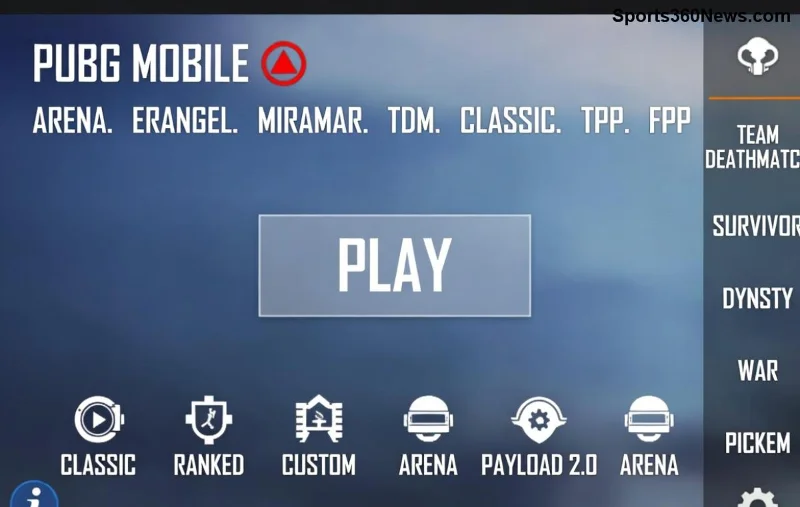
🔍 What Causes PUBG Mobile Ping Spikes During Teamfights?
Understanding the enemy is step one to victory. Ping spikes happen when your connection jumps from 50ms to 300ms+, often mid-fight. Common culprits:
- Network congestion: WiFi overload from neighbors streaming or peak hours.
- Background apps: Draining bandwidth with updates/downloads.
- Server distance: Playing on far-away regions spikes latency.
- Device overheating: Throttles performance, worsening ping.
- Game settings: High graphics strain your connection.
Pro tip: Test your ping in-game menu (top-right corner). Anything over 100ms? Time to fix. Ready for solutions? ➡️
1️⃣ Quick Fixes: Stabilize Connection in Seconds
Start here for immediate relief. These tweaks slash PUBG Mobile ping spikes without fancy tools.
| Issue | Fix | Expected Ping Drop |
|---|---|---|
| WiFi instability | Switch to mobile data (4G/5G). Disable WiFi booster apps. | 50-100ms |
| Background drain | Close all apps. Enable Game Mode or Airplane Mode + WiFi toggle. | 30-70ms |
| Server mismatch | Select closest server (Asia for SEA players, etc.) in settings. | 100ms+ |
⭐ Game-changer: In PUBG settings > Network, toggle "Smart Link" for auto-optimization. Test in training mode—watch spikes vanish!
2️⃣ Device Optimization: Cool Down & Boost Performance
Hot phone = laggy fights. Overheating causes CPU throttling, spiking ping during intense teamfights.
- Clean your device: Uninstall bloatware, clear cache (Settings > Apps > PUBG > Storage).
- Lower graphics: Smooth + 60FPS. Reduces data usage by 40%.
- Use a cooling pad or play in AC room. 👍
- Update PUBG Mobile & OS for latest ping optimizations.
Bonus: Enable "Battery Saver" but whitelist PUBG. Your phone will thank you with buttery-smooth sprays. Keep reading for network hacks! 🔧
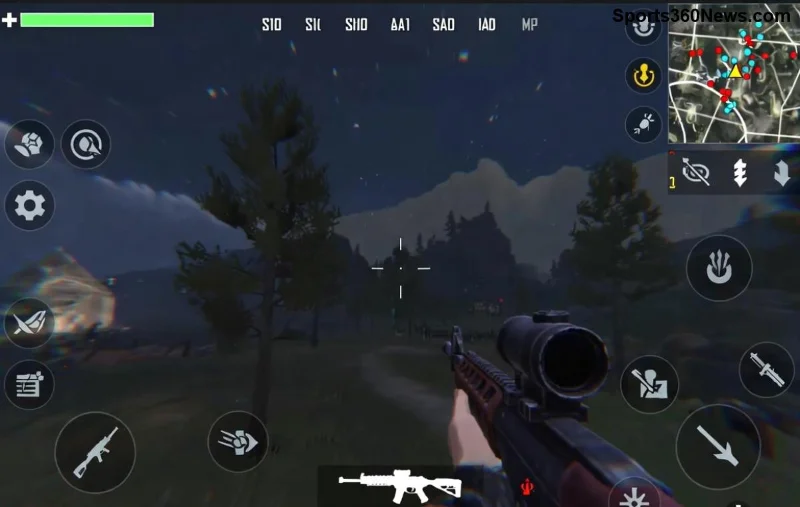
3️⃣ Advanced Network Tweaks: VPNs, DNS & Router Hacks
When basics fail, go pro. These crush PUBG Mobile ping spikes in high-stakes matches.
- Custom DNS: Switch to Cloudflare (1.1.1.1) or Google (8.8.8.8) in WiFi settings. Cuts routing delays by 20ms.
- VPN for stability: Use ExitLag or LagoFast—routes traffic optimally. Avoid free VPNs; they add lag!
- Router restart + QoS: Prioritize PUBG traffic (search your router model + "QoS setup").
- Wired if emulating: Ethernet beats WiFi every time.
⚡ Real result: Players report 40ms stable ping in teamfights. Experiment in solos first—what's your go-to?
4️⃣ PUBG-Specific Settings & Tools for Zero Spikes
Tailor PUBG for low ping mastery. Head to Settings:
- Graphics: Smooth/Extreme (low data).
- Network: Enable "Low Latency Mode" + "Anti-Cheat Profiler" off if stable.
- Auto-adjust resolution during fights.
Top tools:
- GFX Tool apps (Android): Force 60FPS + low graphics.
- Game Booster (built-in on Samsung/Xiaomi): Kills background processes.
- Ping testers like Speedtest—benchmark before/after.
👏 Imagine no more rubber-banding in final circles. One more section seals the deal!
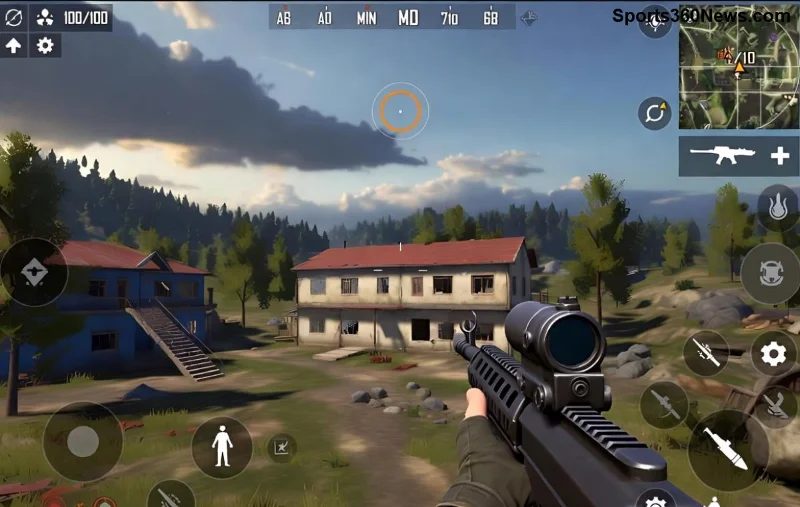
5️⃣ Teamfight Drills: Practice & Prevent Future Spikes
Fixes are temporary without habits. Build ping resilience:
- Pre-game ritual: Restart router, close apps, test ping <80ms.
- Squad comms: "Ping spiking—cover me!"
- Monitor with in-game overlay or apps like PingPlotter.
For official tweaks, check PUBG Mobile Support. Recent patches boosted server stability—your edge now.
🎯 Final Clutch: Your Ping Spike Slayer Checklist
| ✅ Checklist | Status |
|---|---|
| Switch to mobile data if WiFi spikes | |
| Close background apps + Game Mode ON | |
| Closest server + Smooth graphics | |
| Custom DNS/VPN trial | |
| Device cool & updated |
Tick these, drop into Erangel, and own teamfights. PUBG Mobile ping spikes defeated—you're unstoppable! Share your wins in comments. What fixed it for you? Drop a 🔥 if this guide clutched your game. GG! 🏆



