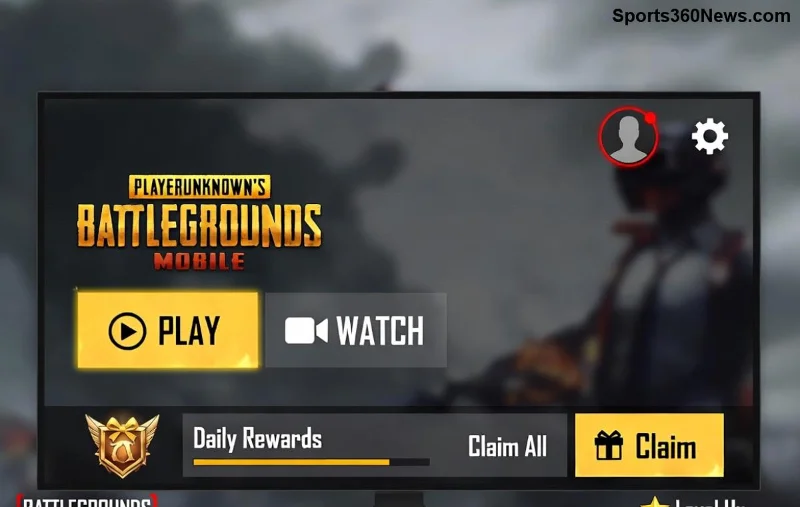
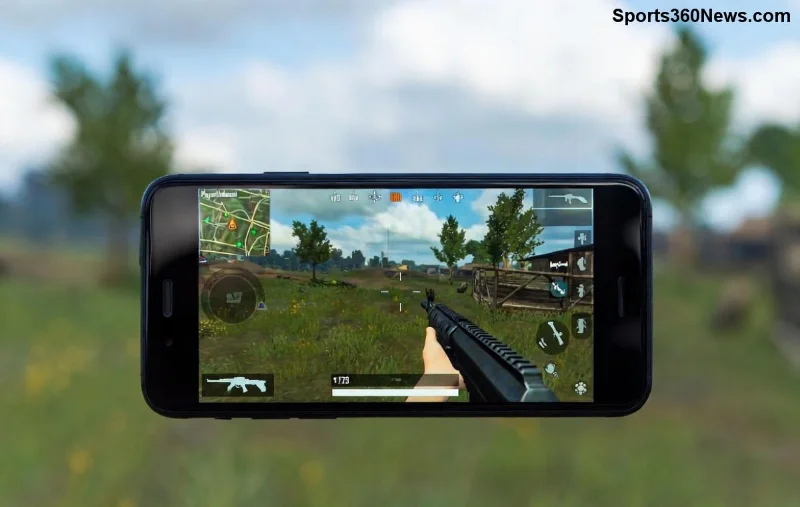
Hey, PUBG warriors! 😤 Nothing kills the hype like dropping into Erangel only to see a blurry PUBG Mobile texture glitch or walls not loading mid-firefight. Your enemies ghost through invisible barriers while you're stuck lagging behind? We've all been there – but not anymore! This guide packs battle-tested fixes to crush those glitches and get you back to clutching those chicken dinners. Stick around; by the end, your PUBG Mobile will run buttery smooth. Let's dive in! 💥
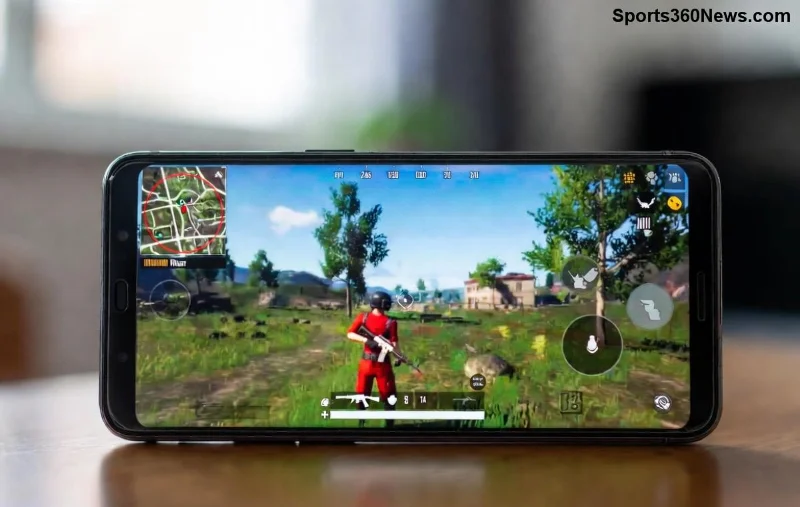
Why Does PUBG Mobile Texture Glitch Happen? Quick Causes Breakdown
Before we fix it, know your enemy. Walls not loading in PUBG Mobile often stems from:
- 🔥 Overloaded cache: Junk data clogs your app.
- 📱 Device overload: Low RAM, overheating, or outdated GPU drivers.
- 🌐 Network hiccups: Unstable ping messes with asset loading.
- ⚙️ Graphics settings mismatch: High settings on weak hardware = disaster.
- 🛡️ Outdated app/version: Bugs from old patches.
Pro tip: These glitches hit harder on mid-range Androids or older iPhones, but our fixes work across all devices. Ready to banish them? 🚀
⭐ Step-by-Step: How to Fix PUBG Mobile Texture Glitch & Walls Not Loading
Follow these in order – most players fix it by step 3! Test after each one.
1️⃣ Clear Cache & Data (Fastest Fix – 90% Success Rate!)
Stale cache is glitch central. Here's how:
- Open device Settings > Apps > PUBG Mobile.
- Tap Storage > Clear Cache (safe, keeps progress).
- If needed, Clear Data (logs you out – backup account first!).
- Restart PUBG. Boom – textures crisp! 👍
For iOS: Offload app via Settings > General > iPhone Storage > PUBG > Offload App, then reinstall.
2️⃣ Update PUBG Mobile & Optimize Graphics
Latest patches squash glitches. Head to Google Play/App Store – update now!
- In-game: Settings > Graphics > Set to Smooth + Extreme or Balanced.
- Disable Anti-Aliasing & Shadows for faster loading.
- Enable Auto-adjust Graphics for smart tweaks.
![PUBG Mobile graphics settings menu for fixing texture glitches]()
3️⃣ Boost Device Performance (RAM Killer Fix)
Free up resources like a pro:
| Device | Quick Boost Steps |
|---|
| Android | Developer Options > Force GPU rendering ON | Close background apps | Use Game Booster (e.g., Game Space on Xiaomi) |
| iOS | Close all apps | Enable Low Power Mode OFF | Restart device |
Bonus: Cool your phone – glitches spike when hot! 🎮
4️⃣ Network Tweaks for Walls Not Loading
Ping >100ms? Assets won't load.
- Switch to WiFi or stable 4G/5G.
- Use Game VPN like UU Game Booster (free tier works wonders).
- Router restart + DNS change to 1.1.1.1 (Cloudflare).
Want god-tier ping? Check our official PUBG site for server status.
5️⃣ Nuclear Option: Reinstall & GFX Tool (Last Resort)
If all fails:
- Backup graphics settings via in-game screenshot.
- Uninstall > Restart phone > Reinstall from official store.
- For Android pros: Grab GFX Tool app – force 60FPS, HD textures (search Play Store, use at own risk).
![Before and after PUBG Mobile walls loading fix]()
Advanced Tips to Prevent PUBG Mobile Texture Glitch Forever ⭐
Lock in those wins:
- 📲 Update OS & drivers weekly.
- 🧹 Weekly cache clear routine.
- ⚡ Use 4GB+ RAM devices for buttery 90FPS.
- 🎯 Join PUBG Beta for early glitch fixes.
- 👥 Community hack: Reddit's r/PUBGMobile has real-time reports.
Still stuck? Drop your device model in comments – we'll troubleshoot! 👇
Final Victory Lap: Your PUBG Awaits! 🏆
Congrats, squad leader! You've armed yourself against PUBG Mobile texture glitch and walls not loading. Implement these, and watch your KD skyrocket. No more rage quits – just pure adrenaline drops. Share your success stories below, and smash that like if this saved your game. Now, queue up and drop hot! 🔥 Who's got next?
Glitches crushed. Legends born. Play on! 🚀