How to Check Real-Time Server Latency in the PUBG HUD

Enable PUBG’s network statistics HUD to monitor ping and packet loss in a match. See where to find it, what the numbers mean, and what they cannot diagnose.
The reliable way to make millions with the Nightclub business in GTA Online is to run both of its income streams: keep club popularity high for cash in the office safe, and assign Warehouse Technicians to goods categories connected to businesses you own. The safe provides regular pocket money; the warehouse is what can build into a seven-figure sale. Neither pays out instantly: you need to play in an online session while income accrues, collect safe cash yourself, and complete a delivery mission to turn warehouse stock into GTA$.
This guide focuses on a practical GTA Online Nightclub money-making setup: which businesses to link, how to choose technicians, which upgrades matter, and when to sell. Rockstar’s After Hours overview describes the club’s popularity and its underground warehouse as separate parts of the business.
The old “GTA$50,000 an hour” claim confuses the safe’s in-game-day payout with real-time earnings. Your actual total depends on your popularity, which businesses are linked, the warehouse upgrades you buy, how long you play, Tony’s sale fee, and any limited-time event bonus.
Purchase a property through Maze Bank Foreclosures in-game, then complete the initial Nightclub setup missions. Different locations change purchase cost and travel convenience, not the underlying technician production rate. If you are starting with limited cash, pick a location that leaves enough money for the businesses and upgrades that make the warehouse worthwhile.

The warehouse only offers a category when you own and have set up its corresponding business. The Nightclub’s stock is a separate pool managed from the Nightclub computer. Start by linking the best source businesses you already own, then expand as your budget allows. Rockstar’s Nightclub Owner guide explains the connection between the club and other businesses.
| Nightclub goods category | Connected business |
|---|---|
| South American Imports | Cocaine Lockup |
| Pharmaceutical Research | Methamphetamine Lab |
| Cash Creation | Counterfeit Cash Factory |
| Cargo and Shipments | Special Cargo Warehouse or Air Freight Cargo Hangar |
| Sporting Goods | Bunker |
| Organic Produce | Weed Farm |
| Printing and Copying | Document Forgery Office |
For the strongest five-category starting mix, prioritize the Cocaine Lockup, Meth Lab, Counterfeit Cash Factory, Bunker, and a Cargo Warehouse or Hangar. Do not buy a feeder solely because the old article listed it: businesses such as the Acid Lab and Salvage Yard do not unlock a Nightclub warehouse category.
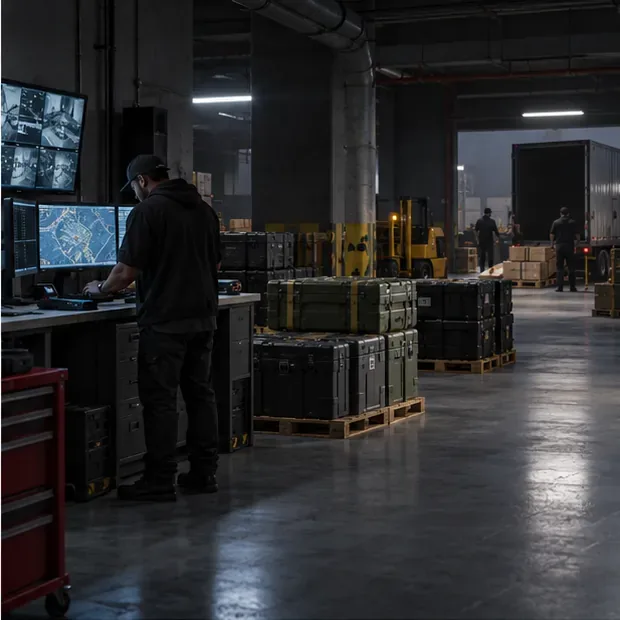
Hire the remaining technicians as your budget permits, then use the Nightclub computer’s Warehouse Management screen to assign each one. With the five high-value sources above, put one technician on each category. If you own fewer sources, assign workers to the available categories rather than leaving them idle, and reassign them when a category is full or you add a better source.
Technicians do not make a sale for you. Check that a worker is assigned, that the linked business has completed its setup, and that it has not been shut down. If a category stays empty, inspect those conditions before spending on more storage.
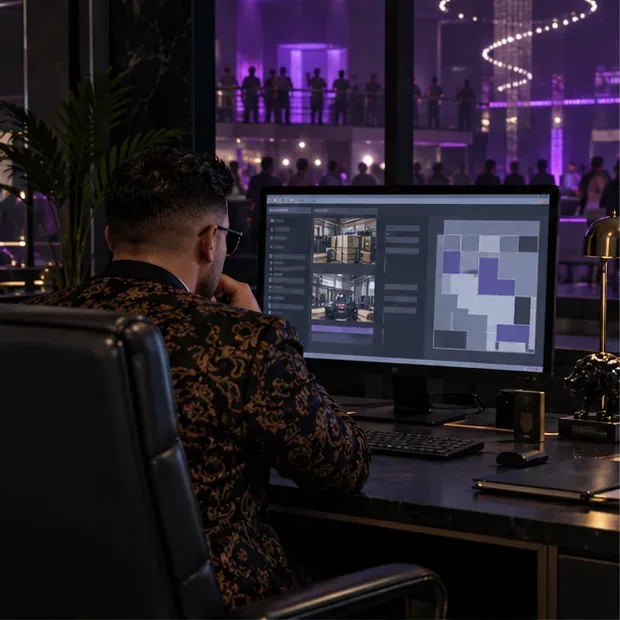
The Equipment Upgrade is the key Nightclub purchase for passive warehouse income because it increases the rate at which technicians accrue goods. Add storage floors when you want to hold more stock before selling. The Staff Upgrade slows popularity loss; it does not speed up warehouse production or keep popularity permanently full. Security is an optional way to reduce raid pressure, while cosmetic choices do not increase the warehouse’s output.
A sensible order is: equipment upgrade, additional technicians, then storage floors as your stock grows. Add the Staff Upgrade if you want to spend less time restoring popularity. Prices and discounts can change, so check the in-game purchase screen before committing.
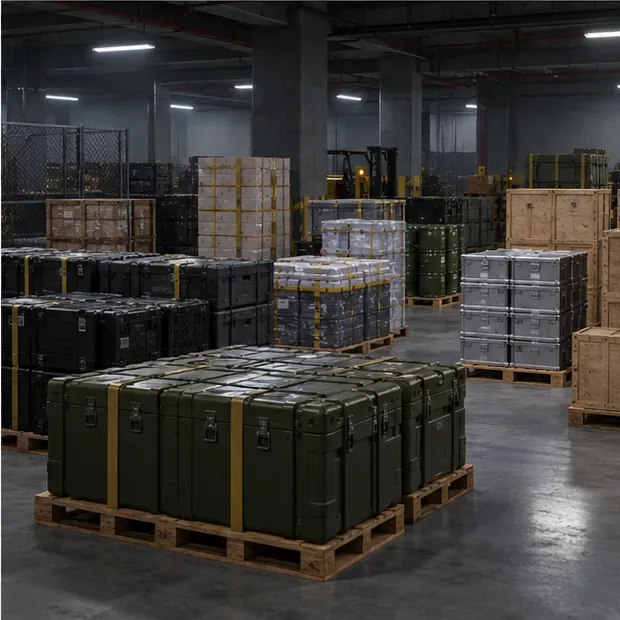
Use the available Nightclub Management or promotion actions to raise popularity when the in-game meter drops. The Staff Upgrade slows the decline but does not replace occasional attention. Check the wall safe in the office and collect the money before it reaches its GTA$250,000 capacity. At maximum popularity, the safe’s top payout is useful background income, but the warehouse sale is the larger payday.
Do not treat the Nightclub as a guaranteed AFK paycheck. Earnings accrue while you are playing online, popularity can fall, the safe can fill, and warehouse stock still needs a completed delivery.

For extra goods beyond technician production, contact Yohan for a Nightclub Goods Mission or join a Business Battle when one appears in Freemode. These activities can add warehouse stock and give you something active to do while the passive categories build. Rockstar added Yohan’s sourcing jobs and Tony’s Nightclub Management missions in The Criminal Enterprises update.

Start a Goods sale from the Nightclub warehouse computer. Since Rockstar’s Invite Only session update, business activities, including Sell Missions, can be completed in private sessions. Invite Only is a good choice if you want to avoid rival players; a public lobby may offer a high-demand bonus, but it also adds player interference risk. Mission enemies and delivery hazards may still apply either way.
Before confirming, review the sale amount and Tony’s cut, and make sure the required Nightclub delivery vehicle is available and upgraded. You do not have to wait for every category to fill: sell when valuable categories approach capacity so their technicians can keep producing. Waiting for low-priority goods can leave your best categories idle.

Use sale proceeds to complete the five-technician setup, buy the Equipment Upgrade, and add storage only when you need it. Between sales, keep popularity up, empty the wall safe, and let technicians work while you play other content. Check the current Rockstar Newswire before selling; temporary Nightclub bonuses can make a sale or management mission more valuable, but they are time-limited and should not be treated as the normal payout.
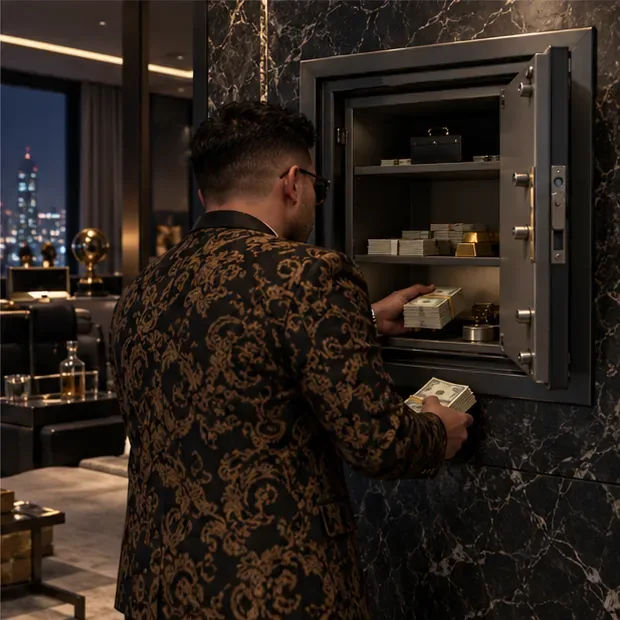
The best GTA Online Nightclub money strategy is a linked five-business warehouse, five assigned technicians, an Equipment Upgrade, enough storage for your preferred selling cadence, and a popularity safe you collect regularly. Use Yohan or Business Battles when you want active progress, sell in Invite Only when safety matters most, and check Rockstar’s current weekly bonuses before each cash-out. That setup turns the Nightclub into dependable background income and lets repeated warehouse sales add up to millions over time.
Enable PUBG’s network statistics HUD to monitor ping and packet loss in a match. See where to find it, what the numbers mean, and what they cannot diagnose.
Learn how to import VALORANT crosshair codes, compare presets with manual settings and spectator copy, and fix common import issues.
Choose Dota 2 minimap size, hero icons, team colors, and background settings by readability, fewer misclicks, and clear results on your own display.
Fix Fortnite texture pop-in on PC with official steps for GPU drivers, file verification, DirectX 12, high-resolution textures, VRAM, SSDs, and stutter.
Learn what Heroes of the Storm minimap size and position options are verified, improve readability, and choose camera-click controls that suit you.
Set Super Smash Bros. Ultimate Quickplay to prefer hazards-off stages. Follow the Preferred Rules menu steps and learn why matchmaking may not always honor them.
Enable Server Latency and Packet Loss in Warzone to monitor connection quality, read the overlay, and use recurring spikes to guide troubleshooting.
Learn how to carry from mid lane in League of Legends by setting up waves, choosing safe roam windows, reading side lanes, and converting pressure into objectives.
Fix Minecraft Evoker spell problems with a safe vanilla test, version checks, log review, and a step-by-step way to isolate mod or datapack conflicts.
Fix PUBG stuck on Initializing on Steam with a focused checklist for PC service notices, launch options, game files, downloads, and connection issues.








