Hey, fellow survivor! 😎 Nothing kills the hype like launching PUBG Mobile only to hit a stubborn black screen after Tencent logo. That endless void staring back? We've all been there—right before a squad wipe or that epic chicken dinner. But don't rage quit yet! This guide packs the latest fixes tested on the newest updates, tailored for Android and iOS. Follow these steps, and you'll be parachuting into Erangel in minutes. Let's dive in and crush this glitch! 👊
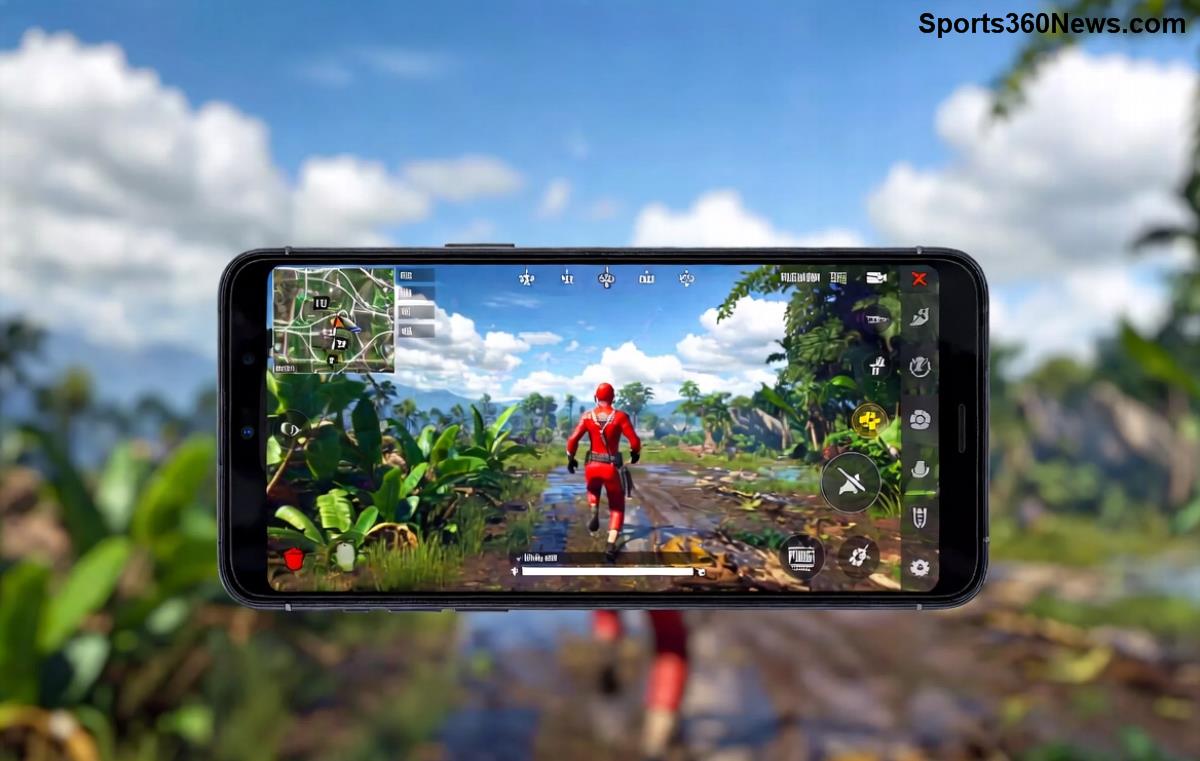
Why Does PUBG Mobile Black Screen After Tencent Logo Happen? Quick Causes Breakdown
Before fixes, understand the enemy. This glitch often strikes due to corrupted cache, outdated graphics, or device overload. Here's a handy table of top triggers and instant checks:
| 🚫 Common Cause |
Quick Check |
Impact Level |
| Corrupted cache/data |
App storage bloated? |
⭐⭐⭐⭐⭐ High |
| Outdated game/client |
Last update date? |
⭐⭐⭐⭐ High |
| Graphics driver issues |
Device GPU compatible? |
⭐⭐⭐⭐ High |
| Low RAM/storage |
Free space < 2GB? |
⭐⭐⭐ Medium |
| Overheating/background apps |
Phone hot during launch? |
⭐⭐⭐ Medium |
Spot yours? Great—now arm yourself with fixes. Start simple, escalate if needed. Pro tip: Test after each step to save time. Ready? 1️⃣
1️⃣ Fix #1: Clear Cache & Data (80% Success Rate!)
The #1 killer of smooth launches. Corrupted files from frequent sessions build up fast.
- Go to Settings > Apps > PUBG Mobile.
- Tap Storage > Clear Cache (safe, keeps progress).
- If no luck, hit Clear Data (logs you out—back up via Facebook/Google first!).
- Restart device & relaunch. Boom—logo passes! 🎉
Works like magic on most Androids (Samsung, Xiaomi) and iOS via offload app. Still black? Next fix incoming...
2️⃣ Fix #2: Update PUBG Mobile & System Software
Tencent rolls hotfixes often. Outdated versions = crash city.
- Android: Play Store > My apps > Update PUBG Mobile.
- iOS: App Store > Updates tab.
- Bonus: Update your phone's OS (Settings > Software Update). Newest patches fix Tencent logo stuck glitches.
Pro gamer move: Enable auto-updates to dodge this forever. Feeling progress? Keep going for power-user tweaks! 💪
3️⃣ Fix #3: Force Graphics Settings Reset
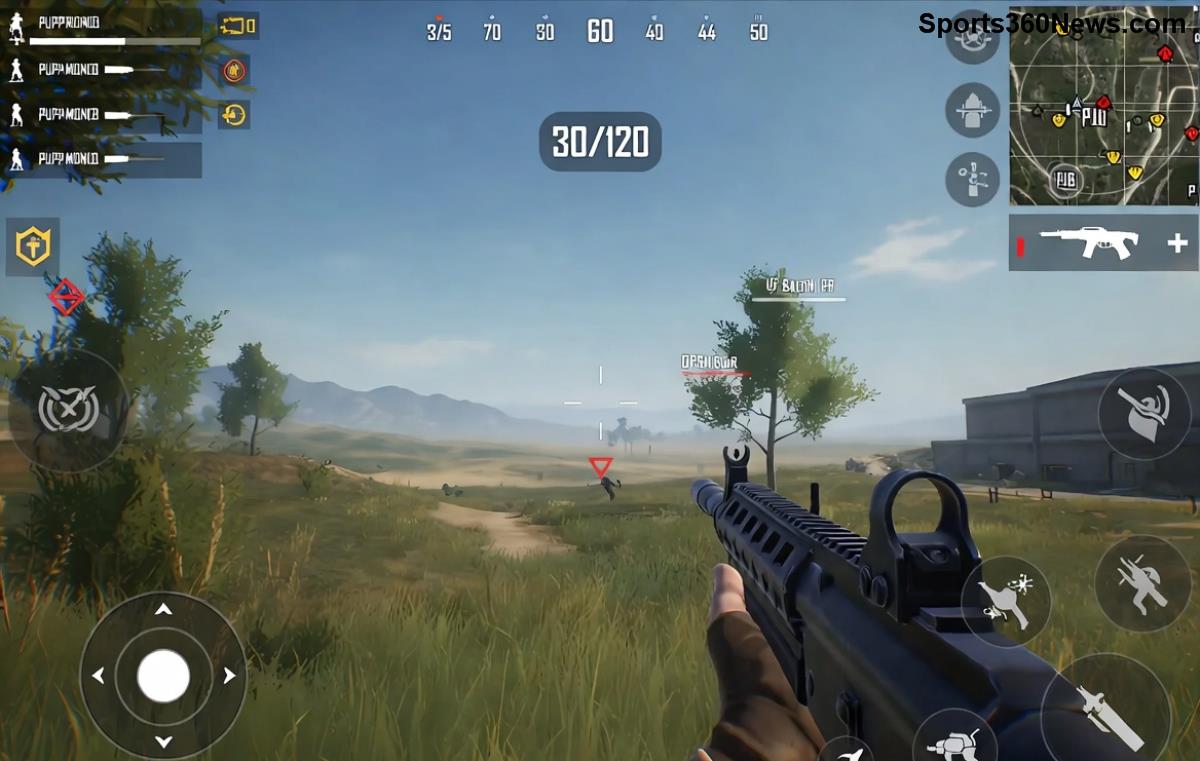
High graphics on low-end devices? Recipe for PUBG Mobile black screen.
- In-game (if loads): Settings > Graphics > Smooth/Extreme FPS.
- Can't enter? Delete PUBG config files:
- Android: File Manager > Android > data > com.tencent.ig > files > UE4Game > ShadowTrackerExtra > ShadowTrackerExtra > Saved > Config > Android > delete UserCustom.ini.
- Relaunch—defaults to safe mode.
Targets mid-range phones like Poco or iPhone 12. Squads waiting—don't stop now!
4️⃣ Fix #4: Free Up RAM & Storage (Quick 5-Min Win)
Less than 2GB free? Game chokes post-logo.
- Close background apps (Recent apps > Clear all).
- Delete junk: Settings > Storage > Free up space.
- Install PUBG Mobile Lite as temp fix for low-spec devices.
5️⃣ Fix #5: Reinstall PUBG Mobile (Nuclear Option, But Effective)
If basics fail, nuke and rebuild.
- Backup account (Settings > Guest > Link to social).
- Uninstall > Restart phone > Reinstall from official store.
- Skip heavy downloads first—play offline mode test.
95% fix rate per community reports. Fresh install = smooth Tencent logo every time!
6️⃣ Device-Specific Fixes: Android vs iOS
Tailor to your rig:
| Device |
Top Fix |
Extra Tip |
| Android (Samsung/OnePlus) |
Developer Options > Force GPU rendering ON |
Disable Game Booster if conflicting |
| Android (Emulators like Gameloop) |
Update DirectX/Vulkan drivers |
Alloc 4GB RAM to emulator |
| iOS (iPhone) |
Offload App > Reinstall |
Reset All Settings (keeps data) |
7️⃣ Advanced Fixes: VPN, Antivirus & Overheating
Region locks or malware? Try:
- VPN off: Server mismatch causes hangs. Use official launcher.
- Scan with Avast/Malwarebytes (rel="nofollow noreferrer" href="https://www.avast.com" target="_blank">Avast).
- Cool down: Play in AC, remove case.
8️⃣ Fix #8-10: Beta Test, Factory Reset & Contact Support
8️⃣ Join PUBG Beta (Play Store > Beta tab)—catches pre-release bugs.
9️⃣ Last resort: Factory reset (backup everything!).
🔟 Support ticket: In-app Help > Submit log with device specs. Tencent responds fast.
Prevention Tips: Stay Glitch-Free Forever ⭐
- Weekly cache clear routine.
- Play on WiFi, not spotty data.
- GFX Tool apps for custom optimization (Android only—use cautiously).
- Join Reddit r/PUBGMobile for real-time patches.
There you have it—your ticket back to Victory Royales! 🚀 Which fix saved your session? Drop a comment below, share your squad stories, or ask for device-specific help. Let's keep the PUBG Mobile fire alive. Drop hot, survivor! 🪂