Imagine cruising through your Roblox world in a custom-built moving car that feels alive with realistic physics. Whether you're designing a racing game or an open-world adventure, learning how to make a moving car in Roblox Studio is a game-changer. This guide delivers everything you need—precise steps, pro tips, and ready-to-use scripts—to get your vehicle rolling fast. Let's dive in and build something awesome! 👆
Prerequisites Before Starting
- Roblox Studio installed (free from the official site).
- Basic knowledge of parts, models, and Explorer window.
- A new Baseplate place to test your creation.
Ready? Fire up Roblox Studio and create a new place. Pro Tip: Use the latest physics engine for smoother moving car performance.
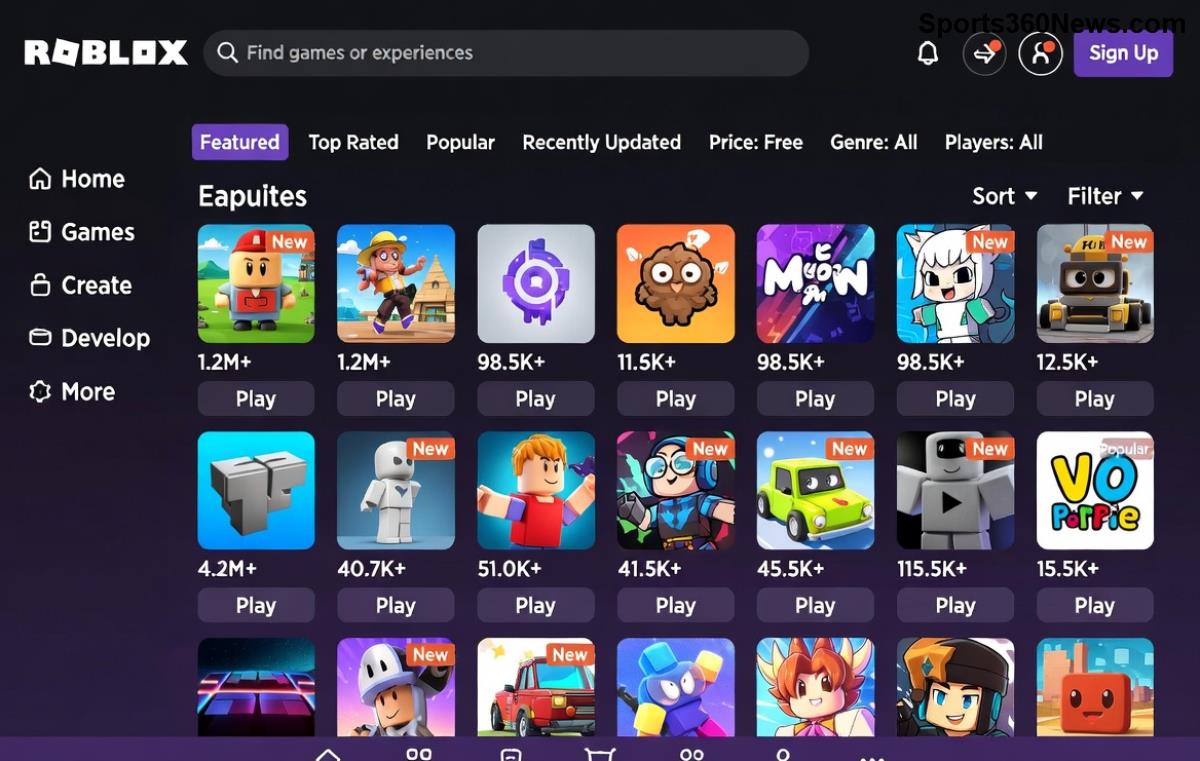
Step 1: Build the Car Chassis and Body
- In the Explorer, right-click Workspace > Insert Object > Part. Name it "Chassis". Resize it to (12, 1, 6) studs for a car body (use Scale tool).
- Set Material to "Neon" or "Metal" and Color to your favorite (e.g., red). Anchor it temporarily: Properties > Anchored = true.
- Add four Wheel parts: Insert Part x4, name "WheelFL", "WheelFR", "WheelRL", "WheelRR". Shape: Cylinder, Size: (2, 1, 4). Position them at chassis corners (e.g., WheelFL at ( -4, -0.5, 2.5 ) relative).
Group everything: Select all parts > Right-click > Group into a Model named "Car". This keeps your Roblox Studio car organized. ✨
Step 2: Add Wheels with Constraints for Realistic Movement
To make your car roll smoothly, attach wheels using constraints. This is key for authentic moving car in Roblox Studio physics.
- For each wheel: Insert > Constraint > WeldConstraint. Weld Wheel to Chassis (Part0 = Chassis, Part1 = Wheel).
- Insert CylindricalConstraint per wheel: Part0 = Chassis, Part1 = Wheel, ActuatorType = Motor. This enables rotation.
- For steering (front wheels): Add AlignOrientation constraint with Mode = OneAttachment.
| Wheel | Position Offset | Rotation |
|---|---|---|
| WheelFL | (-4, -0.5, 2.5) | X: 90° |
| WheelFR | (-4, -0.5, -2.5) | X: 90° |
| WheelRL | (4, -0.5, 2.5) | X: 90° |
| WheelRR | (4, -0.5, -2.5) | X: 90° |
Step 3: Insert VehicleSeat for Player Control
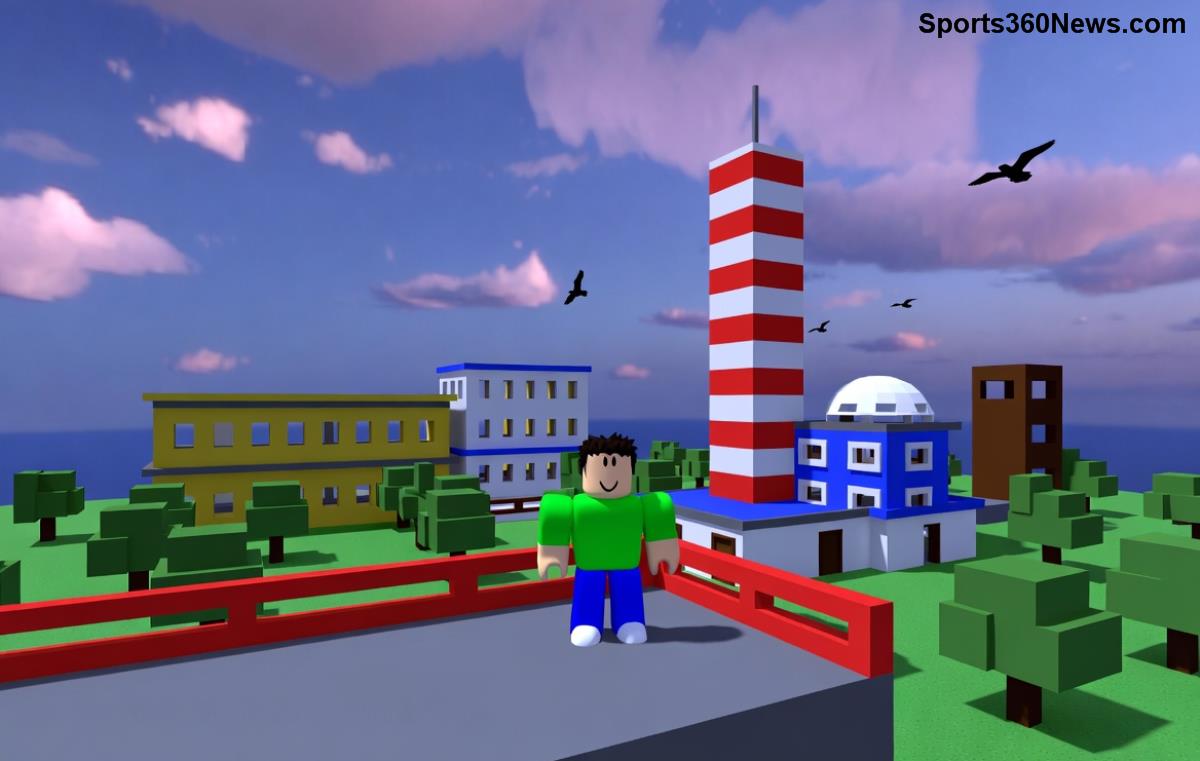
The VehicleSeat is your ticket to drivable moving cars in Roblox Studio.
- Insert > VehicleSeat into Car model. Position on top of Chassis (e.g., (0, 2, 0)).
- Unanchor Chassis (Anchored = false). Set VehicleSeat properties: MaxSpeed = 50, Torque = 1000, TurnSpeed = 4.
Test now: Play > Sit in seat. Use WASD to drive! If it doesn't move perfectly, constraints need tweaking. 😎
Step 4: Advanced Scripting for Custom Moving Car Behavior
For full control, add a LocalScript inside VehicleSeat. This Roblox vehicle script enhances acceleration and drifting.
local seat = script.Parent
local humanoid = seat:WaitForChild("Occupant")

while true do
    wait()
    if humanoid then
        local velocity = seat.AssemblyLinearVelocity
        local forward = seat.CFrame.LookVector
        local speed = humanoid.MoveDirection.Magnitude * 50

        seat.AssemblyLinearVelocity = forward * speed + Vector3.new(0, velocity.Y, 0)
    end
end
Paste this into a LocalScript. It uses modern AssemblyLinearVelocity for buttery-smooth motion. Credit: Adapted from Roblox Creator Documentation.
Step 5: Test, Polish, and Add Effects
- Playtest: Drive around, check collisions. Adjust friction with BodyVelocity if slipping.
- Add smoke trails: Insert ParticleEmitter on exhaust (fake rear part).
- Sound effects: Insert Sound in VehicleSeat, play engine loop on throttle.
⭐ Top Tips for Epic Roblox Studio Car Builds
- Physics Optimization: Use NetworkOwnership on wheels for lag-free multiplayer.
- Customization: Decals for paint jobs, Attachments for lights. 🚗💨
- AI Cars: Duplicate model, add PathfindingService script for autonomous driving.
Common Issues and Fixes ❌
| Problem | Fix |
|---|---|
| Car flips easily | Lower center of mass: Move heavy parts down. |
| Wheels don't spin | Check CylindricalConstraint: Enabled = true. |
| No movement | Ensure VehicleSeat Throttle/Steer > 0. |
Ready to Race? Your Next Level Awaits! 🏁
You've just unlocked how to make a moving car in Roblox Studio like a pro. Experiment, share your builds in the Roblox community, and level up your games. What's your dream vehicle? Drop ideas below and keep creating! 👏
Build epic worlds—one moving car at a time.