Home
» 🎮 Esports
»
Why the Pan Is PUBG Mobile’s Most Iconic Weapon
Why the Pan Is PUBG Mobile’s Most Iconic Weapon
Why the Pan Is PUBG Mobile’s Most Iconic Weapon
The PUBG Mobile pan is iconic because it turns an ordinary kitchen tool into an unforgettable close-range surprise. It has no magazine to reload, looks comically out of place beside tactical gear, and can turn a desperate scramble into a clip players want to replay. But “one-hit wonder” stories need context: a pan is a melee option, not a guaranteed one-hit answer to every opponent. Its lasting appeal comes from that mix of risk, surprise, and humor.
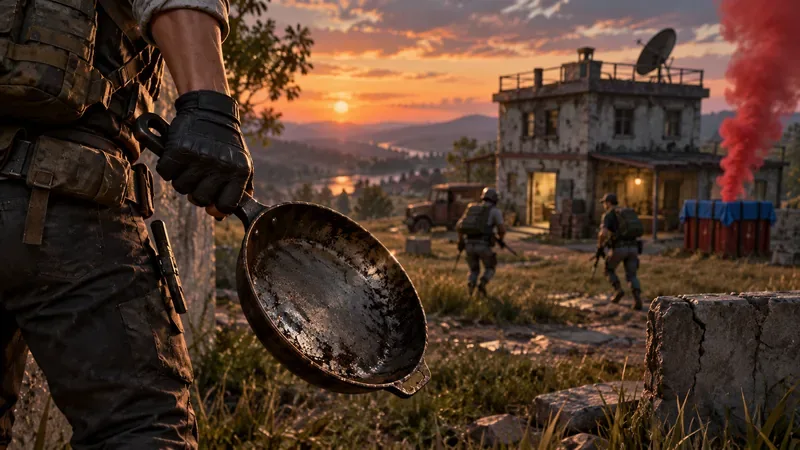
A frying pan looks out of place in a tactical loadout, which is part of its memorable appeal.
Why the Pan Became PUBG Mobile’s Most Iconic Weapon
Most weapons in a battle royale are judged by range, ammunition, recoil, or how quickly they can finish a fight. The pan plays by a different kind of drama. It only matters at very close range, so a successful hit usually means someone closed the gap, caught an opponent distracted, or made a split-second choice under pressure. That makes the result feel personal and unexpected in a way a routine rifle elimination often does not.
The contrast is the joke and the hook: helmets, armor, rifles, and a frying pan. The item is instantly recognizable even in a short replay, and the familiar metallic hit gives a pan takedown a punchline. A miss is funny; a clean hit is even better. That simple setup is why PUBG pan memes and close-range clips are easy for players to understand without a long explanation.
PUBG MOBILE has also given the pan a formal spotlight. The archived July 2020 version 0.19.0 patch notes described Team Gun Game as a mode where teams advanced through weapons until the Pan was the final weapon. A May 2021 official update announcement described the Pan as the ultimate weapon in Team Gun Game as well. Those are historical examples of the pan’s role in special modes; they do not confirm that a specific queue is available today.
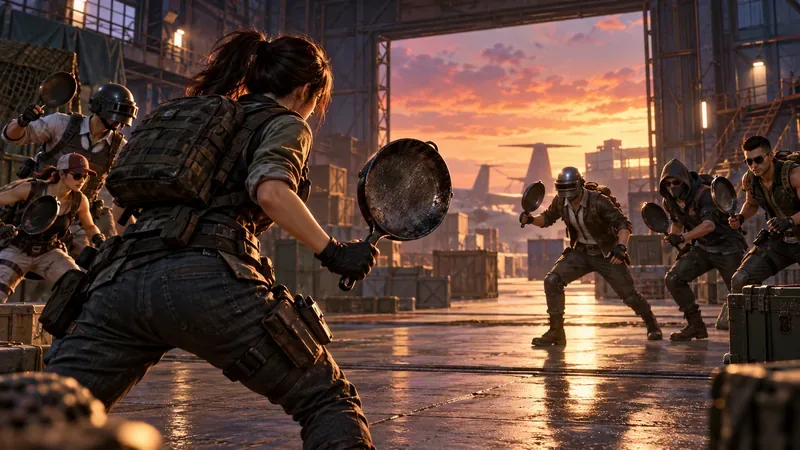
A pan-only finale captures the ridiculous tension behind the weapon’s special-mode history.
The One-Hit Myth: What the Pan Can—and Can’t—Promise
The old article’s damage table claimed fixed head and body damage values and suggested the pan could reliably break a top-tier helmet in one hit. Those numbers are not included here because I could not verify a current, complete PUBG MOBILE damage table for the pan in official documentation. Damage claims copied between games, versions, modes, and target conditions can give players the wrong expectation.
A one-hit clip can be real in its particular match and still fail to describe every fight. The target’s remaining health, equipment, and the mode’s rules matter; a highlight alone does not establish a universal damage rule. Treat PUBG Mobile pan one-hit kills as a possibility players chase, not a promise you should build a fight around.
Special modes can add their own interactions. For example, the 2021 update notes say that ordinary ammunition could not hurt Insectoids in that themed event, while Pans could. That was a mode-specific rule, not proof that the pan has an all-purpose advantage over armor in Classic matches. Likewise, claims that it blocks every bullet from every angle should be checked against the current in-game behavior before you rely on them as protection.
When the Pan Is Useful in a Match
The pan is most useful when the fight is already at arm’s length, when an opponent is vulnerable, or when a special mode makes melee combat part of the objective. It is a fun emergency option, but it should not replace a firearm when you need to cross open ground or defend a longer angle.
Take the opportunity, not the detour. Pick it up when it fits your route and your primary needs are covered. Do not cross exposed space just to force a pan play.
Let the surroundings do the work. Doorways, tight corners, and nearby cover can shorten the distance; an open approach gives an opponent time to respond.
Keep your expectations realistic. A pan swing is a close-range gamble. If the opponent is not within reach, switch back to a weapon suited to the distance.
Check the mode rules. Limited-time or arcade modes may change how melee weapons behave, so read the mode description instead of carrying an event interaction into every match.
These are practical principles rather than a damage exploit. PUBG MOBILE’s modes and balance can change, so use the current in-game description and training options when you want to confirm a mechanic for your version.
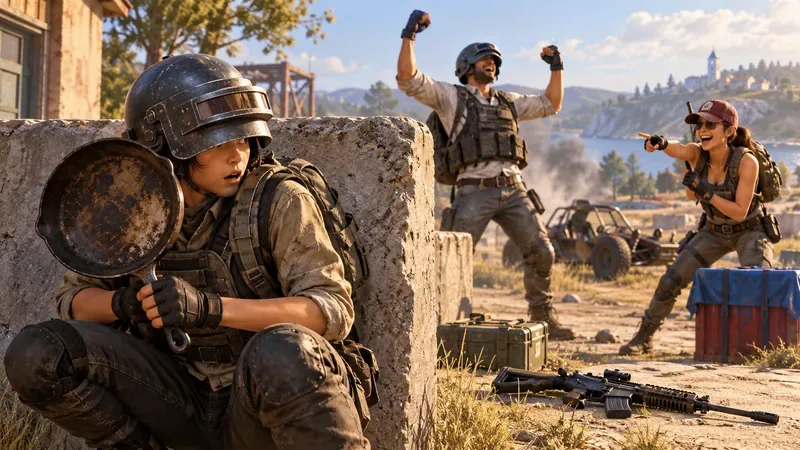
A pan in a tense fight can turn into a memorable escape, even when it is not the team’s main weapon.
Why the Pan Memes Keep Working
The strongest PUBG Mobile pan memes do not need complicated editing. The setup is already funny: a serious survival match suddenly becomes a duel with cookware. Players can celebrate a lucky hit, dramatize a miss, or joke about grabbing the pan before finding better loot. The same item supports both the clutch story and the comic failure, so it keeps producing moments people can share.
That versatility is what makes the pan more than a novelty. It connects the game’s tense survival loop to a lighter kind of community humor. The pan is not the most dependable way to win a standard gunfight, and that is exactly why a successful hit feels so memorable. Its identity comes from the unlikely moment, not from an inflated stat sheet.
The Short Answer
The PUBG Mobile pan is iconic because it combines an instantly recognizable look, close-range risk, special-mode history, and excellent meme potential. One-hit stories belong to specific situations, not a universal guarantee. Keep a pan play opportunistic, check the rules for the mode you are playing, and save the replay when the improbable hit actually lands.