Home
» 🎮 Esports
»
Flash on F or D in League of Legends: Which Key Should You Use?
Flash on F or D in League of Legends: Which Key Should You Use?
Flash on F or D in League of Legends: Which Key Should You Use?
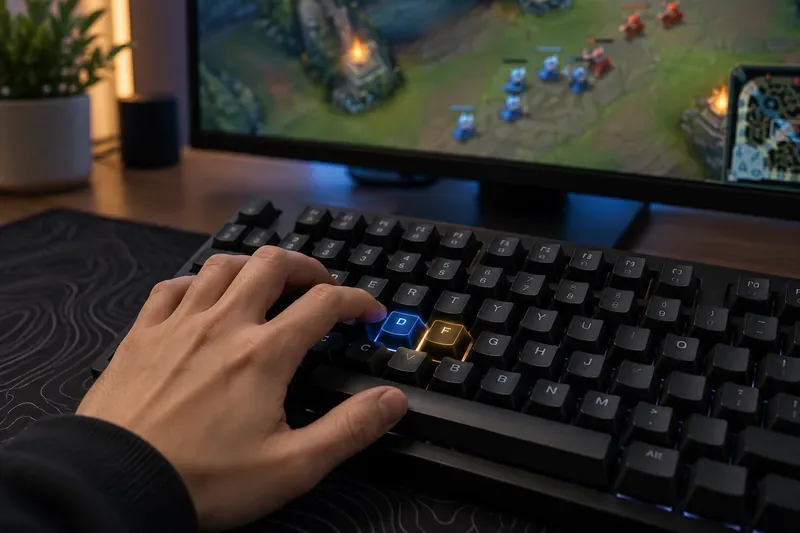
On League of Legends’ traditional Point & Click controls, summoner spells are mapped to D and F. Flash can occupy either spell slot. There is no built-in gameplay bonus for choosing one letter: the useful key is the one you can press reliably without stopping to think. A comfortable League of Legends Flash keybind may reduce hesitation or mispresses for you, but it cannot promise an instant KDA or win-rate boost.
One current detail matters: Riot’s separate WASD controls use a different default map. Riot lists Q for Summoner Spell 1 and F for Summoner Spell 2 in that scheme, while D is a movement key. Check which input style you use before changing anything.
Both keys are easy to locate on a standard keyboard; the better choice is the one you press consistently.
What “Flash on F vs. D” actually means
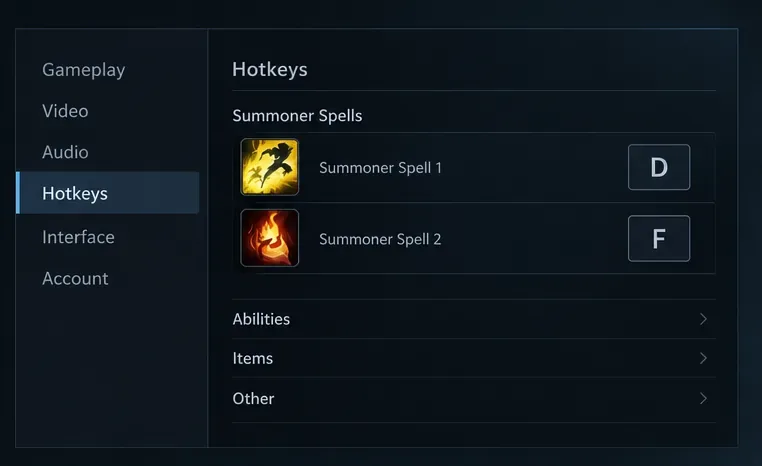
In the usual Point & Click layout, D and F activate the two summoner-spell slots. Riot’s How to Play guide lists summoner spells on those keys. The Flash on D versus Flash on F debate is about which slot contains Flash—or, if you customize hotkeys, which key activates that slot. The key does not change Flash’s range, cooldown, or effect.
If you change the hotkey for a spell slot, you change the input for that slot, not a special Flash-only shortcut. During champion select, put Flash in the slot you intend to use, then check the in-game HUD to confirm the spell and key line up. The letter association (“F” for Flash) can be a helpful reminder for some players, but it is not a mechanical advantage.
Schematic only: this illustrates the traditional two-slot mapping and is not a screenshot of the current League client.
WASD players should check their separate profile
Riot’s Keyboard (WASD) Input FAQ lists Q as Summoner Spell 1 and F as Summoner Spell 2 by default. D is part of movement. The FAQ also says WASD and Point & Click hotkeys are independent, and that champion-specific settings can be customized in game. If you play with WASD, do not assume the traditional D/F mapping applies; check for conflicts in the WASD profile you will use.
Does Flash on F make you faster or improve KDA?
There is no verified League-specific evidence that the F key is inherently faster than D, or that moving Flash to one of them increases KDA by a fixed amount. Riot’s public guidance explains how to customize hotkeys; it does not claim that either letter produces better results. Exact claims such as a guaranteed millisecond advantage, a large Challenger adoption percentage, or a 15% win-rate jump should not be repeated without a transparent, current measurement.
The practical effect is individual. A key that feels easier to reach may help you respond with less hesitation, while a key you have used for years may be more dependable because it is already part of your muscle memory. Flash timing and judgment still matter more than the label on the key. Switching can also temporarily increase mistakes, so do not change your setup right before a ranked session and expect an immediate performance gain.
How to choose between Flash on D and Flash on F
Use this quick comparison for the traditional Point & Click layout:
Choice
It may fit if…
Check before you lock it in
Flash on D
Your hand already reaches D confidently and you have no conflicting bind there.
Make sure you are not using the WASD profile, where D is a movement key by default.
Flash on F
F is your familiar spell slot, or the “F for Flash” cue helps you remember the input.
Confirm F still activates the slot that contains Flash in your current profile.
Keep your current setup
You can press Flash correctly under pressure and are not changing controls for a specific reason.
There is no need to rebind just because a pro or streamer uses the other key.
Compare which key feels natural from your normal hand position instead of choosing by reputation.
Professional players’ settings are personal examples, not proof that one key raises everyone’s KDA. If a pro setup interests you, treat it as a starting point and test it with your own hand position, keyboard, and control scheme.
How to set and test your Flash keybind
Choose your input style. Decide whether you are using Point & Click or Keyboard (WASD). The two schemes have different default hotkeys.
Open the in-game settings. Start a Practice Tool game, press Esc, and open Options > Keybindings/Hotkeys. Riot’s Hotkeys FAQ confirms that Esc opens the in-game Options menu where keybindings are located.
Check the spell slots. Find the bindings for Summoner Spell 1 and Summoner Spell 2. On Point & Click, the standard keys are D and F. Leave the mapping as-is if it already feels reliable; otherwise, set the slot keys you want and check the HUD.
Put Flash in the intended slot. Choose or arrange your spells so Flash is attached to the slot you plan to press. Verify the icon and key shown in game before practicing.
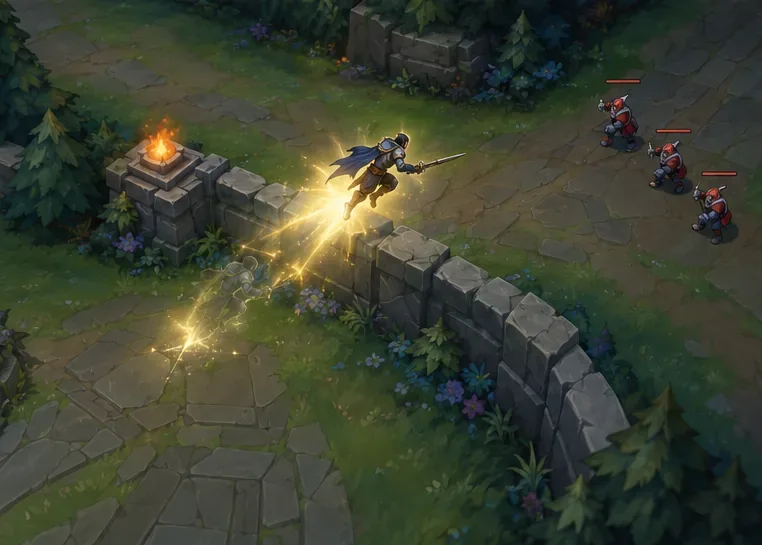
Repeat a short drill. In Practice Tool, test the key while moving, after using a basic ability, and during a safe wall-flash attempt. Repeat each action deliberately. Focus on correct inputs and timing rather than trying to beat an invented millisecond target.
Keep the bind long enough to judge it. Use the same setup across several low-pressure games. Keep it if the input feels natural and accurate; switch back if you keep pressing the wrong spell or disrupting other actions.
Illustrative practice scene, not captured League of Legends gameplay.Use a low-pressure practice session to build a repeatable input before taking the bind into ranked.
Riot added champion-specific keybind overrides in Patch 26.8 and advised players to configure them in Practice Tool before entering ranked. If you use a champion-specific profile, check the setting for the champion you are practicing rather than assuming one global bind applies everywhere.
The practical answer
For classic League of Legends summoner spell hotkeys, Flash on D and Flash on F are both valid. Pick the slot and key that you can use correctly on your normal setup, then stop changing it unless you have a clear reason. For WASD, start from Riot’s Q/F spell defaults and avoid colliding with movement on D. The goal is consistent execution—not a supposed pro secret or a guaranteed KDA shortcut.