How to Fix Free Fire High Ping on Mobile Data

Fix Free Fire high ping on mobile data with practical connection checks, LTE vs. 5G tests, background download fixes, and tips for reporting persistent lag.
🚀 Imagine strutting into your favorite Roblox game with a one-of-a-kind skin that screams your style. Whether it's a sleek cyberpunk outfit or a mythical warrior look, learning how to create your own skins in Roblox games unlocks endless creativity. No coding wizardry required – just your imagination and a few tools. This guide cuts straight to the chase, delivering actionable steps to get your custom Roblox skins live today. Ready to level up? Let's dive in!
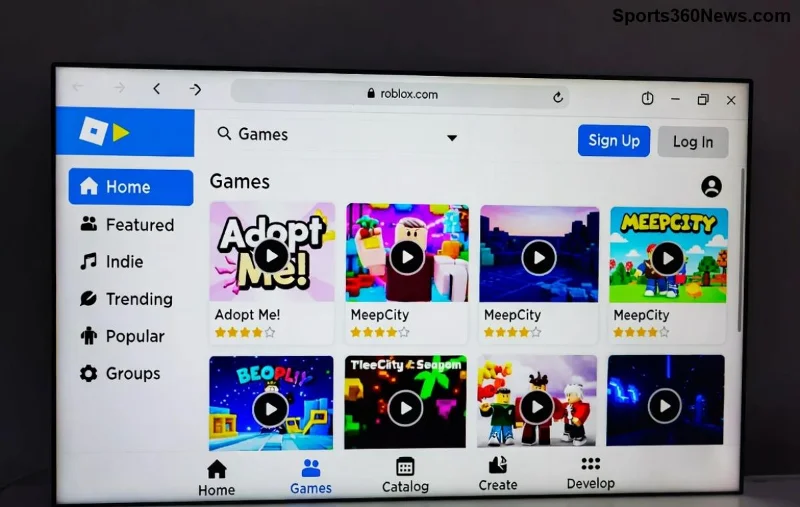
Roblox skins are custom clothing items like shirts, pants, t-shirts, or full-body textures that personalize your avatar. They're game-changers for standing out in titles like Arsenal, Phantom Forces, or any UGC-enabled experience. Creating them lets you:
Pro tip: With Roblox's latest UGC updates, approved creators can sell custom skins directly. It's easier than ever!
Before crafting your masterpiece, grab these essentials:
| Tool | Purpose | Free Option |
|---|---|---|
| Image Editor | Design textures | GIMP or Paint.NET |
| Roblox Account | Upload & test | Free |
| Roblox Studio | Test in-game | Free download |
| PNG Templates | Base layers | Download from Roblox |
✅ Download official templates from Roblox Creator Docs. No excuses – everything's free to start!
Head to Roblox's clothing template page. Grab the shirt template (585x559px), pants (585x559px), or t-shirt (128x128px). Open in your editor. ⭐ These ensure perfect fit – no clipping glitches!
Unleash creativity:
Feeling stuck? Study top Catalog items for inspiration.
Log into Roblox Creator Dashboard:
💡 New creators: Verify your age (13+) and phone for UGC uploads.
Launch Roblox Studio:
Common fix: If textures warp, resize exactly to template specs.
Once approved, it's Catalog-ready! Share links in-game or Discord. For game devs, script dynamic skin swaps using HumanoidDescription API.
Now you know exactly how to create your own skins in Roblox games. Start simple, iterate, and watch your creations go viral. Drop your first skin in the comments below – what's your dream design? Keep experimenting, and turn your Roblox passion into profit. Game on! 👊
Fix Free Fire high ping on mobile data with practical connection checks, LTE vs. 5G tests, background download fixes, and tips for reporting persistent lag.
Brawl Stars opens to a black screen on your iPad? Try these safe checks for the app, connection, iPadOS, and updates before reinstalling or contacting Supercell.
Learn how to clear Free Fire’s cache on Android, what iPhone users can do, and how to avoid deleting game data while troubleshooting lag.
Find confirmed LoL Worlds, VALORANT, CS2 and Dota 2 events for October 19–25, with local kickoff times, UTC conversions, matchups and bracket stakes where published.
Compare balanced, steady, and fast-drag Free Fire sensitivity profiles on the 0–200 scale, then tune General and scope values to your device.
Save Dota 2 camera spots to keys, jump back to lanes or objectives, and troubleshoot missing or conflicting camera position binds.
Fix a TFT Mobile black screen after loading with official server checks, updates, cache troubleshooting, compatibility guidance, and safe reinstall steps.
Reduce Marvel Rivals DirectX 12 shader stutter with preload, driver, cache, and file checks. Learn when a cache reset helps and which older advice to avoid.
Enable PUBG’s network statistics HUD to monitor ping and packet loss in a match. See where to find it, what the numbers mean, and what they cannot diagnose.
Learn how to import VALORANT crosshair codes, compare presets with manual settings and spectator copy, and fix common import issues.






