How to Check Real-Time Server Latency in the PUBG HUD

Enable PUBG’s network statistics HUD to monitor ping and packet loss in a match. See where to find it, what the numbers mean, and what they cannot diagnose.
When a command in Minecraft Java Edition 1.21 fails, seems to do nothing, or behaves differently in chat, a command block, or a datapack, debug it in a consistent order: capture the exact feedback, test the shortest command, verify its executor and position, then check selectors, scores, and datapack files. This workflow helps isolate common Minecraft command errors without changing several things at once.
Scope: The examples below are for Java Edition. Bedrock Edition uses different command and add-on behavior. Minecraft 1.21.x patch releases and later versions can also differ, so check the exact game version before copying syntax into another world.
| What you see | Check first |
|---|---|
| Unknown or incomplete command | Spelling, argument order, brackets, commas, and quotation marks |
| No entity found or no visible change | Selector filters, execution position, dimension, and loaded chunks |
| A condition never passes | Whether the scoreboard objective and score exist for the selected holder |
| A function cannot be found | Datapack enabled state, namespace, file path, JSON validity, and reload output |
| A long function stops early | Recursive calls, too many execution contexts, and command-work limits |
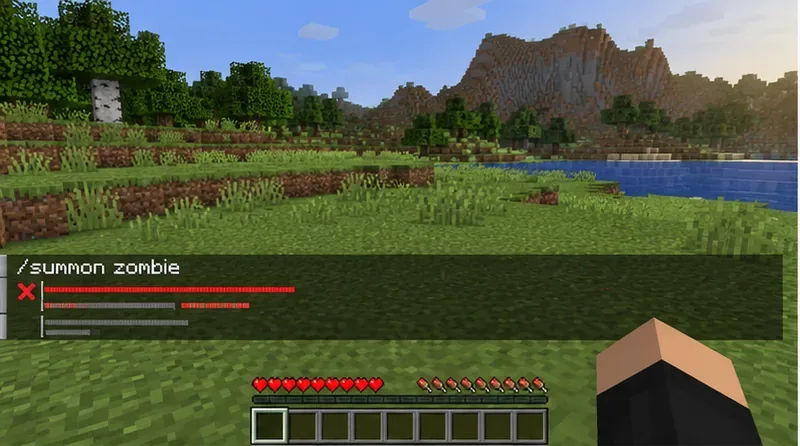
Copy the complete command and error text before changing anything. A red syntax message generally means Minecraft could not parse the command. A command that parses but reports zero targets usually has a selector or context problem. A successful command with no obvious world change may have run on a different target, position, or condition than intended.
In Java Edition, show chat feedback with /gamerule sendCommandFeedback true. If command-block output is hidden, enable it with /gamerule commandBlockOutput true. These rules expose feedback; they do not enable a separate verbose command logger. Test the command in chat first when possible, then move it into a block or function after it works.
For a long /execute chain, reduce it to one stage at a time: confirm the as executor, add at only if location matters, add the if or unless condition, and finish with one run command. In Java syntax, run introduces the command to execute; it is not a peer-level command that can be repeated to append extra commands.
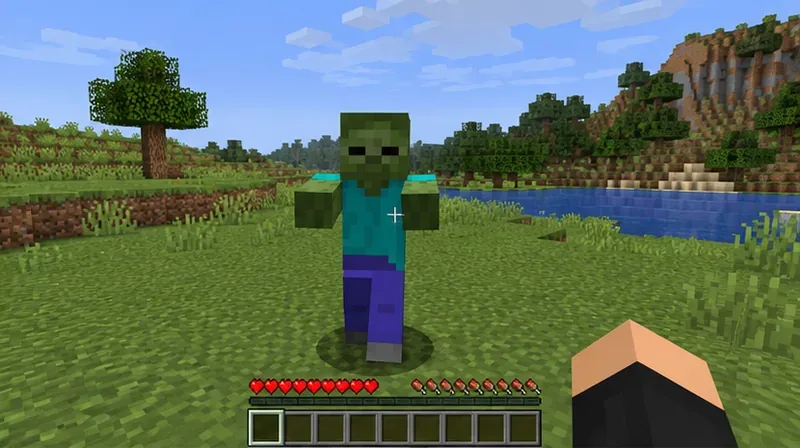
Execution context is a frequent cause of unexpected Minecraft command results. /execute as changes the command executor. /execute at changes the position, rotation, and dimension context. These subcommands do different jobs.
For example, this Java command checks for a zombie within eight blocks of each player and then runs say as that player:
/execute as @a at @s if entity @e[type=minecraft:zombie,distance=..8,limit=1] run say Zombie nearby
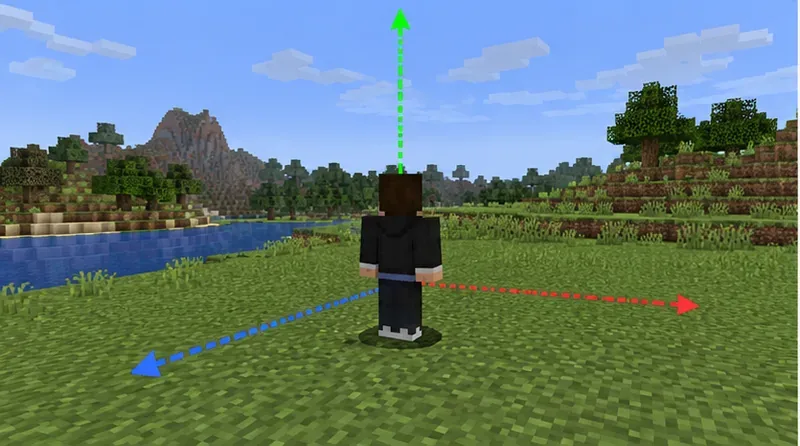
If a similar selector runs from server console, its starting position may not be a player’s location. A command block uses the block’s position, and a function inherits the context from its caller. Use at @s when the current executor is an entity and that entity’s location is the intended reference point. Also check the dimension and whether the target is in loaded chunks; an entity selector cannot find an unavailable target.
Start with one known entity, then add selector arguments one by one. A selector such as @e[type=minecraft:zombie,limit=1,sort=nearest] is easier to reason about than a broad @e. Add distance when range matters, and use a deliberate limit when only one or a few matches are needed. A broad selector is not automatically an error, but each matched entity can create another execution context; large or nested selections can make complex functions expensive or hit command limits.
For a score condition, create the objective once and give a test player a known value before adding the condition to a larger chain:
/scoreboard objectives add debug dummy creates the objective. If it already exists, keep using it rather than treating that message as a reason to recreate it./scoreboard players set @s debug 1 gives the player running the command a test value./execute if score @s debug matches 1 run say Score check passed confirms the objective, holder, and comparison work together.If the check still fails, verify the objective spelling and capitalization, the score holder, and whether the command is being run by the player you expect. From a command block or console, @s may not refer to the same player as it does in chat.
Java Edition 1.21 changed several datapack directories from plural names to singular names. In particular, a function file belongs at data/<namespace>/function/<path>.mcfunction, and function tags use data/minecraft/tags/function/. A pack copied from an older release may still contain functions or tags/functions, which can make a correctly written function appear missing.
For example, data/example/function/start.mcfunction is called with /function example:start. After editing the pack, run /reload, then /datapack list enabled. Confirm the pack is listed, the namespace matches the function call, and every directory and file name matches the path. Validate pack.mcmeta as JSON and use the pack format supported by the specific 1.21.x release instead of copying a number from an older pack.
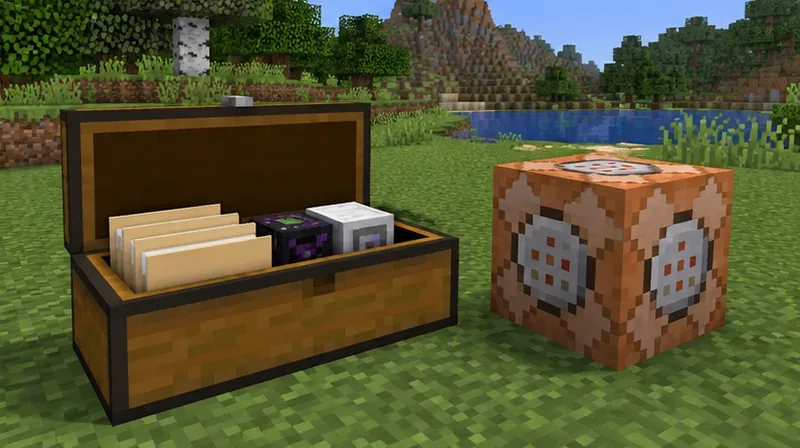
Java Edition 1.20.5 moved item-stack data from many legacy NBT fields to structured data components, and 1.21 inherits that syntax. Old /give, /item, loot-table, or predicate examples may therefore parse differently or fail when copied unchanged. Use the component syntax for supported item properties; use custom_data for custom item data rather than assuming every old item tag remains valid.
Nested selectors can multiply contexts: running execute as @e at @e, for example, can create many combinations. Recursive functions or repeating command-block logic can also consume command-work limits. Make the selector as narrow as the task allows, split large logic into small functions, and include a condition that eventually stops repeating work. Do not assume a partial result means the game ignored the rest of a syntactically valid command.
say to verify executor and location before changing blocks or entities.The official Java Edition 1.21 release notes list the datapack directory renames, including functions to function and tags/functions to tags/function. The official Java Edition 1.20.5 notes describe the item-component migration. The Java Edition 1.20.3 notes explain function execution limits and context expansion. These references are specific to Java Edition; verify the release notes for the exact version you play.
Enable PUBG’s network statistics HUD to monitor ping and packet loss in a match. See where to find it, what the numbers mean, and what they cannot diagnose.
Learn how to import VALORANT crosshair codes, compare presets with manual settings and spectator copy, and fix common import issues.
Choose Dota 2 minimap size, hero icons, team colors, and background settings by readability, fewer misclicks, and clear results on your own display.
Fix Fortnite texture pop-in on PC with official steps for GPU drivers, file verification, DirectX 12, high-resolution textures, VRAM, SSDs, and stutter.
Learn what Heroes of the Storm minimap size and position options are verified, improve readability, and choose camera-click controls that suit you.
Set Super Smash Bros. Ultimate Quickplay to prefer hazards-off stages. Follow the Preferred Rules menu steps and learn why matchmaking may not always honor them.
Enable Server Latency and Packet Loss in Warzone to monitor connection quality, read the overlay, and use recurring spikes to guide troubleshooting.
Learn how to carry from mid lane in League of Legends by setting up waves, choosing safe roam windows, reading side lanes, and converting pressure into objectives.
Fix Minecraft Evoker spell problems with a safe vanilla test, version checks, log review, and a step-by-step way to isolate mod or datapack conflicts.
Fix PUBG stuck on Initializing on Steam with a focused checklist for PC service notices, launch options, game files, downloads, and connection issues.








