Home
» 🎮 Esports
»
Minecraft Placing Blocks Error: Fix World Border and Build Limit Issues
Minecraft Placing Blocks Error: Fix World Border and Build Limit Issues
Minecraft Placing Blocks Error: Fix World Border and Build Limit Issues
If Minecraft refuses to place a block, check the location and the world rules before changing files or reinstalling the game. A placement failure near the edge of a map can come from a Java world border, the vertical build limit, or a server protection rule. A failure that affects only one block may instead be caused by that block’s placement requirements.
“Boundary Breaches” is not a standard vanilla error label I could verify for Minecraft 1.21. It may be a paraphrase, or wording supplied by a server plugin, mod, or custom map. The message and the exact place where it appears are the best clues.
A Java world border is a horizontal boundary; it does not change the Overworld’s vertical build range.
Quick diagnosis: what kind of boundary is stopping the block?
What you notice
Likely cause
First check
Placement fails near the edge of a Java world
World border or extreme coordinates
Check XYZ and ask an operator to inspect the border.
Placement fails only very high or deep in the Overworld
Build height or world floor
Check the Y coordinate and confirm the dimension.
Placement fails in one plot, spawn, or protected area
Claim, spawn protection, or server region rule
Try the same action outside that area and ask the server owner.
Only one block type fails
Block placement or support rules
Try a valid support face or a different target block.
It happens only in one modded world
Mod, add-on, data pack, or server plugin
Test a copy of the world with a clean, matching setup.
The standard Overworld height range in the 1.21 era is from Y=-64 up to the build limit at Y=320; these values are vertical coordinates, not horizontal borders. Java and Bedrock documentation both describe the expanded Overworld range. The Nether, the End, and custom dimensions have different rules, so do not apply the Overworld values everywhere.
8 checks to fix a Minecraft block placement error
Write down the exact error and where it happens
Copy the full message instead of relying on the phrase “boundary breach.” Note whether you play Java or Bedrock, the exact 1.21 patch, the dimension, your game mode, and whether the world is single-player, a Realm, or a server. Record the target block’s X, Y, and Z coordinates. If the error appears only in chat, a plugin or server rule may be generating it.
Check your coordinates and current dimension
Coordinates distinguish a height problem from a horizontal one: X and Z describe horizontal position, while Y describes height. In Java Edition, press F3 and read the XYZ line. In Bedrock, pause the game, open Settings, choose Game, and enable Show Coordinates. Compare the failed location with a nearby spot where placement works.
Java’s official 1.21.9 release notes say world borders can be set separately by dimension. On 1.21.9 or later, an operator should inspect the border in the dimension where the failure occurs, rather than assuming the Overworld setting applies everywhere.
Check the displayed Y coordinate when placing blocks near the lower Overworld limit.
Rule out the Overworld build-height limit
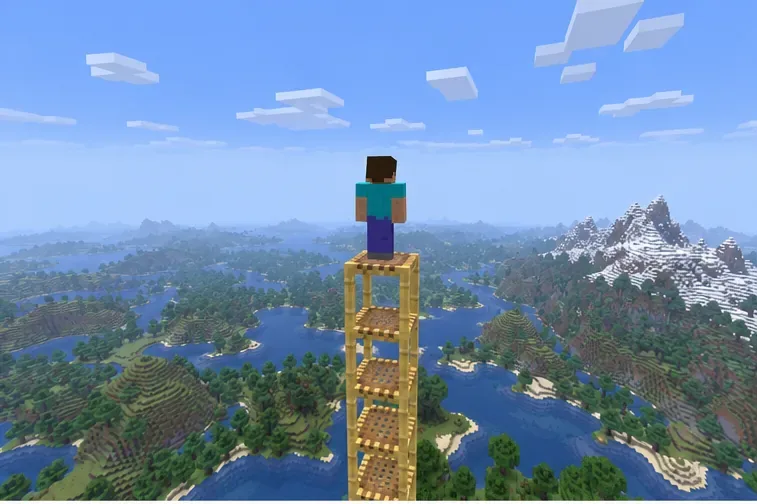
If you are building at the top or bottom of the Overworld, move several blocks into the valid range and try again. A normal Overworld build cannot continue above its upper limit or below its floor. The limit is not a visible ceiling, so use the Y coordinate rather than judging by clouds, terrain, or render distance. For another dimension or a custom world, check that dimension’s settings instead.
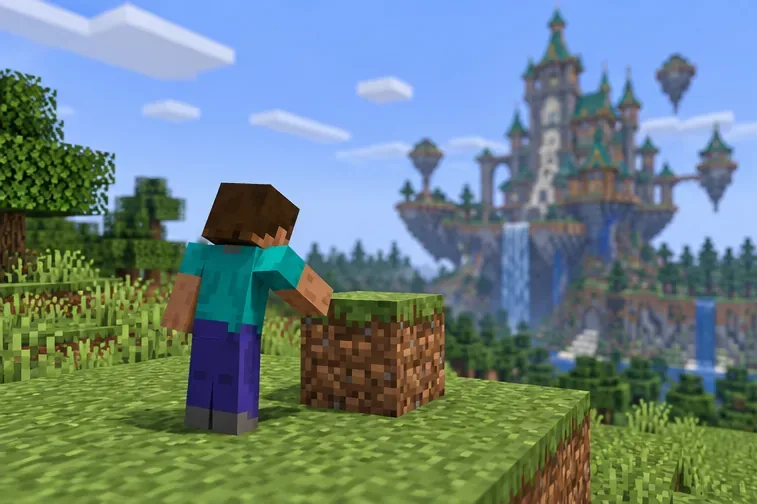
A high build has no visible ceiling; check the Y coordinate to know whether you have reached the build limit.
Run a simple control test away from the suspected boundary
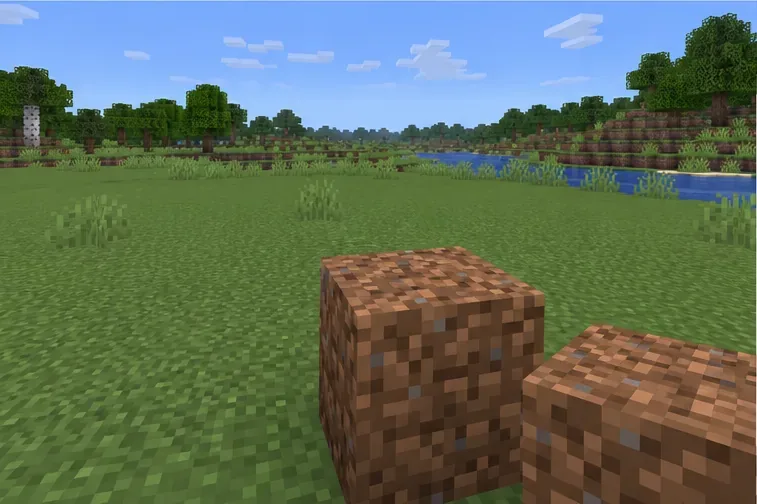
Use the same block on a normal surface at a safe, ordinary location. Then try a common full block at the original spot. If the block works elsewhere but not at the original location, the restriction is probably tied to that position. If only one block fails everywhere, check whether it needs a particular face, support block, or placement condition.
Use an ordinary, safely located spot as a control test to separate block rules from location restrictions.
Check game mode and server protection
Adventure mode can restrict building, and multiplayer servers can protect spawn areas, claimed land, or selected regions. These limits may come from server software or plugins and can use custom wording. If the issue is limited to a hub, plot, or one player’s claim, ask an operator to check your permission and the region rules. A client-side setting cannot override server protection.
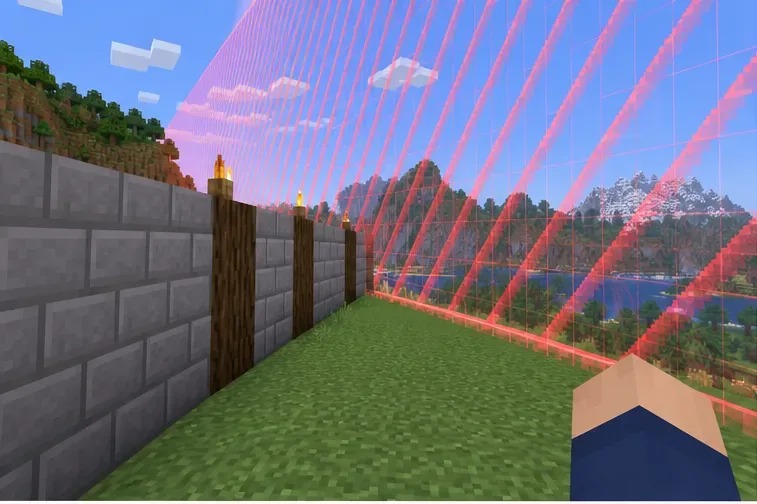
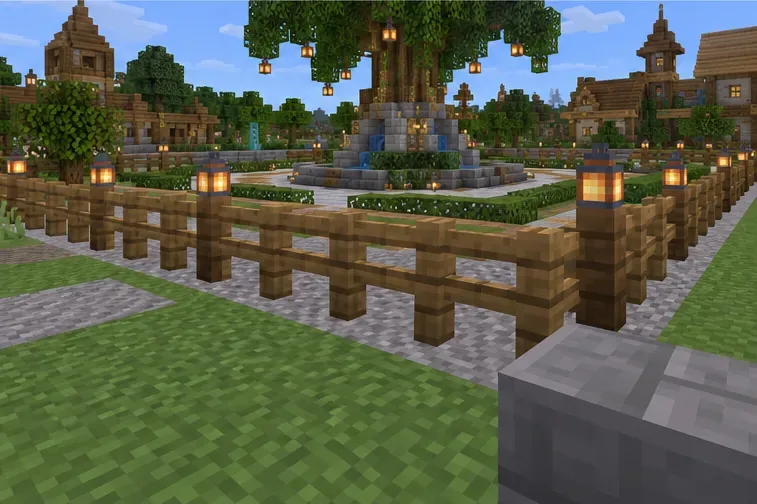
The fence is only a visible marker in this illustration; server protection may be configured separately.
Ask a Java operator to inspect the world border
On a Java world where you have operator permission, /worldborder get reports the current border size. The operator can also check its center with /worldborder center <x> <z>. Change the border only if it is intentionally too small and the owner approves; /worldborder set <diameter> changes the allowed area. The command is Java-specific. Bedrock players should use their world or hosting controls and should not expect Java’s /worldborder command to work.
Do not reuse an old “set it to 60 million” tip: Mojang’s report on the Java world-border command records a maximum of 59,999,968, so 60,000,000 is rejected. Expanding a border is also not a fix for a server claim or a height limit.
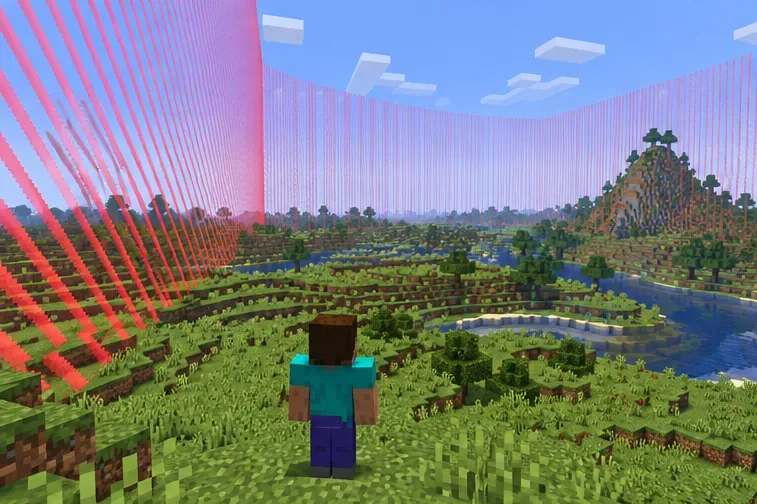
Java operators should check the border in the dimension where block placement fails.
Test mods, add-ons, or data packs on a copy
If this is a modded single-player world, make a copy first, then test that copy with the same Minecraft version and without optional mods or data packs. Change one item at a time so you can identify what changes the result. On a modded server, the operator should compare client and server versions and inspect the server log around the failed placement. Do not open your only copy in an older game version just to test.
A clean copy with optional packs or mods disabled can help isolate a single-player conflict.
Save, reconnect, and escalate with useful details
Save and leave the world, then rejoin after the owner changes a setting or after a clean test. In Java, F3+A reloads rendered chunks; it can refresh a visual loading problem, but it cannot move a world border or grant building permission. If the failure persists, send the operator the exact message, edition and patch, dimension, coordinates, block type, and whether the control test worked.
Back up the world before any repair or mod change. Do not delete level.dat as a shortcut: it stores world settings, and removing it can create new problems without fixing a server-side restriction.
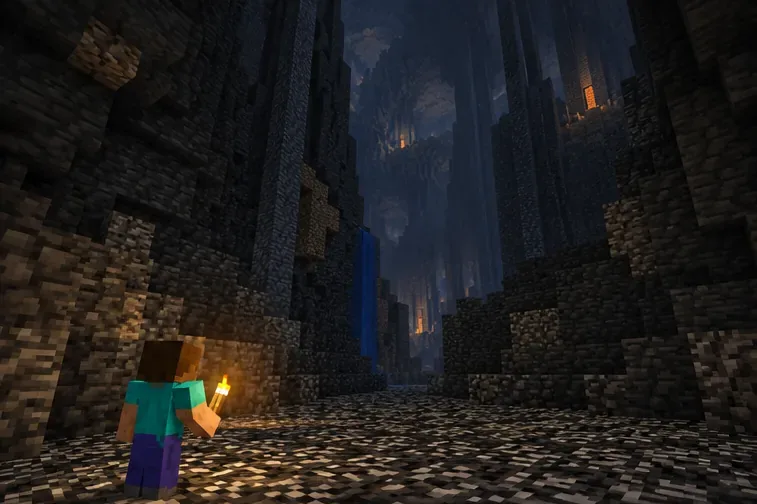
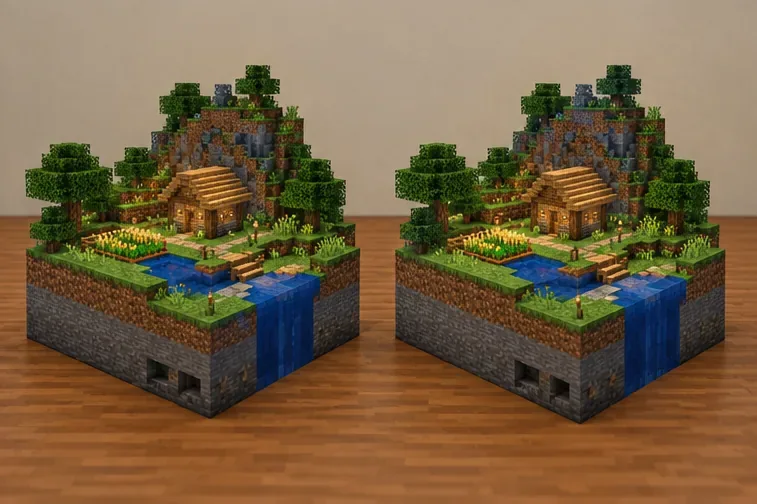
Duplicate the world before any repair or version experiment so the original remains available.
What not to do
Do not assume a chunk reload will fix a real world-border, height, or permission rule.
Do not enlarge a multiplayer border unless you own the world or have the operator’s approval.
Do not delete world data or change versions on your only save.
Do not treat Java commands and Bedrock controls as interchangeable.
Once you know whether the restriction is vertical, horizontal, or server-defined, the fix is usually straightforward: move into the allowed area, correct the approved world setting, or ask the server operator to adjust permissions.