Home
» 🎮 Esports
»
Minecraft DecoderException: Fix the Netty Codec Handler Data Decode Error
Minecraft DecoderException: Fix the Netty Codec Handler Data Decode Error
Minecraft DecoderException: Fix the Netty Codec Handler Data Decode Error
If Minecraft Java Edition disconnects with a DecoderException, Codec Handler, or “Internal Exception: io.netty.handler.codec.DecoderException” message, the client could not decode a packet it received. That message identifies where decoding failed; it does not, by itself, prove that Java, your internet connection, or your game files are at fault. Start by checking whether the error happens on one server or on several. Then verify the supported game version, test a clean profile, and use the log to decide whether the next fix belongs on your computer or the server.
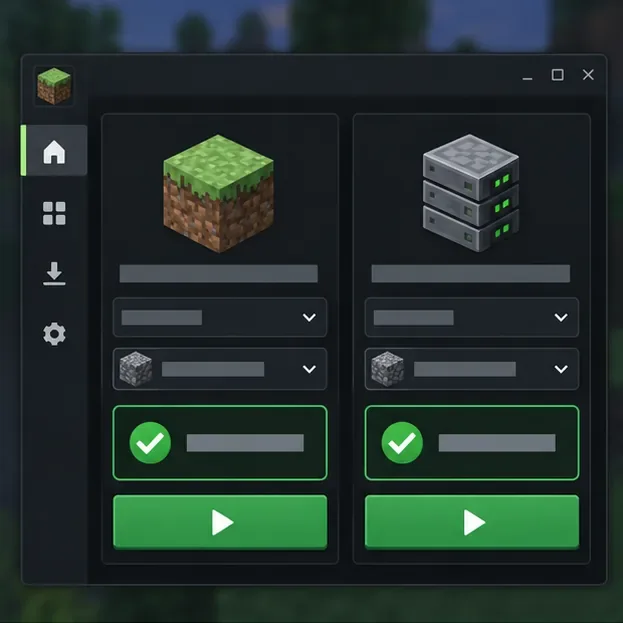
Illustration: compare the game release selected in your launcher with the release the server supports.
What a Minecraft DecoderException means
Minecraft uses packets to exchange game data between the client and server. A decoder reads the packet fields in the format expected by that version, loader, or mod. If the incoming data does not match that format, a Netty codec can throw a DecoderException and Minecraft may disconnect instead of continuing with data it cannot interpret. The message may include a packet name, a mod ID, or a longer “Internal Exception” line; those details are often more useful than the word “Netty” alone.
This can happen when a client and server use incompatible versions or mod sets, when a proxy or plugin changes protocol traffic, or when a server sends invalid or unexpected data. A client-side mod can also be involved. Minecraft 1.20.5’s release notes specifically describe disconnecting clients when a server sends invalid packet data, which is why a decode error should be investigated as a compatibility or packet problem before changing unrelated network settings. See the official Minecraft Java Edition 1.20.5 notes.
Use the scope of the error to narrow the cause
What happens
Where to investigate first
The error appears on one server, but other servers work.
That server’s supported version, proxy, plugins, server-side mods, or custom packet data.
The error began after changing a modpack or loader.
A clean profile fails on multiple compatible servers.
Client installation/runtime, launcher instance configuration, or a repeatable client-side problem.
The game only fails on one network and logs show timeouts or connection resets.
Check the route, VPN, router, or security software after ruling out version and mod mismatches. A network change is not the first fix for a packet decode exception.
Java Edition networks and proxy servers can deliberately support more than one client release, so do not assume every server requires the newest release. Check the server’s own instructions. Minecraft’s multiplayer requirements also explain why the supported edition and game version matter.
Four safe checks for the Netty data decode error
1. Record the exact version and where the error occurs
Write down the Minecraft edition, full Java Edition version, launcher profile, mod loader and modpack version, and the server’s published requirements. Note whether the disconnect happens while joining, during world loading, after entering a particular area, or after using a specific item or feature. Test another server that supports your edition and version. If only one server triggers the Minecraft data decode error, tell its operator; that comparison is a strong clue that the server path needs attention.
2. Match the server’s supported release and test a clean profile
Select the release the server documents. For a standard server, using the same Minecraft version on both sides is the simplest compatibility test. A server network with a protocol bridge may allow other releases, so follow its instructions instead of changing versions at random. Next, create a separate, unmodded launcher installation for that release and test it on a server that accepts vanilla clients. Keep your existing profile and worlds untouched. If vanilla works but your usual profile fails, focus on the loader, modpack, or client configuration.
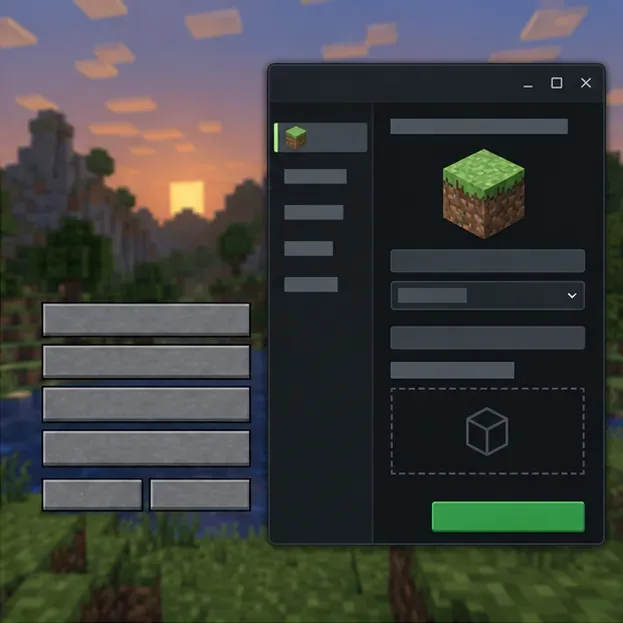
Illustration: a separate vanilla profile helps distinguish client modifications from a server-side issue.
3. Isolate mods without deleting your modpack
Duplicate the launcher instance or make a backup before testing. Confirm that the client and server use compatible builds of the same modpack and loader; Fabric, Forge, and NeoForge mods are not interchangeable just because they target the same Minecraft release. In the copied instance, temporarily remove optional client-side mods and custom resource packs, then retest. If the error disappears, re-enable items in small groups until it returns. This narrows the suspect set without destroying your working setup. Do not remove required modpack components when joining a server that depends on them.
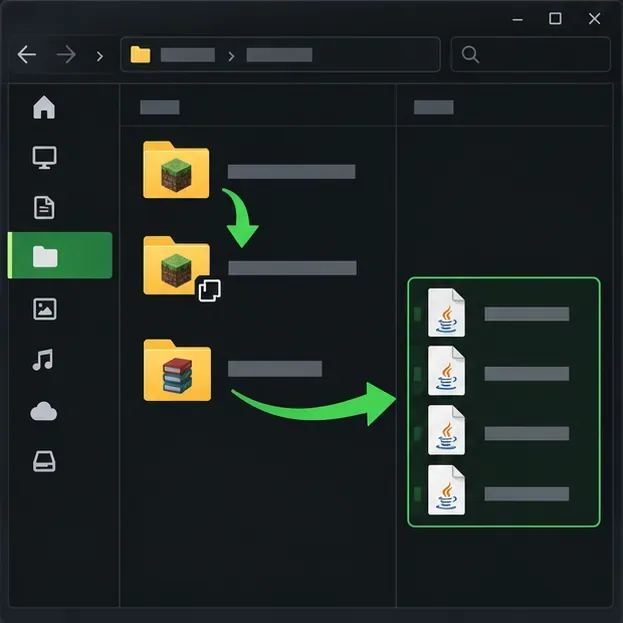
Illustration: test from a copied profile and set mod files aside temporarily instead of deleting them.
4. Read the log and ask the right person to check the failing side
After reproducing the error once, open the active instance’s logs/latest.log. If the game actually closes, also inspect the newest file in crash-reports. Search near the end for DecoderException, the packet or channel name, the first “Caused by” line, and any mod ID. The Fabric crash-report guide explains where reports are stored and why the stack trace and mod list matter; third-party launchers may keep each instance’s files in a different folder.
If one server is the only failure, send its operator the Minecraft version, loader/modpack version, approximate time of the attempt, and relevant log excerpt. They can compare the client report with the server console and inspect recent plugin, proxy, protocol-bridge, or server-mod changes. Server owners should reproduce with a backed-up test instance before changing a live server. When sharing logs publicly, remove account details, private addresses, tokens, and other personal information.
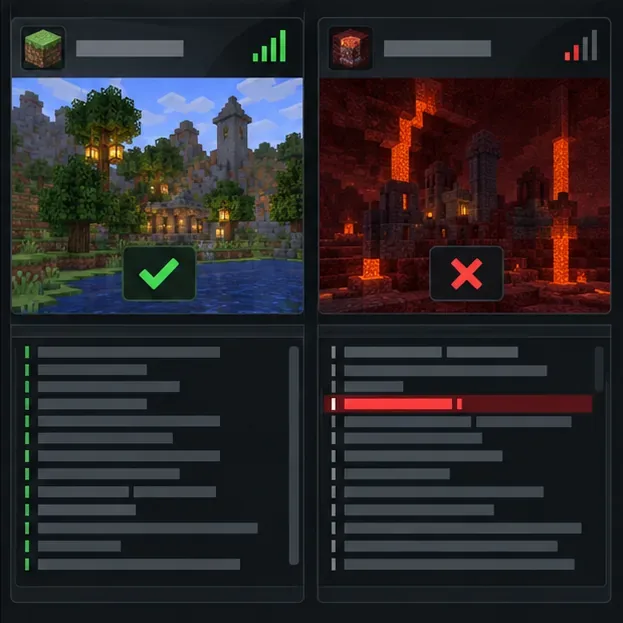
Illustration: if other compatible servers work, give the affected server’s operator the matching log entry and attempt time.
Fixes that usually miss the cause
Installing the newest Java version is not a universal decoder fix. Minecraft 1.20.5 requires Java 21, but other releases have their own runtime requirements; the official 1.20.5 notes also say that version includes a Microsoft OpenJDK distribution. Use the runtime required by the selected game profile, and avoid overriding the launcher’s Java path unless a modpack or server specifically requires it.
Likewise, flushing DNS is meant for name-resolution problems, and changing random JVM flags does not make a client understand a packet format it does not support. Do not download replacement Netty files from third-party sites, delete worlds, or turn off your firewall as a first response. If evidence points to a network route, test a trusted alternative connection and review the relevant security rule without leaving protection disabled.
Prevent the same disconnect from returning
Keep a separate launcher profile for each Minecraft version and modpack.
Update client mods only to versions compatible with that profile and the server’s requirements.
Back up worlds and modpack folders before changing loaders or files.
Save the relevant log excerpt when a repeatable error appears; it can reveal whether the same packet or mod is involved each time.
The fastest reliable diagnosis is the comparison: one server or many, clean profile or modded profile, and the first useful line in the log. A Netty Codec Handler IO error is a symptom to trace, not a reason to reinstall everything. For packet and payload concepts, see the Fabric networking documentation.