Home
» 🎮 Esports
»
Minecraft Back Far Too Distance Invalid Error: Fix Portal and Travel Problems
Minecraft Back Far Too Distance Invalid Error: Fix Portal and Travel Problems
Minecraft “Back Far Too Distance Invalid” Error: Fix Portal and Travel Problems
If you searched for the Minecraft Back Far Too Distance Invalid Error, start by checking the exact message and where it appears. Mojang’s public sources checked for this guide do not document that wording as a standard vanilla Minecraft error. It may be text from a mod, plugin, server wrapper, or a paraphrase of a different travel problem.
The most relevant vanilla Java issue is a server movement warning such as moved too quickly!, which can accompany a position correction or snapback. A portal that sends you to the wrong exit is a separate linking problem. Use the symptoms below to choose the right fix; changing render distance or deleting chunks is not a reliable first response.
Identify the travel problem first
What happens
What to investigate
You arrive at an unexpected Nether portal or a new portal appears far away.
Portal coordinates, nearby portals, and the edition’s linking rules.
You snap backward while moving or see “moved too quickly!” in a Java server log.
Server movement checks, lag, teleporting plugins, mods, or vehicles.
The game closes and creates a crash report.
The crash report, matching client/server versions, and recently added mods.
A screen displays the exact phrase “Back Far Too Distance Invalid.”
Find the mod, plugin, launcher, or server component that printed the text.
A wrong portal exit points to a linking or coordinate issue; it does not by itself prove that the world is damaged.
How to fix Minecraft portal and movement issues
Work through these checks in order. If the world matters, make a copy before changing portal frames, disabling server components, or repairing files.
1. Record the exact message and identify your setup
Write down whether you are playing Java Edition or Bedrock Edition, the game version, and whether the world is single-player, a Realm, or a server. On Java, capture the full surrounding lines from the client’s logs/latest.log or the server’s console and logs/latest.log. Look for the first warning or exception, not only the last line. Also note the loader and versions of any mods or server plugins.
If you see moved too quickly! or moved wrongly! in a server log, treat that as a movement-validation clue, not proof of a corrupted world. Mojang’s Java issue tracker describes the server checking reported player movement and logging a warning when its movement limit is reached. If the exact phrase appears only after a mod or plugin loads, check that component’s own documentation and report the full text to its maintainer.
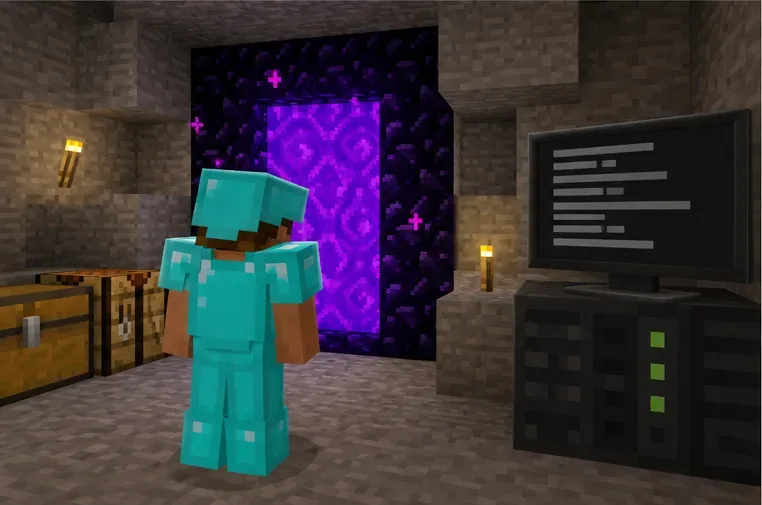
Use the server log around the moment of the snapback to identify which component reported it.
2. Relink Nether portals using X and Z coordinates
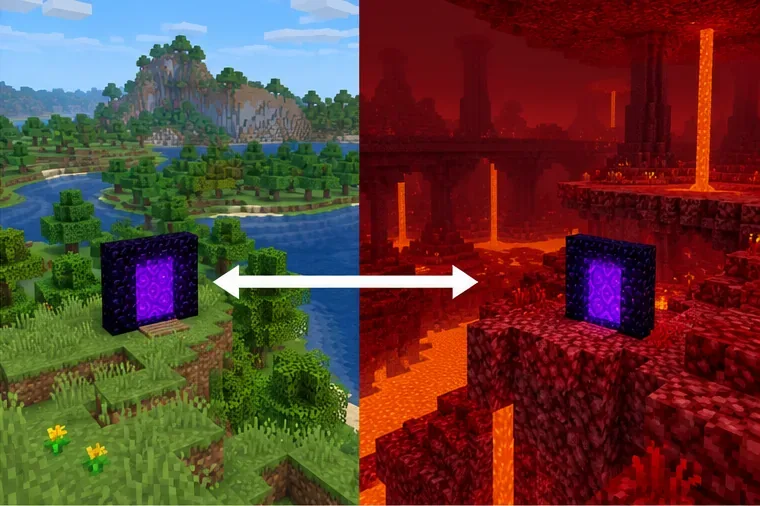
For Nether travel, compare the portal’s coordinates in both dimensions. The Overworld-to-Nether scale is 8 to 1 on the horizontal axes: divide Overworld X and Z by 8 to find the approximate Nether target; multiply Nether X and Z by 8 to estimate the Overworld target. The Y coordinate is not scaled. For example, an Overworld portal near X 800, Z −400 maps near Nether X 100, Z −50.
Build or move the destination portal close to those mapped coordinates, then check for other active portals that could be closer to the target. The game can choose a nearby portal or shift a newly generated exit to a suitable location, so the result may differ from the exact coordinate. In Java Edition, the Nether-side search radius changed to 16 blocks in 1.16.2; this is not a rule that portals must be 1,024 blocks apart. See the Mojang portal-linking issue for the version-specific change and coordinate behavior.
Match the portals’ horizontal coordinates after applying the 8:1 Overworld-to-Nether scale.
3. If you snap back, troubleshoot the server movement warning
Check whether the rollback happens during ordinary movement, while riding a boat or flying, or immediately after a teleport command. Ask the server owner to review tick or network problems at that time and test recent teleport, movement, anti-cheat, or world-management plugins one at a time on a copy of the server. Confirm that the client, server, loader, and required mods use compatible versions.
Do not raise a movement threshold or install an unrelated “distance fixer” just to hide the warning. First isolate the component that triggers it and confirm whether the player is actually being moved back. Render distance controls what terrain is shown, while simulation distance controls which nearby entities and activity are updated; increasing either is not a targeted fix for a movement-validation warning. Mojang explains those distance settings in its Java simulation-distance notes.
4. Use a permitted teleport only as a recovery route
If you are stranded and have permission to use commands, teleport to a safe, known location. In Java Edition, a same-dimension example is:
/tp @s 120 80 -240
To send yourself to the Overworld from another dimension in Java, an operator can use:
/execute in minecraft:overworld run tp @s 120 80 -240
Replace the example coordinates with a verified location and a safe Y level. Commands require cheats or sufficient server permissions; ask an operator if you do not have them. Mojang’s Minecraft command guide explains command access and teleporting. A teleport may get you home, but it does not repair a mislinked portal or identify a plugin that is rejecting movement.
5. Back up before isolating mods or repairing a world
Stop the game or server cleanly, then copy the entire world folder and keep the copy untouched. Reproduce the issue in that copy. For a modded Java setup, temporarily test with the same game version and loader but without recently added mods; for a server, test plugins separately rather than removing several at once. If the problem disappears, re-enable components one by one until the trigger returns.
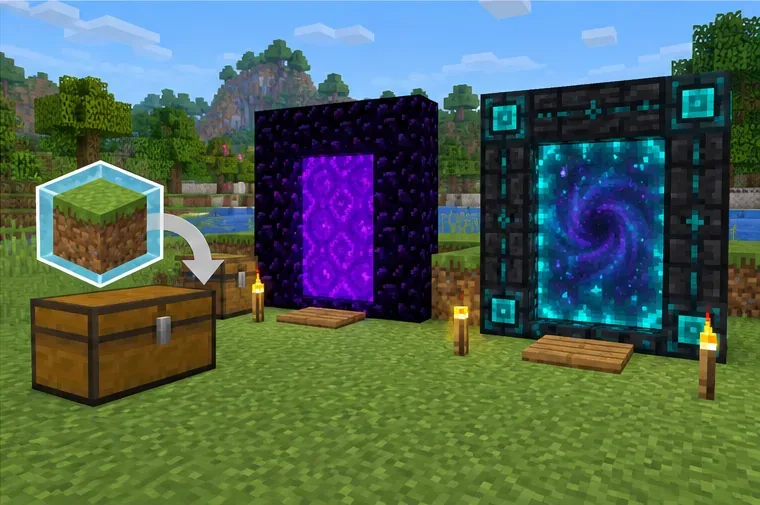
Keep an untouched world copy while testing portals and isolating server or mod changes.
Avoid deleting distant chunks or editing world data unless a crash report or reproducible test points to specific corrupted data. The old F3 + T shortcut reloads client resources; it is not a general chunk or world-repair command. If the issue also occurs in a fresh vanilla world on the same version, save the logs and report the reproducible steps through the official Minecraft bug tracker.
Prevent the same travel trouble
Keep a note of both portal locations and their dimension.
Match Java server and client versions, plus the exact mod loader and required mod versions.
Back up worlds before updates, portal changes, or server-plugin changes.
When the console shows a movement warning, save the log excerpt and note what the player was doing at that moment.
Frequently asked questions
Will increasing render distance fix the Minecraft distance error?
Usually not. Render distance changes how far terrain is displayed. If the symptom is a Java server snapback with a movement warning, investigate the server log, lag, teleport behavior, and mods or plugins instead.
Should I delete distant chunks to fix portal travel?
No, not as a first step. Incorrect portal coordinates or a closer existing portal are more direct explanations for a wrong exit. Back up first and only consider chunk repair when evidence identifies damaged world data.
Can I use /tp to get back to my base?
Yes, if cheats are enabled or you have the required server permission. Use coordinates you trust and a safe Y value. The command is a recovery option, not a fix for the cause of the warning.