Home
» 🎮 Esports
»
Master PUBG Mobile Gyroscope: Settings and Techniques for Better Aim
Master PUBG Mobile Gyroscope: Settings and Techniques for Better Aim
Master PUBG Mobile Gyroscope: Settings and Techniques for Better Aim
The most reliable way to improve with the PUBG Mobile gyroscope is to use touch controls for broad turns and device tilt for fine corrections, then tune each scope through short practice rounds. Start with Scope On if gyro is new to you; move to Always On when you can keep the screen steady during movement. There is no verified sensitivity preset that makes every player aim like a pro. The useful settings are the ones you can control consistently on your device.
This guide gives you a practical starting template, an eight-step practice routine, and fixes for common overshooting and recoil problems. The included values are testing points, not official PUBG MOBILE recommendations or confirmed pro-player settings.
The gameplay and settings visuals below are illustrative. Menu labels and HUD details can vary by game version and device.
How gyroscope aiming works
A phone’s motion sensor turns small device movements into camera or aim adjustments. In PUBG MOBILE, the gyro can help with recoil control, target tracking, and precise aim corrections while your fingers handle movement, firing, and other controls. It complements touch aiming; it does not remove the need to swipe for large turns or position your crosshair before firing.
The two common activation choices serve different play styles. Scope On activates gyro while aiming through a sight, which can feel easier while learning. Always On also affects unscoped camera movement, making it useful for players who want tilt control in more situations. If the wording or location differs in your build, follow the controls displayed in-game.
Starting PUBG Mobile gyro sensitivity
If your installed version shows a 0–400 gyroscope scale, use the values below as a first test only. The official 1.1 patch notes raised the maximum gyro sensitivity to 400 at that time, and later official notes added gyro sensitivity customization while aiming and an invert option. A later build or regional client may present different labels or limits, so check the live slider before entering raw numbers. Keep gyroscope sensitivity distinct from camera and ADS touch sensitivity.
Scope category
Starting test value
What to tune for
TPP/FPP No Scope
300
Comfortable small camera corrections
Red Dot, Holographic, Iron Sight
290
Close and mid-range tracking
2x
260
Steady follow-through without wobble
3x
220
Controlled sprays and moving targets
4x
180
Deliberate mid- to long-range corrections
6x
140
Small adjustments on distant targets
8x
100
Fine aim with minimal hand movement
These descending values are a practical baseline, not a copied esports configuration. If your game uses a different maximum, preserve the relative pattern: higher sensitivity for low magnification and lower sensitivity for high magnification. If there is a separate ADS gyroscope section, tune it independently while firing. Change one scope at a time so you can tell which adjustment helped.
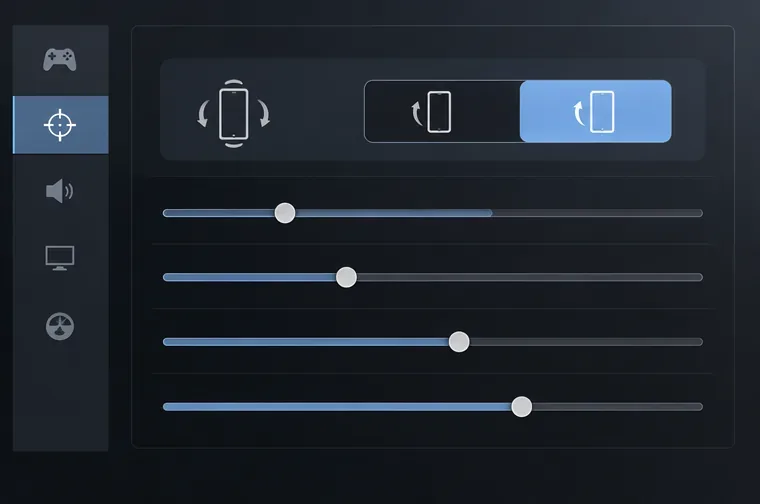
Illustrative settings view: find the gyroscope and sensitivity controls in your installed game build.
Eight steps to build reliable gyro aim
1. Enable gyro and choose an activation mode
From the lobby, open Settings and look for the sensitivity or gyroscope controls. The official PUBG MOBILE Help Center directs players to Settings and the Sensitivity tab for sensitivity adjustments; the exact placement can change with updates. Choose Scope On if constant camera movement is distracting. Choose Always On if you want tilt to help with unscoped aiming as well. Enter the training area and move the phone a few degrees in each direction to confirm that the reticle responds. If it does not, recheck the mode and whether your device has a working gyroscope.
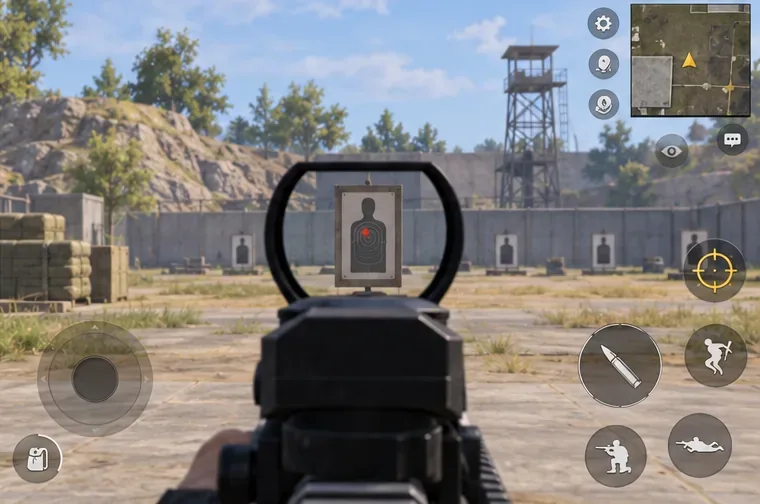
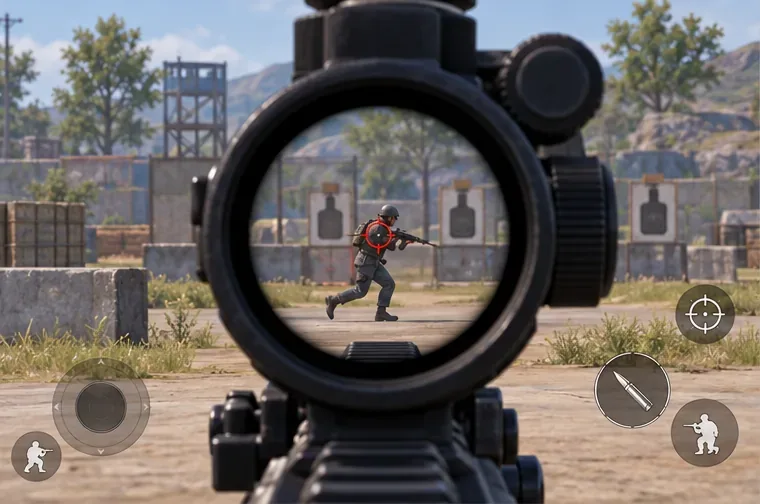
Start with a stationary target so you can see how small tilts move the red-dot reticle.
2. Save a baseline before you experiment
Record or screenshot your existing settings before changing them. Use the table as a starting point only when its scale matches your game. Keep camera sensitivity, ADS touch sensitivity, and gyro sensitivity as separate controls. If you use per-weapon sensitivity, remember which weapons have custom values; the Help Center says weapon-specific settings can be added in the Exclusive Sensitivity area, while weapons without a custom entry use the general values.
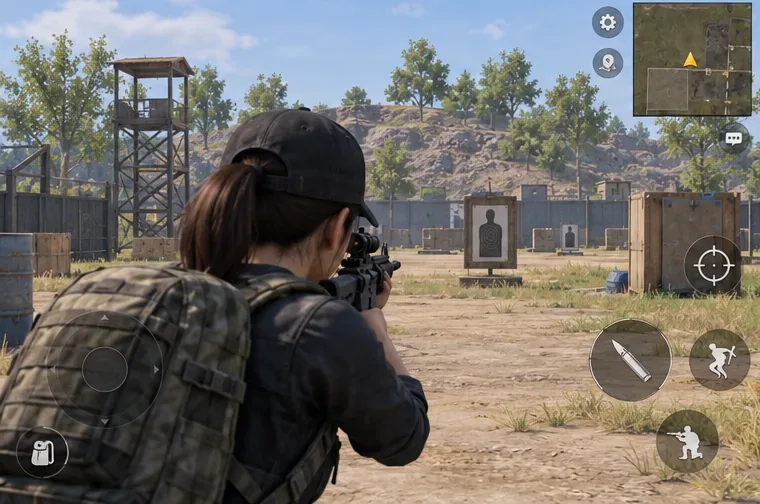
Practice steady aim on a still target before adding movement or firing.
3. Begin with a comfortable grip and small tilts
Hold the phone firmly without squeezing it, support your wrists, and keep your shoulders relaxed. Use touch swipes for wide turns; let gyro handle the small movement that places the reticle on the target. Avoid trying to rotate the phone through a large angle. A three-finger or four-finger claw layout can make it easier to move, aim, and fire at the same time, but claw is optional—the layout should fit your hands and device.
4. Tune no-scope and red-dot aim first
Start on a stationary target, then track a moving target without firing. If the reticle keeps passing the target, lower that category by about 5–10% and repeat. If it trails behind, raise it by the same small proportion. Do not change several values after one attempt. The goal is controlled tracking with relaxed hands, not the highest slider value. Once the red dot feels predictable, use brief close-range drills to practice centering before firing.
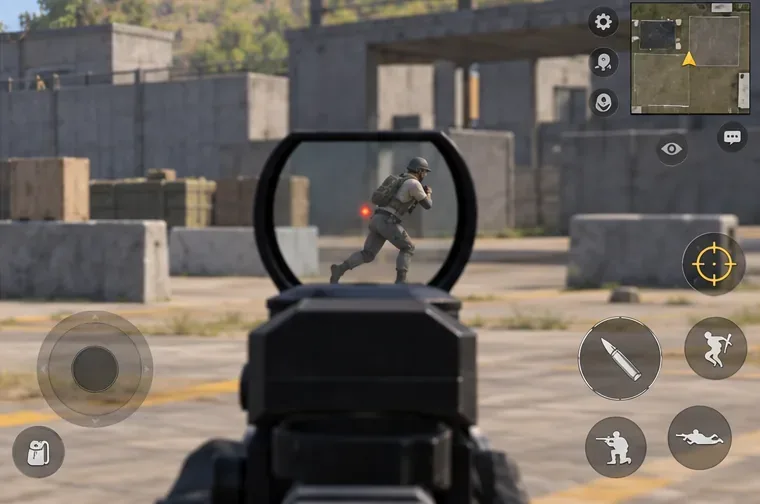
Track a moving target smoothly instead of flicking past it.
5. Add magnification one scope at a time
Move from red dot to 2x, then 3x and 4x. Practice following a target from left to right while keeping the reticle near its center. High magnification makes small movements look larger, so lower sensitivity as magnification increases if you are overshooting. Do not reduce every scope just because one feels too fast; tune each category separately. This is the core of a stable PUBG Mobile gyro sensitivity setup.
Once red-dot tracking feels controlled, repeat the same motion through a magnified optic.
6. Use gyro to counter recoil in short bursts
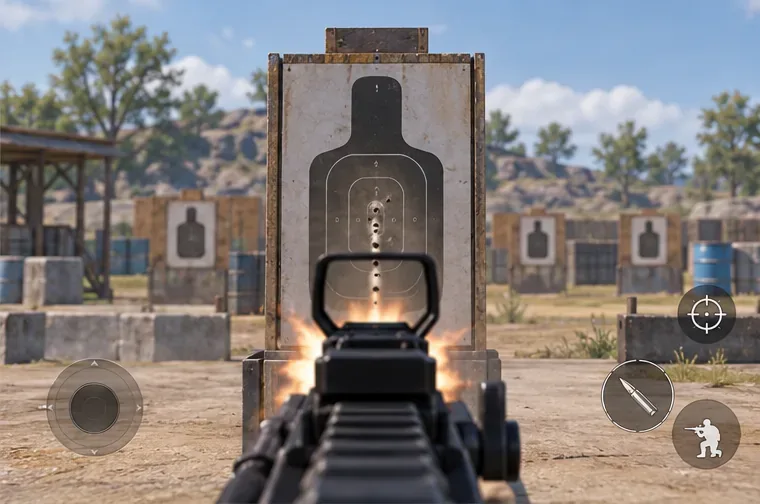
At a wall or stationary target, fire short bursts with your usual weapon and attachments. Observe the direction the reticle climbs, then use a smooth, measured downward tilt to counter it. If the pattern sways side to side, first check your grip and firing duration before raising sensitivity. Test an ADS gyro value separately if your version exposes one. Recoil varies by weapon, attachment, stance, and distance, so a single setting cannot make every spray perfectly straight.
A tight burst pattern helps you judge whether your downward recoil correction is controlled.
7. Practice long-range corrections with lighter movement
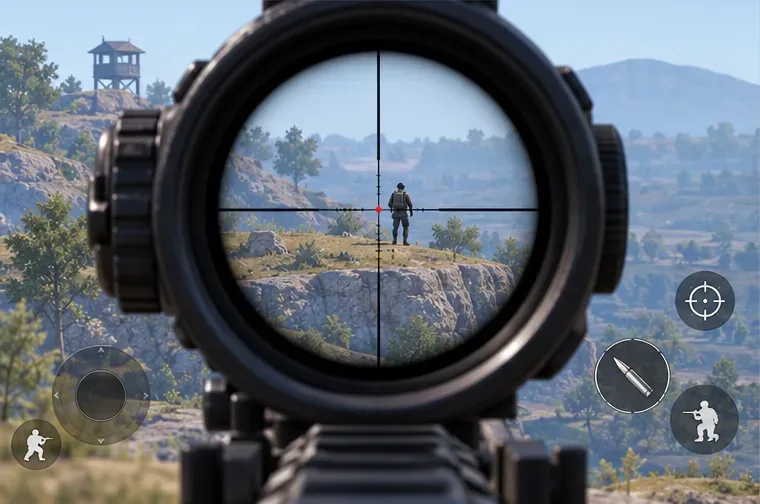
Use a 4x or 6x optic on distant targets and make tiny corrections rather than trying to snap across the screen with the phone. For single shots, settle the reticle before firing; for a moving target, lead with touch and refine with gyro. If the scope jitters while you are holding still, reduce its sensitivity or steady your hands. A scope that feels too slow should be raised gradually, then tested again at the same distance.
Use small movements at long range; high magnification makes overcorrection more obvious.
8. Validate the setup in a real match
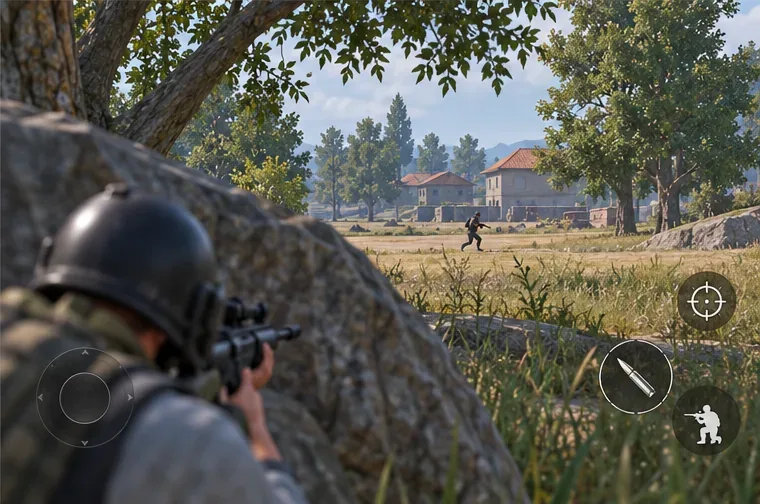
After the training range, play a few unranked or lower-pressure matches before taking the setup into ranked play. Notice whether your first shot lands where intended, whether your reticle stays on a moving opponent, and whether recoil correction feels repeatable under pressure. Change only one setting after each session, and keep the old value available so you can revert. Use cover and pre-aim; gyro improves control but does not replace positioning or decision-making.
Carry the same pre-aim and tracking habits into a match, using cover before taking the shot.
Quick fixes for common gyro problems
What you notice
Try this
You keep overflicking
Lower the affected scope slightly and use touch for the wide turn.
The reticle shakes when you hold still
Relax your grip, support your wrists, and reduce that scope’s gyro value.
Recoil still climbs during sprays
Practice shorter bursts, then adjust firing gyro separately if available.
Gyro does nothing
Confirm it is enabled, check the chosen activation mode, and verify device sensor support.
It feels different after a graphics or performance change
Retest in training before changing sensitivity; do not apply a fixed 60 FPS or 90 FPS multiplier.
Frame rate and frame pacing can change how responsive play feels, but there is no universal rule to lower gyro sensitivity by a set percentage for 60 FPS. Use a stable graphics mode supported by your device and judge each sensitivity change through the same repeatable drill.
Frequently asked questions
Should beginners use Scope On or Always On?
Scope On is a manageable way to learn if unscoped tilt feels distracting. Switch to Always On when you can keep your camera steady and want gyro available beyond scoped aiming. Neither mode is a guaranteed competitive advantage.
Do I need a four-finger claw layout to use gyro?
No. Gyroscope aiming works with a layout that feels comfortable. More fingers can separate movement, aim, and fire inputs, but add them only if the extra controls improve your play without causing strain.
Are these the settings used by PUBG MOBILE pros?
No. They are labeled test values, not verified player settings. Pro configurations vary by device, grip, control layout, and personal preference, and copied values may not transfer well to another phone.
Use the controls and slider limits shown by your current client if they differ from those historical notes. The best PUBG Mobile gyroscope settings are a repeatable starting point that you tune patiently, not a shortcut around practice.