How to Fix PUBG Stuck on “Initializing” on Steam

Fix PUBG stuck on Initializing on Steam with a focused checklist for PC service notices, launch options, game files, downloads, and connection issues.
Strong Fortnite movement is about reaching cover, changing your angle, and staying ready to fight. This five-minute warmup drills the basics that matter most in Battle Royale: sprinting, directional movement, sliding, and mantling. You can learn the sequence in five minutes; building reliable muscle memory takes regular practice.
Controls vary by platform and by custom binds. Before starting, check your current controls in Fortnite’s settings or use Epic’s official controls guide to find the right settings tab for keyboard and mouse or controller.
Sprinting helps you cover distance quickly, but it is a tool for crossing a gap, not a setting to leave on all match. Watch the sprint meter and plan where you will stop. Epic describes sprinting as a faster movement option with a limited meter; use it to reach the next piece of cover, then return to a movement state that lets you aim and react. See Epic’s overview of sprinting and mantling.
Strafing means moving left and right while keeping your view on the fight. A short change of direction can make your path less predictable, but constant zigzagging is not a guarantee that shots will miss. Keep your crosshair near the opponent, move toward cover rather than wandering in the open, and change direction when you need to break a predictable line.
To start a slide, run and hold your crouch input; the exact button depends on your binds. Sliding can help you move low across a gap, approach cover, or vary your timing. Epic’s description notes that sliding is available while running and can preserve shooting and building actions in supported play. It does not create an infinite speed boost or reset sprint resources on demand. See the official Fortnite sliding overview.
When a ledge is within reach, face it, move close, and jump to pull yourself up. Mantling can open a route around a wall or onto higher ground, but climbing also exposes your character at the top. Aim for a ledge that leads to cover or a useful angle instead of mantling into an opponent’s crosshair. Epic’s mantle documentation describes the basic approach-and-jump action.
Pick a quiet Creative island or training area with a few walls, ramps, and low ledges. Creative experiences can have island-specific movement settings, so a drill may feel different from Battle Royale. Keep each repetition controlled; clean movement is more useful than racing through the route.
| Time | Drill | What to focus on |
|---|---|---|
| Minute 1 | Sprint and change direction | Move between two cover points; stop sprinting before you need to aim. |
| Minute 2 | Slide to cover | Run, hold crouch to slide, and finish behind cover rather than in the open. |
| Minute 3 | Mantle a low ledge | Approach the edge, jump, and turn toward safety as soon as you land. |
| Minute 4 | Link the route | Sprint to cover, change direction, slide or mantle only when the terrain calls for it. |
| Minute 5 | Move while tracking a target | Strafe around a target or practice dummy while keeping your crosshair steady. |
Repeat the route in both directions. That prevents you from learning only one approach and helps you notice where a turn, ledge, or slide leaves you exposed. If you play Build mode, add a simple wall or ramp only when it improves the route. In Zero Build, use rocks, structures, and terrain as your cover points.
Fortnite’s movement and camera behavior can change with updates. Epic has previously adjusted crouch and running speed and movement animations, so avoid treating an old sensitivity recipe or a creator’s keybinds as universal. The official movement update notes explain why settings and feel can differ between versions.
The fastest useful improvement is consistency: sprint to a destination, use a slide or mantle when the route benefits, and bring your crosshair back onto the fight. Run the five-minute routine before a session, then focus on one movement decision at a time in matches. These Fortnite movement mechanics will not guarantee a win, but deliberate positioning gives you more chances to take fights on your terms.
Fix PUBG stuck on Initializing on Steam with a focused checklist for PC service notices, launch options, game files, downloads, and connection issues.
Fix Brawl Stars stuck at 92% loading with an ordered checklist for service notices, network tests, safe updates, Android cache, and account-safe reinstalling.
Best Dead by Daylight visual filter settings start with a small Gamma lift, neutral color and contrast, and a quick check for dark corners, fog, and bright lights.
Find the Steam and EA app fields for Apex Legends launch options, use EA’s documented FPS command, and see why +exec autoexec.cfg remains unverified.
Reduce input lag on a Nintendo Switch dock for Smash Ultimate with TV Game Mode, a direct HDMI test, controller checks, and online-latency troubleshooting.
Find the best EA SPORTS FC audio settings for a clearer referee whistle: tune Stadium Ambience and Commentary, then troubleshoot output or timing issues.
Compare the best Attack Move Click keybinds in League of Legends—A, Shift + right-click, mouse side buttons, and left-click—with setup and kiting tips.
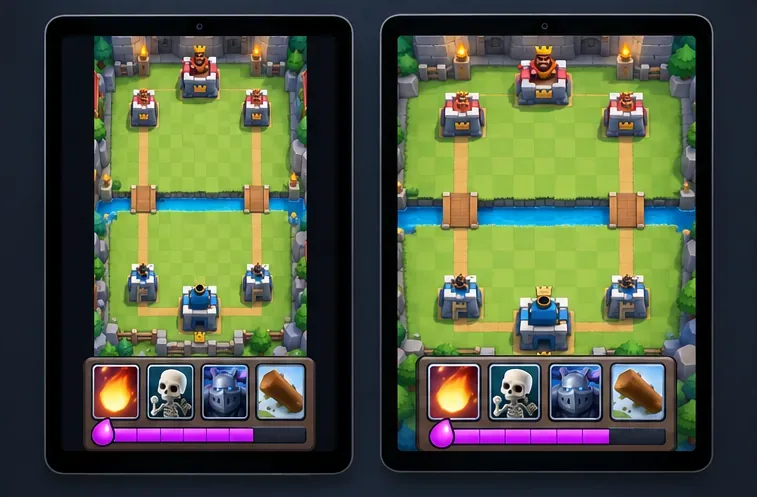
Find the best tablet aspect ratio setup for Clash Royale, compare Android display-fit choices, and check iPad full-screen framing without cropping the arena.
Fix Warzone Dev Error 6068 on startup with safe PC checks for updates, overlays, graphics drivers, game-file repair, and clean boot troubleshooting.
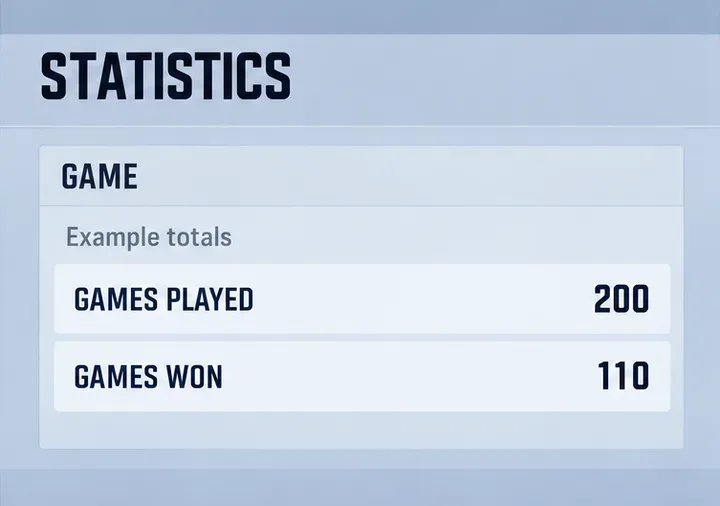
Check your Overwatch 2 overall match win rate with Career Stats, matching game totals, and the right filters—without mistaking hero percentages for match results.