How to Check Real-Time Server Latency in the PUBG HUD

Enable PUBG’s network statistics HUD to monitor ping and packet loss in a match. See where to find it, what the numbers mean, and what they cannot diagnose.
League of Legends vs. Wild Rift comes down to more than PC versus phone. Both are five-player team MOBAs built around lanes, champions, objectives, and coordinated fights, but Wild Rift is a separate game tuned for touch controls and shorter sessions. Its map, champion kits, item balance, updates, and ranked progression do not mirror the PC game one-for-one. Choose League PC if you want mouse-and-keyboard precision and a broader, longer-running PC experience; choose Wild Rift if you prefer playing on a supported iOS or Android device in a more compact format.
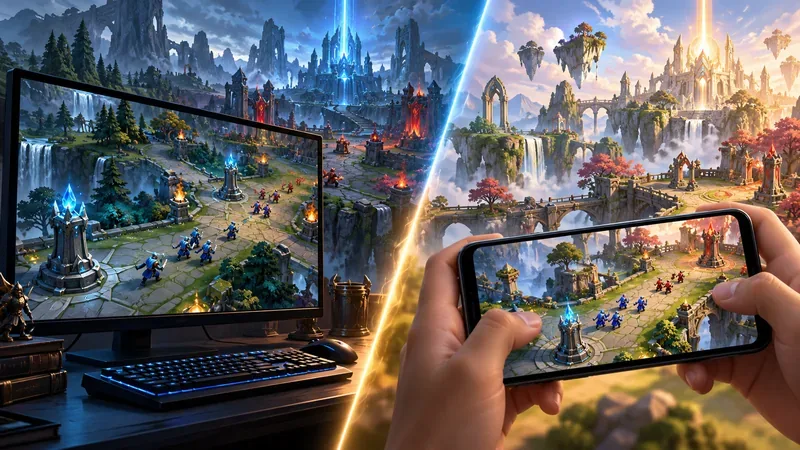
Here is a practical breakdown of the differences between League of Legends and Wild Rift, including what carries over when you know one game and start the other.
| Feature | League of Legends (PC) | League of Legends: Wild Rift |
|---|---|---|
| Primary platform | Windows and macOS | iOS and Android phones and tablets |
| Main input | Mouse and keyboard | Touchscreen, with twin-stick movement and touch ability controls |
| Match feel | Longer-form, more deliberate macro play | Shorter, faster-paced sessions by design |
| Map and systems | PC Summoner’s Rift and PC-specific updates | Compact mobile map design and separately tuned systems |
| Champions and builds | Larger overall champion pool and PC balance | Curated roster; some kits and item values are adapted |
| Progression | Its own queues, ranked ladder, and patch schedule | Its own queues, ranked ladder, and patch schedule |
League of Legends is the PC game. Riot lists support for Windows and macOS, with current requirements depending on the computer and operating system. Wild Rift is designed for iOS and Android devices, so the practical entry point is a compatible phone or tablet rather than a gaming PC. Check Riot’s current League of Legends system requirements and Wild Rift official site before installing; device support and minimum specifications can change.
This distinction affects when and where you play. A desktop setup offers a larger display and stable keyboard-and-mouse posture. A phone makes it easier to play away from a desk, but battery life, heat, network quality, and screen size become part of the session. Check the current device requirements and controls before installing, especially if you plan to play on an older phone or tablet.
On PC, you issue movement commands with the mouse and use the keyboard for abilities, summoner spells, and shop shortcuts. This gives players fine control over movement, attack spacing, and ability timing, while asking for practice with camera control and hotkeys.
Wild Rift replaces that input model with a virtual movement stick and touch controls for attacks and abilities. The screen layout is built around thumbs, and skill shots must be aimed through the mobile control scheme. It is not simply the PC interface squeezed onto a smaller display: Riot’s developers have described adapting champion abilities to twin-stick controls and the mobile map. Expect familiar ideas, but allow time to learn the touch-specific targeting and positioning.
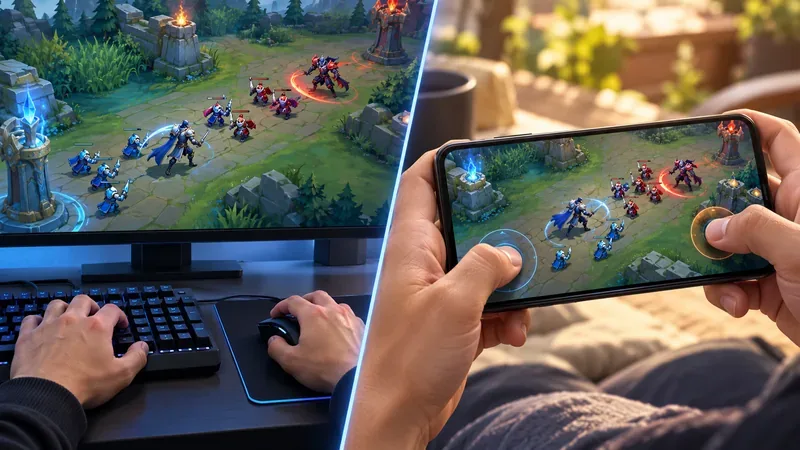
The games share strategic fundamentals, but Wild Rift is built around a faster, shorter match rhythm. Riot has described Wild Rift matches as shorter and faster-paced than League PC, and has balanced champion abilities around that difference. Individual match lengths still vary by mode, patch, team composition, and how evenly the game unfolds, so fixed promises such as “every game takes 15 minutes” are misleading.
For League PC players, the biggest adjustment is often how quickly a small advantage can turn into a fight or objective. For a Wild Rift player trying PC, expect more time for lane management, map rotations, recalls, and coordinated setup before a major fight. Riot’s Karma design article explains how champion decisions can be changed to fit Wild Rift’s shorter game length and controls.
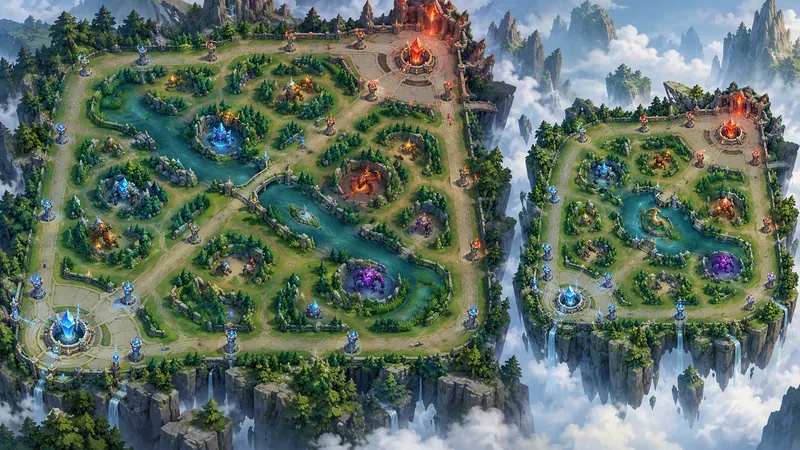
Both games use the recognizable team-MOBA structure: lanes, jungle routes, defensive towers, and major neutral objectives. But their maps are not identical copies. Riot has explicitly noted that Wild Rift’s map is smaller than League PC’s, which changes travel time, gank windows, and how quickly teams can converge. A shorter route can make a fight feel immediate; it can also make a missed rotation costly.
Wild Rift’s map presentation and mode variants can change over time, so treat old diagrams and exact objective timers as patch-specific. The Wild Rift map notes document the smaller-map design, while current patch notes are the better reference for today’s objectives and rules.
Many familiar champions appear in both games, but the rosters are not identical. League PC has the larger overall selection, while Wild Rift brings champions over in a curated, separately updated roster. A champion’s recognizable theme may carry over while individual abilities, timing, or interactions change to fit touch input, map scale, and match pace.
That means a champion you main on PC can still feel familiar in Wild Rift without playing exactly the same. Do not assume every combo, cooldown, range, or matchup from a PC guide transfers unchanged. Check the champion’s in-client ability text and the current patch notes for the game you are playing.
Both games ask you to build around your champion, lane matchup, and enemy team. The item names and strategic categories may look familiar, but availability, stats, effects, and balance can differ between the two clients. Runes and other pregame choices also need game-specific attention. Copying a League PC build straight into Wild Rift—or the reverse—can leave you with outdated or unavailable choices.
Use guides that clearly identify the game and patch. Then adapt to the actual match: damage threats, crowd control, healing, and the state of the lanes matter more than a memorized shopping list. Riot’s patch feeds for League PC and Wild Rift show why balance should be checked separately.
League PC and Wild Rift are distinct live games, with their own clients, ranked queues, seasonal changes, modes, and patch notes. Improving at one helps with broad skills such as map awareness, objective timing, and team communication, but you should expect to learn each game’s ranked system and current rules on their own terms. Modes and seasonal features can rotate or change, so a guide from an older patch may describe a mode that is no longer available or works differently now.
For current details, use the official League of Legends update feed and the Wild Rift patch notes. The latest Wild Rift 7.3b notes, for example, cover changes to ranked progression, jungle systems, turrets, minions, and items—areas that should not be assumed to match the PC patch.
The central League of Legends vs. Wild Rift difference is design intent: League PC is built for desktop play, while Wild Rift reshapes the experience for mobile. Shared champions and familiar objectives help you transfer some knowledge, but maps, kits, builds, ranked systems, and updates can diverge. Pick based on your device and the kind of session you want, then check that game’s current patch before following a guide.
No. They share the League of Legends universe and many champions, but they are separate games with different controls, map scale, balance, and update paths.
No. Wild Rift has a curated roster that changes over time. Some shared champions also have adapted abilities, so check the roster and in-game kit details in the current version.
Use PC guides for general concepts such as wave control or team composition, but use Wild Rift-specific sources for builds, ability details, timings, and ranked rules. Those details can differ and change with patches.
Enable PUBG’s network statistics HUD to monitor ping and packet loss in a match. See where to find it, what the numbers mean, and what they cannot diagnose.
Learn how to import VALORANT crosshair codes, compare presets with manual settings and spectator copy, and fix common import issues.
Choose Dota 2 minimap size, hero icons, team colors, and background settings by readability, fewer misclicks, and clear results on your own display.
Fix Fortnite texture pop-in on PC with official steps for GPU drivers, file verification, DirectX 12, high-resolution textures, VRAM, SSDs, and stutter.
Learn what Heroes of the Storm minimap size and position options are verified, improve readability, and choose camera-click controls that suit you.
Set Super Smash Bros. Ultimate Quickplay to prefer hazards-off stages. Follow the Preferred Rules menu steps and learn why matchmaking may not always honor them.
Enable Server Latency and Packet Loss in Warzone to monitor connection quality, read the overlay, and use recurring spikes to guide troubleshooting.
Learn how to carry from mid lane in League of Legends by setting up waves, choosing safe roam windows, reading side lanes, and converting pressure into objectives.
Fix Minecraft Evoker spell problems with a safe vanilla test, version checks, log review, and a step-by-step way to isolate mod or datapack conflicts.
Fix PUBG stuck on Initializing on Steam with a focused checklist for PC service notices, launch options, game files, downloads, and connection issues.








