Home
» 🎮 Esports
»
Minecraft Packet Decode Failed Error: How to Fix “Failed to Decode Packet”
Minecraft Packet Decode Failed Error: How to Fix “Failed to Decode Packet”
Minecraft Packet Decode Failed Error: How to Fix “Failed to Decode Packet”
If Minecraft Java Edition disconnects with “Failed to decode packet” or a DecoderException, first check that your game version, server version, and mod setup are compatible. If the error happens on just one server, the server’s mods, plugins, proxy, or custom packet data may be responsible. The phrase “Packeting Decode Failed” is not a standard Mojang error label, and the exception by itself does not identify one guaranteed fix.
Work through the checks below in order. They preserve your worlds and settings while helping you determine whether the problem is local or server-side. This guide covers the Java Edition Netty decoder error; Bedrock Edition has different connection diagnostics.
What a Minecraft packet decode error means
In multiplayer, a client and server exchange structured packets. A decoder exception means one side could not interpret a packet in the form it received. The visible message may name a packet such as custom_payload or recipe, but that name is a clue, not a complete diagnosis. The cause may be a mod or plugin mismatch, incompatible protocol translation, a server bug, or a version-specific data change.
A decoder error is not the same as a generic lag spike. Ordinary latency or a timeout can interrupt a connection, but repeatedly changing DNS or disabling a firewall will not repair a packet format that the client or server cannot parse. Do not delete cache folders or reinstall the game as your first step.
Fix the error with four targeted checks
1. Match the Java game version to the server
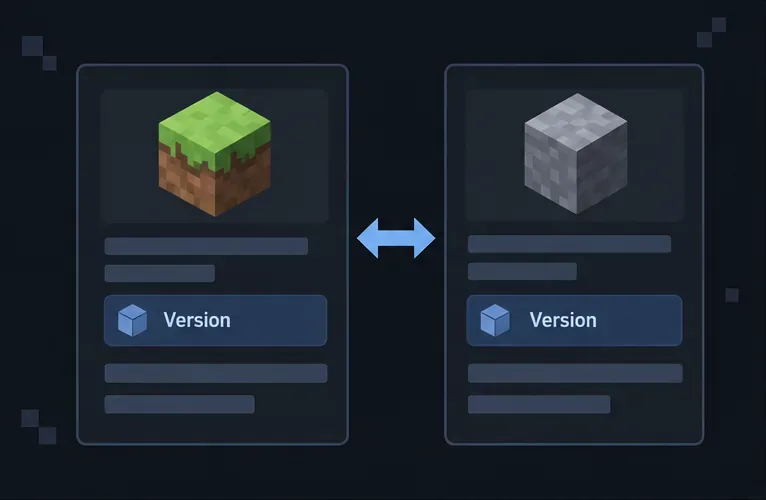
Ask the server owner which Java release the server supports, then compare it with the release selected in your Minecraft Launcher. In the launcher, open Installations, edit or create a profile, and choose the server’s supported release. Avoid launching a snapshot or a different release unless the server specifically supports it. Mojang’s Java Edition version guide explains how to select a game version. Multiplayer also requires the right edition and a compatible game version, as described in Minecraft’s multiplayer requirements.
Schematic: compare the Java release selected in your launcher with the version listed by the server host.
If the server uses a protocol bridge that intentionally accepts different client versions, follow the server’s instructions instead of guessing. A version translator is a server-side compatibility component; adding an unrelated client mod is not a reliable substitute.
2. Try a clean profile to isolate mods
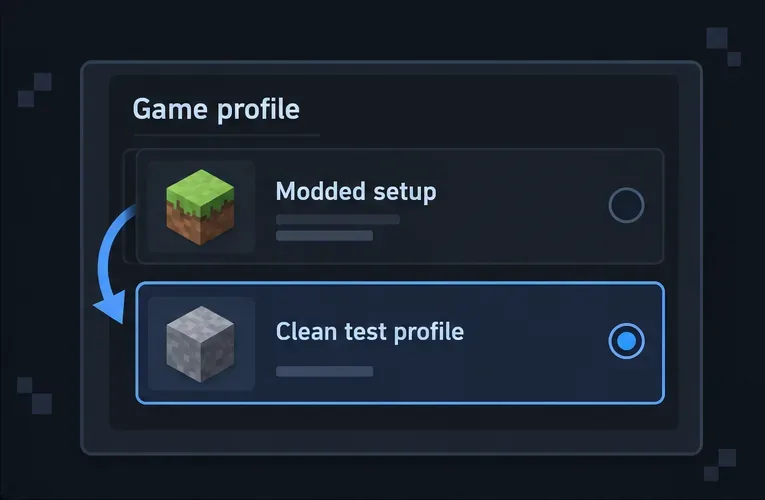
If you use Fabric, Forge, NeoForge, a modpack, or client-side utilities, create a separate clean launcher installation for the same Minecraft release and test it without mods. Keep your existing profile and its files intact. If the clean profile joins successfully, reintroduce the modpack components in small groups or restore the official modpack version and loader it requires.
A vanilla client may not be able to join a modded server that requires specific content, so use this only as an isolation test where the server permits it. Ask the server owner for its supported loader and modpack version. Mod networking can change between game releases; for example, Fabric’s 1.20.5 and 1.20.6 technical notes document changes to custom payloads and packet codecs. That is why matching the loader and mod versions matters more than deleting files at random.
Schematic: use a separate, unmodified profile to test whether a client mod is involved.
3. Read the log around the exception
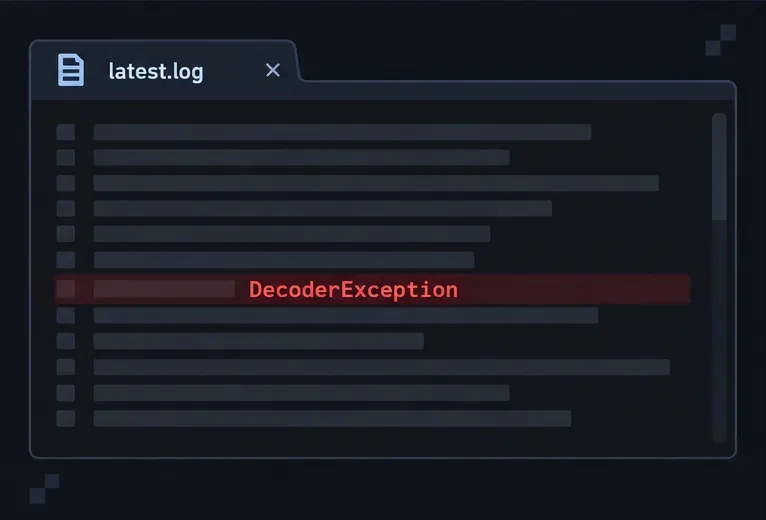
After the disconnect, open the client’s latest.log and search for DecoderException, Failed to decode packet, or the packet identifier shown in the disconnect text. Read several lines above and below the first matching entry, including any Caused by line. Those details can point to a specific mod, payload, or packet type; the headline error alone usually cannot.
On a standard Java installation, the log is under .minecraft/logs/latest.log. Common locations are %appdata%\.minecraft\logs\latest.log on Windows, ~/Library/Application Support/minecraft/logs/latest.log on macOS, and ~/.minecraft/logs/latest.log on Linux. If you use a custom game directory, a third-party launcher, or a separate modpack instance, look in that profile’s game directory instead. Server owners should also check the server’s own logs/latest.log at the same time as the disconnect.
Schematic: search the client log for the decoder exception and inspect the surrounding lines for context.
4. Ask the server owner to check server-side components
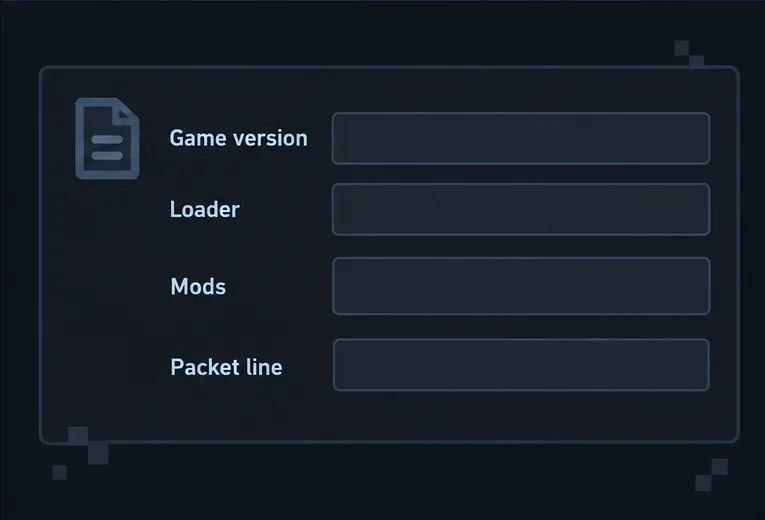
If a clean profile still fails on only one server, send its owner the exact disconnect text, your game version, loader, modpack version, and the relevant log excerpt. Ask whether the server recently changed a mod, plugin, proxy, or version-translation layer. The owner should compare client and server logs from the same attempt and test recent network-related changes one at a time.
For servers using ViaVersion or another protocol bridge, the administrator should verify that the bridge is supported by the server platform and configured for the intended client/server version pair. ViaVersion describes itself as a protocol translation library and documents separate platform integrations in its platform documentation. Do not install or remove server plugins unless you administer that server.
Schematic: give the administrator the game version, loader, mod list, and exact packet line so they can reproduce the issue.
Use the result to identify which side needs attention
What happens
Best next step
The clean profile joins, but the modded profile does not
Check mod, loader, and modpack versions; restore a known compatible set.
Only one server fails, including with a clean profile
Send the log excerpt to that server’s administrator and ask them to inspect server mods, plugins, or proxy configuration.
Several servers fail with the same local installation
Other players disconnect from the same server at the same time
The server owner should compare server logs and review recent server-side changes.
If the symptom is a timeout, “connection refused,” or broad multiplayer outage rather than a decoder exception, use Minecraft’s multiplayer connection troubleshooting. Keep your firewall enabled; only change network security settings when you have a specific, supported reason.
Share logs safely and prevent repeat failures
Before posting a log publicly, remove personal information such as usernames, server addresses, or account-related details. Share only the relevant exception block with a trusted server administrator or mod developer. Do not post authentication tokens or credentials.
Keep a separate launcher profile for each modpack and game release.
Use the game version, loader, and modpack release named by the server.
Back up worlds before changing mods or moving instances.
When you administer a server, record plugin and proxy changes so you can roll back the last change if a decoder error starts afterward.
The fastest reliable fix for a Minecraft packet decode failed error is to identify the failing packet and test a compatible clean profile, then involve the server owner if the problem is server-specific. There is no universal cache-clearing command or guaranteed one-click repair for every Failed to decode packet disconnect.