If Minecraft refuses to place a painting or item frame and you see wording such as “Positioning Invalid At Entity Hanging,” start by checking the wall face and available space. Then repeat the same placement in a new local world. That quick comparison helps separate a placement issue from a world, mod, server, or version-specific problem.
Important: I could not verify that exact phrase as a standard vanilla Minecraft error in the official materials reviewed. It may be text from a server plugin, mod, add-on, log, or a paraphrase of what happened. Treat this guide as a troubleshooting path for Minecraft hanging-entity placement problems, not a confirmed fix for one universal error code.
What can cause a hanging-entity placement failure?
Paintings and item frames need a valid attachment face, and paintings also need enough wall area for a size the game can use. Nearby blocks or existing decorations can obstruct the target. In multiplayer, protection rules, permissions, a server plug-in, or a client/server version mismatch can make placement fail even when the same wall works locally. A mod or add-on can introduce its own placement rules.
Do not assume that lag, “entity overlap,” or a corrupted chunk is the cause from the message alone. First establish where the problem reproduces. Avoid global commands such as killing every painting or item frame: they can remove displays across a large area and may not address the underlying placement check.
Four steps to troubleshoot Minecraft placement problems
Step 1: Check the target face and wall space
Use a plain, full-block wall as a control. Aim at the broad side face rather than a corner, partial surface, or unusual decorative block. Try placing one item frame, then one painting. If the frame works but the painting does not, inspect the open wall area: paintings can occupy different sizes, so a narrow gap may not accommodate the painting selected for that attempt.
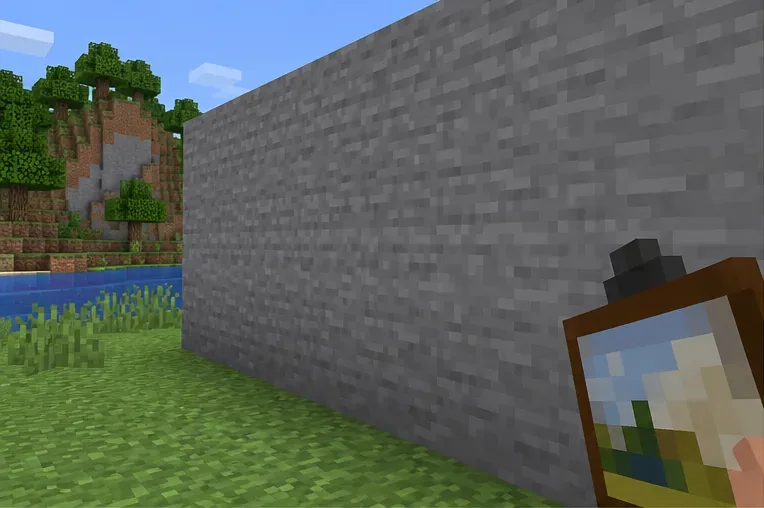
A plain stone wall is a simple baseline surface for a painting placement check.
For Bedrock Edition, Microsoft’s Creator documentation says painting selection depends on the painting’s size and the amount of wall space available. That helps explain why a painting may not fit in a small opening. Keep edition-specific behavior in mind when comparing results; do not use Bedrock guidance as proof of Java mechanics.
Step 2: Clear the test area and place one object
Temporarily remove nearby paintings, frames, signs, buttons, or other decorations from the small area you are testing. Check for a block, carpet edge, or other obstruction immediately below or beside the target. Then try a single object on the cleared wall. If it succeeds, add decorations back one at a time to find the condition that blocks placement.
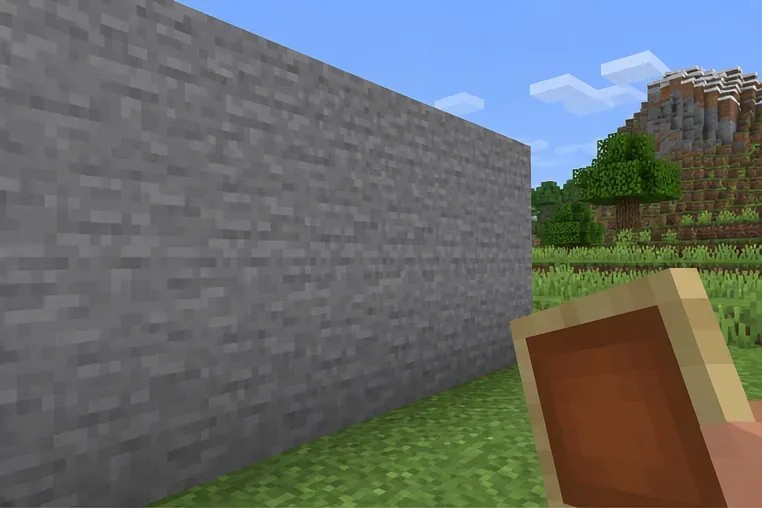
Clear space around the target makes it easier to test one hanging object at a time.
Change only a small test area. If you are working in a valuable build, take a world backup or use a copy before removing anything. This avoids turning a placement error into an accidental renovation.
Step 3: Compare local and multiplayer placement
Make a temporary Creative world in the same edition and release, build a plain wall, and test the same item. If it works there but fails in the affected world, the cause is likely tied to that world’s layout, data, add-ons, or settings. If it works locally but not on a server, ask the owner to check build permissions, protected regions, server plug-ins, and the server log around the failed attempt. Rejoining once is a reasonable connection check, but repeatedly reconnecting will not fix a blocked region or incompatible plug-in.
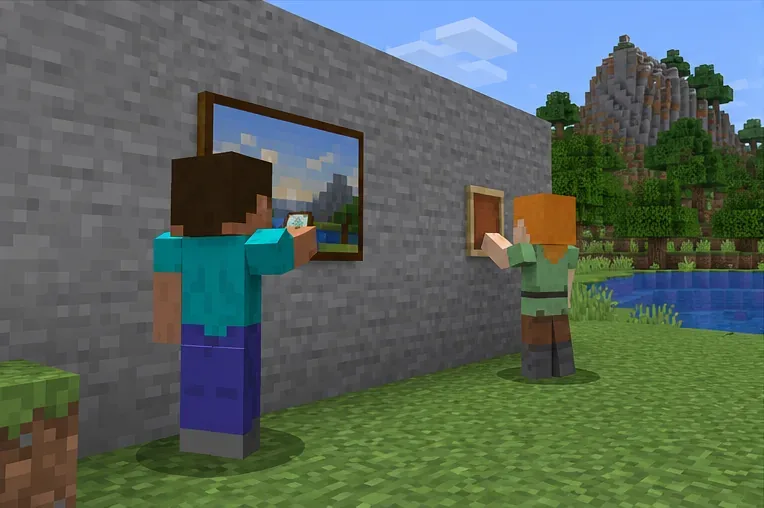
Compare placement in a local test world with the same action on a multiplayer server.
When reporting the issue, include the exact message, edition and version, whether it happens in single-player, the object you tried to place, and whether other players can reproduce it. Server administrators can use those details to distinguish a world rule from a client-side issue.
Step 4: Isolate version and add-on issues safely
Confirm that your client and server are using compatible releases. If you use mods, plugins, or add-ons, make a backup and test a copy with them disabled, changing one component at a time. Do not remove a mod from your only save: it can alter or delete content that the world depends on. If a clean test works, restore the components in small groups until the failure returns.
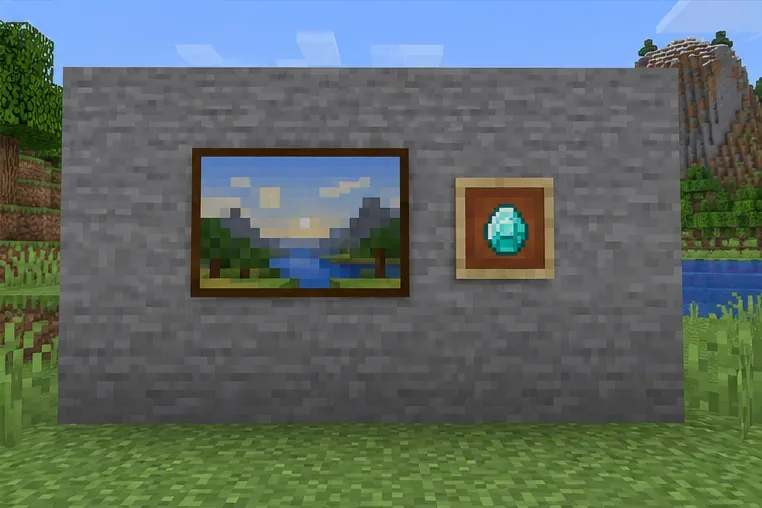
A wall with a painting and an item frame gives you a visual reference for the intended placement.
Mojang’s Java Edition 1.21.10 hotfix notes list one specific bug: maps in item frames could not be placed on walls touching a carpeted floor. The note marks that case fixed in 1.21.10. This is a narrow historical example, not evidence that every “Positioning Invalid” message has the same cause. If your layout matches it and you are on an older Java build, update to a current stable release after backing up the world.
Quick diagnosis by result
What happens
Where to look next
Item frame and painting both fail on one spot
Try a plain wall face and clear a small area around it.
Item frame works, painting fails
Give the painting more contiguous wall space; try a wider, taller clear section.
Both work in a new local world
Check the original world’s layout, add-ons, or local data using a backup copy.
Both work locally but fail on one server
Ask the administrator about permissions, protected regions, plugins, and server logs.
Failure began after an update or add-on change
Check the matching edition’s release notes and test a backed-up copy without add-ons.
Prevent the error from returning
Test large painting layouts in a copy before finishing a detailed wall.
Keep a backup before updating a world or changing its mods, plugins, or add-ons.
Record the edition and version when an error first appears.
On a server, confirm building permission before changing the wall or trying commands.
Is “Positioning Invalid At Entity Hanging” an official Minecraft error code?
I could not confirm it as a standard vanilla error in the official sources checked. If it appears verbatim in chat or a server log, identify the mod, plug-in, add-on, or server software that produced it before applying a version-specific fix.
Does the same fix apply to Java and Bedrock?
The basic checks—try a plain wall, clear nearby space, and compare with a new local world—are useful in either edition. Technical behavior and add-ons differ, so use the documentation and release notes for your edition and avoid copying Java commands or entity data into Bedrock.
Should I use a summon command to bypass placement?
Not as a first fix. Command syntax and entity data vary by version and edition, and spawning an entity in the wrong position can leave it unsupported or create extra cleanup work. Diagnose the target face and isolate the world or server first.
Get back to building
For a Minecraft hanging entity placement error, the reliable path is to test a plain wall, clear a small area, compare local and server behavior, and isolate recent version or add-on changes on a backup copy. The title phrase is not verified as a universal vanilla error, so use the exact message and where it occurs to identify the system that needs attention.