How to Check Real-Time Server Latency in the PUBG HUD

Enable PUBG’s network statistics HUD to monitor ping and packet loss in a match. See where to find it, what the numbers mean, and what they cannot diagnose.
To start the Dr. Dre Contract in GTA Online, buy an Agency, complete its introduction, register as a VIP, CEO, or Motorcycle Club President, and finish a Security Contract from the Agency computer. Franklin will then contact you about meeting a VIP at the Los Santos Golf Club. You do not need to complete a Payphone Hit first, and three Security Contracts are not the Dr. Dre unlock requirement.
Rockstar’s official The Contract overview gives the same core route: set up the Agency, complete a Security Contract, and meet the VIP. Here is how to follow it without mixing up the Agency’s separate activities.
| Requirement | Needed? | What to know |
|---|---|---|
| Agency property | Yes | Purchase an Agency through Dynasty 8 Executive in the in-game Internet. Any available location works for the unlock. |
| Agency introduction | Yes | Enter your Agency and complete the introductory visit with Franklin and the staff. |
| Security Contract | Yes | Launch and complete one from your Agency office computer while registered as a VIP, CEO, or MC President. |
| Payphone Hit or Agency upgrade | No | These are separate activities or optional property extras; they are not prerequisites for the Dr. Dre VIP Contract. |
Agency upgrades such as an Armory or Vehicle Workshop can add convenience, but you can start the storyline with the base property. The Agency is the mission hub; an Executive Office or another business property does not substitute for it.
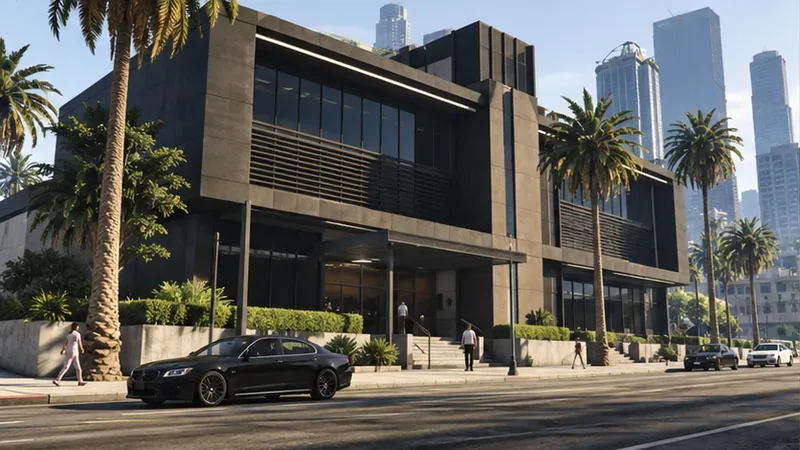
Open the in-game Internet on your phone or computer and visit Dynasty 8 Executive. Choose an Agency property and confirm the purchase. Do not look under Maze Bank Foreclosures: that site lists other properties, while Rockstar identifies Dynasty 8 Executive for Agency offers. You can choose based on price or location; the property location does not change the Dr. Dre Contract unlock steps. Save your cash for the property itself before buying optional renovations.
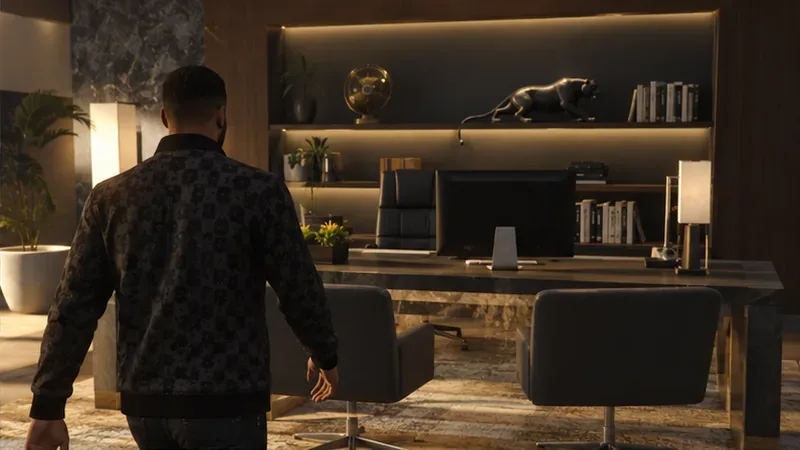
Go to the new property and follow the introduction inside. Once the office is available, register as a VIP, CEO, or MC President through the Interaction Menu before using the mission computer. If the Agency is brand new, let its opening scene finish rather than leaving midway; then head to the office desk.
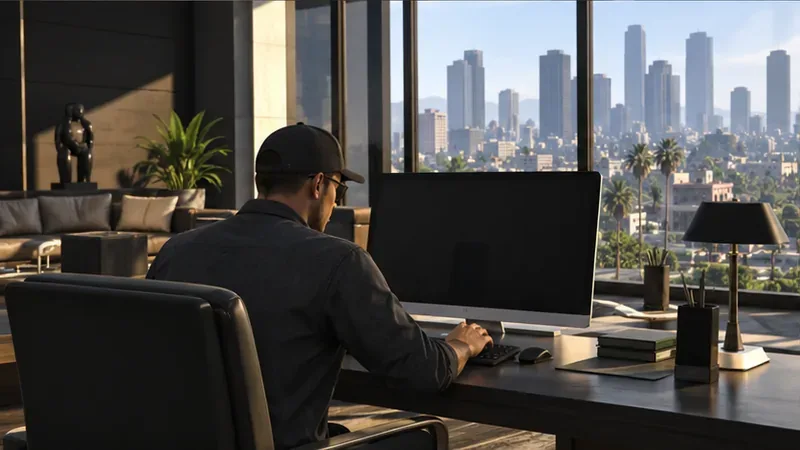
Interact with the Agency computer and choose Security Contracts. Select an available job and complete it. This is the step that builds the Agency’s reputation and opens the path to Franklin’s VIP introduction. Contract objectives vary, so read the briefing before leaving the office and use the on-screen objective markers to finish the job.
Keep the requirements straight: completing three Security Contracts is associated with unlocking Payphone Hits, not with starting the Dr. Dre storyline. Rockstar’s separate Payphone Hits announcement describes those as work for Agency owners who have completed at least three Security Contracts.
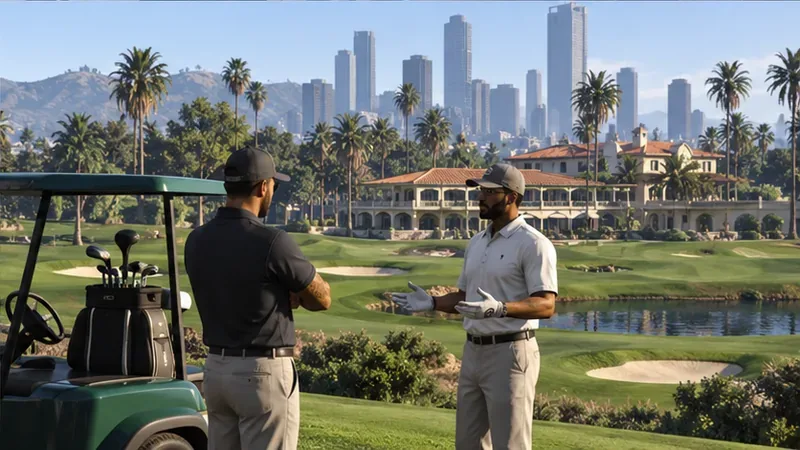
After the Security Contract, return to Freemode and watch for Franklin’s call or mission prompt. Follow it to the Los Santos Golf Club. The meeting mission, On Course, introduces Dr. Dre and begins the VIP storyline. Complete that mission to move the contract forward. You do not need to find a payphone, trigger a Payphone Hit, or travel to a studio to unlock this first meeting.
After the golf-club introduction, return to the Agency and open the office computer. Select VIP Contract to continue the Dr. Dre job. The early mission sends you to recover information connected to Dre’s missing phone; completing it opens the investigation strands that make up The Data Leaks. Follow the computer and mission prompts through those strands and their finales to reach the closing mission, Don’t Fuck With Dre.
The Contract is designed for solo players as well as groups, according to Rockstar’s original announcement of the story update. You can bring friends, but a crew is not required just to unlock the storyline.
Do not buy an Armory or Vehicle Workshop just to make the VIP tab appear. Also, do not repeat Security Contracts while waiting for a Payphone icon; Payphone Hits and the Dr. Dre VIP Contract use different unlock paths.
The main reason to finish the storyline is its multi-mission experience and finale reward. Avoid relying on an old guide’s fixed cash figure: Rockstar’s Title Update 1.73 notes now list The Data Leaks – Don’t Fuck With Dre among finales with a weekly completion bonus. Check the current in-game event details before planning a money run, since weekly rewards can change.
Rockstar’s getting-started path calls for completing a Security Contract, then meeting the VIP. Three Security Contracts relate to Payphone Hits, a separate Agency activity.
No. Complete the Agency introduction and a Security Contract, then follow Franklin’s prompt to the golf club.
No. The property and its office computer are the essentials for starting the VIP Contract. Optional upgrades can wait.
The golf-club introduction is On Course. After completing it, use the Agency computer’s VIP Contract option to continue the storyline.
Fast route: Buy an Agency at Dynasty 8 Executive, complete its introduction, register as a VIP/CEO/MC President, finish one Security Contract, meet Franklin and Dr. Dre at the Los Santos Golf Club, then continue through VIP Contract on the Agency computer.
Enable PUBG’s network statistics HUD to monitor ping and packet loss in a match. See where to find it, what the numbers mean, and what they cannot diagnose.
Learn how to import VALORANT crosshair codes, compare presets with manual settings and spectator copy, and fix common import issues.
Choose Dota 2 minimap size, hero icons, team colors, and background settings by readability, fewer misclicks, and clear results on your own display.
Fix Fortnite texture pop-in on PC with official steps for GPU drivers, file verification, DirectX 12, high-resolution textures, VRAM, SSDs, and stutter.
Learn what Heroes of the Storm minimap size and position options are verified, improve readability, and choose camera-click controls that suit you.
Set Super Smash Bros. Ultimate Quickplay to prefer hazards-off stages. Follow the Preferred Rules menu steps and learn why matchmaking may not always honor them.
Enable Server Latency and Packet Loss in Warzone to monitor connection quality, read the overlay, and use recurring spikes to guide troubleshooting.
Learn how to carry from mid lane in League of Legends by setting up waves, choosing safe roam windows, reading side lanes, and converting pressure into objectives.
Fix Minecraft Evoker spell problems with a safe vanilla test, version checks, log review, and a step-by-step way to isolate mod or datapack conflicts.
Fix PUBG stuck on Initializing on Steam with a focused checklist for PC service notices, launch options, game files, downloads, and connection issues.








