How to Mute Opponent Little Legend Taunts in TFT

Mute TFT opponent emotes globally or for one player, learn what the setting affects, and check why some Little Legend animations may remain visible.
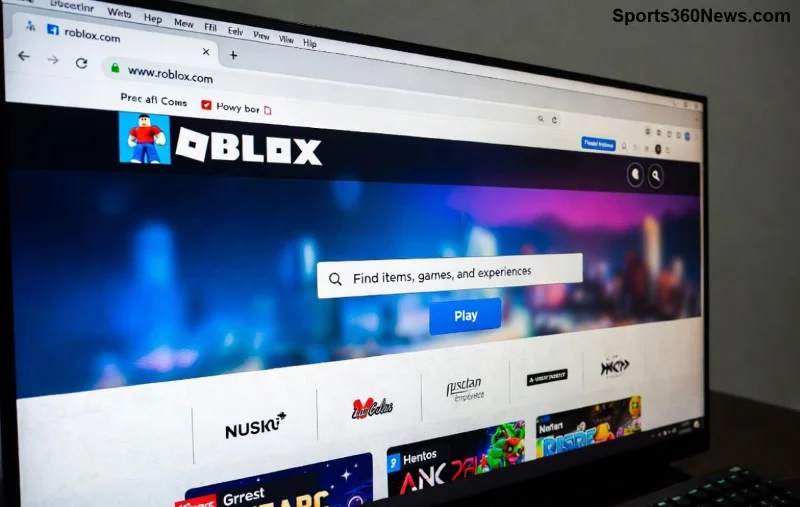
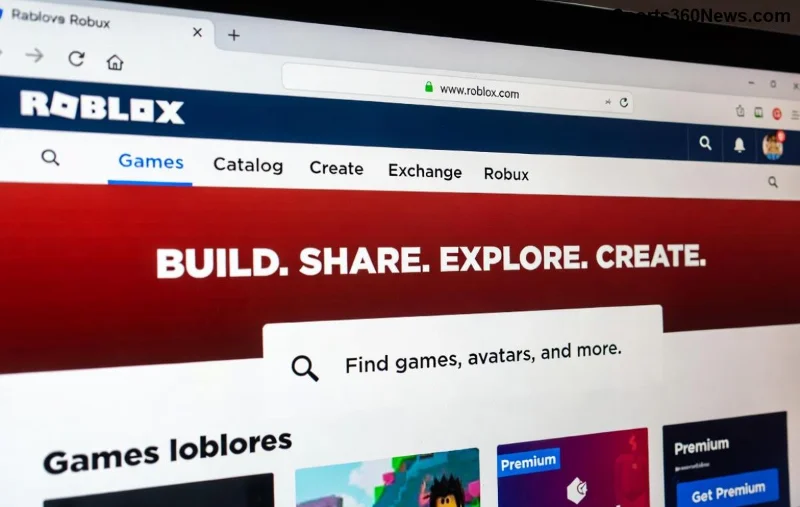
Ever dreamed of creating your own epic Roblox game for friends where you all hang out, battle, or explore together? 😎 Good news: It's simpler than you think! With Roblox Studio, anyone can make a Roblox game without pro coding skills. This guide walks you through every step to build, test, and launch your game fast. Let's turn your ideas into reality and get your squad playing ASAP!
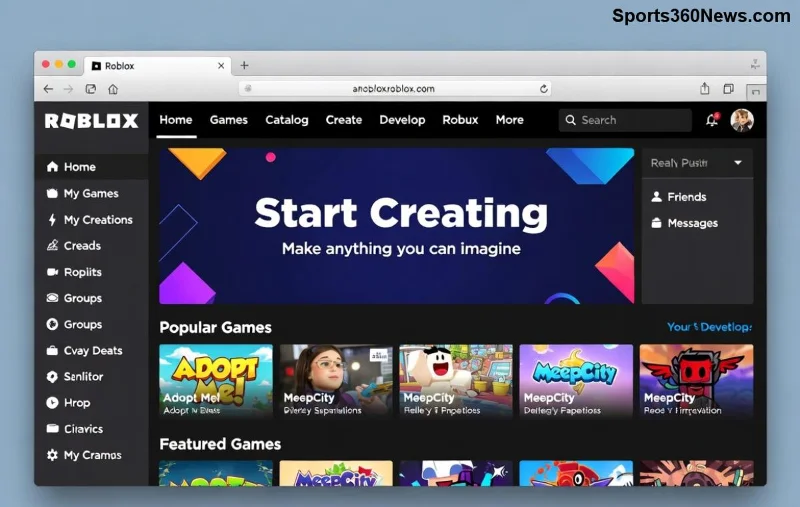
First things first – you need a Roblox account. If you don't have one:
Pro Tip: Enable Creator Dashboard in your account settings for easy game management. Once installed, launch Studio – it's your all-in-one Roblox game maker tool with templates galore!
Opening Roblox Studio? Boom – pick a base template like "Obby" (obstacle course), "Baseplate," or "Team Deathmatch" for quick starts tailored to friend groups.
| Template | Best For Friends | Why Choose It? |
|---|---|---|
| Obby | Challenges & Races | Easy jumps, timers – perfect for competitive fun! ✅ |
| Capture the Flag | Team Battles | Grab flags, respawn – squad vs. squad action! ⚔️ |
| Baseplate | Custom Hangouts | Blank canvas for your wild ideas. 🎨 |
Drag-and-drop parts like bricks, platforms, and spawn points. Resize, colorize, and position them intuitively. Want a cozy lobby? Add seats, lights, and music – your Roblox game for friends takes shape in minutes!
No fear of code! Roblox uses Lua, but beginners stick to free models and simple scripts.
local part = script.Parent
part.Touched:Connect(function(hit)
    local humanoid = hit.Parent:FindFirstChild("Humanoid")
    if humanoid then
        humanoid.JumpPower = 100
    end
end)Preview anytime with F5. Tweak until it's addictive. Imagine your crew racing through your custom course – pure joy! 🎉
Hit "Play" in Studio for solo tests. Check for glitches: Do spawns work? Scripts fire? Mobile-friendly?
Now, invite friends early:
Playtest together – note feedback like "More guns!" or "Fix that lag." Iterate fast. This is where your Roblox game for friends shines brightest! 👥
Ready to launch?
Monetize later with game passes for Robux. Track plays in Analytics – watch your creation grow! 📈
That's it! You've just learned how do I make a Roblox game for my friends. Start small, have fun, and soon you'll be the group hero with your own hit. What game idea will you build first? Drop it in comments and tag your friends – adventure awaits! 🚀
Mute TFT opponent emotes globally or for one player, learn what the setting affects, and check why some Little Legend animations may remain visible.
Customize SCV, Probe, and Drone production hotkeys in StarCraft: Remastered, avoid selection mistakes, and verify your bindings in a practice game.
Compare Halo Infinite enemy outline colors by background, friendly-team contrast, and visual preference, with practical opacity and thickness checks.
Compare Fortnite colorblind modes for Storm visibility, try a moderate strength, and check terrain, silhouettes, and item colors before keeping a preset.
Find a practical Dead by Daylight HUD scale starting point, learn the difference between UI Scale and In-Game HUD Scale, and fine-tune visibility for your screen and role.
Compare cyan, magenta, lime, and orange RGB values for CS2, learn the tradeoffs, and test a crosshair color and outline across varied map backgrounds.
Troubleshoot StarCraft II’s graphics device error on Windows with a beginner-friendly sequence: restart, reset game options, check GPU selection, update drivers, and repair files.
Learn what Target Compensation does in Apex Legends, why On is the best starting point for most controller players, and how to test it safely in the Firing Range.
Set up Apex Legends tap-strafe keybinds with wheel up for forward and wheel down for jump, then check weapon conflicts, timing, and comfort on PC.
Hide the FC Trainer during a match or disable only selected prompts. Learn how to distinguish Trainer arrows from player markers, PlayStyle icons, and input overlays.


