Home
» 🎮 Esports
»
Moved Too Quickly Minecraft Error: Causes and Fixes
Moved Too Quickly Minecraft Error: Causes and Fixes
Moved Too Quickly Minecraft Error: Causes and Fixes
If Minecraft Java players are rubber-banding or a server console reports that someone “moved too quickly,” the server has rejected a movement update it considered too large for a single packet. Start by checking whether this is only a console warning, a visible rollback, or an actual disconnect. Then compare whether one player or several players are affected before changing settings.
The phrase Moved Too Quickly Minecraft error can sound like a ban notice, but it is not a standard “speed sanction.” PaperMC documents this check as a server-side movement limit: when it triggers, the server logs the event and prevents that move. A warning by itself does not prove cheating, confirm a ban, or identify whether the cause is the player’s connection, server performance, a movement effect, or a server-side modification.
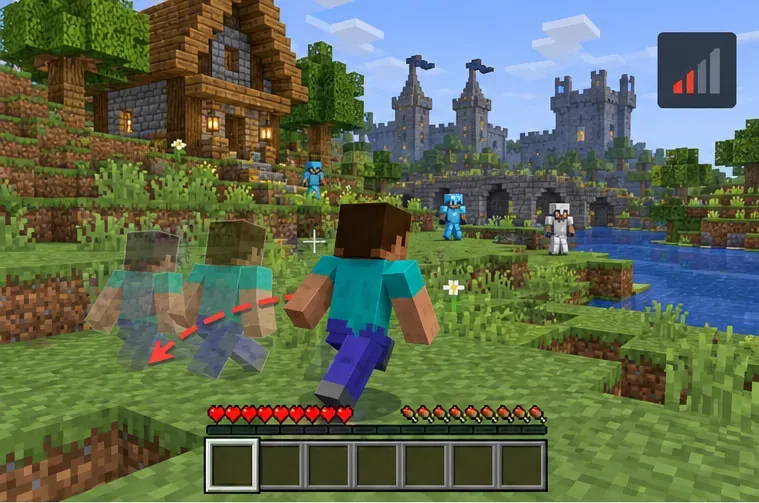
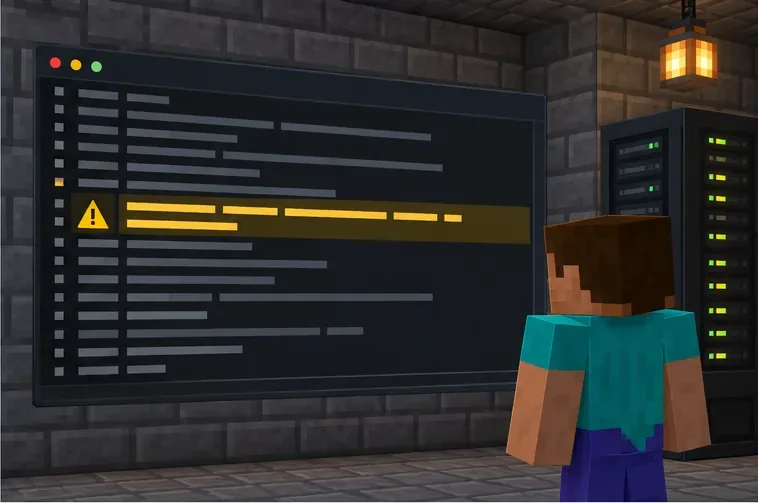
Illustration of a movement rollback. The exact screen and server behavior depend on the server software.
What the “Moved Too Quickly” message means
In this guide, the exact wording refers to Minecraft Java Edition server behavior. A player may see a brief snap-back or rubber-band because the server did not accept the reported position. In other cases, the line appears only in the server console and the player stays connected. If you see a disconnect screen, copy its exact text: a plugin or custom server can add a separate kick message, and that is different evidence from a console warning.
There is no universal ping number that triggers this message, and “over 200 ms” is not a reliable diagnosis. Network delay can make movement appear uneven, but server load, teleportation, vehicle or custom movement behavior, and version-specific bugs can also be relevant. Mojang’s Java snapshot notes have even listed a case where the console spammed this warning after a player died and respawned. Treat the message as a clue to investigate, not a verdict about the player.
Quick diagnosis: warning, rollback, or disconnect?
What you notice
First thing to check
Only a console line; play continues
Save the log line and note the player action at that moment.
Your character snaps backward
Check whether it happens to only you, and test your connection and client setup.
Several players snap back together
Ask the server owner to check server lag, recent teleports, and server-side changes.
You are disconnected
Record the exact disconnect text; check for a plugin or custom kick reason.
Eight steps to troubleshoot the Minecraft movement warning
1. Record the exact symptom before changing anything
Write down whether the message appeared in your game, in the server console, or in a disconnect screen. Note what you were doing—walking, gliding, riding, using a movement ability, teleporting, or respawning—and the approximate time. If you are a player, send the server owner the wording you saw instead of summarizing it as “I got banned.”
2. Check whether the issue affects one player or many
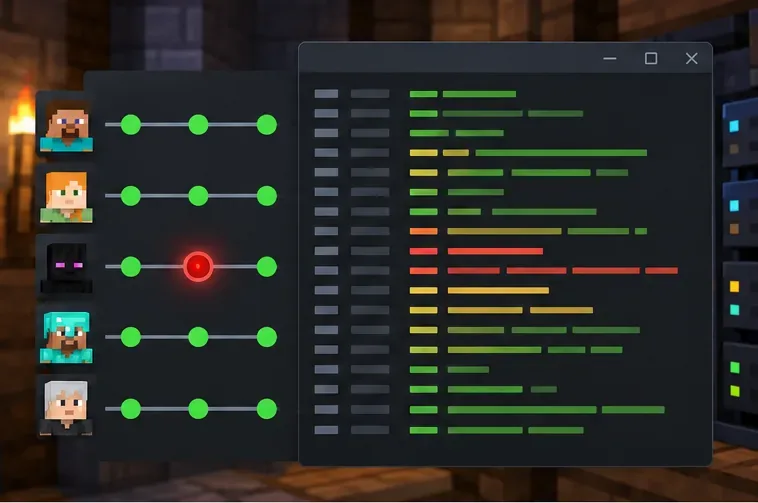
Ask another player on the same server whether they experienced a rollback at the same time. If only your character is affected, investigate your route to the server and your client setup. If several players are affected together, the server owner should look for a shared lag spike, a recent restart, a teleport event, or a server-side change. This simple comparison helps prevent troubleshooting the wrong machine.
Compare player reports at the same time to see whether the problem is isolated or server-wide.
3. Check your connection, then reconnect once
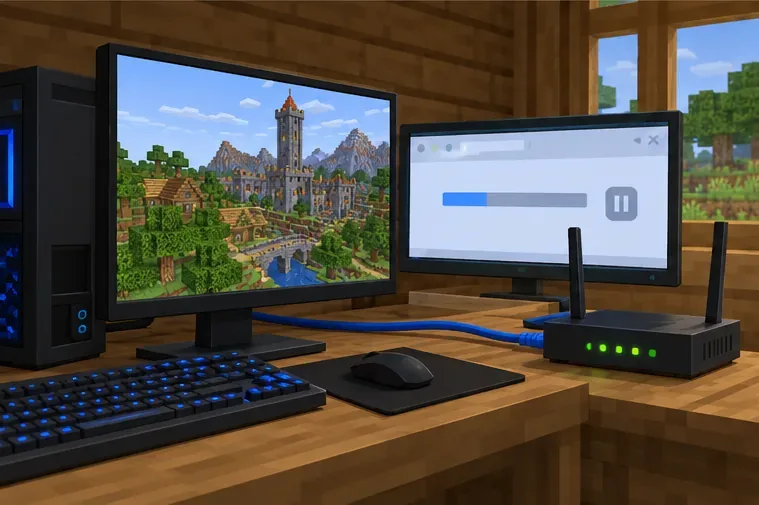
Pause large downloads or streams on your network, check that your Wi-Fi signal is stable, and try Ethernet if it is practical. Close Minecraft fully, reopen it, and reconnect to the same server. If the issue persists, restarting your device or router can help rule out a temporary connection problem. Minecraft’s network troubleshooting guidance recommends checking the connection, pausing other network traffic, and verifying wireless strength. These are diagnostic steps, not a guarantee that the server movement check is the cause.
Pause competing network traffic and compare a stable wired connection when possible.
4. Run one clean Java profile test
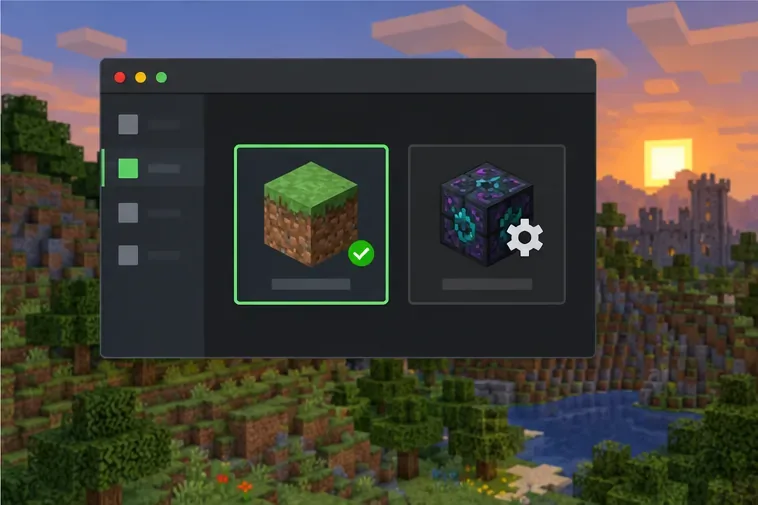
Use a separate, unmodified Minecraft Java installation that matches the server’s version. Join briefly and repeat the same ordinary movement that triggered the problem. Do not switch to a newer game version just for this test; a version mismatch can create a different connection issue. If the clean profile works while your usual profile does not, the difference is useful evidence.
A separate vanilla profile can help isolate whether your usual modded setup is involved.
5. Isolate movement-related client mods
If the clean profile changes the result, test your modded setup carefully. Temporarily disable mods that alter movement, physics, vehicles, teleporting, or network packets, then add them back one at a time. Keep a copy of the existing profile and mod list rather than deleting files you may need. A graphics or performance mod is not automatically the cause; focus on changes that could affect player movement or interaction.
Use a separate test profile and change one movement-related mod at a time.
6. Server owners: inspect the log and the event timing
Search the server’s latest.log for the warning and compare its timestamp with the player’s report. Check whether it is one player or many, and whether it lines up with a teleport, vehicle, custom movement ability, recent plugin or mod change, or a period when the server was struggling to keep up. Test reproducible movement in a private or staging world before changing a live server. The warning’s wording alone does not name the responsible plugin or establish that a client is cheating.
Correlate the console warning with the player’s action and the server’s condition at that time.
7. Change movement tolerance only when the evidence supports it
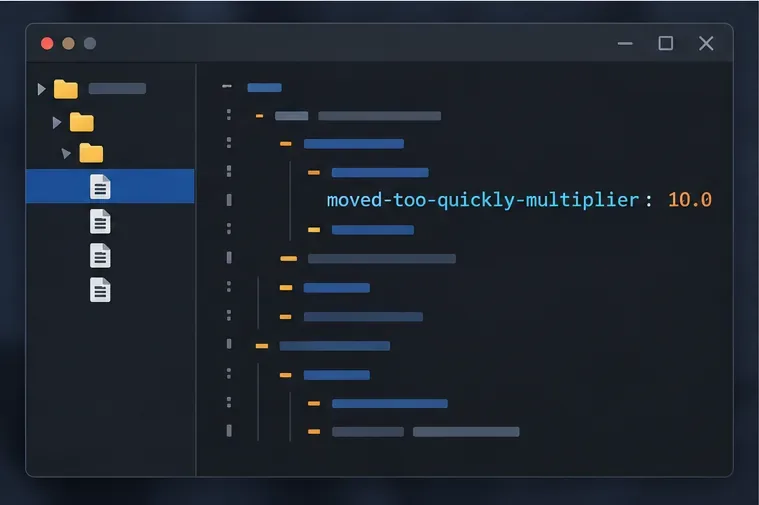
For Paper or Spigot administrators, check the documentation for the exact server build before editing configuration. PaperMC’s reference currently lists settings.moved-too-quickly-multiplier with a default of 10.0 and says it controls how fast a client can move in one packet; if triggered, the server logs and prevents the move. Back up the configuration first. Do not raise the value just to hide warnings: loosening a movement check can also make suspicious movement harder to catch. Make a small, documented change only when you have reproduced legitimate custom movement and understand the tradeoff. Vanilla servers do not use spigot.yml.
The highlighted setting is a Paper/Spigot server option; check the documentation for your server build before editing it.
8. Send a useful report if the problem continues
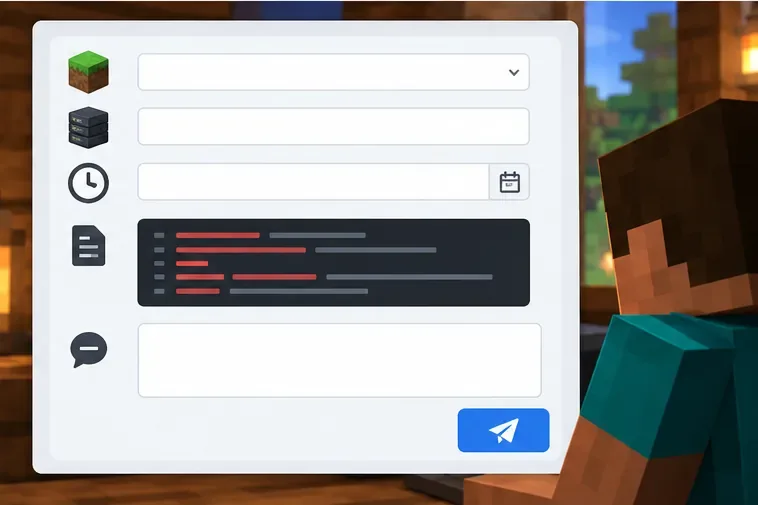
Give the server owner or hosting provider the Minecraft version, server software and build, exact warning or disconnect text, timestamp and time zone, whether other players were affected, and the relevant log excerpt. Include the steps that reproduce the issue and the mods or plugins involved. Remove account tokens, private addresses, and unrelated player data before sharing logs publicly. Minecraft’s Java multiplayer troubleshooting page is also a useful starting point for general connection problems.
A timestamped report with the exact message gives the server owner something concrete to investigate.
Fixes that are not a good first step
Lowering render distance, disabling VSync, capping frame rate, flushing DNS, or installing a VPN does not directly adjust the server’s movement check. Those actions may be useful for other problems, but they should not be presented as proven fixes for a Minecraft Moved Too Quickly error. Avoid downloading “anti-kick” tools or movement hacks: they can create new compatibility and account risks, and they do not repair the server’s underlying diagnosis.
Bottom line
Start by distinguishing a server log warning from a rubber-band or a true disconnect. Compare whether one player or the whole server is affected, check the connection, test a matching vanilla profile, and let the server owner correlate logs before adjusting movement tolerance. The phrase “speed sanctions” is not an official Minecraft penalty category; the exact message and surrounding evidence determine what to investigate next.