How to Check Real-Time Server Latency in the PUBG HUD

Enable PUBG’s network statistics HUD to monitor ping and packet loss in a match. See where to find it, what the numbers mean, and what they cannot diagnose.
If Minecraft disconnects you with “Flying is not enabled on this server”, the server has rejected movement it interpreted as flight. On Java servers such as Paper, the allow-flight setting is a common cause, and a false positive is possible. The message alone does not prove that you used cheats or that you were banned.
If you are a player, you cannot change a remote server’s settings from your launcher. Send the exact message and what you were doing to a server moderator. If you own the server, check its active server.properties file, then investigate plugins or client compatibility if the kick continues.

On Paper, allow-flight defaults to false. PaperMC’s reference says that enabling it means Survival players will not be kicked for flying, while noting that this check can produce false positives. In other words, the Minecraft flying error is a movement-related server kick, not a diagnosis of why the movement looked unusual. Read the PaperMC server.properties reference for the current description of the setting.
allow-flight=true changes whether the server kicks Survival players for flying movement. It does not give a Survival player the ability to fly./fly.Some servers also run an anti-cheat plugin. Its movement checks are separate from the vanilla/Paper flight setting. A plugin can still flag a player after allow-flight changes, so do not assume every kick has the same cause or edit random thresholds from an old tutorial.
First, note when the disconnect happens: for example, after using an Elytra, joining with a modpack, crossing a world boundary, or experiencing a connection interruption. Include whether you are on Java Edition or connecting from Bedrock, your game version, and whether other players are affected. Share the exact kick text with staff and ask them to check the server log and the active flight setting.
If the server permits it, you can retry once with your usual approved client and then report whether the result changes. Do not install a hacked client or an “anti-cheat bypass”; it risks a real ban and does not repair a server configuration. Lowering render distance or changing a graphics mod is not a reliable fix for a server-side flight rule.
A concise report is enough: “I was kicked at [time] while [action]. I’m on [Java/Bedrock], version [version], using [approved mods/modpack]. Is this a flight-setting kick or an anti-cheat flag?”
Only change the server property if Survival flight is expected on your server—for example, because the server intentionally supports a flight mod or a movement mechanic that can trigger the check. If your goal is strict vanilla Survival with no flight, leaving the default setting in place may be the right policy; investigate the false positive before weakening any security check.
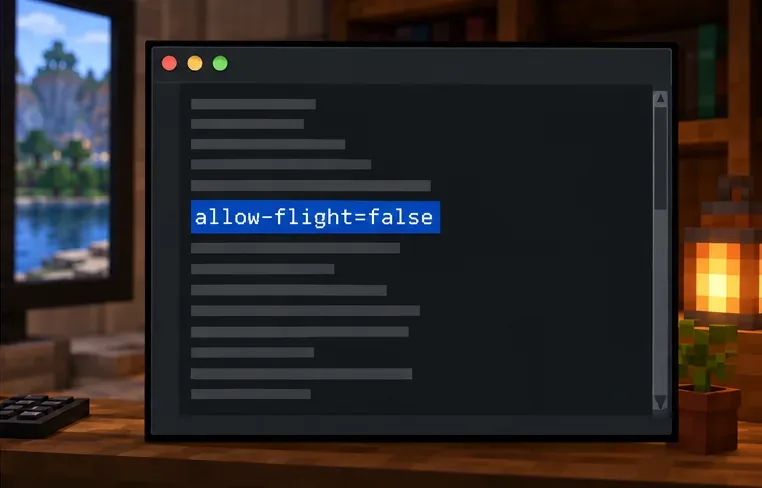
server.properties file. In a hosting panel, confirm that you are editing the file for the server instance that actually starts.allow-flight=true if legitimate Survival flight should not trigger this kick. Keep false if the server should reject Survival flight and you are investigating a specific false positive. Change only this setting at first.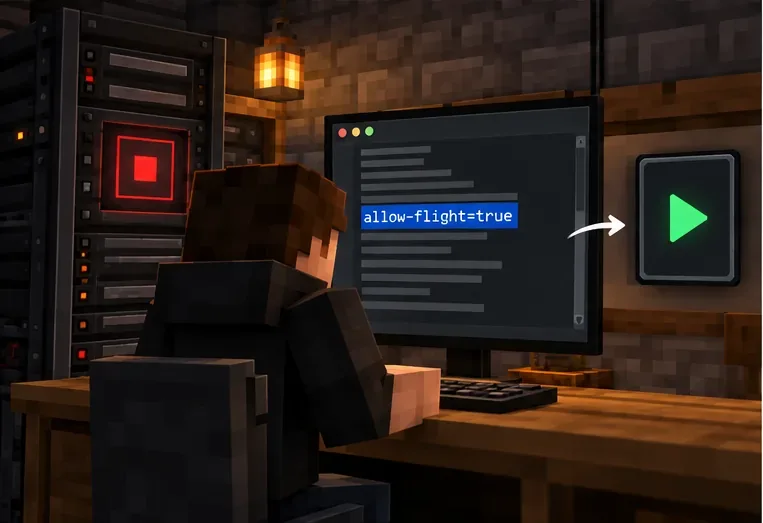
Do not disable anti-cheat or paste in a generic “higher threshold” value to make the message disappear. Anti-cheat settings and names vary by plugin version; an unverified change can let real movement cheats through or create more false flags. Keep the checks enabled while you identify the component responsible, then follow that plugin’s current documentation for a targeted adjustment.
Server owners often mix up two different controls. The allow-flight property affects whether a Survival flying movement is kicked. A plugin permission can allow an authorized player to use that plugin’s flight command. For EssentialsX, the permission reference lists essentials.fly for its /fly command; check the EssentialsX permissions reference and grant permissions only to the intended group. Do not give a player operator status just to test flight: OP grants broader server powers than this issue requires.
If only Bedrock players on a Java server report the problem, check the cross-play setup as one diagnostic lead. GeyserMC documents its bridge setup and supported connection paths in the GeyserMC setup guide. Geyser is not proof of the cause; compare the server log and version compatibility before changing its configuration.
Usually the wording indicates a disconnect for movement, not a ban notice. Rejoin once and check with staff if you cannot return; only the server’s ban list or moderator can confirm a ban.
allow-flight=true make every Survival player fly?No. It changes whether the server issues this kick for Survival flight movement. It does not grant a flight ability or a plugin permission, but it does broaden the movement the server accepts, so pair it with a security policy that matches your server.
No. Confirm which component produced the kick, preserve the logs, and make a narrow, documented adjustment only if the evidence points to a plugin false positive.
Cross-play setups add a bridge between editions, so the server owner should check its supported versions and logs if the issue affects Bedrock connections specifically. The bridge should be investigated, not assumed to be at fault.
The practical fix depends on who controls the server: players should report the exact context, while owners should verify the active allow-flight policy and then inspect logs and plugin compatibility. That resolves the Minecraft “Flying is not enabled on this server” error without treating every movement kick as proof of cheating or removing server protections blindly.
Enable PUBG’s network statistics HUD to monitor ping and packet loss in a match. See where to find it, what the numbers mean, and what they cannot diagnose.
Learn how to import VALORANT crosshair codes, compare presets with manual settings and spectator copy, and fix common import issues.
Choose Dota 2 minimap size, hero icons, team colors, and background settings by readability, fewer misclicks, and clear results on your own display.
Fix Fortnite texture pop-in on PC with official steps for GPU drivers, file verification, DirectX 12, high-resolution textures, VRAM, SSDs, and stutter.
Learn what Heroes of the Storm minimap size and position options are verified, improve readability, and choose camera-click controls that suit you.
Set Super Smash Bros. Ultimate Quickplay to prefer hazards-off stages. Follow the Preferred Rules menu steps and learn why matchmaking may not always honor them.
Enable Server Latency and Packet Loss in Warzone to monitor connection quality, read the overlay, and use recurring spikes to guide troubleshooting.
Learn how to carry from mid lane in League of Legends by setting up waves, choosing safe roam windows, reading side lanes, and converting pressure into objectives.
Fix Minecraft Evoker spell problems with a safe vanilla test, version checks, log review, and a step-by-step way to isolate mod or datapack conflicts.
Fix PUBG stuck on Initializing on Steam with a focused checklist for PC service notices, launch options, game files, downloads, and connection issues.








