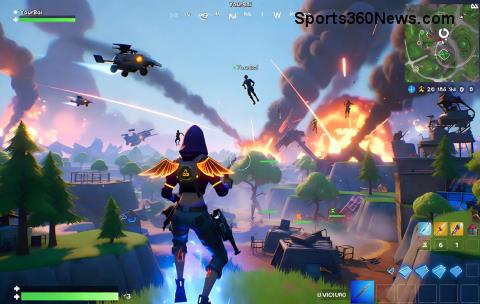
Hey, fellow Fortnite warriors! 😤 Nothing kills the hype like hitting that Error Code 20006 mid-drop. This pesky glitch often pops up due to network hiccups, corrupted files, or server sync issues, kicking you out of Battle Royale or Creative mode. But don't sweat it – we've got your back with battle-tested fixes that work like a charm. Follow these steps, and you'll be building ramps in no time. Let's squad up and crush this error! 💪
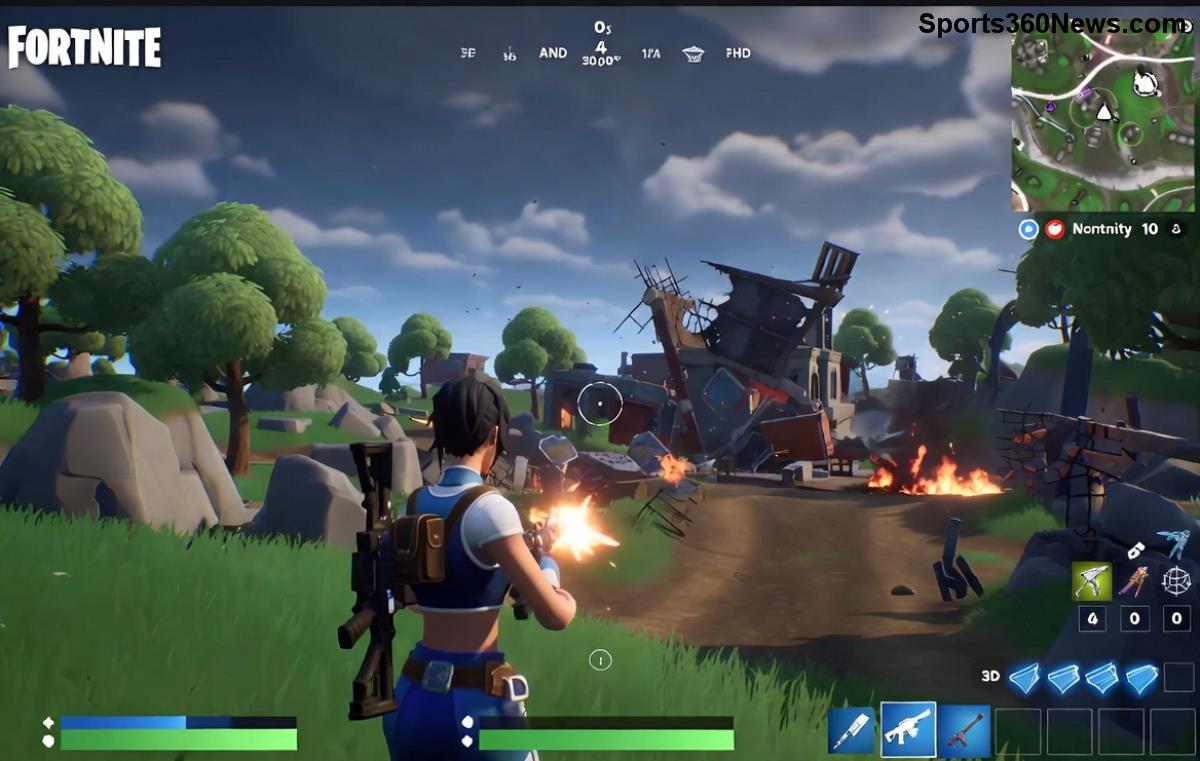
🔍 What Causes Fortnite Error Code 20006?
Quick rundown: Error Code 20006 signals a connection dropout or app closure issue in Fortnite. Common culprits include:
- Unstable internet or high ping ⚡
- Outdated graphics drivers or Epic Games Launcher
- Firewall/antivirus blocking ports
- Corrupted cache or game files
- Server overload during peak hours
Pro tip: Before diving in, check Epic's status page for outages. Epic Games Status is your first stop. ✅
1️⃣ Step 1: Quick Restart – The 60-Second Fix
Most Fortnite Error Code 20006 cases vanish with a simple reboot. Here's how:
- Close Fortnite and Epic Launcher completely (use Task Manager: Ctrl+Shift+Esc).
- Restart your PC/console.
- Reopen Epic Launcher and launch Fortnite.
Works 70% of the time! If not, power cycle your router: Unplug for 30 seconds. Boom – fresh connection. 🎉
2️⃣ Step 2: Verify Game Files (PC Only)
Corrupted files? Epic's built-in tool fixes it automatically.
| Action |
Steps |
Expected Time |
| Verify Files |
1. Open Epic Launcher > Library
2. Click three dots next to Fortnite > Manage > Verify |
5-10 mins |
| Outcome |
Replaces bad files – error gone! |
Instant relief |
This scans and repairs without a full reinstall. Game-changer for Error Code 20006! 🔧
3️⃣ Step 3: Flush DNS & Reset Network
Network glitches love Fortnite Error Code 20006. Flush 'em out!
- Search "cmd" > Run as Admin.
- Type these commands one by one (hit Enter after each):
ipconfig /flushdns
ipconfig /release
ipconfig /renew
netsh winsock reset
- Restart PC.
For consoles: Go to Network Settings > Forget Wi-Fi > Reconnect. Switch to wired Ethernet if possible for zero lag. 🌐
4️⃣ Step 4: Update Drivers & Launcher
Outdated NVIDIA/AMD/Intel drivers? Kiss Fortnite crashes goodbye.
- PC: Download GeForce Experience or AMD Software for auto-updates.
- Update Epic Launcher: Help > Check for Updates.
- Enable Fortnite auto-updates in Library settings.
Bonus: Run Windows Update for the latest patches. Your rig will thank you! 🚀
5️⃣ Step 5: Tweak Firewall & Antivirus
Overzealous security software blocks Fortnite Error Code 20006 connections.
- Add exceptions for Epic Launcher and Fortnite.exe in Windows Defender Firewall.
- Temporarily disable third-party antivirus (e.g., Norton, McAfee).
- Open ports: UDP 3074, TCP 5222 (search "port forwarding [your router model]").
Safe mode test: Boot PC in Safe Mode with Networking – if it works, antivirus is the villain. 🛡️
6️⃣ Step 6: Console-Specific Fixes
PS5/Xbox/Switch warriors, this is for you:
- Clear Cache: Power off > Unplug 5 mins > Restart.
- Reinstall Fortnite: Delete & redownload (saves cloud progress).
- NAT Type: Ensure Open NAT in console settings.
Mobile? Force close app, clear cache via settings, and check for OS updates. 📱
7️⃣ Step 7: Nuclear Option – Reinstall & Advanced Tips
If all else fails:
- Uninstall via Epic/Console > Reinstall fresh.
- Disable VPNs or overlays (Discord, MSI Afterburner).
- Lower graphics settings temporarily.
Advanced: Use Google's DNS (8.8.8.8 / 8.8.4.4) in network adapter settings. Or try a mobile hotspot to rule out ISP issues. You're almost there! 🔥
❓ FAQ: Common Fortnite Error Code 20006 Questions
- Does Error Code 20006 ban your account?
- No! It's a tech glitch, not a violation.
- Fix on Mac?
- Same as PC: Flush DNS via Terminal (sudo dscacheutil -flushcache), verify files.
- Still stuck?
- Hit Epic Support with your logs: Epic Help.
Congrats, builder! You've conquered Fortnite Error Code 20006. Drop a Victory Royale next match and tag us in your wins. What's your go-to fix? Share below and keep the squad unbreakable. 👇 GGWP! 🏆