How to Import Custom Crosshair Codes in VALORANT: Steps, Options, and Fixes

Learn how to import VALORANT crosshair codes, compare presets with manual settings and spectator copy, and fix common import issues.
There is no single refund rule for every game or storefront. Your options depend on where the payment was processed, what you bought, whether you downloaded or used it, how much time has passed, and the consumer rules in your country or region. Start with the receipt and the store account that charged you. Submit a request promptly, but do not assume that “within 14 days” or “under two hours” applies everywhere.
This guide summarizes official storefront guidance reviewed on October 17, 2026. Policies and regional terms can change, so use the linked support page for the country on your account before relying on a deadline.
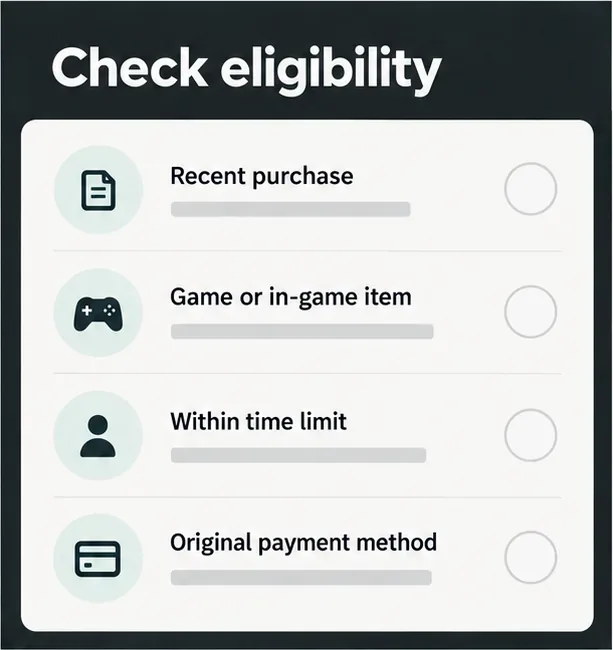
Downloadable content (DLC) is an expansion, add-on, season pass, or other content attached to a base game. A non-consumable in-game purchase may be a skin or unlock. Consumables include currency, boosts, loot-box keys, and items that can be spent, opened, transferred, or depleted. A mobile-game purchase might be billed by Apple or Google Play, by a console store, by a publisher’s website, or through the game’s own payment processor. The seller on the receipt is usually the right place to begin.
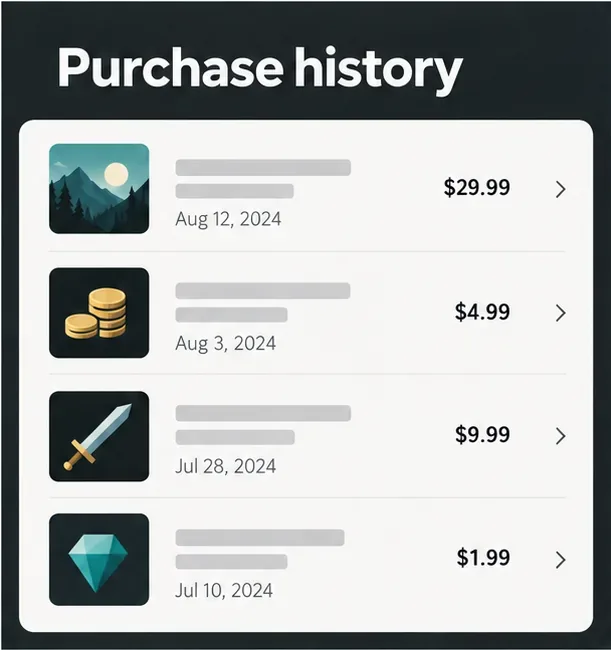
The table is a starting point, not a promise of approval. Store rules can distinguish a full game from DLC and from virtual currency, and some policies are market-specific.
| Store | What the official guidance says | Where to start |
|---|---|---|
| Steam | Most games: request within 14 days and under two hours of play. Steam DLC: request within 14 days, with under two hours of play on the base game since buying the DLC; the DLC must not have been consumed, modified, or transferred. Some DLC is marked non-refundable. In-game purchases in Valve games may be refundable within 48 hours if unused; third-party developers must opt in. | Steam Refunds |
| PlayStation Store | PlayStation’s regional refund guide says games, DLC, and season passes generally must be requested within 14 days and not downloaded or streamed, unless faulty. For in-game consumables, its checklist also requires purchase through PlayStation Store and that the game has not been launched after purchase, unless the content is faulty. | PlayStation refund guide (regional support page) |
| Xbox / Microsoft Store | Use Xbox’s digital-game refund request page; do not rely on a universal 14-day or playtime cutoff. Microsoft says digital goods are not refundable unless the offer or applicable law makes the purchase eligible, and online refund requests are not available in every market. Bundle items may have separate limits. | Xbox digital game refund request; Microsoft refund guidance |
| Epic Games Store | On PC and Mac, a product marked refundable or self-refundable generally needs to be within 14 days and under two hours of runtime. Epic’s policy gives eligible mobile purchases a two-hour window. In-app purchases, virtual currency, and consumables are usually non-refundable unless law requires otherwise. Purchases billed by a console or another provider follow that provider’s policy. | Epic Games Store refund policy |
| Nintendo eShop | Policies are regional. As a United States example, Nintendo says digital-product payments are final except where Nintendo authorizes a refund or applicable law requires one; its North America support page says mistaken downloaded-game or DLC purchases cannot be refunded or exchanged. | Nintendo US digital-product policy |
| Apple App Store | Some app and in-app purchases may be eligible, but Apple does not publish a universal guaranteed refund window for every item. Eligibility varies by country or region, and some purchases are billed outside Apple. | Apple refund request instructions |
| Google Play | Within 48 hours, a refund may be possible depending on the purchase. After 48 hours, Google directs users to contact the app developer, which may decide under its policy and applicable law. The 48-hour period is an opportunity to ask, not a guarantee. | Google Play refund policies |
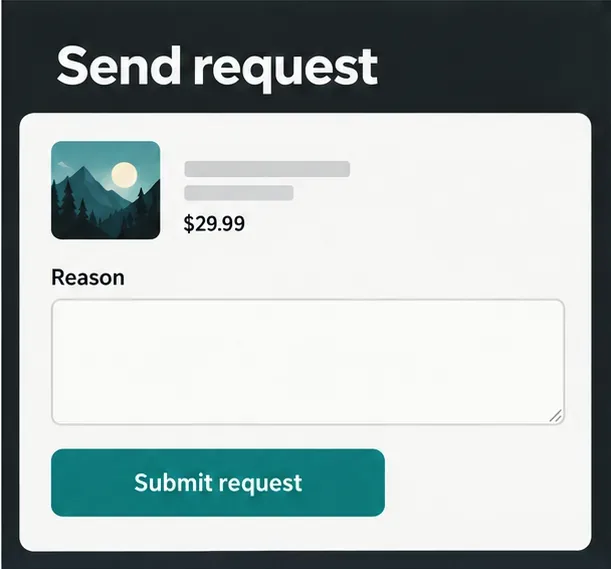
A concise message can help support understand the case: “I’m requesting a refund for [item/order number], purchased on [date]. The issue is [brief factual reason]. I have [not downloaded / not launched / not used the item, if true]. Please review it under the refund policy for my region.” Only include details that are accurate.
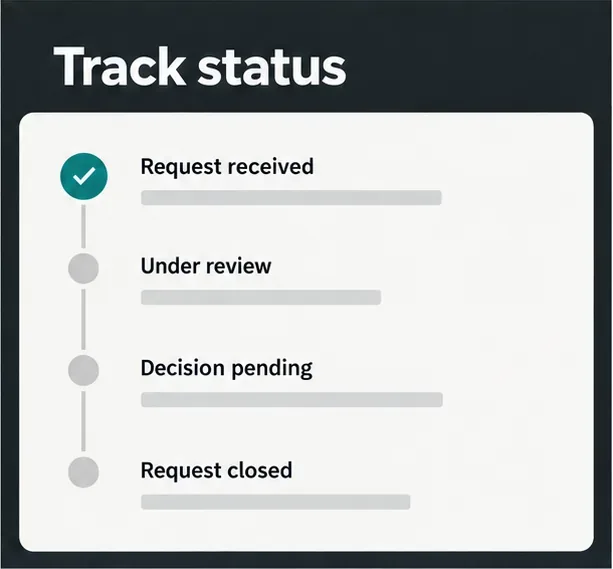
Read the decision and check whether it identifies the reason. If the request was routed to the wrong seller, contact the company shown on the receipt. If the item was missing, faulty, or charged twice, open a support case with the order details and evidence rather than describing it as buyer’s remorse. For a charge you did not authorize, use the platform’s unauthorized-purchase process and contact your payment provider as appropriate. A bank dispute is not a shortcut around a normal refund decision.
If you are in a region with statutory digital-content rights, consult your local consumer-protection authority or the seller’s regional terms. Do not rely on a blanket claim that every digital purchase has a universal cooling-off period.
Bottom line: Refunds for in-game purchases and DLC depend on the storefront, item type, usage, time since purchase, and local rules. Find the original transaction, check the matching official policy, and make a clear request through the seller that processed the payment.
It depends on the store and region. PlayStation’s guide generally requires DLC not to have been downloaded or streamed, unless it is faulty. Steam’s DLC rule focuses on the 14-day period, playtime on the base game since buying the DLC, and whether the DLC was consumed, modified, or transferred. Check the policy for the exact purchase.
Sometimes, but consumables are usually more restricted than games or expansions. Steam allows some qualifying in-game purchases under its rules, and Epic says virtual currency and consumables are usually non-refundable. PlayStation has a separate rule for consumables tied to whether the game was launched after purchase.
No. Google says a refund may be available within 48 hours depending on the purchase. After that, it directs users to the app developer. Submit a request and review the decision rather than treating the time window as automatic approval.
Official platform pages linked above were reviewed October 17, 2026. Regional terms and consumer rights can change; confirm the policy shown for your account before purchasing or submitting a claim.
Learn how to import VALORANT crosshair codes, compare presets with manual settings and spectator copy, and fix common import issues.
Choose Dota 2 minimap size, hero icons, team colors, and background settings by readability, fewer misclicks, and clear results on your own display.
Fix Fortnite texture pop-in on PC with official steps for GPU drivers, file verification, DirectX 12, high-resolution textures, VRAM, SSDs, and stutter.
Learn what Heroes of the Storm minimap size and position options are verified, improve readability, and choose camera-click controls that suit you.
Set Super Smash Bros. Ultimate Quickplay to prefer hazards-off stages. Follow the Preferred Rules menu steps and learn why matchmaking may not always honor them.
Enable Server Latency and Packet Loss in Warzone to monitor connection quality, read the overlay, and use recurring spikes to guide troubleshooting.
Learn how to carry from mid lane in League of Legends by setting up waves, choosing safe roam windows, reading side lanes, and converting pressure into objectives.
Fix Minecraft Evoker spell problems with a safe vanilla test, version checks, log review, and a step-by-step way to isolate mod or datapack conflicts.
Fix PUBG stuck on Initializing on Steam with a focused checklist for PC service notices, launch options, game files, downloads, and connection issues.
Fix Brawl Stars stuck at 92% loading with an ordered checklist for service notices, network tests, safe updates, Android cache, and account-safe reinstalling.








