Home
» 🎮 Esports
»
PUBG Mobile Lagging on a High-End iPhone? Fix Stutter and Check 90 FPS
PUBG Mobile Lagging on a High-End iPhone? Fix Stutter and Check 90 FPS
PUBG Mobile Lagging on a High-End iPhone? Fix Stutter and Check 90 FPS
If PUBG MOBILE is lagging on a high-end iPhone, first set Graphics to Smooth and choose the highest frame-rate option the game actually offers for your device. Then check whether the problem is frame stutter, heat, or network delay. A powerful iPhone cannot force a frame-rate option that PUBG MOBILE has not enabled for that device and game build, and no setting can promise a steady 90 FPS in every match.
That distinction matters: Apple lists ProMotion with adaptive refresh rates up to 120Hz on iPhone 16 Pro, but the display’s refresh capability does not guarantee that a particular game will render at 90 or 120 frames per second. PUBG MOBILE’s official 2021 version 1.5 notes introduced 90 FPS in Smooth graphics for “some new devices.” Treat the in-game Frame Rate menu as the current compatibility check; support can vary by model, game version, and release. See Apple’s iPhone 16 Pro technical specifications and the official PUBG MOBILE version 1.5 announcement.
First, tell FPS stutter from network lag
Players often call both problems “lag,” but the fixes are different. Watch what happens during a short, repeatable test in Training Grounds or another low-stakes mode. Keep the same graphics setting and connection while you test; change one thing at a time.
What you notice
More likely cause
First check
Choppy camera movement, uneven animation, or delayed touch response while ping stays steady
Frame-rate or device-performance issue
Graphics preset, frame-rate option, heat, and Low Power Mode
Characters jump, shots register late, or movement rubber-bands as ping changes
Connection delay or packet loss
Wi-Fi/cellular stability, congestion, and background downloads
The match starts smoothly, then becomes choppy as the iPhone warms up
Heat-related performance reduction
Pause, cool the phone, and repeat without charging
The game freezes, crashes, or behaves oddly after an update
App or resource problem
Install the latest official update, restart, and use the game’s own repair option if it is offered
8 safe checks for PUBG MOBILE lag on iPhone
1. Set a repeatable baseline
Before changing several settings, note the iPhone model, iOS version, PUBG MOBILE version, selected graphics preset, and whether the phone is charging. Test in the same area for a few minutes, then repeat after the device cools. If your game build has an FPS display, you can use it; avoid installing an overlay or “FPS unlocker” just to measure performance. A repeatable comparison makes it easier to see whether a change helped.
2. Select the highest frame rate PUBG MOBILE offers
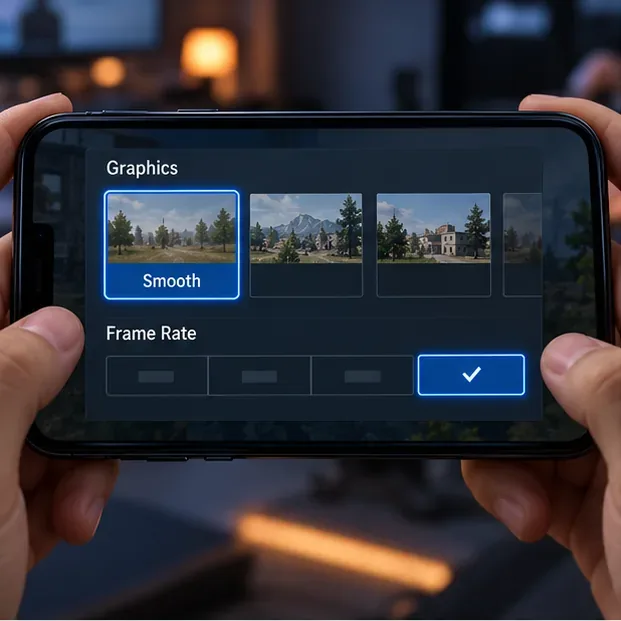
Open the game’s Graphics settings. Choose Smooth, then select the highest frame-rate option visible on that screen. If 90 FPS is listed, test it with Smooth graphics first. If it is absent, the iPhone’s screen refresh rate, a third-party app, or a hidden iOS menu cannot safely add official game support. Update PUBG MOBILE from the App Store and check the game’s own settings again after updates.
Illustrative settings screen, not a screenshot of a specific PUBG MOBILE build. Choose only a frame-rate option shown in your own game.
3. Reduce visual load if frame pacing still drops
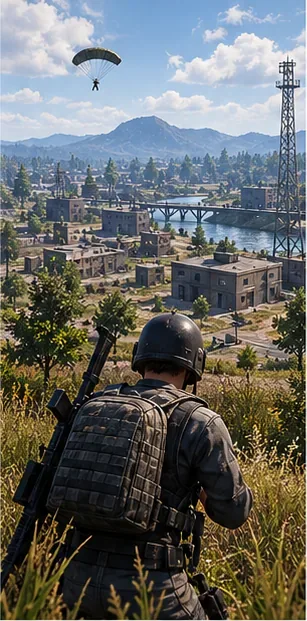
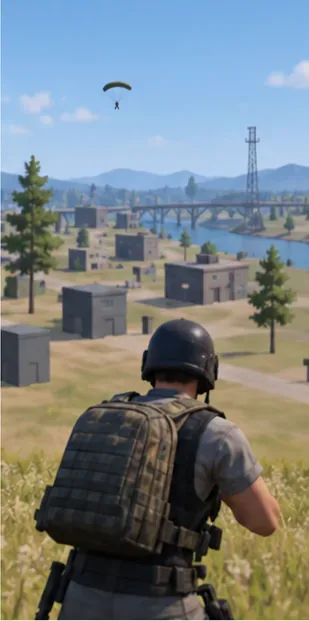
If Smooth plus the highest available frame rate still stutters, lower the frame rate one step and compare again. A slightly lower, consistent rate can feel better than a higher target that repeatedly dips. If your version exposes extra visual effects, try reducing them one at a time. Do not copy settings tables that promise a fixed FPS gain: performance depends on the scene, device temperature, and game build.
Conceptual gameplay visual showing a busy scene; it is not a PUBG screenshot or a measured performance test.Conceptual comparison of a less detailed scene. Use the Smooth preset in the game rather than expecting this image to represent a benchmark.
4. Update the game from the official App Store
Open the App Store, check your account’s available updates, and install the latest PUBG MOBILE release available in your region. Also check Settings > General > Software Update for an iOS update. Restart the iPhone after a major update and give background downloads time to finish before judging performance. If PUBG MOBILE provides a built-in resource verification or repair prompt in your version, use that in-game option; do not delete app data or install modified game files.
Update the installed game through its official App Store listing; this illustration is not the current App Store screen.
5. Let a hot iPhone cool before another match
Graphics-intensive games can warm an iPhone. Apple says that when a device gets too warm, some apps may run at lower frame rates or take longer to process. Stop playing for a few minutes, move out of direct sunlight, and disconnect the charger if charging is adding heat. If a case is trapping heat, remove it while the phone cools naturally. Do not put the phone in a refrigerator or against ice. Apple’s guidance explains how iPhone temperature affects performance.
Let the phone return to a comfortable temperature in a shaded place before testing again.
6. Turn off Low Power Mode for the test
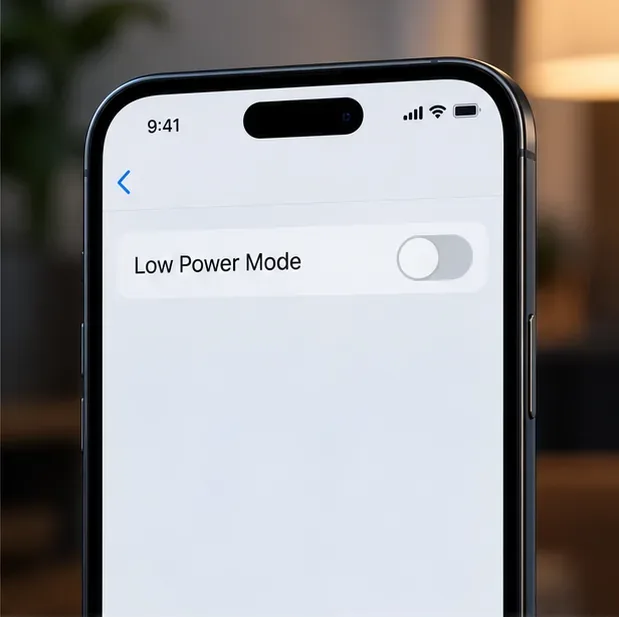
Low Power Mode reduces power use and limits some features. Turn it off temporarily, then run the same short game test. On iPhone 15 and later, Apple’s current path is Settings > Battery > Power Mode > Low Power Mode; on iPhone 14 and earlier, go to Settings > Battery. Menu wording can differ slightly by iOS version. This is a diagnostic step, not a guarantee of higher FPS. Apple documents the Low Power Mode controls.
Illustration of Low Power Mode off; check the control on your iOS version before testing.
7. Test the connection separately
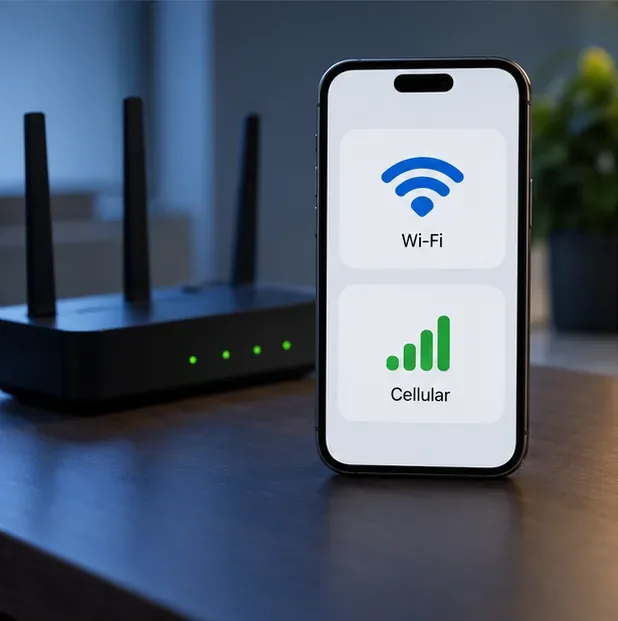
If the symptom is rubber-banding or delayed hit registration, keep graphics unchanged and compare a stable Wi-Fi connection with cellular data while staying in the same location. Use whichever connection produces steadier in-game ping. A strong signal icon alone does not rule out congestion. Pause cloud backups, app downloads, video streams, or other large transfers while playing. Turn off a VPN during the comparison unless you specifically need it; a VPN can add another network route and is not a universal ping fix. Apple notes that congestion and reconnecting to cell towers can affect app performance in its guide to slow iPhone performance and network conditions.
Compare Wi-Fi and cellular in the same place; the illustration shows no real ping reading.
8. Check storage and battery, then restart
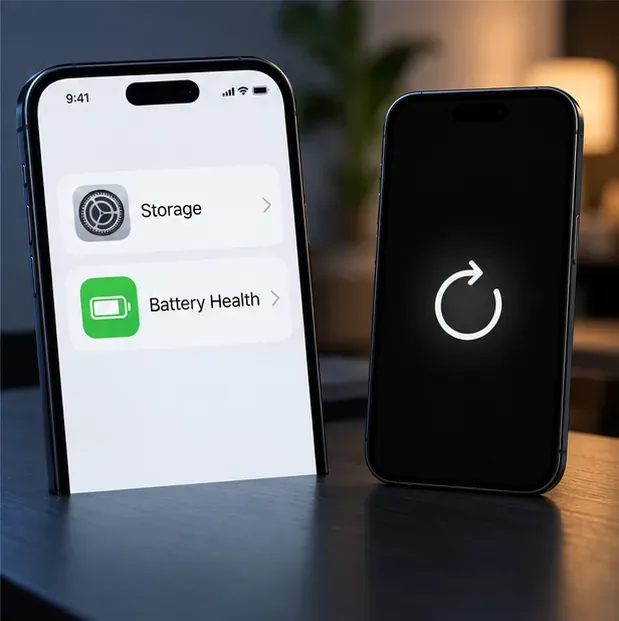
Go to Settings > General > iPhone Storage and make room if storage is nearly full. Apple recommends keeping at least 1 GB free to avoid slowdowns; a large game update may need additional room to download and unpack. If frame drops continue across multiple apps, check Settings > Battery > Battery Health (the exact label varies by model) and restart the iPhone. Reinstall PUBG MOBILE only as a last resort, after confirming your account is linked and your progress is recoverable. Apple’s slow-device guidance covers storage, Low Power Mode, heat, and battery health.
Check available storage and battery health, then restart if needed; labels vary slightly between iOS versions.
Can you force PUBG MOBILE to run at 90 FPS?
No supported iPhone setting can force 90 FPS when PUBG MOBILE does not show that option. Apple’s 120Hz ProMotion specification describes the display, while PUBG MOBILE controls which frame-rate modes are enabled in its client. The official PUBG version 1.5 notes are historical evidence that 90 FPS was limited to some devices; they are not a current compatibility list. Use the current in-game menu and official game updates as your source of truth. Avoid jailbreak tweaks, configuration profiles, and third-party graphics tools that promise to unlock FPS.
When the problem needs support
If only PUBG MOBILE stutters after you update, cool the device, test the network, and reinstall only after protecting your account. Then contact PUBG MOBILE support through the game’s official support channel and include your iPhone model, iOS and game versions, when the stutter starts, and whether ping changes. If the whole iPhone is slow, overheats during ordinary use, or shows battery warnings, contact Apple Support.