Home
» 🎮 Esports
»
Master the Macro Game in League of Legends: Waves, Vision, and Objectives
Master the Macro Game in League of Legends: Waves, Vision, and Objectives
Master the Macro Game in League of Legends: Waves, Vision, and Objectives
To climb in League of Legends, treat the macro game as a chain of practical decisions: shape a wave, move before your opponent when you can, make the enemy respond, then take something useful. A kill is most valuable when it creates time for a turret, a neutral objective, a safer reset, or control of the next wave. This repeatable loop helps you make better map decisions without needing a perfect team call or a flashy outplay.
Macro does not mean avoiding fights. It means asking whether the fight is worth its cost, who can arrive first, and what your team can take afterward. Strong mechanics help you win the moment; strong League of Legends macro helps you choose the moment.
What changed on Summoner’s Rift in 2026?
Riot’s Patch 26.20 notes were current on October 16, 2026. The macro-facing changes introduced for Summoner’s Rift in Patch 26.1 put more value on lane pressure and give players new vision tools: targetable lane turrets gained plates, Crystalline Overgrowth can reward a hit on a lane turret, and wards placed on Faelights gain expanded vision for a limited time. Baron Nashor’s spawn was moved to 20:00. These updates make it useful to convert a good wave into safe turret damage, but they do not make every turret hit or objective contest correct. Check the current League of Legends patch notes and Riot’s Patch 26.1 Summoner’s Rift changes for exact live details.
A five-step macro loop for ranked games
1. Read the map before you move
Before leaving a lane, answer three questions: Where are the waves? Which enemies can respond? What can my team gain if I move? Check the minimap and scoreboard routinely, especially after you clear a wave, before you recall, and when an objective timer matters. Note missing enemies, visible opponents, health and mana, key summoner spells when known, and which teammates can reach the play in time.
Information has a short shelf life. If several enemies disappear, assume they may be moving together until you see them again. If the opposing jungler shows on the far side of the map, you may have a brief window to take a camp, ward an entrance, or help your team push. Make the safest useful play supported by what you can actually see.
2. Make the wave work for you
Wave management is the setup for most good rotations. A freeze can keep farm close to your tower and make an opponent walk farther forward. A slow push builds a larger wave that can crash while you recall, pressure a turret, or move toward a planned play. A fast push clears the lane quickly when you need to leave or reset before the next wave reaches you.
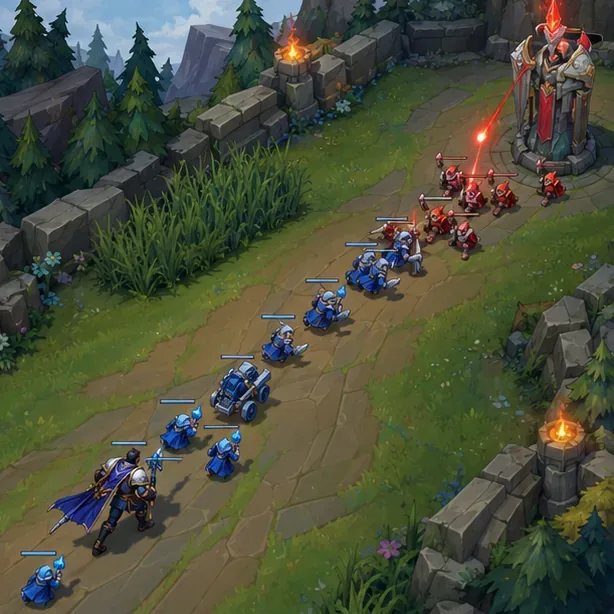
A larger allied wave can create a window to recall, pressure the turret, or move first.
Do not roam just because another lane looks busy. First estimate how many minions you will lose and whether your arrival can change the result. If your opponent can follow sooner, or the play is already over, take the safer farm and keep your lane state useful.
3. Prepare vision and position before an objective
Approach Dragon, Rift Herald, or Baron through space your team can contest. Push nearby lanes first when possible, then place wards on routes the enemy is likely to use and sweep vision from ground your team can safely enter. A deep ward without nearby teammates often gives information too late to use; a ward that watches a crossing or approach can help your team decide whether to start, fight, or trade.
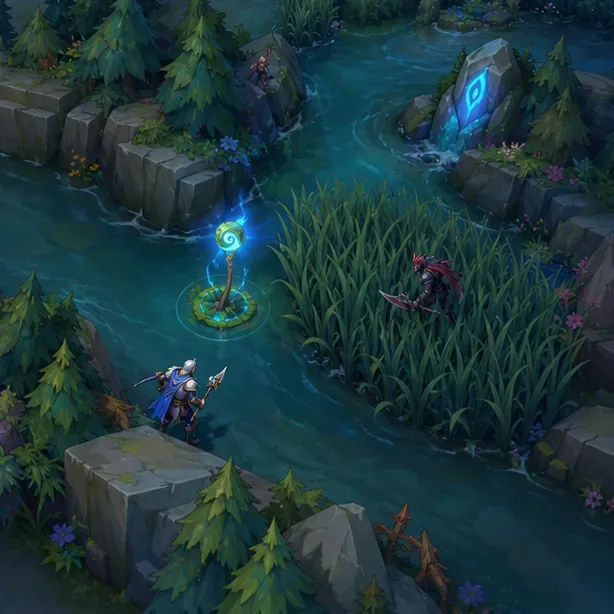
A Faelight ward can extend vision into an approach; place it where the information can change your next move.
On the 2026 Rift, a ward placed on a Faelight provides bonus vision for a limited time, so learn the locations in your current map and use the extra sight to watch an approach rather than warding by habit. Do not assume vision makes an area safe: opponents can still move through fog, sweep wards, or collapse from another route. Avoid face-checking when your team cannot back you up.
4. Choose the play that fits the numbers
Contest an objective when your team has a realistic way to arrive, see the approach, and either finish it or win the fight. If the enemy has the first move, your team is low, or key abilities are unavailable, look for a trade: push a side wave, take a turret plate or structure, clear camps, or reset so you are ready for the next play. Baron now spawns at 20:00, but its arrival is a decision point, not an order to start it.
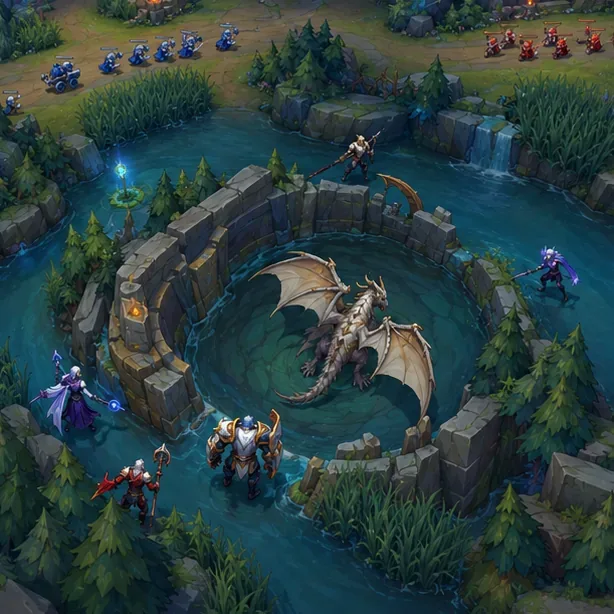
Lane pressure and safe approaches make an objective setup easier to defend.
Map state
Useful macro response
Your nearby lanes are pushed and teammates can arrive first
Establish vision, then start or threaten the objective together.
Your team is low or several opponents are already grouped
Do not walk into fog one by one; give ground and trade across the map if possible.
The enemy starts an objective while your team cannot contest
Take a guaranteed resource elsewhere instead of arriving late for a losing fight.
You win a fight but the objective is too risky or unavailable
Push waves and damage a structure, then reset before opponents return.
5. Turn an advantage into a structure or a clean reset
After a won skirmish, look past the scoreboard. Can you escort a wave to a turret, take a neutral objective, invade with vision and numbers, or recall with a useful item purchase? The 2026 turret changes make partial pressure more relevant, including on inner and inhibitor turrets, but a short hit is worthwhile only when you can leave safely. Do not stay for one more attack if the opposing team can collapse and turn your lead into a shutdown.
Side-lane pressure is another tool, not a permanent assignment. A split push works best when the side-laner can threaten a duel or escape, the team knows which objective it is playing around, and opponents are visible or accounted for. If your team cannot hold safely or you have no information on the enemy, join them or collect a safer wave instead.
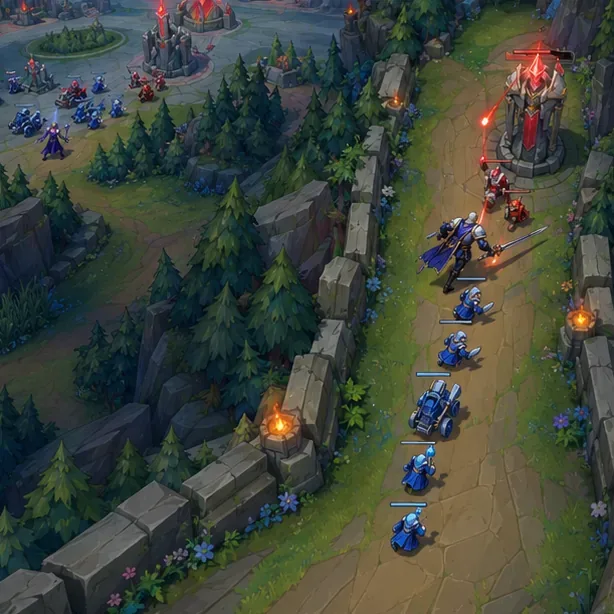
Side-lane pressure can pull defenders away, but keep track of whether your team can hold the opposite side.
Macro mistakes that stall a climb
Fighting every objective: giving one up can be correct when the alternative is a lost fight and no trade.
Leaving a wave for a low-value roam: clear or shape the wave first unless the play is urgent and likely to succeed.
Warding beyond your team’s control: use safer entrances and sweep together instead of walking into fog alone.
Splitting without a map plan: pressure only when the team can hold elsewhere and you have an exit or a favorable matchup.
Winning a fight and then wandering: choose the next resource, take it, and reset while the timing is still favorable.
How to practice League of Legends macro
After each ranked game, review three moments: your first meaningful recall, the first major objective setup, and your most costly death or missed rotation. Pause just before the decision and ask: What did I know? What did the next wave require? Who could reach first? What was the safest resource I could have taken? Pick one correction for your next game, such as pushing before moving or warding the route before entering river.
Keep your champion pool small enough that you can focus on matchups, wave states, and map timing instead of learning a new kit every game. Use pings to share a clear plan, but judge success by whether you made a sound decision with the information available—not whether every teammate followed perfectly. No checklist guarantees Challenger, yet consistent reviews help turn vague losses into specific habits you can improve.
Frequently asked questions
Is macro more important than mechanics?
Both matter. Mechanics help execute trades and fights; macro helps you select favorable fights and convert the result into waves, vision, objectives, and structures. Which matters more depends on your role, champion, and the state of the game.
Should I always contest Dragon or Baron?
No. Check your lane priority, health, numbers, vision, and the opposing team’s position. Contest when you can arrive together with a realistic plan. Otherwise, trade for something dependable and avoid turning one lost objective into a lost fight as well.