How to Fix PUBG Stuck on “Initializing” on Steam

Fix PUBG stuck on Initializing on Steam with a focused checklist for PC service notices, launch options, game files, downloads, and connection issues.
To win more B-11 Strikeforce dogfights, use the jet for what it does well: controlled attack passes, forward-gun pressure, missiles, and a timely escape. Build the aircraft in your Hangar, learn its weapon cycle, keep enough speed to reposition, and avoid trying to out-turn every opponent in a flat circle. The B-11 is a versatile attack plane, but no aircraft makes a pilot untouchable.
This guide covers buying and preparing the B-11, choosing useful upgrades, managing controls, and following a simple four-part plan in GTA Online dogfighting. Exact controls can be rebound, and current purchase prices or discounts should be checked in the in-game Warstock listing.
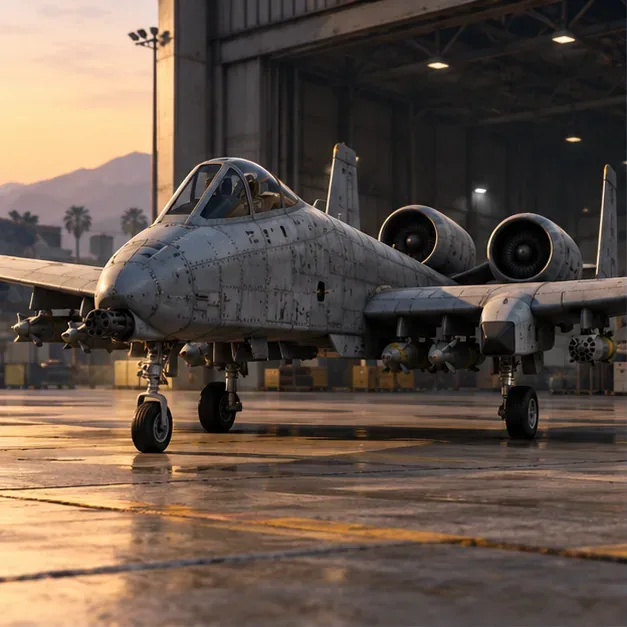
Open the in-game internet and find the B-11 Strikeforce on Warstock Cache & Carry. Rockstar’s Title Update 1.44 notes list the B-11 as an aircraft added to GTA Online and available through Warstock. Check the live listing before purchasing: weekly discounts and any eligible trade price can change what you pay.
Plan on keeping it as a personal aircraft in a Hangar, where the aircraft workshop lets you inspect its available performance, armor, weapon, and countermeasure options. Before entering a public fight, confirm the selected weapons and countermeasure in the workshop rather than relying on an old setup guide or a remembered menu prompt.
When you need to call it in, open the Player Interaction Menu and use its aircraft options. Rockstar lists the default menu controls as M on PC, the touchpad on PlayStation, and the View button on Xbox; the official menu instructions cover those defaults.
For a dogfight build, spend on control and survival before cosmetics. The Hangar workshop shows the current choices for your version of the game. Use this priority list as a starting point:
| Upgrade or weapon | Dogfight role | How to use it |
|---|---|---|
| Engine performance | Helps you regain speed and reposition after a pass. | Prioritize it if you often lose momentum while turning. |
| Armor | Gives you more margin when an attack clips the aircraft. | Useful in free roam, but never treat armor as immunity. |
| Countermeasures | Chaff can disrupt an opponent’s lock attempt; flares can draw a launched missile away. | Use the option your workshop offers, and time it for the threat rather than deploying repeatedly at random. |
| Forward cannon | Rewards a steady approach and accurate lead aim. | Fire in short passes and aim where the target is moving. |
| Homing and barrage missiles | Give you options when a clean cannon line is unavailable. | Use a lock when you have a stable angle; use unguided or barrage fire only when the target’s path is predictable. |
| Bombs | Support ground attacks, not a standard air-to-air duel. | Optional if you also use the aircraft for ground objectives. |
The old setup’s claims about a B-11 stealth toggle, “precision” missile packages, and Imani Tech do not belong in a reliable Strikeforce loadout. Build around the aircraft options shown in the Hangar workshop. For a pure dogfight, armor, engine, countermeasures, the cannon, and air-to-air weapons matter more than bombs.
Use the pause-menu control display while seated in an aircraft to see the bindings for your platform and controller. Rockstar’s vehicle-control guide explains how to view and adjust them. This is more dependable than copying PC keys from an older article, because bindings and controller layouts can differ.
Think in terms of inputs rather than memorized keys: roll to bank, pitch to change the nose angle, and use small corrections to settle your aim. Start the turn, then pull through it; avoid holding a hard turn for the entire fight. If the B-11 starts to feel slow or your nose swings past the target, ease off, fly straight briefly, and set up again.
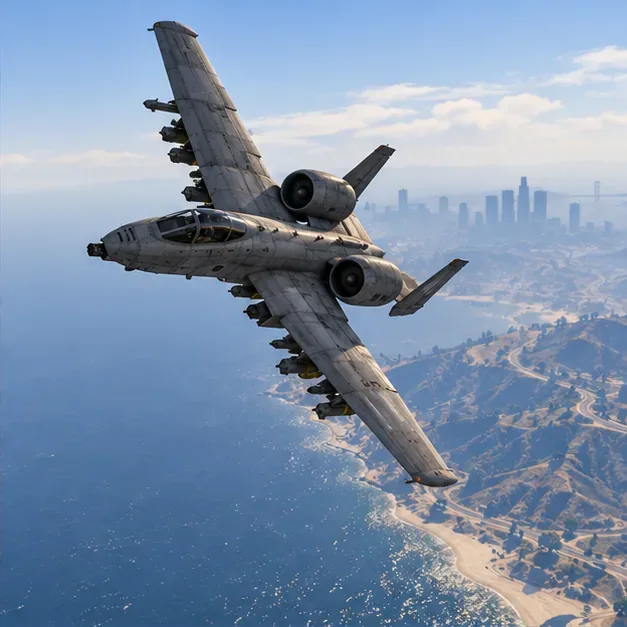
On takeoff, move away from buildings, hills, and the busiest part of the fight. Gain room to maneuver and check your weapon selection. Do not dive straight into a cluster of aircraft: you will have fewer escape routes and less time to identify a target. Pick one opponent you can track and make the first pass from a clear angle.
Use a smooth bank to get behind or across the opponent’s path. A shallow turn is easier to correct than a sudden full-stick pull. If the other pilot turns tightly, do not automatically follow into a shrinking circle. Let the aircraft travel through the turn, extend away, and come back with a new angle. The aim is to control when you re-enter the fight, not to keep the nose pointed at the enemy every second.
When you have a stable line, lead the target: place the cannon stream slightly ahead of where the aircraft is moving, then make a short firing pass. If the target is far away or changing direction, use a missile opportunity when the lock is steady instead of launching from a poor angle. After the pass, continue through and create separation. A fast reset gives you another attempt and makes it harder for the opponent to stay behind you.
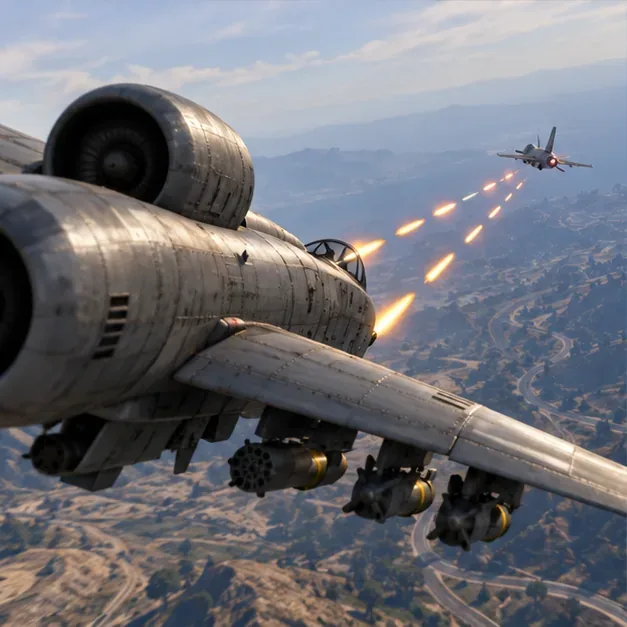
When an opponent is preparing a lock, move off the straight line and use chaff if that is your selected countermeasure. If a missile has already launched, a flare can pull it away; combine it with a sharp change of direction rather than flying straight and hoping the countermeasure does all the work. Then look around, regain a clean heading, and decide whether to re-engage or leave the fight. Countermeasures have timing and cooldown limits, so avoid spending them before there is a real threat.
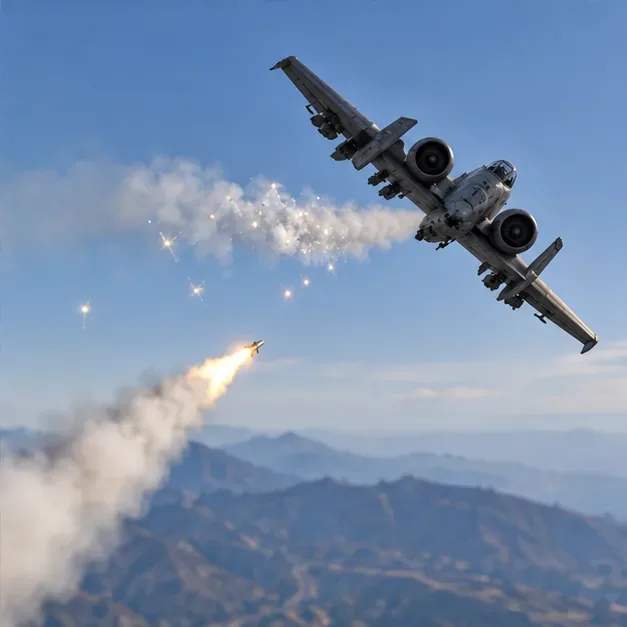
Do not plan your defense around a stealth toggle. For this aircraft, build around the weapons and countermeasures available in its Hangar workshop.
Start with engine and armor upgrades, choose a countermeasure, and keep the cannon and air-to-air missile option ready. Add bombs only if you also expect to attack ground targets.
No single aircraft wins every matchup. The B-11 gives you a flexible attack loadout, but your angle, speed, aim, and ability to disengage matter more than a universal “best jet” label.
Bottom line: Prepare the B-11 in a Hangar, verify your controls and live weapon options, make a controlled attack pass, and reset before an opponent can trap you in a turn. That repeatable cycle is the foundation of effective B-11 Strikeforce dogfighting in GTA Online.
Fix PUBG stuck on Initializing on Steam with a focused checklist for PC service notices, launch options, game files, downloads, and connection issues.
Fix Brawl Stars stuck at 92% loading with an ordered checklist for service notices, network tests, safe updates, Android cache, and account-safe reinstalling.
Best Dead by Daylight visual filter settings start with a small Gamma lift, neutral color and contrast, and a quick check for dark corners, fog, and bright lights.
Find the Steam and EA app fields for Apex Legends launch options, use EA’s documented FPS command, and see why +exec autoexec.cfg remains unverified.
Reduce input lag on a Nintendo Switch dock for Smash Ultimate with TV Game Mode, a direct HDMI test, controller checks, and online-latency troubleshooting.
Find the best EA SPORTS FC audio settings for a clearer referee whistle: tune Stadium Ambience and Commentary, then troubleshoot output or timing issues.
Compare the best Attack Move Click keybinds in League of Legends—A, Shift + right-click, mouse side buttons, and left-click—with setup and kiting tips.
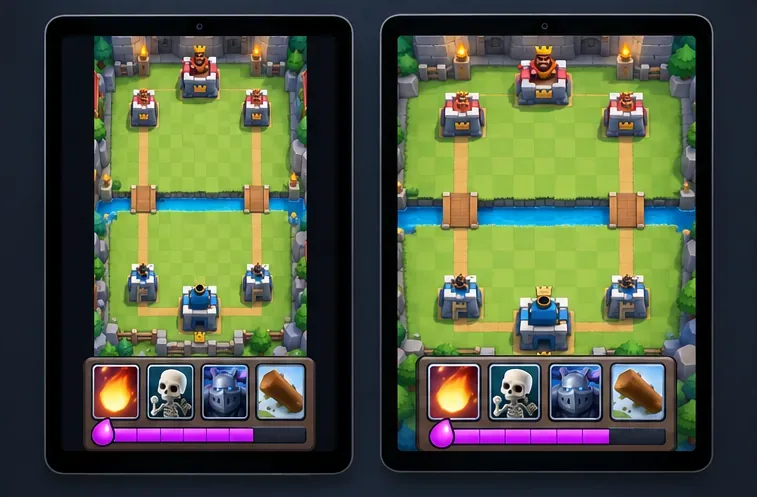
Find the best tablet aspect ratio setup for Clash Royale, compare Android display-fit choices, and check iPad full-screen framing without cropping the arena.
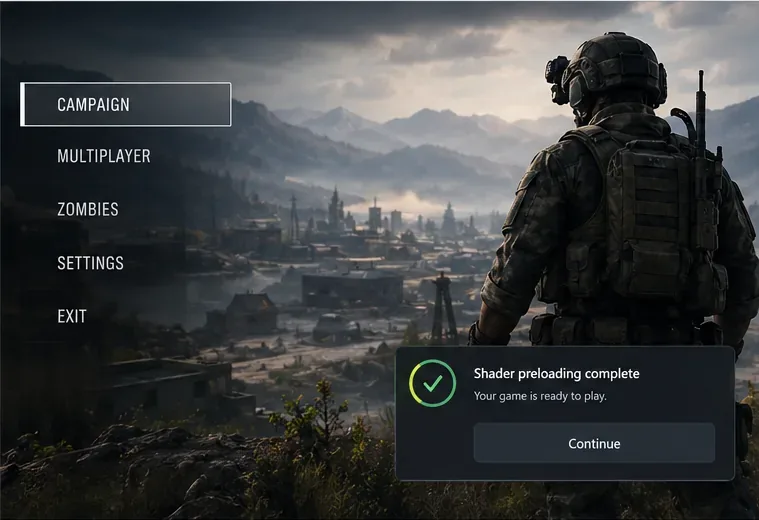
Fix Warzone Dev Error 6068 on startup with safe PC checks for updates, overlays, graphics drivers, game-file repair, and clean boot troubleshooting.
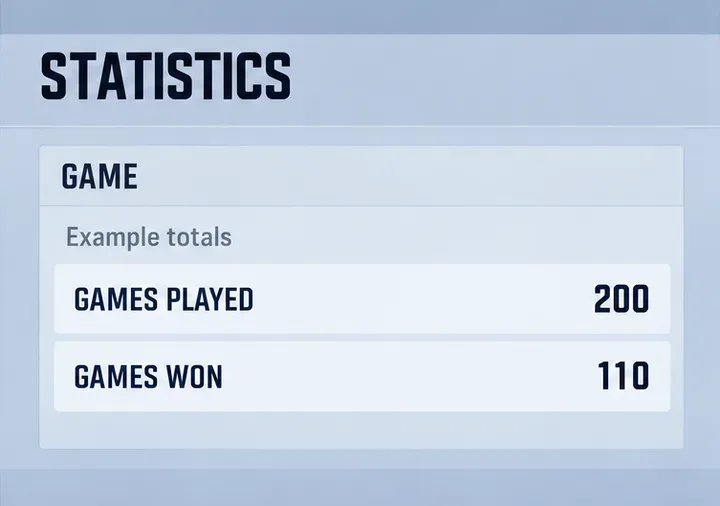
Check your Overwatch 2 overall match win rate with Career Stats, matching game totals, and the right filters—without mistaking hero percentages for match results.