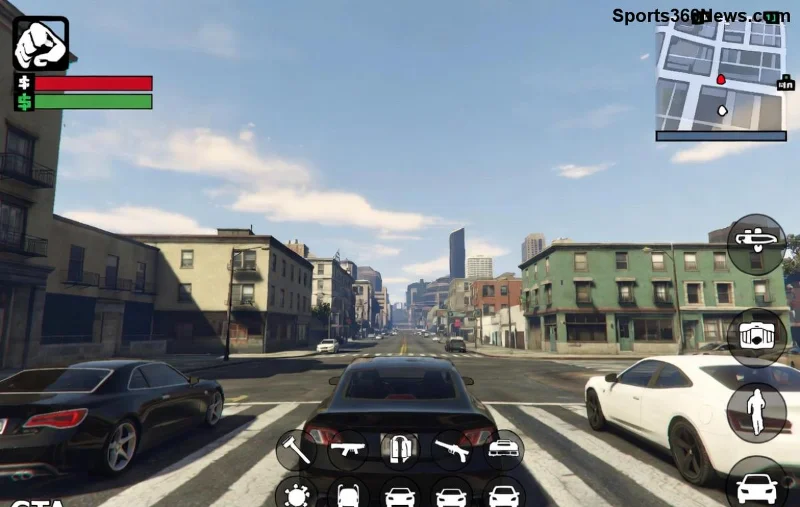
Imagine diving into GTA Online for a quick money grind, only to have your supercar blown up by a random griefer or your hard-earned cargo destroyed by hackers. Sound familiar? It's the harsh reality of public sessions. But there's a game-changer: Invite-Only Sessions. These private lobbies let you play on your terms, focusing purely on fun and profits. If you're tired of chaos, here's why you need to switch today.

1️⃣ Dodge Griefers and Hackers Like a Pro
The biggest plague in GTA Online? Toxic players ruining your day. In public lobbies, griefers spawn-kill, rocket-spam, and modders crash servers with cheats. Recent updates have improved anti-cheat, but public sessions remain a battlefield.
Invite-Only Sessions lock out randos entirely. You're safe to:
- Run heists without interference.
- Grind businesses like the Agency or Acid Lab uninterrupted.
- Avoid Oppressor MK II missiles from orbit.
Pro tip: Host your session solo, then invite friends via the Interaction Menu > Friends > Invite to Session. Peace restored! 👍
2️⃣ Skyrocket Your Earnings with Safe Grinding
Public sessions promise "better payouts" from player density, but constant disruptions kill efficiency. Invite-Only Sessions flip the script for solo players.
| Feature |
Public Sessions |
Invite-Only Sessions |
| Griefer Risk |
High 💀 |
None ✅ |
| Business Payouts |
Variable (disrupted) |
Consistent (e.g., full Cayo Perico runs) |
| Solo Heists |
Impossible |
Perfect (Cayo, Casino, etc.) |
| Afking Allowed? |
Risky bans |
Safe for passive income |
In the latest patches, solo-friendly missions like the Cluckin' Bell Farm Raid shine in private lobbies. Stack multipliers without fear—your bankroll grows exponentially!
Boost Your FPS and Enjoy Smoother Gameplay
Overloaded public servers lag like crazy, especially during peak hours or new DLC drops. Invite-Only Sessions mean fewer players = buttery-smooth performance.
- Stable 60+ FPS on mid-range PCs/consoles.
- No desync from 30-player chaos.
- Crystal-clear visuals for spotting those elusive collectibles.
Whether you're racing, freemode exploring, or building your fleet, everything feels premium. Gamers report 20-30% better stability—your setup deserves this upgrade.
![Smooth GTA Online Invite-Only Session gameplay with friends]()
4️⃣ Squad Up for Epic Crew Adventures
Solo grinding rocks, but GTA Online thrives on friends. Invite-Only Sessions are perfect for crews:
- Invite your squad instantly.
- Dominate Sell Missions together—no public thieves.
- Host custom races or deathmatches.
- Share resources like snacks or ammo drops.
Turn grinding into hangouts. Voice chat flows without background toxicity. It's GTA as Rockstar intended—pure vibes! 😊
5️⃣ Future-Proof Your Playstyle Amid Updates
Rockstar's newest content—like expanded auto shops and wildlife photography—pairs perfectly with private sessions. Public lobbies amplify competition for rare spawns, but Invite-Only lets you farm at leisure.
Bonus: Easier testing of glitches or meta strats without reports. Stay ahead of the curve while others rage-quit publics.
For official guidance, check Rockstar's support: Rockstar Support.
Quick Start Guide: Switch to Invite-Only Sessions in 60 Seconds
Ready? Here's the foolproof method:
- Pause Menu > Online > Play GTA Online > Invite Only Session.
- Or, in-session: Pause > Online > Find New Session > Invite Only.
- Invite friends via phone or menu.
- Profit! 💰
Mobile/PC? Same steps. Cross-play enabled? Seamless invites across platforms.
Common Myths Busted
"No bonuses in private?" Wrong—most payouts are identical, minus public bonuses you rarely max anyway.
"Boring without randos?" Nah, your crew + NPCs keep it lively.
Level Up Today—Your GTA Throne Awaits
Switching to Invite-Only Sessions isn't just a tip; it's a revolution for your GTA Online life. More money, zero stress, endless fun. Fire up your session now and reclaim the streets of Los Santos. What's your first grind? Drop in comments—we're all grinding together! 👍
Stick around for more GTA Online mastery: Next up, top solo money methods. You've got this! 🚀