Home
» 🎮 Esports
»
🔥 Ultimate Guide: Master Drift Tuning in GTA Online
🔥 Ultimate Guide: Master Drift Tuning in GTA Online
🔥 Ultimate Guide: Master Drift Tuning in GTA Online
Drift Tuning in GTA Online is a vehicle upgrade for select cars that makes controlled slides the focus. To fit it, take an eligible personal vehicle to the vehicle workshop at the Los Santos Car Meet and choose the Drift Tuning option. Rockstar's published notes do not list a Cypress Flats Drift Trial as a prerequisite, and there is no need to buy fictional pressure, differential, or brake-bias settings to make the conversion work.
The quickest route to better runs is simple: confirm your car is eligible, install the conversion, learn how that car responds to throttle and countersteering, then practice on a wide course before chasing a score. The eligible lineup grows over time, so the workshop menu is the best final check.
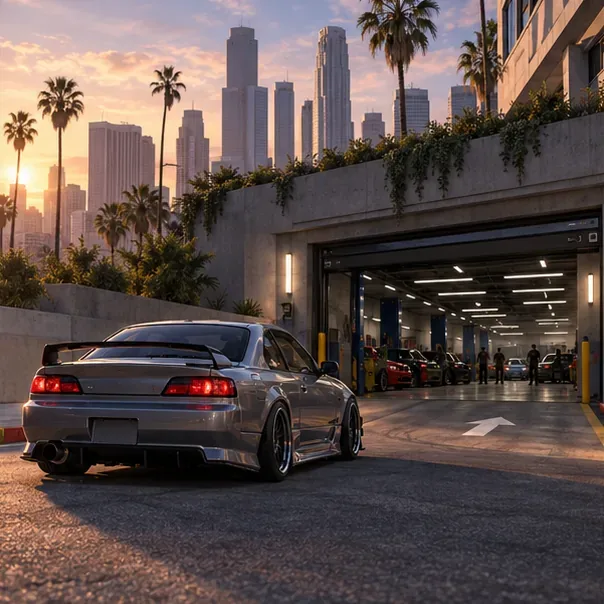
A modified car arrives at a car meet workshop, illustrating the first stop before installing the upgrade.
What Drift Tuning changes
Drift Tuning is a dedicated handling upgrade, not a detailed motorsport setup screen. It gives a compatible car a drift-focused feel, but the game does not provide the real-world-style settings shown in many outdated guides, such as tire pressure in bar, a percentage for rear brake bias, or a locked-differential slider. Those exact numbers cannot be entered as Drift Tuning settings in GTA Online.
There is also an important distinction between free roam and a Drift Race. Rockstar Support says Drift Races remove the effects of all other vehicle performance modifications so the result relies on driving skill. In those races, buying more engine or transmission upgrades is not a shortcut to better drift handling. Focus on your line, timing, throttle, and avoiding obstacles.
How to install Drift Tuning and learn the car
Step 1: Choose a compatible car
Only selected vehicles support the conversion. Rockstar's Title Update 1.68 notes confirmed models including the Declasse Drift Yosemite, Declasse Drift Tampa, Annis Remus, Annis Euros, Karin Futo GTX, Annis ZR350, Dinka Jester RR, and Fathom FR36. Later additions listed in Title Update 1.73 include the Annis Elegy Retro Custom, Invetero Coquette, and Vapid Dominator GTT. These are eligibility examples, not a definitive ranking or a guarantee that a model is currently offered for purchase in every version of the game.
Car to try
Class in Rockstar notes
Why it is a useful test
Annis Remus
Sports
A confirmed early option for learning the conversion.
Karin Futo GTX
Sports
Another confirmed option to compare against the Remus.
Annis Elegy Retro Custom
Sports
A later addition if you want to test a different eligible model.
Vapid Dominator GTT
Muscle
A confirmed later option for comparing how another class feels.
There is no universal “best drift car” supported by an official score. Pick a car you own or can access, then compare how easily you can start a slide, hold it, and straighten out. Your own consistency matters more than a made-up 9.8/10 rating.
Step 2: Install the upgrade at the LS Car Meet
Drive the compatible personal vehicle into the Los Santos Car Meet and open its vehicle workshop. Select Drift Tuning from the available upgrades and read the displayed price before confirming; the cost belongs to that vehicle and can differ across models. Rockstar has also offered the upgrade through the Vinewood Club Garage Vehicle Workshop for eligible GTA+ members, but the LS Car Meet remains the standard place to check.
If the option is missing, first confirm the exact vehicle model and check for a game update. A similar-looking car may not be the supported variant. Do not spend money on unrelated performance parts expecting them to unlock Drift Tuning.
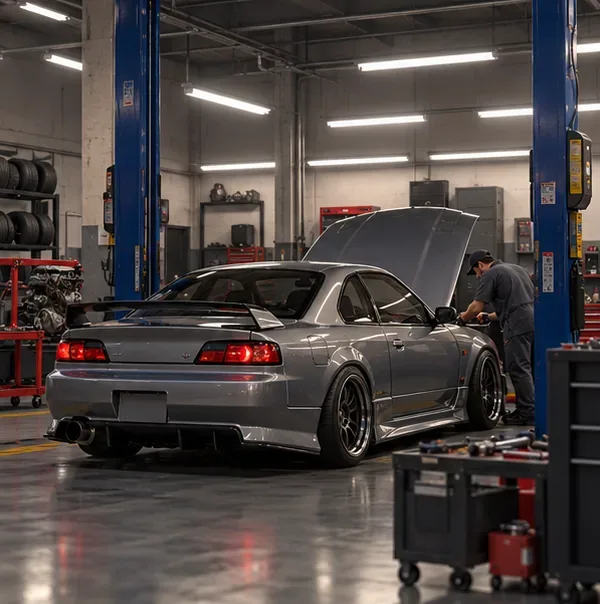
A workshop bay is where eligible cars can be brought in for vehicle upgrades.
Step 3: Practice the slide before entering a race
Start in an open practice area or the LS Car Meet Test Track, where you can repeat a corner without traffic. Use this four-part rhythm:
Set up early: approach from the outside of the turn at a manageable speed, leaving room to slide.
Start the rotation: steer into the corner and apply throttle smoothly. If the rear does not step out, try a slightly firmer steering input or a brief handbrake tap, then release it.
Countersteer: as the rear swings outward, steer against the slide to keep the nose pointed along the curve. Avoid snapping the wheel from lock to lock.
Balance and exit: ease the throttle if the car rotates too far; add it progressively to hold the arc. Look toward the exit and straighten the car before the next turn.
Make one change at a time. If you enter faster, keep your steering input gentle; if you use more steering, avoid adding full throttle at the same moment. This makes it easier to tell which input caused a spin or a clean drift. Controller sensitivity and button layouts are personal settings, so adjust them only if the controls feel difficult to manage rather than copying a universal percentage from an old guide.
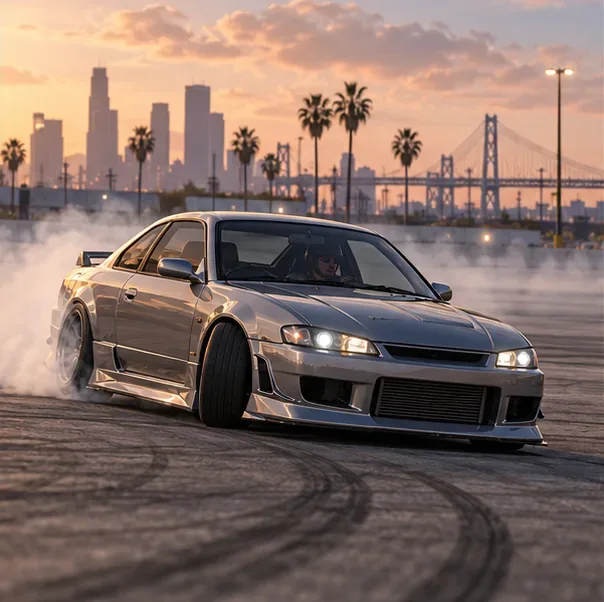
Practice on a wide, open surface so you can adjust steering and throttle through the slide.
Step 4: Take the same rhythm into Drift Races
Launch a Drift Race from the series marker on the map or speak to the Race Organizer inside the LS Car Meet. Begin with a course you can read easily. Choose a line that gives you space, initiate before the corner tightens, and prioritize a clean, continuous slide over a last-second angle that sends you into a barrier.
Rockstar's race guidance emphasizes maintaining control, avoiding collisions and obstacles, and building combos. That is why smooth transitions often beat frantic steering: contact can interrupt a run, while a predictable line gives you time to set up the next corner. Since other performance mods are suppressed in Drift Races, treat each attempt as a driving drill rather than a shopping contest.
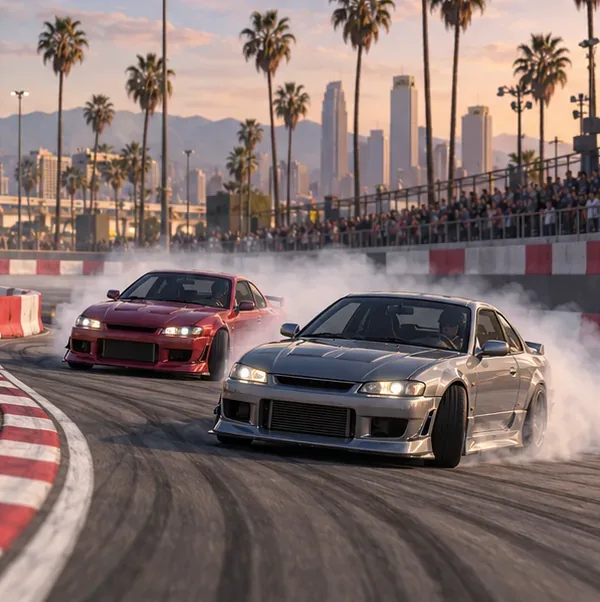
A wide race corner leaves room to hold a controlled slide and avoid contact.
Quick fixes when the car feels wrong
The car spins as soon as it slides: lower your entry speed, soften the first steering input, and ease off the throttle when the rear rotates too far.
The car will not rotate: start the turn earlier, approach with a little more momentum, or use a short handbrake tap instead of holding it down.
You keep hitting the inside barrier: begin wider and aim your gaze toward the exit rather than the front bumper.
Drift Tuning is not in the workshop: verify the exact model against Rockstar's current notes; the feature is limited to selected cars.
Your race car feels no faster after upgrades: that is expected in Drift Races, where Rockstar says other performance modifications have their effects removed.
Frequently asked questions
Do I need to complete a Drift Trial to unlock Drift Tuning?
Rockstar's published instructions place the upgrade in the LS Car Meet workshop for eligible vehicles. They do not list a Cypress Flats Drift Trial as a prerequisite.
Can every car in GTA Online receive Drift Tuning?
No. The upgrade is limited to selected vehicles, and Rockstar adds eligible models in updates. Check the current vehicle workshop menu and the latest official title-update notes.
Do engine upgrades improve a Drift Race build?
Rockstar Support says Drift Races remove the effects of all other performance modifications. Practice your inputs and course line instead of buying engine parts for a race advantage.