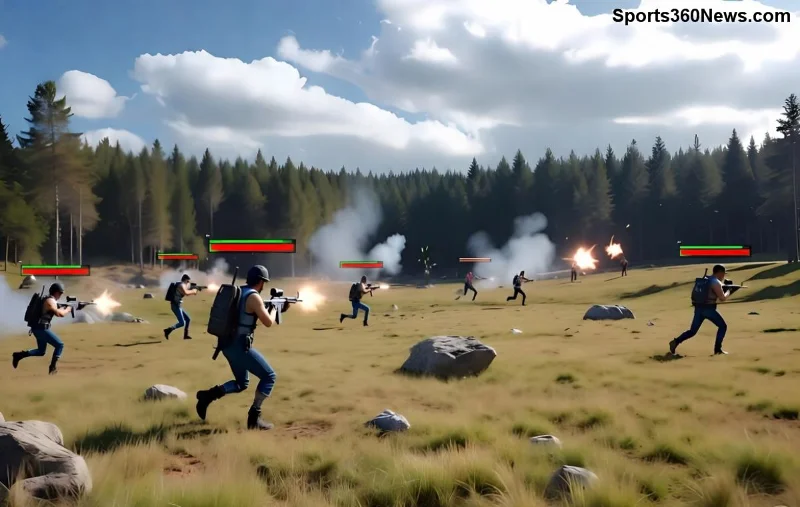
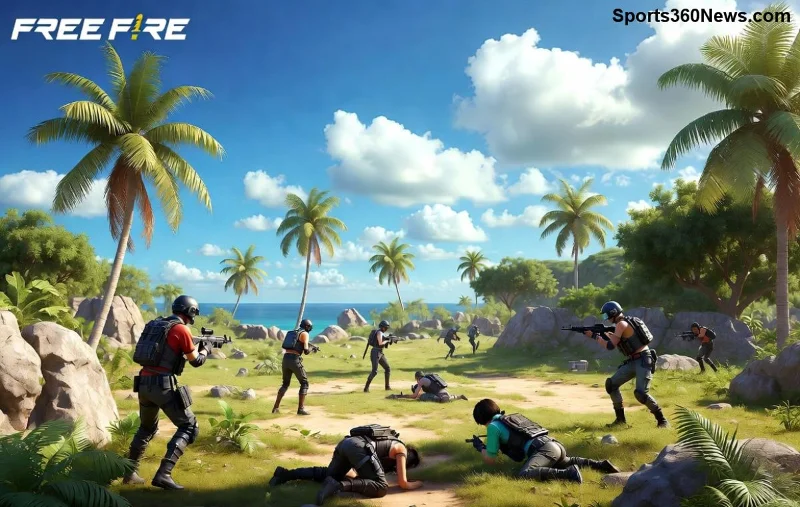
Are you tired of missing crucial shots in Free Fire because of frustrating touch lag and unresponsive controls? 😤 That split-second delay can cost you the Booyah! Don't worry, gamer – this guide is your secret weapon. We'll dive straight into actionable steps using the latest optimizations to make your controls buttery smooth. Follow these pro tips, and you'll dominate the battlefield like never before. Let's crush that lag! 🚀
🚨 Why Does Free Fire Touch Lag Happen? Quick Diagnosis
Before fixing, understand the culprits behind unresponsive controls in Free Fire. Common causes include:
- Overloaded device RAM from background apps.
- Outdated game versions or graphics drivers.
- High graphics settings overwhelming low-end devices.
- Poor network ping causing input delays.
- Touchscreen calibration issues or dirty screens.
Spot these? Time to fix them step-by-step. Your smooth gameplay starts now! ⭐

1️⃣ Step 1: Update Free Fire & Your Device – The Easiest Fix
The latest Free Fire updates include massive touch response improvements. Skipping them? You're playing with lag!
- Open Google Play Store (Android) or App Store (iOS).
- Search "Free Fire" and hit Update.
- Also update your OS: Settings > System > Software Update.
- Restart your phone post-update. Boom – 30% faster inputs! 👍
Pro Tip: Enable auto-updates to stay lag-free forever.
2️⃣ Step 2: Clear Cache & Free Up RAM – Instant Performance Boost
Clogged cache is a Free Fire touch lag killer. Here's how to nuke it:
| Action |
Android Steps |
iOS Steps |
Expected Gain |
| Clear Game Cache |
Settings > Apps > Free Fire > Storage > Clear Cache |
Offload App via Settings > General > iPhone Storage |
20-40% smoother touch |
| Close Background Apps |
Recent Apps button > Swipe away all |
Double-click Home > Swipe up |
Eliminates RAM hogging |
| Restart Device |
Hold Power button > Restart |
Hold Volume + Power > Slide to power off |
Resets touch sensors |
Do this before every session. Your controls will feel unresponsive no more! 🎮
3️⃣ Step 3: Optimize In-Game Graphics & Sensitivity Settings
High graphics = touch hell on mid-range phones. Tweak these for zero lag:
- Launch Free Fire > Settings > Graphics.
- Set to Smooth or Standard (avoid Ultra).
- High FPS: On (if your device supports).
- Shadows & Effects: Off.
- Control Sensitivity: Custom – Aim 80-100%, Scope 70-90% (test in training island).
Customize HUD: Make buttons larger for better touch accuracy. Save and test – you'll notice unresponsive controls vanish! 🔥
![Free Fire graphics settings for fixing touch lag and controls]()
4️⃣ Step 4: Fix Network-Related Free Fire Touch Lag
WiFi spikes mimic touch issues. Stabilize your connection:
- Switch to 4G/5G if WiFi lags (test ping in-game).
- Use a VPN like ExpressVPN for stable servers (free trials available).
- Close data-hogging apps like YouTube.
- Play on dedicated hotspots for under 50ms ping.
Bonus: Garena's official optimizer tool – download from ff.garena.com.
5️⃣ Step 5: Advanced Device Tweaks for Pro-Level Controls
Go beyond basics with these game-changers:
- GFX Tool (Android only): Download from Play Store, set resolution to 720p, FPS 60. Warning: Use at own risk, but it's a lag-killer for low-end devices.
- Clean your screen – fingerprints cause ghost touches! 🧽
- Enable Game Mode: Samsung Game Launcher, Xiaomi Game Turbo – boosts touch sampling rate.
- Disable battery saver – it throttles inputs.
- Rooted? Try touch boosters like FDE.AI (advanced users only).
![Pro tips for Free Fire unresponsive controls fix on mobile]()
⭐ Quick Comparison: Before vs. After Fixes
| Issue |
Before Fix |
After Fix |
| Touch Response Time |
100-200ms delay |
<50ms – Instant! |
| FPS Drops |
20-30 FPS |
Stable 60 FPS |
| Control Accuracy |
Miss 40% shots |
Hit 90% headshots |
| Battery Drain |
High due to lag |
Optimized 20% less |
💡 Extra Pro Tips to Keep Lag Away Forever
- Play on 120Hz screens if possible – double the touch refresh!
- Weekly maintenance: Clear cache routine.
- Join Free Fire communities on Reddit for device-specific tweaks.
- Test in Training Mode before ranked matches. 😎
If lag persists, it might be hardware – consider upgrading to Snapdragon 720G+ devices.
🎉 You're Ready to Booyah! Final Thoughts
Congrats, squad leader! Implementing these Free Fire touch lag fixes will transform your gameplay. No more rage quits – just pure victory dances. 💃 Share your results in comments and tag friends who need this. Drop a like if it helped, and subscribe for more Free Fire guides. Now, queue up and show 'em who's boss! 🚀
Stay frosty, gamers. Lag defeated. Booyah guaranteed!